Local AI & Hardware, Tested on a Rig We Own
This section is written from a machine that renders AI video every day — an RTX 4080 running Wan through ComfyUI with the full speed stack, plus local LLMs for daily work. Start with the best local AI tools ranking, the VRAM-first GPU buying guide, or the complete Ollama guide. When a model won't fit in VRAM, we say so.
Guides
 Guides
RTX 5090 AI TOPS Explained: What 3352 Actually Measures
NVIDIA's 3352 AI TOPS is sparse FP4, not the precision your local model runs. The full ladder, the 16x gap, and when TOPS is the wrong spec to buy on.
 Guides
How to Test Whisper Accuracy on Your Own Audio
Stop borrowing WER numbers from LibriSpeech. A 90-minute protocol to build a test set, score it with jiwer, catch hallucinations, and model local-vs-API cost.
 Guides
VRAM for Training vs Inference: The 8x Byte Ledger
Training costs 16 bytes per parameter; inference costs 2. Here is the full byte ledger, why the multiplier is a range, and which GPU it rules out.
 Guides
Local LLMs on Apple Silicon: Unified Memory Wins
A 64GB MacBook loads models a 24GB RTX 4090 cannot touch. What unified memory buys you, where MLX still beats everything, and which stack to actually run.
 Guides
Cloud GPU Pricing: When Renting Beats Buying a Card
H100s span $1.49 to $6.98 an hour across providers. Here's the break-even maths against buying, and the billing details that decide your real bill.
 Guides
Why Are GPUs Used for AI? The Plain-English Explainer
Why GPUs, not CPUs, run AI: parallel cores, matrix math and tensor cores, benchmarked with real VRAM and bandwidth specs from the RTX 4080 we render on daily.
 Guides
Run Stable Diffusion Locally: Setup That Works in 2026
SD1.5 vs SDXL VRAM math, the ComfyUI desktop install, your first workflow, where checkpoints come from, and the errors that eat everyone's first afternoon.
 Guides
Local LLMs for Coding: What Actually Works (2026)
Which local coding models are real vs toys, wiring Ollama's OpenAI API into your editor, real latency numbers, and the privacy case for client code.
 Guides
Ollama Agent Mode (2026): What Typing 'ollama' Does Now
Ollama v0.32 turned the bare 'ollama' command into a local agent that codes, edits files and runs skills. What changed, how we use it, and how to opt out.
 Guides
Poolside Laguna XS 2.1: A 33B Coding Model for One GPU
Poolside's Laguna XS 2.1 activates just 3B of its 33B parameters per token, enough for real agentic coding on a single consumer GPU. Specs and setup.
 Guides
Nemotron 3 Nano 4B: NVIDIA's Edge Model on Your RTX Card
A 4B hybrid Mamba-Transformer model NVIDIA built for Jetson and RTX hardware, not data centers. Architecture, benchmarks, license, and the run command.
 Guides
Qwen3.8-Max: What's Confirmed and What Isn't Yet (2026)
Alibaba's 2.4T-parameter Qwen3.8-Max went live August 3 as a hosted API only. Open weights for it and a 27B sibling are due next week: the real spec sheet.
 Guides
NVIDIA RTX Spark for Local AI (2026): What It Actually Runs
128GB unified memory, a 20-core Grace CPU, a Blackwell GPU on one chip. What RTX Spark can actually run locally, what it costs, and who should wait to buy.
 Guides
Open-Weight AI Video Models You Can Actually Run
MiniMax H3 going open-weight restarts this argument. What runs on 8GB, what needs 24GB, and what the quantization actually costs you in quality.
 Guides
Hunyuan 3 Local Guide: Can You Actually Run 295B at Home?
Tencent open-sourced Hunyuan 3 — 295B total, 21B active, Apache-2.0. We break down the real VRAM math, the GGUF quant path, and who should skip it entirely.
 Guides
XTTS Voice Cloning Locally: Clone Any Voice, Fully Offline
XTTS clones a voice from a 6-second sample on your own GPU, fully offline. The 2026 install, real VRAM numbers, and where narration quality breaks down.
 Guides
Voxtral: Mistral's Offline Transcription Model, Tested
Mistral's Voxtral runs speech-to-text fully offline under Apache 2.0, in 3B and 24B sizes. VRAM needs, how it differs from Whisper, and the browser build.
 Guides
Run Whisper Locally: Free Offline Transcription (2026)
faster-whisper install to first transcript, the large-v3-vs-turbo call I make, and what a real file costs on a GPU versus a CPU, with no API bill involved.
 Guides
Piper TTS: Fast Offline Voice Synthesis on a Raspberry Pi
Piper runs real-time neural text-to-speech on a Raspberry Pi with no GPU. The install, the license change nobody mentions, and which tier fits a Pi 4 vs a Pi 5.
 Guides
MiniMax M3 Locally: The 428B Model's Real Hardware Cost
MiniMax's open-weight M3 posts frontier coding scores with a 1M-token context. What self-hosting a 428B MoE model takes, and who should just use the API.
 Guides
Local Voice AI: Whisper, TTS & Offline Assistants (2026)
The self-hosted voice stack map: Whisper/faster-whisper for speech-to-text, Kokoro/Piper/Chatterbox/XTTS for voices, Ollama for the brain — wired offline.
 Guides
LM Studio Bionic: Local AI Agents That Touch Your Files
LM Studio shipped Bionic, a Mac app that turns open models into file-touching agents. What it does, what it can't, and whether it replaces your chat app.
 Guides
Kokoro TTS Locally: The 82M-Parameter Voice Model Setup
Why a tiny Apache-2.0 model with no voice cloning is still the narration tool I install first, plus the actual pip-install-to-first-spoken-line steps.
 Guides
Build a Fully Offline Voice Assistant With Home Assistant
Faster-whisper, Piper, and Ollama wired into Home Assistant Assist, with real latency numbers for built-in intents, GPU tier and CPU-only Raspberry Pi hardware.
 Guides
DeepSeek V4 Local Guide: Real VRAM Needs in 2026
DeepSeek V4 shipped MIT-licensed open weights. But no stable Ollama build loads it yet — here's what actually runs locally, on what hardware, and what doesn't.
 Guides
Local AI on a Laptop: What Your Machine Really Runs (2026)
No desktop GPU needed: what 8GB, 16GB and 32GB laptops genuinely run in 2026 — Gemma 4 12B in 16GB RAM, the E4B option, and honest speed expectations.
 Guides
Kimi K3 Locally: The 2.8T Hardware Reality Check (2026)
Moonshot's Kimi K3 tops open-model charts, with weights landing July 27. What it actually takes to run 2.8T parameters at home — and what to run instead.
 Guides
GLM-5.2 Local Setup: VRAM, Quants and Real Hardware Paths
Z.ai's GLM-5.2 leads every open-weights coding benchmark. Here's the honest VRAM math per quant, the three hardware paths that work, and who should bother.
 Guides
Qwen3.6-27B Local Setup: A 27B Model That Beats a 397B One
Alibaba's Qwen3.6-27B fits on one RTX 4090 and edges its own 397B-parameter predecessor on coding benchmarks. Our Ollama setup, VRAM notes and first tokens/sec.
 Guides
LLM Quantization Explained: Q4 vs Q8 in Practice
What quantization actually does to local models, GGUF quant names decoded, the real quality cost of Q4, and when stepping up to Q6 or Q8 is worth the VRAM.
 Guides
Gemma 4 12B: Run Google's New Multimodal Model Locally
Google DeepMind's Gemma 4 12B runs text, image, audio and video natively on a 16GB machine. What's confirmed at launch, and the Ollama setup.
 Guides
Used RTX 3090 for AI in 2026: The 24GB Bargain Guide
Why a used RTX 3090 is still the smartest VRAM-per-dollar buy for local AI, what 24GB actually unlocks, ex-mining risks, and the day-one tests that protect you.
 Guides
How to Run Llama Locally: 3 Ways Ranked (2026)
Ollama's one command, LM Studio's GUI, or raw llama.cpp — three ways to run Llama locally, ranked from daily use, with the VRAM table per model size.
 Guides
Ollama Complete Guide (2026): Install to Daily Use
Everything we know from running Ollama for real work: install, picking models and quants, the API, context-length tuning, and the mistakes that waste VRAM.
 Guides
The 9 Best Local AI Tools We Actually Run (2026)
We run local AI daily on our own RTX 4080 rig. These are the 9 tools that survived — LLM runtimes, image and video pipelines — plus the 5 we cut and why.
 Guides
Best GPU for Local AI in 2026: A VRAM-First Guide
The GPU guide written from a rig that renders AI daily: why VRAM beats speed, what each budget tier really runs, and the used cards that embarrass new ones.
Comparisons
 Comparisons
ComfyUI vs Automatic1111 in 2026: Which UI Wins?
AUTOMATIC1111's last tagged release was Feb 2025; ComfyUI ships weekly and had Flux, Wan and Qwen-Image support first. We compare both on real repo data.
 Comparisons
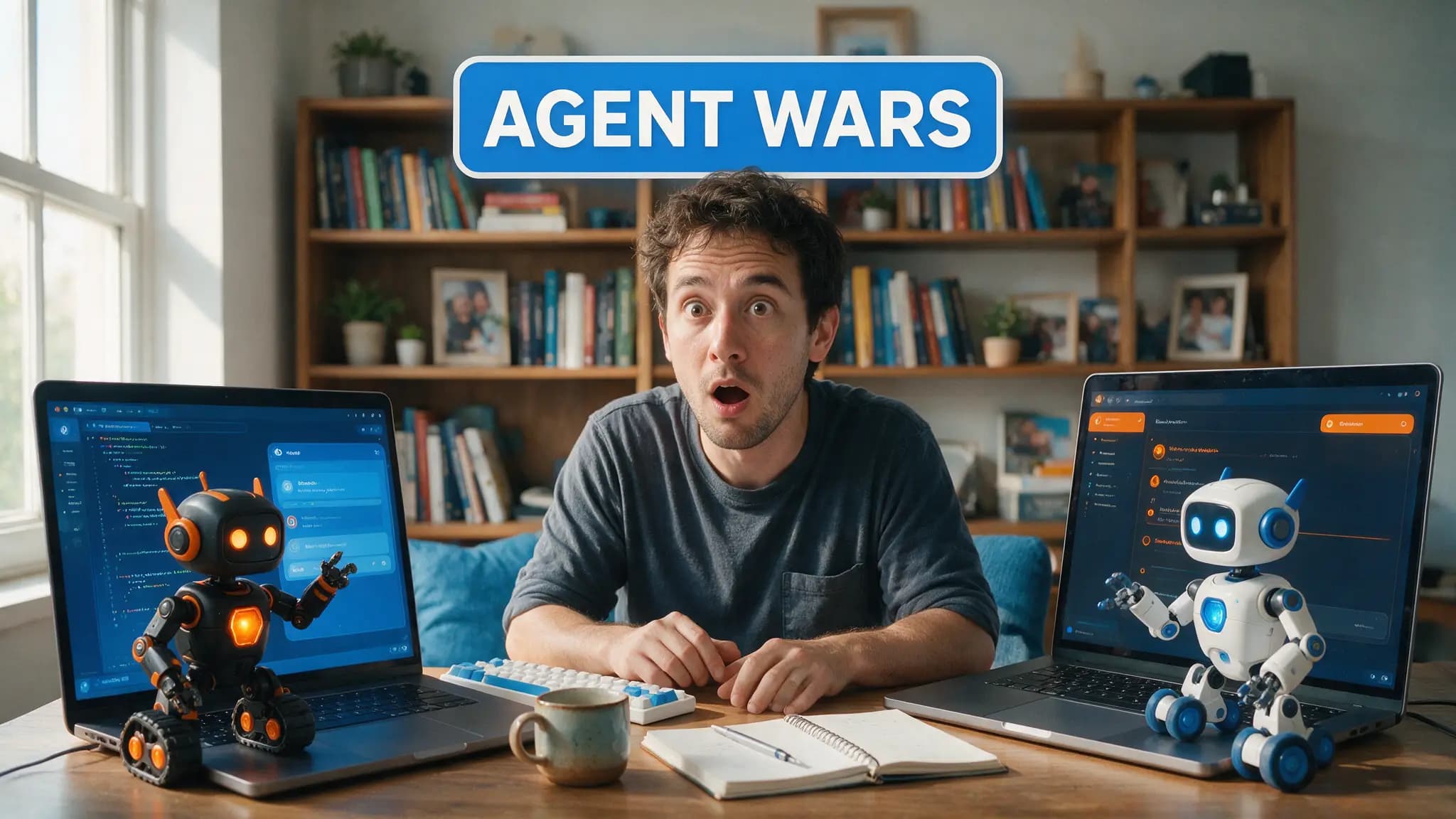
LM Studio Bionic vs Ollama: Agent App or DIY Local Stack?
LM Studio's Bionic agent and Ollama solve different local AI problems. We compare agent features, GGUF and MLX engines, cloud spillover, and privacy controls.
 Comparisons
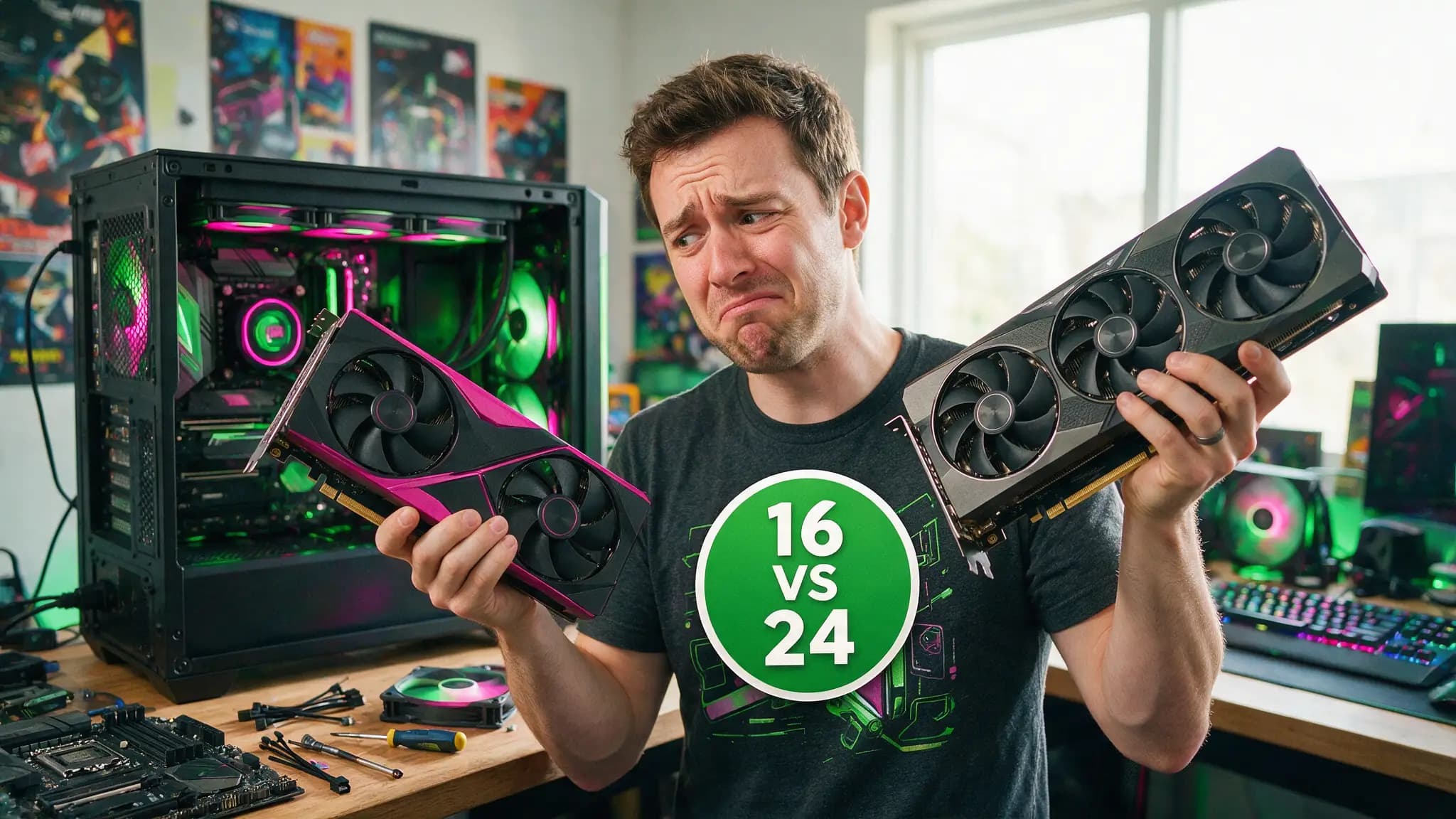
RTX 5070 Ti vs RTX 3090 for Local AI: 16GB New or 24GB Used?
The 5070 Ti's 16GB warranty versus a used 3090's 24GB ceiling. Bandwidth, tokens/sec, power and price compared — plus the one question that settles it.
 Comparisons
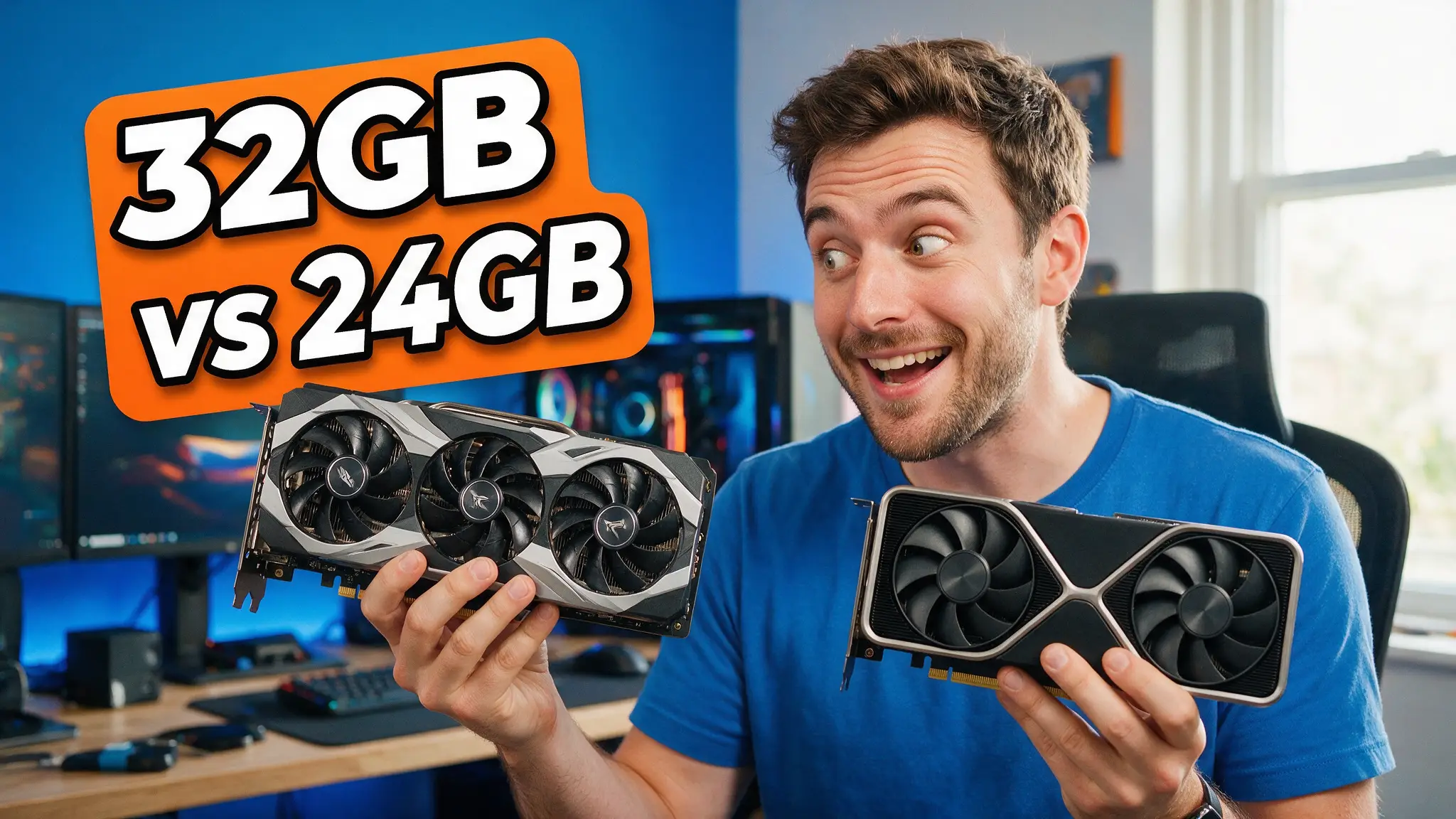
RTX 3090 vs Radeon AI PRO R9700 (2026): 24GB or 32GB?
AMD's new $1,299 workstation card just launched with 32GB. We compare it against the used RTX 3090 we actually recommend most for local AI VRAM per dollar.
 Comparisons
Kokoro vs Chatterbox vs XTTS: Best Local TTS in 2026
A same-question comparison of the three local voice models: what each one clones, what license lets you ship, and which one your hardware can even run.
 Comparisons
faster-whisper vs OpenAI Whisper: 4x Speed, Same Accuracy?
SYSTRAN's own benchmark table doesn't hit the 4x it advertises. I did the division on their published numbers so you don't have to take the headline on faith.
 Comparisons
RTX 5090 vs 4090 for Local AI: Is 32GB Worth It?
The 5090's 32GB and 1,792 GB/s against the 4090's 24GB — what the bandwidth gap actually does to tokens per second, and when the used 4090 still wins.
 Comparisons
Used RTX 3090 vs New RTX 4060 Ti 16GB for Local AI (2026)
24GB used vs 16GB new, verified: bandwidth, tokens/sec on 8B-32B models, power draw, current pricing, and which model tier each card actually wins.
 Comparisons
Kimi K3 vs GLM-5.2 (2026): Open-Weight Heavyweights Compared
Moonshot's 2.8T-parameter Kimi K3 against Z.ai's 744B GLM-5.2 — benchmarks, token pricing, agentic coding and what it takes to run each one yourself.
 Comparisons
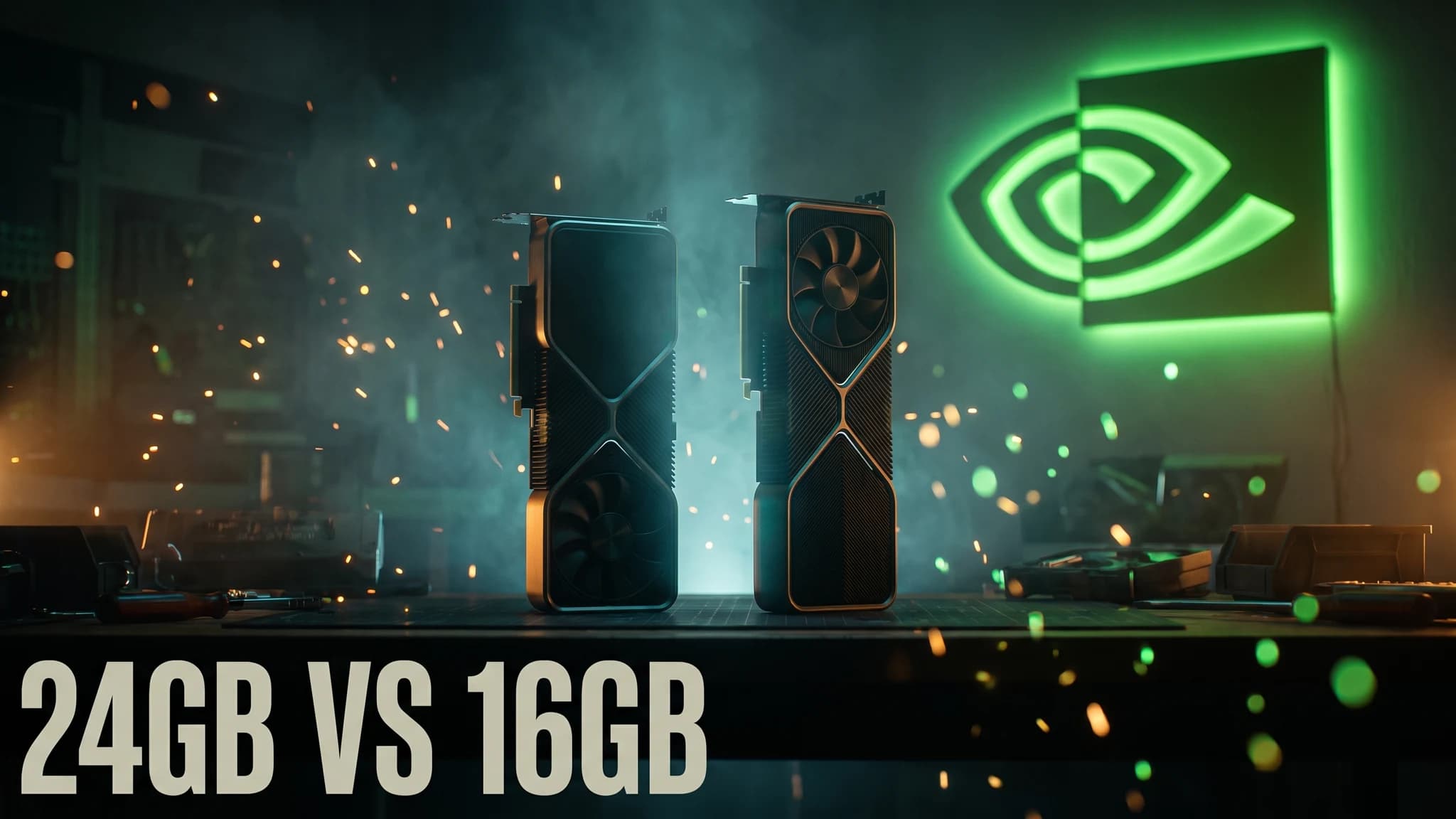
Used RTX 3090 vs RTX 5060 Ti 16GB for Local AI (2026)
24GB used vs 16GB new, tested for local LLMs: memory bandwidth, real tokens/sec, power draw, and which model sizes each card can actually hold.
 Comparisons
Ollama vs llama.cpp (2026): Which Local LLM Tool Wins?
We run both on our rig. Ollama wraps llama.cpp for one-command ease; llama.cpp trades that away for raw speed and control. When each earns its place.
 Comparisons
Local AI vs Cloud APIs: The Real Cost Math (2026)
We run both daily. When local hardware beats per-token APIs, when cloud wins, and the break-even math nobody shows: electricity, amortization, rental.
 Comparisons
Ollama vs LM Studio (2026): Same-Hardware Verdict
We run both on the same 16GB RTX 4080. Where Ollama's one-command workflow wins, where LM Studio's GUI and offload sliders win, and where we keep both.
Prompts
Tools
 Tools
Toolsllama.cpp — Tool Hub: Facts, Setup & Our Verdict
Everything about llama.cpp in one place: what the engine does, GGUF basics, the server flags that matter, and when to drop down from Ollama.
 Tools
ToolsOllama — Tool Hub: Facts, Best Tutorials & Verdict
Everything about Ollama in one place: what it does best, VRAM realities, its limits, the best video tutorials, and links to our tested guides.
 Tools
ToolsLM Studio — Tool Hub: Facts, Tutorials & Verdict
Everything about LM Studio in one place: the desktop way to run LLMs locally, its VRAM-fit model browser, limits, best tutorials, and our tested guides.
 Tools
ToolsComfyUI — Tool Hub: Facts, Best Tutorials & Verdict
Everything about ComfyUI in one place: the node-based local studio for image and video generation, VRAM needs, limits, best tutorials, and our workflow library.
Local AI FAQs
- What do I need to run AI locally?
- A GPU whose VRAM fits your model: ~5GB runs a 7B LLM at Q4 quantization, ~10GB runs 14B, and 24GB opens the 30B class. Our GPU buying guide has the full fit table.
- What is the easiest way to run an LLM on my own PC?
- LM Studio if you want a point-and-click desktop app, Ollama if you're comfortable with one terminal command. Both are free and manage models and quantization for you.
- Can I generate images and video locally too?
- Yes — ComfyUI runs Stable Diffusion, Flux and video models like Wan on consumer GPUs. We render AI video daily on a 16GB RTX 4080 with the Triton/SageAttention/TeaCache speed stack.
Also on AI Video Sensei: AI video tools · AI audio & music