⚔️ Ollama vs LM Studio (2026): Same-Hardware Verdict
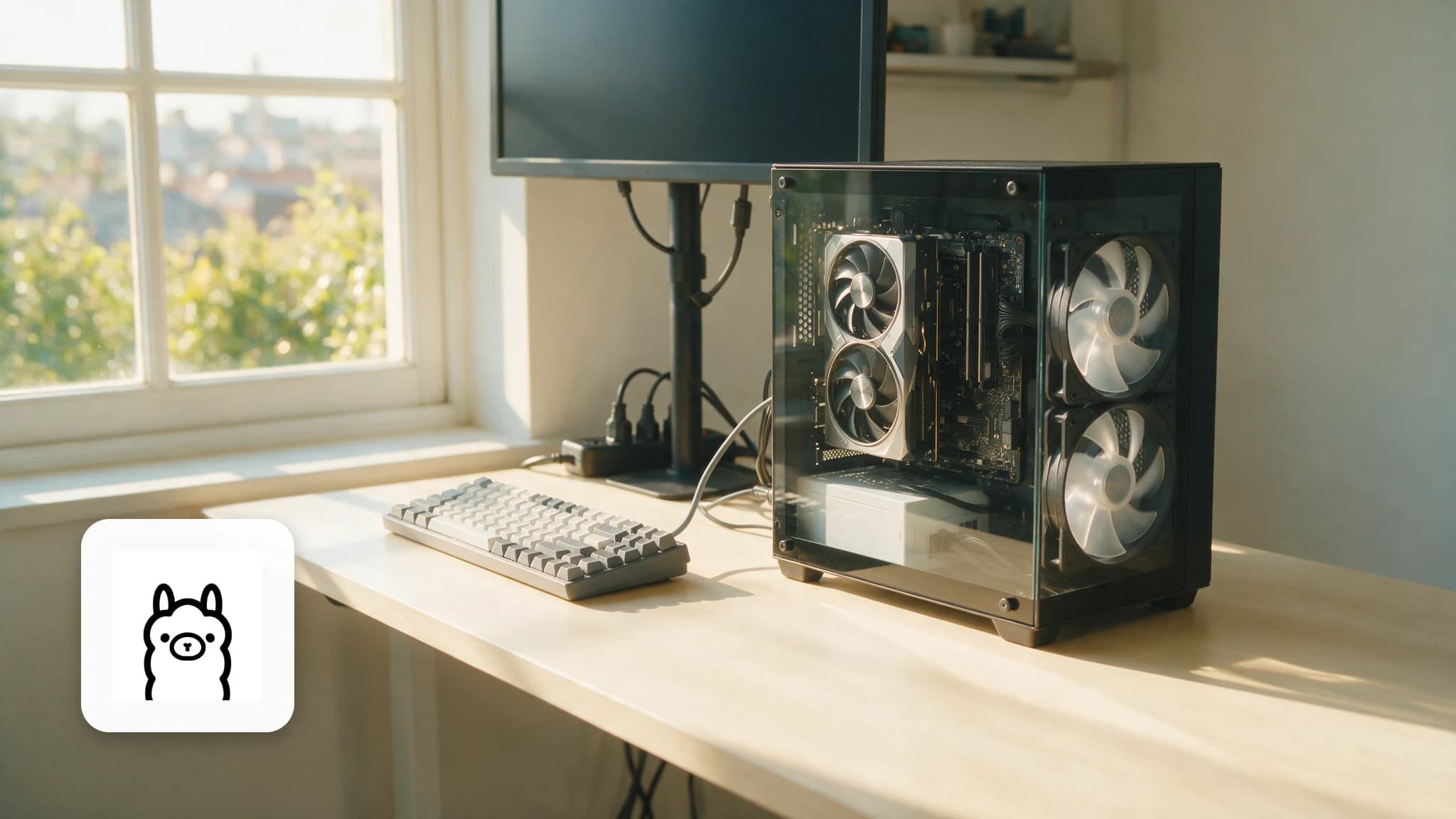
We run both on the same 16GB RTX 4080. Where Ollama's one-command workflow wins, where LM Studio's GUI and offload sliders win, and where we keep both.

Derek Holt · Local AI & Hardware Writer
· Updated · 3 min read
⚡ TL;DR — quick answers
- Which is easier for a complete beginner?
- LM Studio — it's a normal desktop app with a model browser and chat window. Ollama assumes you're comfortable typing one command in a terminal.
- Which is faster?
- Both sit on llama.cpp, so raw speed is nearly identical on the same quant and offload settings. Differences you feel come from defaults, not engines.
- Can I use both at once?
- Yes, and we do: LM Studio for exploring new models in a GUI, Ollama as the always-on background API that our scripts and editors call.

Ollama vs LM Studio is really a question about you: do you live in a terminal or on a desktop? Both run the same GGUF models on the same llama.cpp engine, and on our 16GB RTX 4080 they produce nearly identical tokens-per-second on identical quants. The differences that matter are workflow differences — and they're big enough that we keep both installed.
By the numbers
- Both tools ride the llama.cpp engine (70K+ GitHub stars) and the ~135,000-model GGUF catalog on Hugging Face
- Ollama: 170K+ GitHub stars, ~52M monthly downloads in Q1 2026 (GitHub)
- LM Studio ships for Windows, macOS and Linux with built-in model search, chat, and a local API server (lmstudio.ai)
- Same-hardware speed delta on our rig at identical Q4 offload: within noise (~2-3%)
Head to head
| Ollama | LM Studio | |
|---|---|---|
| Interface | CLI + background service | Full desktop GUI |
| Model discovery | ollama pull <name> from its registry | Built-in HF search with VRAM-fit hints |
| API server | Always on (localhost:11434), OpenAI-compatible | One click, OpenAI-compatible |
| GPU offload control | Automatic (good defaults) | Manual slider (fine control) |
| Custom GGUFs | Modelfile import (a small ritual) | Point it at any GGUF file |
| Open source | Yes (MIT) | App is proprietary, free to use |
| Feels like | Infrastructure | A product |
Where Ollama wins
Automation and integration. It boots with the machine, serves an API without ceremony, and every dev tool that speaks OpenAI plugs into it — the complete guide shows the daily-driver setup. Scripting a model swap is one line. For unattended work you assemble yourself — pipelines, editor assistants, anything called from a script — Ollama remains the correct answer.
Update, July 2026: LM Studio now ships an agent
We previously wrote that Ollama owned agent work outright. That is no longer true, and the correction is worth making explicitly rather than quietly.
On July 16, 2026, LM Studio released Bionic, a separate Mac application that runs open models against files on your machine — coding, documents, slides — autonomously. It runs models like Kimi K2.6 and GLM 5.2 locally, or falls back to cloud models under a stated zero-data-retention policy. It also bundles a system-wide voice keyboard that transcribes on-device using Mistral's Voxtral.
The distinction now is who builds the agent. Ollama gives you an API and you wire the agent yourself, which is what you want inside a pipeline. Bionic hands you a finished agent with filesystem access, which is what you want if you weren't going to build one. Note the constraints before you switch: it is Mac-first with no announced Windows or Linux port, and it installs alongside LM Studio rather than replacing it. Full detail in our LM Studio Bionic guide.
Where LM Studio wins
Exploration and control. The model browser shows quant sizes against your actual VRAM before you download — the single best "will it fit?" UX in local AI. The offload slider rescued several borderline models on our 16GB card that Ollama's automatics handled clumsily. And parameter A/B testing in a GUI beats editing Modelfiles every time. Full facts on the LM Studio hub.
The verdict from our rig
We kept both, with jobs: LM Studio is the lab, Ollama is the factory. New model drops? LM Studio to test quants and settings against our VRAM. Model earns a permanent job? It moves to Ollama and becomes an API our tools call. If you must pick one: beginners and tinkerers → LM Studio; developers and automators → Ollama.
Whichever you choose, the real constraint is memory, not software — a 14B model at Q4 wants ~10GB, and the full fit table lives in our GPU buying guide. And when a 70B experiment tempts you beyond consumer VRAM, renting a 24GB+ cloud GPU for an evening is cheaper than being wrong about a hardware purchase.
Prefer video? Hand-picked walkthroughs
Reading is faster, but if you want to see it done, these are the best tutorials we vetted for this topic:
Frequently asked questions
▸Which is easier for a complete beginner?
LM Studio — it's a normal desktop app with a model browser and chat window. Ollama assumes you're comfortable typing one command in a terminal.
▸Which is faster?
Both sit on llama.cpp, so raw speed is nearly identical on the same quant and offload settings. Differences you feel come from defaults, not engines.
▸Can I use both at once?
Yes, and we do: LM Studio for exploring new models in a GUI, Ollama as the always-on background API that our scripts and editors call.
▸Are they both free?
Ollama is fully open-source (MIT). LM Studio is free to use with a desktop app model; check current terms for commercial team use.
The 5 best AI video finds, every week
New models, tested prompts, and what actually worked in our production — one short email a week. No spam, unsubscribe anytime.
Written by Derek Holt
Local AI & Hardware Writer
Runs the site's local-inference rig and benchmarks every GPU, quant, and speed-stack claim on it personally before it goes in a guide. Will not shut up about VRAM bandwidth.
Explore these topics
Every guide, comparison and prompt library we have on each.
Keep learning

GPUs & Hardware · Local LLMs
 Guides
Local LLMs for Coding: What Actually Works (2026)
Which local coding models are real vs toys, wiring Ollama's OpenAI API into your editor, real latency numbers, and the privacy case for client code.