🦙 Ollama Complete Guide (2026): Install to Daily Use
Everything we know from running Ollama for real work: install, picking models and quants, the API, context-length tuning, and the mistakes that waste VRAM.

Derek Holt · Local AI & Hardware Writer
· Updated · 4 min read
⚡ TL;DR — quick answers
- Is Ollama free?
- Yes — free and open-source (MIT licensed), with 170K+ GitHub stars. You pay nothing beyond your own hardware and electricity.
- What models can Ollama run?
- Thousands: Llama, Qwen, Gemma, Mistral, DeepSeek and any GGUF you import. On a 16GB GPU we default to 14B-class models at Q4 quantization.
- Does Ollama work without a GPU?
- Yes, it falls back to CPU — usable for small models (3B-7B) if you're patient. A GPU changes it from a demo into a daily tool.
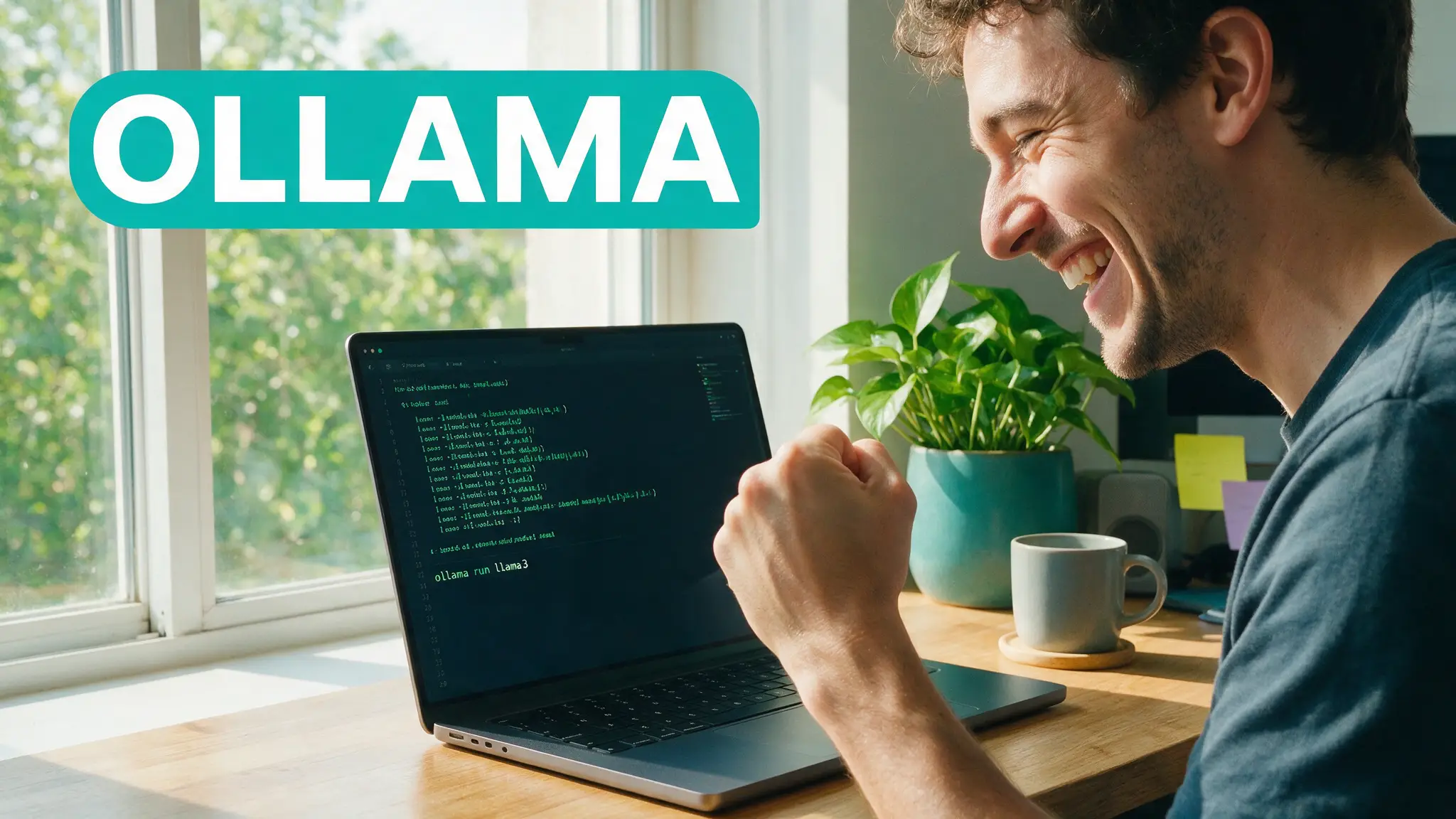
Ollama is the fastest route from "I have a GPU" to "I have a private, always-on AI model" — one installer, one command, and a local API that any tool can talk to. This is the guide we wish we'd had: not just the install, but the quantization choices, context-length tuning and VRAM habits that make it a daily driver instead of a demo.
By the numbers
- Monthly downloads grew from ~100K (Q1 2023) to ~52 million (Q1 2026) — a 520× rise (Local AI in 2026 report)
- 170K+ GitHub stars and 2.5B+ cumulative model downloads make it the most-adopted local runtime (GitHub)
- The GGUF ecosystem it feeds on grew from ~200 to ~135,000 models on Hugging Face
Step 1 — Install (2 minutes)
Grab the installer from ollama.com (Windows, macOS, Linux) and run it. Verify with:
ollama --version
On Windows it runs as a background service with a system-tray icon; no extra configuration needed for NVIDIA GPUs — it detects CUDA automatically.
Step 2 — Pull your first model
ollama run qwen3:14b
That single command downloads a quantized 14B model and drops you into a chat. Model choice is a VRAM question first (see our GPU guide for the full math):
| Your VRAM | Daily-driver pick | Why |
|---|---|---|
| 8GB | llama3.2:3b / qwen3:8b | Fits with room for context |
| 12GB | qwen3:14b at Q4 | Best quality-per-GB in class |
| 16GB (our rig) | qwen3:14b + long context | 14B leaves headroom for 16K+ context |
| 24GB+ | 30B-class models | The tier where local rivals mid cloud models |
Step 3 — Understand quantization (the part everyone skips)
Ollama's default tags are usually Q4 quants — weights compressed to ~4 bits. The quality cost is far smaller than intuition suggests, and it's the only reason a 14B model fits in ~10GB. When a model misbehaves at Q4, try the Q5/Q6 tag before blaming the model; when you're VRAM-starved, Q3 is the last stop before quality visibly sags.
Step 4 — The API that makes it useful
Ollama serves an OpenAI-compatible API on localhost:11434. Point editors, scripts, or an existing SDK at it:
curl http://localhost:11434/v1/chat/completions -d '{
  "model": "qwen3:14b",
  "messages": [{"role": "user", "content": "Summarize this repo"}]
}'
This is Ollama's real superpower — any app that speaks OpenAI speaks to your GPU instead. For a friendlier front-end, Open WebUI sits directly on top (from our tools ranking).
Step 5 — The settings that matter
- Context length — the default is conservative; raise it per-model (
num_ctx) when you feed long documents, and watch VRAM: context memory grows fast. - Keep-alive — models unload after 5 minutes by default.
OLLAMA_KEEP_ALIVE=1hstops the reload lag if you call it all day. - Parallelism — one model in VRAM at a time on consumer cards. Trying to hot-swap two big models constantly is the most common self-inflicted slowdown we see.
New in v0.32 — bare ollama is now an agent
Since the July 2026 v0.32 release, typing plain ollama no longer opens a bare model prompt — it launches an interactive agent that holds multi-turn conversations, executes code in your working directory, reads and edits files, and (when configured) searches the web. A Skills system adds reusable capabilities behind a permission model: skills the model tries to load itself require your approval, skills you invoke directly are trusted.
Nothing in this guide breaks: ollama run <model> still behaves exactly as described above, and the API on port 11434 is unchanged, so every integration keeps working. But the default entry point is now an agent, and that deserves its own treatment — we cover the whole update, the security controls, and how to restore the old behavior in our Ollama agent mode guide.
The mistakes that waste your VRAM
Pulling FP16 tags "for quality" (Q4 exists precisely so you don't), stacking a huge num_ctx you never use, running a browser full of GPU-accelerated tabs during inference, and judging speed on the first response (model load) instead of the second. If your card still isn't enough, a few dollars of cloud GPU time is the honest way to test the next tier before buying hardware — that's exactly how we verified the fit claims in our buying guide.
Our verdict
Ollama is the default for a reason: it makes the correct choices (GGUF, Q4, local API) automatic. Power users will eventually want LM Studio's GPU-offload sliders or raw llama.cpp flags — but every local AI setup we build starts here.
Prefer video? Hand-picked walkthroughs
Reading is faster, but if you want to see it done, these are the best tutorials we vetted for this topic:
Frequently asked questions
▸Is Ollama free?
Yes — free and open-source (MIT licensed), with 170K+ GitHub stars. You pay nothing beyond your own hardware and electricity.
▸What models can Ollama run?
Thousands: Llama, Qwen, Gemma, Mistral, DeepSeek and any GGUF you import. On a 16GB GPU we default to 14B-class models at Q4 quantization.
▸Does Ollama work without a GPU?
Yes, it falls back to CPU — usable for small models (3B-7B) if you're patient. A GPU changes it from a demo into a daily tool.
▸How is Ollama different from ChatGPT?
Everything runs on your machine: no subscription, no data leaving your network, works offline. The trade-off is that model quality tops out at what your VRAM can hold.
The 5 best AI video finds, every week
New models, tested prompts, and what actually worked in our production — one short email a week. No spam, unsubscribe anytime.
Written by Derek Holt
Local AI & Hardware Writer
Runs the site's local-inference rig and benchmarks every GPU, quant, and speed-stack claim on it personally before it goes in a guide. Will not shut up about VRAM bandwidth.
Explore these topics
Every guide, comparison and prompt library we have on each.
Keep learning

Local LLMs · Ollama & LM Studio
 Tools
ToolsOllama — Tool Hub: Facts, Best Tutorials & Verdict
Everything about Ollama in one place: what it does best, VRAM realities, its limits, the best video tutorials, and links to our tested guides.