🎮 Best GPU for Local AI in 2026: A VRAM-First Guide
The GPU guide written from a rig that renders AI daily: why VRAM beats speed, what each budget tier really runs, and the used cards that embarrass new ones.

Derek Holt · Local AI & Hardware Writer
· Updated · 3 min read
⚡ TL;DR — quick answers
- Is the RTX 5090 worth it for local AI?
- Only if you need 70B-class models on one card. Its 32GB VRAM and ~85 tok/s on Llama 70B are unmatched in consumer hardware, but street prices ran roughly $1,800 over MSRP in early 2026.
- What's the best budget GPU for local AI?
- A used RTX 3060 12GB (~$150-220) runs any 7B and most 13B models at Q4. It's the cheapest painless entry point we know.
- Do I need an NVIDIA card?
- For the least friction, yes — CUDA is still what every framework optimizes first. AMD and Intel work with more setup, but every guide on this site assumes you took the easy road.
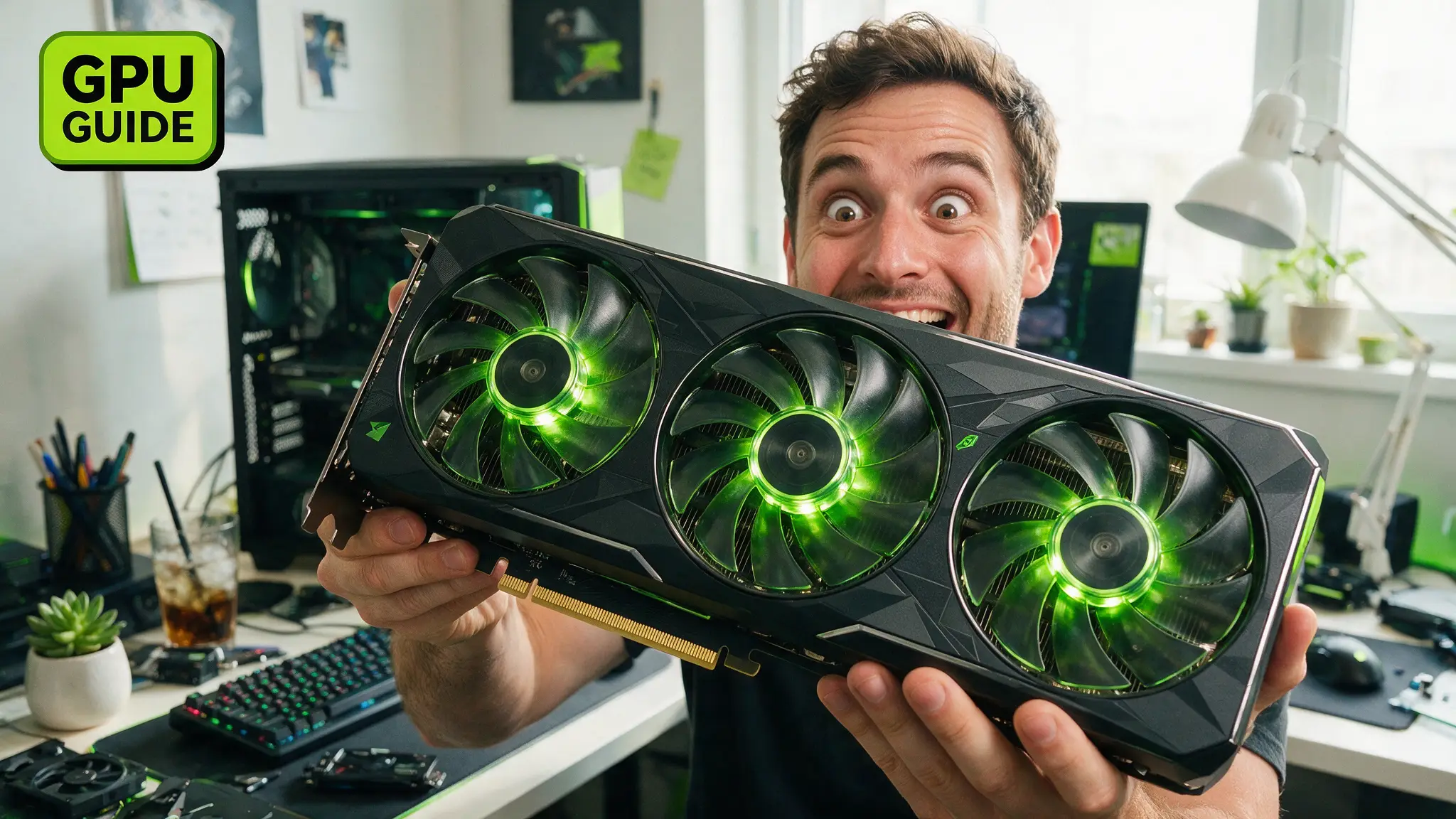
The best GPU for local AI is the one whose VRAM fits your model — a card that's 30% faster is worthless if the model doesn't fit at all. That's the single rule this guide is built on, and it comes from daily experience: our RTX 4080's 16GB renders Wan 2.2 video every day, and the ceiling we hit is always memory, never compute.
By the numbers
- ~5GB of VRAM runs a 7B LLM at Q4 quantization; ~10GB runs 14B; ~20GB runs 32B; 70B wants ~40GB (LLM Configurator buyer's guide)
- The RTX 5090 carries 32GB of GDDR7 at 1,792 GB/s — 78% more bandwidth than the 4090 (NVIDIA)
- On Llama 70B inference, the 5090 reaches ~85 tokens/s vs ~52 on the 4090 (RunPod 5090 guide)
- 5090 MSRP is $1,999; street pricing in March 2026 was roughly $3,844 (Tom's Hardware price tracking)
The tiers that actually make sense
Under $250 — used RTX 3060 12GB
$150-220 on the used market buys 12GB of VRAM that runs any 7B model and most 13B at Q4. Bandwidth is modest (360 GB/s), so big contexts crawl, but nothing else this cheap is painless.
$400-500 — RTX 4060 Ti 16GB
Around $424 new. 16GB is the sweet spot for 14B LLMs plus Stable Diffusion XL. The narrow 128-bit bus stings on long generations; it's still the best new-card value for a first AI build.
$700-900 — used RTX 3090 24GB
The quiet king of local AI. 24GB runs 30-34B models and long contexts — capability that otherwise costs four figures. Ex-mining risk is real: buy where returns are possible, and run a memory stress test on day one.
$1,000 — RTX 5080 16GB
Blackwell features (FP4 support, DLSS 4) at $999 MSRP, same 16GB envelope as our 4080. Pick it for a new build; don't "upgrade" to it from any 16GB card.
$2,000+ (theoretically) — RTX 5090 32GB
The only consumer card that handles 70B-class work solo, and the fastest at everything else. The catch is availability: street prices ran ~$1,800 over MSRP in early 2026. If the budget stings, a few dollars an hour on a cloud GPU tells you whether you actually need one before you commit.
What about the RTX 4090?
Out of production, still brilliant. But at ~$3,299 on the secondary market it's priced like a flagship while carrying 8GB less VRAM than the 5090. Unless you find one well under $2,000, the math doesn't work anymore.
What late July changed for video builds
The LLM math above hasn't moved, but open-weight video raised the stakes in one month. MiniMax's H3 went downloadable with a ComfyUI-optimized footprint of 42.5GB — the first model where even the 24GB used-3090 tier needs system-RAM offloading, covered in our H3 local guide. LTX-2's FP8 build sits near 12GB and generates picture with synced audio on a 16GB card, and Wan 2.2 Animate's FP8 checkpoint lands around 14GB. Translation for buyers: 12GB now touches real video generation, 16GB is the working floor, and the used 3090's 24GB case just got stronger again.
The workflow that stretches any card
VRAM ceilings are negotiable if your pipeline is smart: quantize (Q4 costs surprisingly little quality), offload layers to system RAM when the runtime allows it, and draft low, finish high — the same philosophy as our video pipeline, where tuned ComfyUI workflows get 16GB to punch far above its class. Pair this guide with the tools that run on whatever you buy, and start with Ollama — its default quants are exactly how you fit the most model into the least memory.
How we picked
We own and run a 16GB RTX 4080 in daily AI production, we've rented every tier above on cloud GPUs to verify fit claims, and the VRAM figures here match both published buyer guides and our own out-of-memory errors. Prices move — treat every number as "check current price" — but VRAM math is durable.
Prefer video? Hand-picked walkthroughs
Reading is faster, but if you want to see it done, these are the best tutorials we vetted for this topic:
Frequently asked questions
▸Is the RTX 5090 worth it for local AI?
Only if you need 70B-class models on one card. Its 32GB VRAM and ~85 tok/s on Llama 70B are unmatched in consumer hardware, but street prices ran roughly $1,800 over MSRP in early 2026.
▸What's the best budget GPU for local AI?
A used RTX 3060 12GB (~$150-220) runs any 7B and most 13B models at Q4. It's the cheapest painless entry point we know.
▸Do I need an NVIDIA card?
For the least friction, yes — CUDA is still what every framework optimizes first. AMD and Intel work with more setup, but every guide on this site assumes you took the easy road.
▸Is 16GB of VRAM enough?
16GB runs 14B LLMs comfortably and, with a tuned pipeline, even video models — our RTX 4080 renders Wan 2.2 video daily. What it won't do is 70B-class models.
The 5 best AI video finds, every week
New models, tested prompts, and what actually worked in our production — one short email a week. No spam, unsubscribe anytime.
Written by Derek Holt
Local AI & Hardware Writer
Runs the site's local-inference rig and benchmarks every GPU, quant, and speed-stack claim on it personally before it goes in a guide. Will not shut up about VRAM bandwidth.
Explore these topics
Every guide, comparison and prompt library we have on each.
Keep learning



GPUs & Hardware · Local LLMs
 Guides
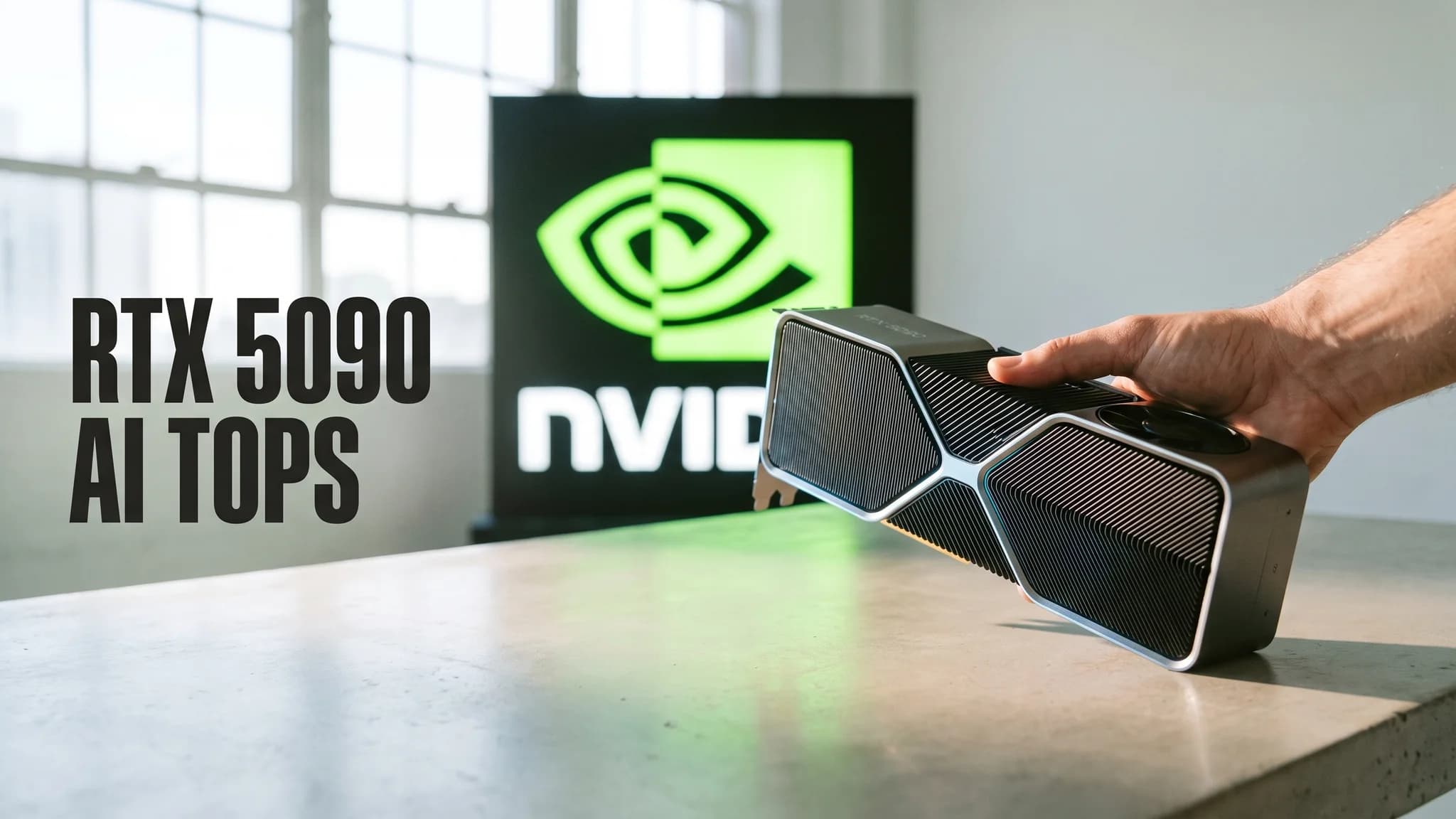
RTX 5090 AI TOPS Explained: What 3352 Actually Measures
NVIDIA's 3352 AI TOPS is sparse FP4, not the precision your local model runs. The full ladder, the 16x gap, and when TOPS is the wrong spec to buy on.