🧩 10 ComfyUI Workflows We Run Weekly (2026 Library)
Copy-paste ComfyUI workflow recipes from a daily-render rig: SDXL and Flux image pipelines, Wan video with the full speed stack, upscaling and batch tricks.

Derek Holt · Local AI & Hardware Writer
· 3 min read
⚡ TL;DR — quick answers
- What GPU do I need for ComfyUI?
- 8GB VRAM runs SD 1.5 and SDXL comfortably; 12-16GB opens Flux and video models. Everything in this library runs on our 16GB RTX 4080.
- Where do ComfyUI workflows come from?
- Any generated image or JSON file can be dragged onto the canvas to load its full workflow. These recipes describe the node chains so you can build and adapt them yourself.
- Can ComfyUI really generate video locally?
- Yes — Wan-family video models run on consumer cards. With Triton, SageAttention and TeaCache installed, our 16GB card renders usable clips in minutes, not hours.
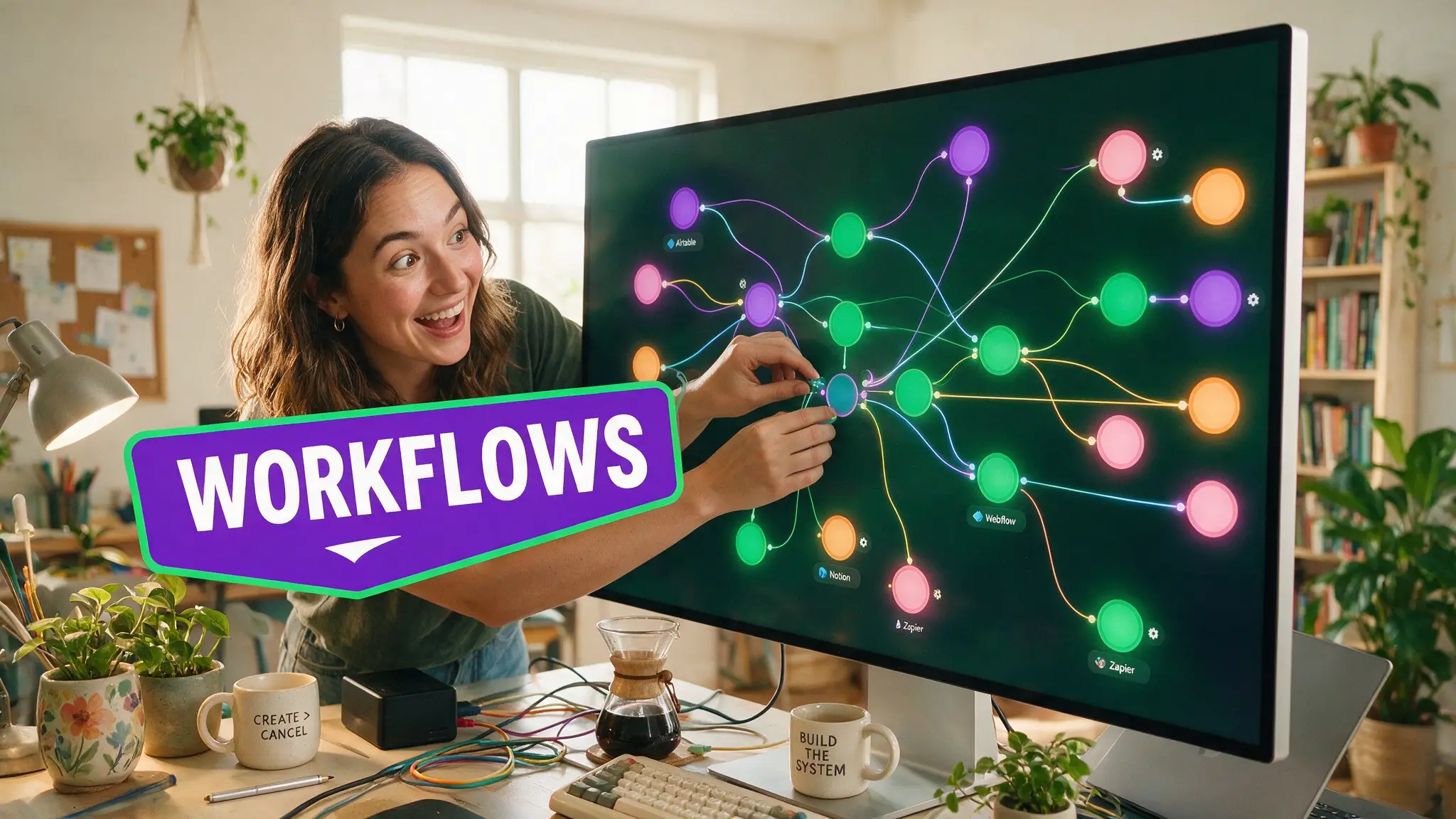
Every recipe below runs on our own machine — an RTX 4080 (16GB) that renders through ComfyUI daily. No aspirational workflows copied from Reddit: if it's here, it survived production. Start with the beginner chain, steal the speed stack, and adapt from there.
By the numbers
- ComfyUI is free and open-source, with the desktop app and manual at comfy.org
- ~5GB VRAM handles SD 1.5; SDXL wants 8-10GB; Flux and video models are happiest at 12GB+ (full math in our GPU guide)
- Our measured reality: the Triton + SageAttention + TeaCache stack cuts Wan video render times by well over half on the same hardware — the single biggest free speedup we know
Image workflows
1. The canonical SDXL text-to-image
Load Checkpoint → CLIP Text Encode (pos/neg) → Empty Latent (1024×1024) → KSampler (25-30 steps, cfg 6-7) → VAE Decode → Save Image. Learn this chain and every other workflow is a variation of it.
2. Flux for prompt obedience
Swap the checkpoint loader for Flux's UNet/CLIP/VAE trio, drop CFG to ~1 with the guidance node, 20 steps. Flux follows long prompts far better than SDXL and punishes short vague ones — write full sentences.
3. Face-consistent characters (IPAdapter)
SDXL chain + IPAdapter FaceID node fed with 1-3 reference photos. Weight 0.6-0.8 keeps identity without freezing pose. This replaced LoRA training for most of our character work.
4. Two-stage upscale that doesn't smear
Generate at native resolution → Upscale Image (by Model) with a 4× ESRGAN-family model → second KSampler pass at denoise 0.25-0.35. Sharper than any single-pass "hires fix" and cheap on VRAM because stages run sequentially.
5. Batch prompt matrix
Primitive string nodes feeding a concatenated prompt, queued with different seeds overnight. Wake up to 40 candidates, keep 3 — that's honest local-AI economics: electricity instead of credits.
Video workflows (the reason our rig exists)
6. Wan image-to-video, the baseline
Start image → Wan I2V nodes → 480p draft render. Judge motion at draft quality, then re-render keepers at full resolution. Drafting low and finishing high is the whole game on 16GB.
7. The speed stack (mandatory)
Install Triton + SageAttention and enable TeaCache nodes before you judge any video model's speed. This stack is the difference between "unusable on consumer cards" and "renders while I make coffee" — it's the setup our entire local video pipeline is built on.
8. Last-frame chaining for long clips
Render clip → extract last frame → feed as start image for the next segment. Stitch in your editor. Consistency drifts after 3-4 hops; refresh with a reference image when it does.
9. V2V restyle pass
A finished (even phone-shot) clip through Wan video-to-video at denoise 0.4-0.55 restyles motion you already like. Cheaper and more controllable than generating motion from scratch.
Utility
10. The VRAM-saver template
--lowvram launch flag, tiled VAE decode node, and unload-model nodes between stages. This template is why "too big for 16GB" workflows still run here — slower, but they run. When a job truly exceeds the card, we rent a 24GB cloud GPU for an hour rather than upgrade hardware.
How to actually learn the canvas
Drag any workflow JSON (or a ComfyUI-generated image) onto the canvas and it reconstructs the graph — reverse-engineering good workflows is the fastest education. Pair this library with our ComfyUI tool hub for setup facts, and the local tools ranking for what to run alongside it.
Prefer video? Hand-picked walkthroughs
Reading is faster, but if you want to see it done, these are the best tutorials we vetted for this topic:
Frequently asked questions
▸What GPU do I need for ComfyUI?
8GB VRAM runs SD 1.5 and SDXL comfortably; 12-16GB opens Flux and video models. Everything in this library runs on our 16GB RTX 4080.
▸Where do ComfyUI workflows come from?
Any generated image or JSON file can be dragged onto the canvas to load its full workflow. These recipes describe the node chains so you can build and adapt them yourself.
▸Can ComfyUI really generate video locally?
Yes — Wan-family video models run on consumer cards. With Triton, SageAttention and TeaCache installed, our 16GB card renders usable clips in minutes, not hours.
▸Is ComfyUI better than a web UI like A1111?
For repeatable production, yes: workflows are savable, shareable and automatable. The node canvas costs you an afternoon to learn and pays it back weekly.
The 5 best AI video finds, every week
New models, tested prompts, and what actually worked in our production — one short email a week. No spam, unsubscribe anytime.
Written by Derek Holt
Local AI & Hardware Writer
Runs the site's local-inference rig and benchmarks every GPU, quant, and speed-stack claim on it personally before it goes in a guide. Will not shut up about VRAM bandwidth.
Explore these topics
Every guide, comparison and prompt library we have on each.
Keep learning


Workflow & Craft · Local Video
 Comparisons
ComfyUI vs Automatic1111 in 2026: Which UI Wins?
AUTOMATIC1111's last tagged release was Feb 2025; ComfyUI ships weekly and had Flux, Wan and Qwen-Image support first. We compare both on real repo data.