🐋 DeepSeek V4 Local Guide: Real VRAM Needs in 2026
DeepSeek V4 shipped MIT-licensed open weights. But no stable Ollama build loads it yet — here's what actually runs locally, on what hardware, and what doesn't.

Derek Holt · Local AI & Hardware Writer
· 5 min read
⚡ TL;DR — quick answers
- Can I run DeepSeek V4 on a single RTX 4090?
- Not the full model, and not comfortably. V4-Flash at heavy quantization needs roughly 33GB for a standard local deployment — beyond a single 24GB 4090. An IQ2_M build lands near 18GB and will fit a 24GB card, but two-bit quantization degrades quality enough that a well-quantized smaller model is usually the better choice.
- Does Ollama support DeepSeek V4?
- As of this writing, no stable release of Ollama, LM Studio or llama.cpp loads the V4 architecture. Consumer runs today depend on experimental community forks. For production or reliability, vLLM and SGLang are the supported paths — and both assume serious hardware.
- What is the difference between DeepSeek V4-Pro and V4-Flash?
- V4-Pro is 1.6 trillion total parameters with roughly 49B active and a 1M-token context — enterprise hardware only, on the order of 800GB+ of VRAM. V4-Flash is 284B total with about 13B active, and is the only variant worth considering for local deployment.
DeepSeek V4 landed in April 2026 with full open weights under an MIT license, and the local-AI community reacted the way it always does: how do I run this on my card?
The honest answer is more interesting than the usual VRAM table, so let's start with the part most guides skip.
The thing nobody leads with
No stable release of llama.cpp, Ollama or LM Studio can load the V4 architecture. Every consumer run today depends on experimental community forks.
That single fact reframes the whole question. If your local AI workflow is "pull it in Ollama and go" — which is most people's, and it's a perfectly good workflow — DeepSeek V4 is not ready for you yet. vLLM and SGLang are the supported paths, and both assume hardware well past a gaming PC.
We'd rather tell you that up front than walk you through a quantization table for a model your toolchain can't open.
By the numbers
- April 22, 2026 — release date, full open weights under the MIT license
- V4-Pro: 1.6T total / ~49B active, with a native 1M-token context window
- V4-Flash: 284B total / ~13B active — the only realistic local variant
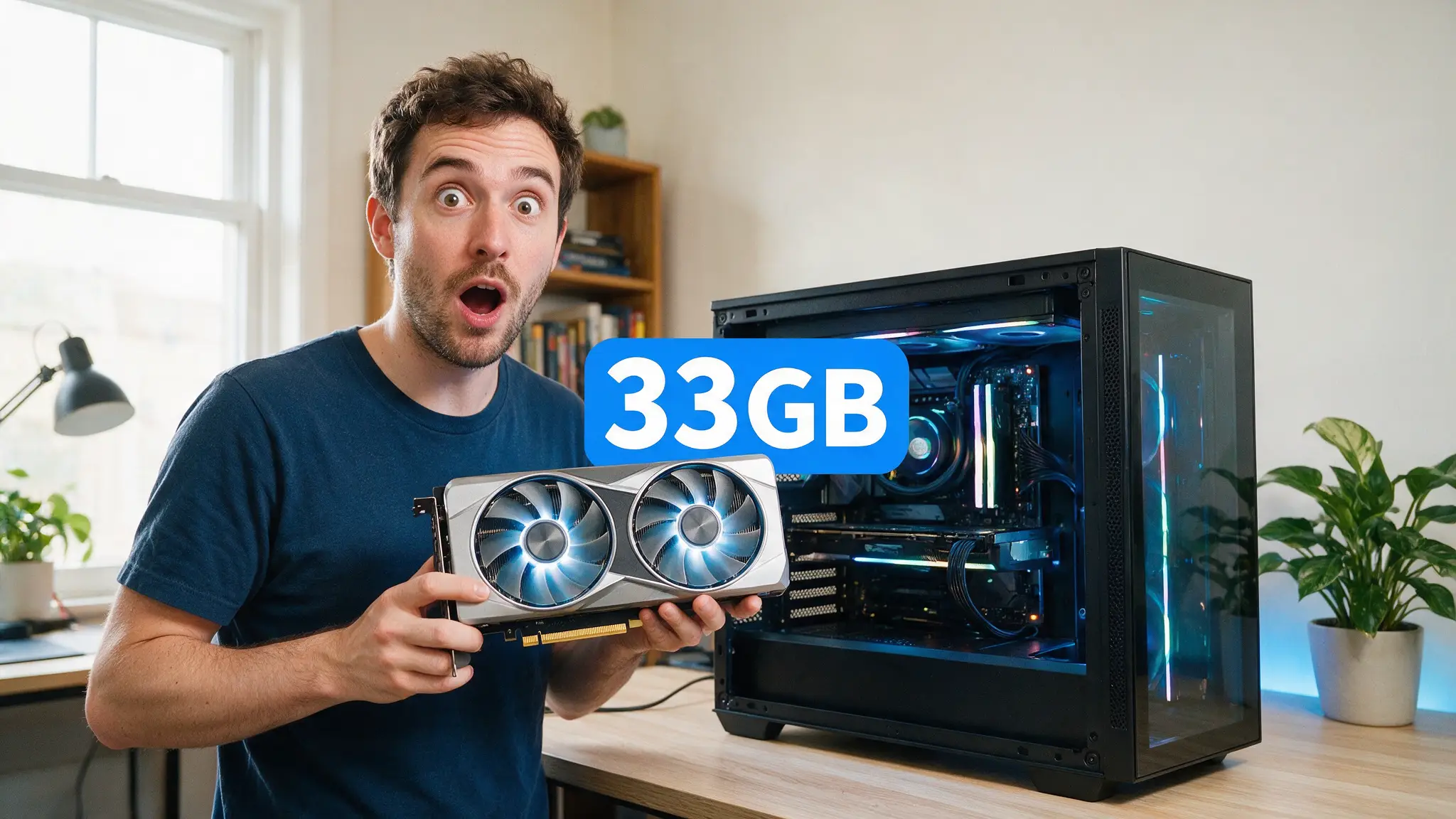
- ~33GB — V4-Flash at Q4_K_M, the recommended standard local deployment
- ~18GB — IQ2_M budget build, fits a 24GB card, with real quality cost
- ~80GB — FP8 on a single H100
- 800GB+ — what V4-Pro actually needs (roughly 10× 80GB H100s)
What actually fits on what
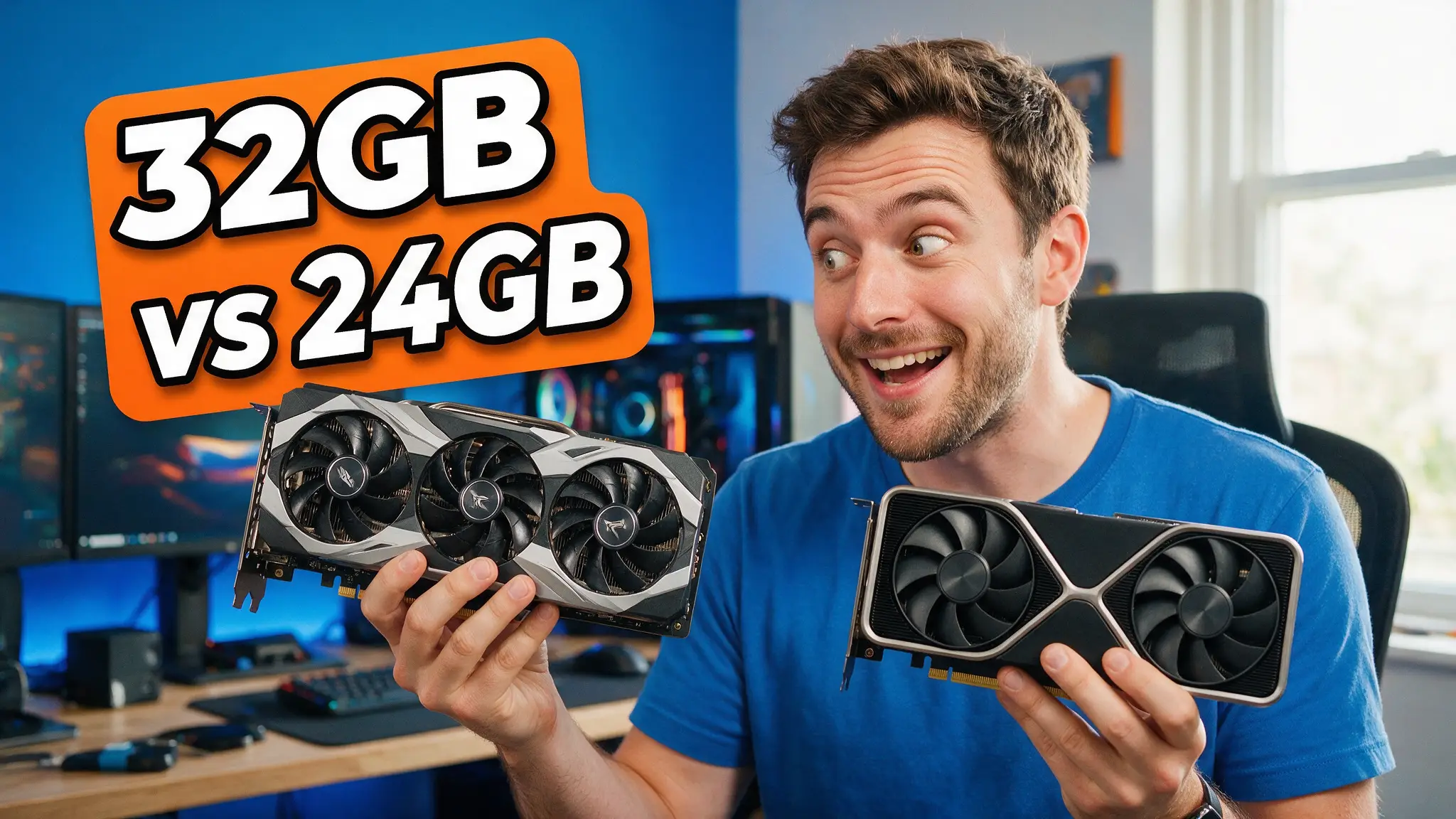
24GB (RTX 4090, RTX 3090, RTX 5080): IQ2_M at roughly 18GB is the only V4-Flash build that fits, and two-bit quantization is a real compromise — see our quantization explainer for what degrades and why. At this tier you are almost always better served by a well-quantized 27–32B model. Our Qwen 3.6 27B guide covers a model that runs well on this hardware rather than barely.
32GB (RTX 5090): Q4_K_M at ~33GB is right at the edge. Technically the closest thing to a single-card V4-Flash deployment that exists, practically it leaves almost nothing for context. Expect to manage KV cache carefully.
48GB (RTX 6000 Ada, or 2× 24GB): Q4_K_M with headroom. This is the first configuration where V4-Flash is genuinely comfortable rather than a stunt.
80GB (H100): FP8, full quality, no games. If you're renting rather than buying, this is the tier that makes sense.
Mac Studio 64GB+ unified: Q6_K at ~48GB is viable, and unified memory handles large MoE models more gracefully than the raw number suggests.
Why the active-parameter count matters
V4 is a Mixture-of-Experts model, and the gap between total and active parameters is the whole story. V4-Flash carries 284B parameters but activates only ~13B per token.
That means inference speed behaves closer to a 13B model while memory requirements behave like a 284B model. You need the VRAM to hold everything; you only pay the compute for a fraction. It's why MoE models feel surprisingly fast once loaded and surprisingly impossible to load in the first place.
It also explains the Ollama problem. MoE routing is architecturally different enough that inference engines need explicit support — and as the DeepSeek documentation ecosystem notes, running V4 through a general-purpose runner loses the routing efficiency that makes MoE worthwhile in the first place.
How we'd approach it
If you want to actually use V4 rather than benchmark it:
- Rent before you buy. An H100 hour costs far less than discovering your 4090 can't hold the model. Our local vs cloud breakdown covers when each makes sense.
- Use vLLM or SGLang, not Ollama, until stable support lands.
- Budget for context. A 1M-token window is meaningless if your VRAM is fully consumed by weights. KV cache is not free.
- Re-check in a few months. Toolchain support for major architectures usually arrives; this is a timing problem more than a permanent one.
The cut list
Skip DeepSeek V4 entirely if: you have 24GB or less, you rely on Ollama or LM Studio, you need reliability today, or you want to fine-tune on consumer hardware.
Consider it if: you have 48GB+, you're comfortable with vLLM, you need a very long context window, or the MIT license specifically matters for your deployment — which is a genuinely strong reason, since it's more permissive than most open-weight licenses.
Pros and cons
For: genuinely permissive MIT weights, 1M-token context, strong MoE efficiency once loaded, a Flash variant that's plausible on prosumer hardware, credible frontier-class quality.
Against: no stable mainstream runner support, 33GB minimum for a sensible build, Pro variant entirely out of reach locally, two-bit builds compromise quality badly, community forks mean fragile setups.
Verdict
DeepSeek V4-Flash is the most interesting open-weight release of 2026 and, for most people reading this, the wrong model to run locally right now.
Not because the hardware requirements are unreasonable — 33GB is achievable — but because the toolchain isn't there. If your card has 24GB and you want something excellent today, run a 27–32B model properly rather than a 284B model badly. If you have 48GB and vLLM experience, V4-Flash is genuinely worth your time.
We'll update this page when stable llama.cpp or Ollama support lands, because that's the moment this model becomes relevant to the people asking about it. For hardware planning in the meantime, our best GPU for local AI guide covers what each VRAM tier realistically buys you.
Frequently asked questions
▸Can I run DeepSeek V4 on a single RTX 4090?
Not the full model, and not comfortably. V4-Flash at heavy quantization needs roughly 33GB for a standard local deployment — beyond a single 24GB 4090. An IQ2_M build lands near 18GB and will fit a 24GB card, but two-bit quantization degrades quality enough that a well-quantized smaller model is usually the better choice.
▸Does Ollama support DeepSeek V4?
As of this writing, no stable release of Ollama, LM Studio or llama.cpp loads the V4 architecture. Consumer runs today depend on experimental community forks. For production or reliability, vLLM and SGLang are the supported paths — and both assume serious hardware.
▸What is the difference between DeepSeek V4-Pro and V4-Flash?
V4-Pro is 1.6 trillion total parameters with roughly 49B active and a 1M-token context — enterprise hardware only, on the order of 800GB+ of VRAM. V4-Flash is 284B total with about 13B active, and is the only variant worth considering for local deployment.
▸Is DeepSeek V4 really open source?
The weights are released under the MIT license, which is genuinely permissive — more so than most 'open' model licenses that add usage restrictions. That said, open weights are not the same as open training data or open source code, and the distinction matters if you need full reproducibility.
The 5 best AI video finds, every week
New models, tested prompts, and what actually worked in our production — one short email a week. No spam, unsubscribe anytime.
Written by Derek Holt
Local AI & Hardware Writer
Runs the site's local-inference rig and benchmarks every GPU, quant, and speed-stack claim on it personally before it goes in a guide. Will not shut up about VRAM bandwidth.
Explore these topics
Every guide, comparison and prompt library we have on each.
Keep learning
GPUs & Hardware · Local LLMs
 Guides
RTX 5090 AI TOPS Explained: What 3352 Actually Measures
NVIDIA's 3352 AI TOPS is sparse FP4, not the precision your local model runs. The full ladder, the 16x gap, and when TOPS is the wrong spec to buy on.