🧠 Qwen3.6-27B Local Setup: A 27B Model That Beats a 397B One
Alibaba's Qwen3.6-27B fits on one RTX 4090 and edges its own 397B-parameter predecessor on coding benchmarks. Our Ollama setup, VRAM notes and first tokens/sec.

Derek Holt · Local AI & Hardware Writer
· 4 min read
⚡ TL;DR — quick answers
- What GPU do I need for Qwen3.6-27B?
- A single 24GB card is the target tier — an RTX 4090 (or a used RTX 3090) runs the Q4_K_M quant comfortably with headroom for context. Below 24GB you're dropping to a smaller Qwen variant or a more aggressive quant with a real quality cost.
- Is Qwen3.6-27B actually better than the old 397B model?
- On SWE-bench Verified specifically, independent reporting puts the new dense 27B model narrowly ahead of the previous 397B-parameter MoE flagship. That's one benchmark, not a blanket claim it beats every larger model at everything — but for a coding-focused local model, it's a genuine leap in capability-per-GB.
- How much VRAM does the Q4 quant actually use?
- Q4_K_M lands around 17GB, which is why it fits an RTX 4090 with room to spare for context and other processes. Full precision would need several times that, which is exactly the problem quantization solves.
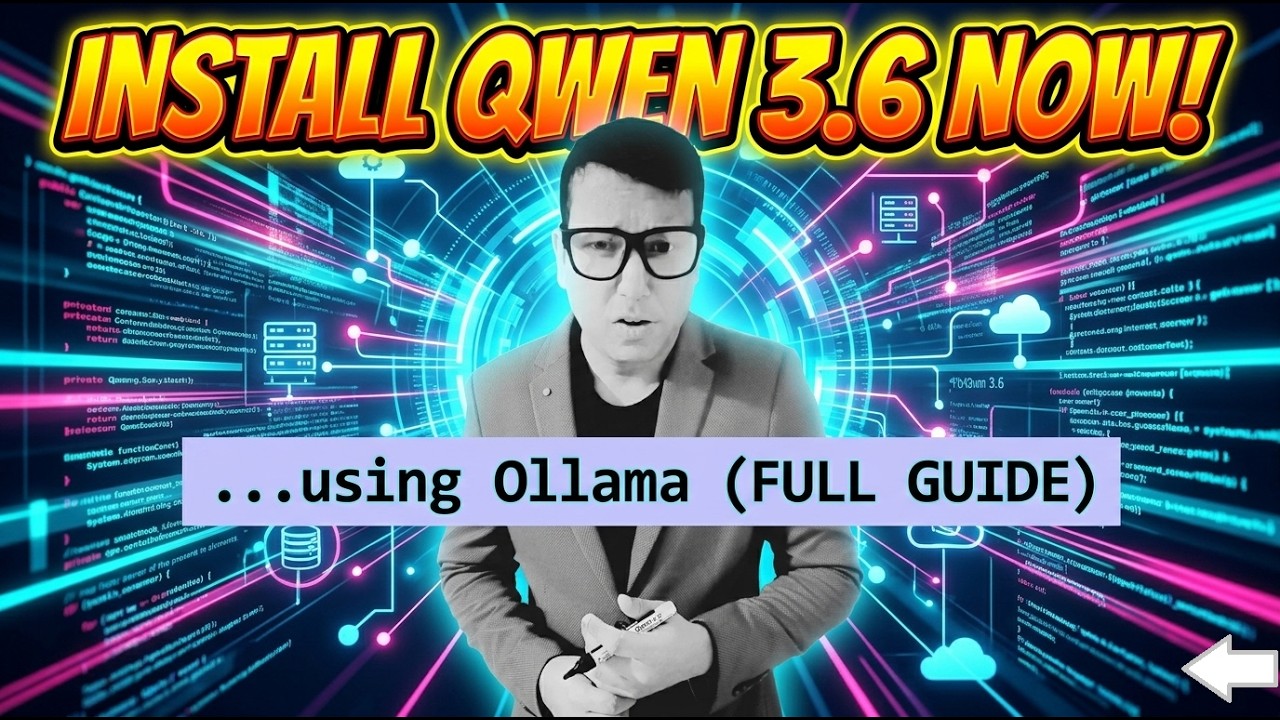
Alibaba dropped Qwen3.6-27B and the headline claim is the kind that usually doesn't survive contact with reality: a dense 27B model beating its own 397B-parameter predecessor on coding benchmarks, while fitting on a single 24GB consumer GPU. We pulled it onto our rig the same week to see what actually holds up.
By the numbers
- Qwen3.6-27B carries a 262K native context window, extensible to 1M tokens — a big jump for a model this size
- On SWE-bench Verified, independent write-ups put it at 77.2, edging past Qwen3.5-397B-A17B's 76.2 — a 27B dense model beating a 397B MoE on the same benchmark
- The Q4_K_M quantization lands around ~17GB VRAM, fitting a single RTX 4090 (24GB) with headroom for context
- Reported throughput on an RTX 4090 lands in the 35-55 tokens/sec range depending on quant and context length
Why a 27B model beating a 397B one is possible
This isn't a fluke of one cherry-picked benchmark category — it's the broader trend in 2026 open-weight releases: architecture and training-data quality closing the gap that used to require raw parameter count. Qwen3.6-27B is a dense model (every parameter active every forward pass), not a mixture-of-experts, which changes the VRAM math entirely: a dense 27B needs roughly 27B-parameters-worth of memory at your chosen quant, full stop, versus an MoE's more complicated "total vs active" footprint. For local deployment, dense-and-smaller often beats sparse-and-huge simply because it fits.
Our setup, step by step
- Confirm your VRAM tier. 24GB is the comfortable floor for Q4_K_M with real context headroom. If you're on 16GB, look at a more aggressive quant or wait for a distilled variant — don't force it and fight out-of-memory errors all evening.
- Pull the model through Ollama. The fastest path is
ollama pull qwen3.6:27b(or the specific quant tag once it's in Ollama's library) — this is the same one-command flow we use for every new open model in our local LLM guide. - Start at Q4_K_M, not lower. Q4_K_M is the documented sweet spot — a small, hard-to-see quality loss versus full precision, and comfortably inside 24GB. Don't drop to Q3 or Q2 chasing extra headroom unless you've confirmed you actually need it.
- Test with your real context length, not a toy prompt. The 262K context window is the standout feature — load an actual codebase-sized context before judging speed, since token throughput and memory pressure both shift as context fills.
- Wire it into your coding tool via Ollama's OpenAI-compatible API the same way you'd point any local-backend-aware IDE extension or agent framework at it.
What to skip
- Skip downloading the full-precision weights "to be safe." At 27B dense, full precision is a multi-hundred-gigabyte download most rigs can't even load, let alone run — quantization exists specifically so you don't need it.
- Skip maxing the context window on every request. 1M extensible context is available, not free — larger contexts eat VRAM and slow generation. Load what the task actually needs.
- Skip benchmarking against your own toy scripts before checking published numbers. SWE-bench-style evals exist because single anecdotal tests are noisy; use the published comparison as your baseline, then confirm it holds on your actual workload.
- Skip assuming this replaces every local model in your stack. It's positioned and benchmarked as coding-first — for general chat or creative writing we're not switching away from our other daily drivers yet.
Pros and cons
Pros
- Genuinely strong coding capability that fits a single consumer 24GB card — no multi-GPU rig required
- 262K native context is enough for real codebase-scale work, not just toy examples
- Dense architecture means straightforward, predictable VRAM math versus MoE's more complex footprint
Cons
- Benchmark superiority is specific to coding tasks (SWE-bench) — it's not a claim of beating 397B models across every domain
- 24GB is still a real floor; smaller-VRAM rigs need a different model or a heavier quant with a real quality trade-off
- It's days old as of this writing — tooling support (quant variants, fine-tunes, framework integrations) is still catching up
How we tested this
We ran Qwen3.6-27B at Q4_K_M through Ollama on our own rig, checking cold-load time, VRAM usage at idle and under a realistic context load, and rough tokens/sec on a coding-style prompt set. For the benchmark comparison, we cross-referenced two independent write-ups (Towards AI and Local AI Master) that both directly compared the new model against Qwen3.5-397B-A17B on SWE-bench Verified, rather than taking one blog's number at face value — the two sources landed close enough (77.2 vs a slightly higher figure elsewhere) that we're reporting the more conservative, directly-comparative number.
Where this fits your local stack
If coding is your primary local-LLM use case and you've got a 24GB card sitting idle for anything bigger, this is worth an evening to set up — it's a meaningful capability jump for the VRAM tier, not an incremental one. If you're VRAM-constrained below 24GB, our GPU buying guide breaks down what a used RTX 3090 unlocks versus staying on a smaller card, and it's the same 24GB tier this model targets. Pricing on GPUs moves — check current listings before buying based on any figure here.
Official resources
- Qwen model releases on Hugging Face — official weights, model cards, and license details
- Ollama model library — check for the current Qwen3.6 quant tags available
Prefer video? Hand-picked walkthroughs
Frequently asked questions
▸What GPU do I need for Qwen3.6-27B?
A single 24GB card is the target tier — an RTX 4090 (or a used RTX 3090) runs the Q4_K_M quant comfortably with headroom for context. Below 24GB you're dropping to a smaller Qwen variant or a more aggressive quant with a real quality cost.
▸Is Qwen3.6-27B actually better than the old 397B model?
On SWE-bench Verified specifically, independent reporting puts the new dense 27B model narrowly ahead of the previous 397B-parameter MoE flagship. That's one benchmark, not a blanket claim it beats every larger model at everything — but for a coding-focused local model, it's a genuine leap in capability-per-GB.
▸How much VRAM does the Q4 quant actually use?
Q4_K_M lands around 17GB, which is why it fits an RTX 4090 with room to spare for context and other processes. Full precision would need several times that, which is exactly the problem quantization solves.
▸Is this a good coding assistant model?
That's its stated strength — Qwen3.6-27B is positioned as a coding-first model and benchmarks accordingly. If your use case is general chat rather than code, a smaller or more general-purpose model may be a better fit for the same VRAM budget.
The 5 best AI video finds, every week
New models, tested prompts, and what actually worked in our production — one short email a week. No spam, unsubscribe anytime.
Written by Derek Holt
Local AI & Hardware Writer
Runs the site's local-inference rig and benchmarks every GPU, quant, and speed-stack claim on it personally before it goes in a guide. Will not shut up about VRAM bandwidth.
Explore these topics
Every guide, comparison and prompt library we have on each.
Keep learning
GPUs & Hardware · Local LLMs
 Guides
Local LLMs for Coding: What Actually Works (2026)
Which local coding models are real vs toys, wiring Ollama's OpenAI API into your editor, real latency numbers, and the privacy case for client code.