🌙 Kimi K3 Locally: The 2.8T Hardware Reality Check (2026)
Moonshot's Kimi K3 tops open-model charts, with weights landing July 27. What it actually takes to run 2.8T parameters at home — and what to run instead.

Derek Holt · Local AI & Hardware Writer
· 4 min read
⚡ TL;DR — quick answers
- Can I run Kimi K3 locally right now?
- No — Moonshot announced K3 on July 16, 2026, but the open weights don't ship until July 27. Until then it's hosted-only via Moonshot's API and partner platforms.
- What hardware does Kimi K3 need?
- It's a 2.8-trillion-parameter MoE whose BF16 weights land around 594GB. Community analyses put the realistic floor at four H100 80GB GPUs at reduced precision with a shortened context window — consumer 24GB cards plus 256GB RAM don't reach even the smallest likely build.
- Is Kimi K3 actually better than closed frontier models?
- On Artificial Analysis's independent aggregate ranking it already edges past Claude Opus 4.8 — a first for an open-weight release — though per-task results vary and the weights aren't independently benchmarked until they ship.
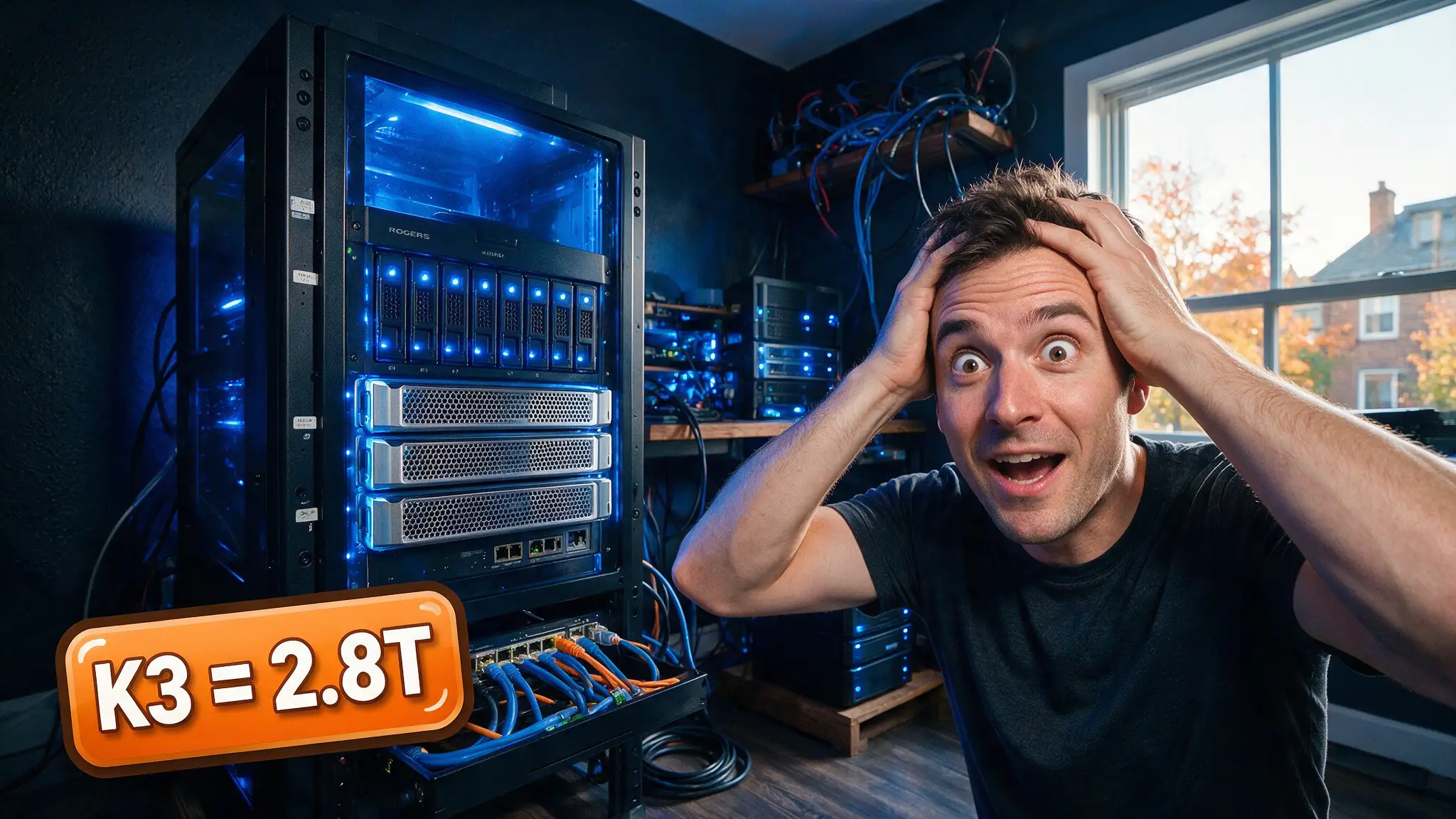
Moonshot dropped the Kimi K3 announcement on July 16, and the local-AI corners of our feeds haven't been the same since: an open-weight model that edges past Claude Opus 4.8 on Artificial Analysis's independent ranking. The catch everyone glosses over: the weights don't actually ship until July 27, and when they do, almost nobody reading this can load them. We've been through this cycle with every giant MoE release on our own 16GB rig — here's the honest hardware math, and the smarter plays while you wait.
By the numbers
- 2.8 trillion parameters (Mixture-of-Experts), announced July 16, 2026; open weights promised July 27
- BF16 weight files land around 594GB — before you allocate a single token of KV cache
- Context window: 1M tokens on Moonshot's hosted serving; community analyses expect 128K–256K as the realistic local ceiling at reduced precision
- First open-weight model to pass Claude Opus 4.8 on Artificial Analysis's aggregate index
- Planned day-one serving support: vLLM and SGLang, multi-GPU sharding, hybrid API routing
Why "just quantize it" doesn't save you this time
The usual local-AI reflex — wait for the 4-bit GGUF, offload to system RAM — hits two walls with K3.
First, raw scale. Even an aggressive 2-bit dynamic quant of a 2.8T MoE is a multi-hundred-gigabyte artifact; a 24GB GPU with 256GB of system RAM doesn't reach the smallest plausible build. Community hardware breakdowns converge on four H100 80GB cards (320GB pooled VRAM) as the floor for a reduced-precision load, and that buys you the shortened context window and single-digit generation speeds, not the hosted experience. Full-fat serving is being discussed in "roughly triple K2.7's memory" terms — 1TB-of-RAM, server-chassis territory.
Second, and this is the part most coverage misses: Kimi Delta Attention (KDA). K3's hybrid linear-attention design needs matching kernels and cache semantics, and Moonshot has said plainly that conventional prefix caching doesn't map cleanly onto it. A runtime that merely loads the weights is not automatically K3-compatible — which is why the vLLM/SGLang day-one support matters more than the GGUF ecosystem this time. Expect the llama.cpp path to lag, exactly as we saw in the messy first weeks of other exotic-attention releases (we cover why quant formats behave so differently in Quantization Explained).
The rent-vs-own math
We keep repeating this on every frontier-scale drop: for models this size, local-vs-cloud stops being a privacy debate and becomes pure arithmetic. A 4× H100 box rents for roughly $10–14/hour on the usual GPU clouds as of this writing (spot pricing moves weekly — check current rates before planning around them). Unless you're pushing tens of millions of output tokens a day or have a hard data-sovereignty requirement, the API side of that ledger wins by a mile. Renting a cluster for a weekend to benchmark the weights yourself, though? That's a legitimately fun use of $50.
What we're actually doing until July 27
- Running Kimi K2.7 Code locally. It fits a single 24GB card quantized, posted +21.8% over K2.6 on Kimi Code Bench v2 (June 12 release), and its HighSpeed variant runs ~6× faster inference. On our rig it's currently the best coding-agent-per-watt among open models.
- Benchmarking K3 hosted. The API is live now; testing your own prompts against it this week tells you whether the July 27 weights are worth any infrastructure spend at all.
- Watching GLM-5.2. Z.ai's 744B MoE is the current open-weights leaderboard king you can genuinely (if painfully) self-host today — our GLM-5.2 local guide runs that math.
How we picked what to trust
Everything above traces to Moonshot's own announcement, Artificial Analysis's published index, or convergent community hardware analyses — we've cut the speculative "K3 on a MacBook" content entirely, because until weights ship, nobody outside Moonshot has loaded this model. We'll re-test and update this page the week the weights land.
Bottom line
Kimi K3 is a milestone for open weights — the first time an open release has cleared the strongest closed models on an independent aggregate. But "open" and "runnable at home" have never been further apart. Bookmark the July 27 date, budget for a rented cluster if you must touch the weights, and keep something sensible like K2.7 Code or a right-sized local model doing the daily work.
Frequently asked questions
▸Can I run Kimi K3 locally right now?
No — Moonshot announced K3 on July 16, 2026, but the open weights don't ship until July 27. Until then it's hosted-only via Moonshot's API and partner platforms.
▸What hardware does Kimi K3 need?
It's a 2.8-trillion-parameter MoE whose BF16 weights land around 594GB. Community analyses put the realistic floor at four H100 80GB GPUs at reduced precision with a shortened context window — consumer 24GB cards plus 256GB RAM don't reach even the smallest likely build.
▸Is Kimi K3 actually better than closed frontier models?
On Artificial Analysis's independent aggregate ranking it already edges past Claude Opus 4.8 — a first for an open-weight release — though per-task results vary and the weights aren't independently benchmarked until they ship.
▸What should I run locally instead while waiting?
Moonshot's own Kimi K2.7 Code is the practical pick — it fits on a single 24GB GPU with quantization and posted a +21.8% jump over K2.6 on Kimi Code Bench v2.
The 5 best AI video finds, every week
New models, tested prompts, and what actually worked in our production — one short email a week. No spam, unsubscribe anytime.
Written by Derek Holt
Local AI & Hardware Writer
Runs the site's local-inference rig and benchmarks every GPU, quant, and speed-stack claim on it personally before it goes in a guide. Will not shut up about VRAM bandwidth.
Explore these topics
Every guide, comparison and prompt library we have on each.
Keep learning

GPUs & Hardware · Local LLMs
 Guides
RTX 5090 AI TOPS Explained: What 3352 Actually Measures
NVIDIA's 3352 AI TOPS is sparse FP4, not the precision your local model runs. The full ladder, the 16x gap, and when TOPS is the wrong spec to buy on.