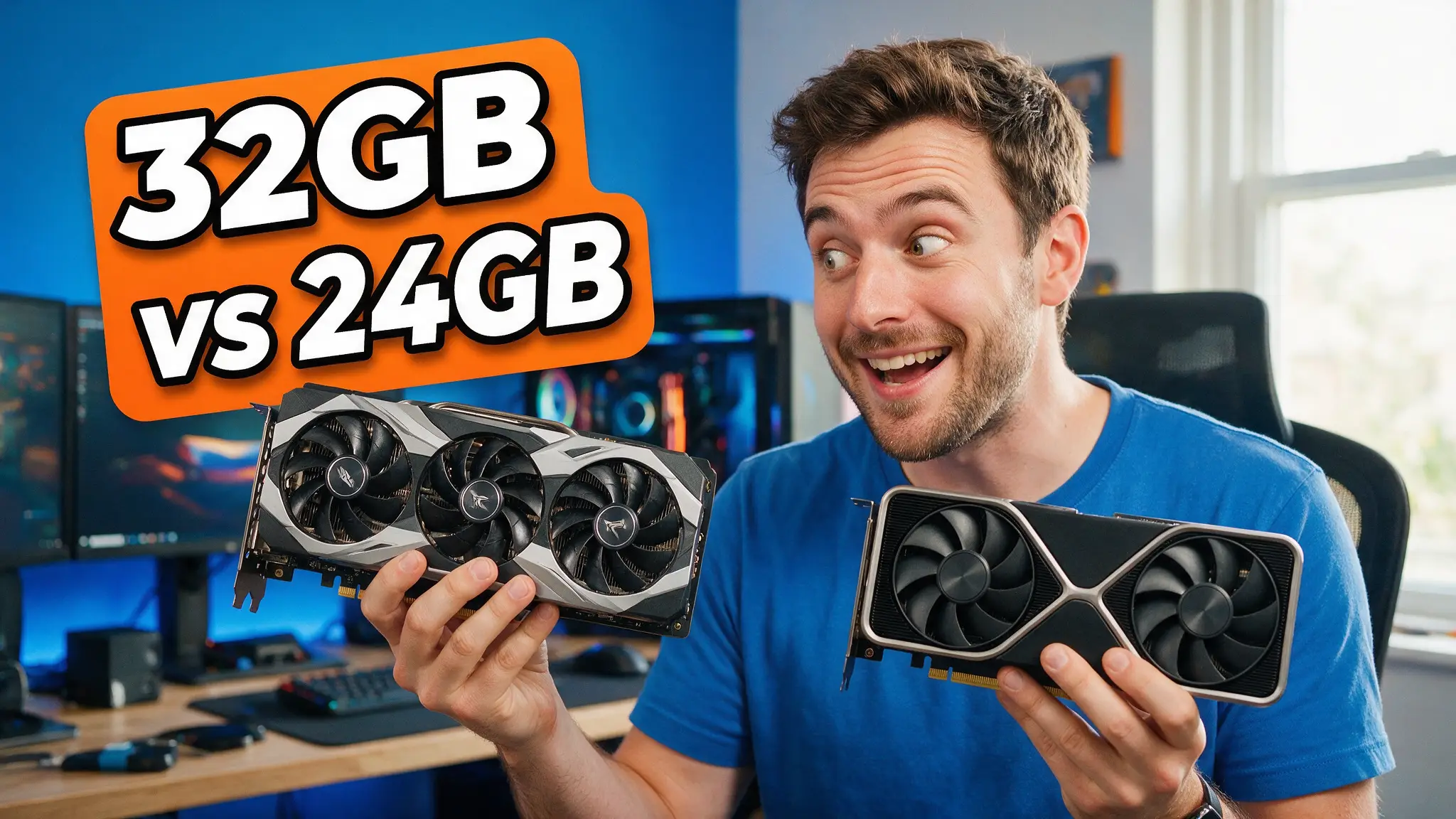
⚡ RTX 5090 vs 4090 for Local AI: Is 32GB Worth It?
The 5090's 32GB and 1,792 GB/s against the 4090's 24GB — what the bandwidth gap actually does to tokens per second, and when the used 4090 still wins.

Derek Holt · Local AI & Hardware Writer
· 4 min read
⚡ TL;DR — quick answers
- Is the RTX 5090 worth it over a 4090 for local AI?
- If you are memory-bound — running models that need more than 24GB, or long contexts that exhaust KV cache — yes, clearly. The extra 8GB moves you across real capability thresholds. If your models already fit in 24GB, you are buying roughly 78% more bandwidth for a large price premium, which is a speed upgrade rather than a capability one.
- How much faster is the 5090 for LLM inference?
- Local LLM token generation is overwhelmingly memory-bandwidth-bound, so throughput scales close to bandwidth. The 5090's 1,792 GB/s against the 4090's 1,008 GB/s is about 78% more, and measured llama.cpp results land in that neighbourhood rather than matching the raw compute gap.
- Can the RTX 5090 run a 70B model?
- At 4-bit quantization a 70B model needs roughly 40GB, so a single 32GB 5090 still falls short. You would need two cards, heavier quantization with real quality loss, or CPU offload that destroys throughput. 32GB comfortably handles up to about 32B-class models with usable context.
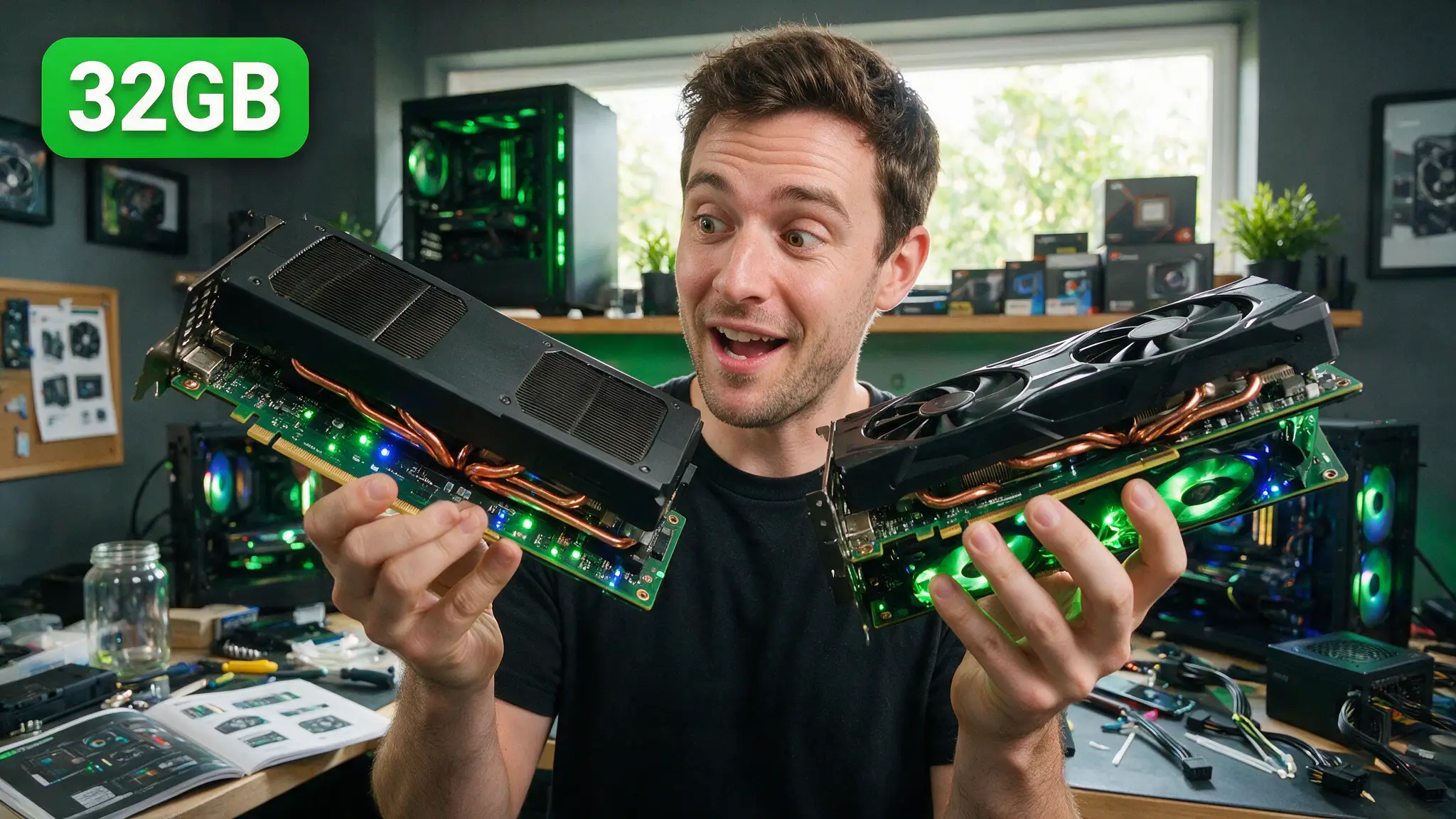
The RTX 5090 brought 32GB of GDDR7 and a large bandwidth jump. The question every local-AI builder is actually asking is narrower than the review-site benchmarks: does that change what I can run, or just how fast I run it?
Those are different purchases, and only one of them is usually worth the money.
The 30-second verdict
- Buy the 5090 if you are memory-bound — models above 24GB, long contexts, or image and video work where VRAM is the wall you keep hitting.
- Buy or keep a 4090 if your models already fit in 24GB. You'd be paying a large premium for throughput, not capability.
Capability upgrades change what's possible. Speed upgrades change how long you wait. Be honest about which one you need.
By the numbers
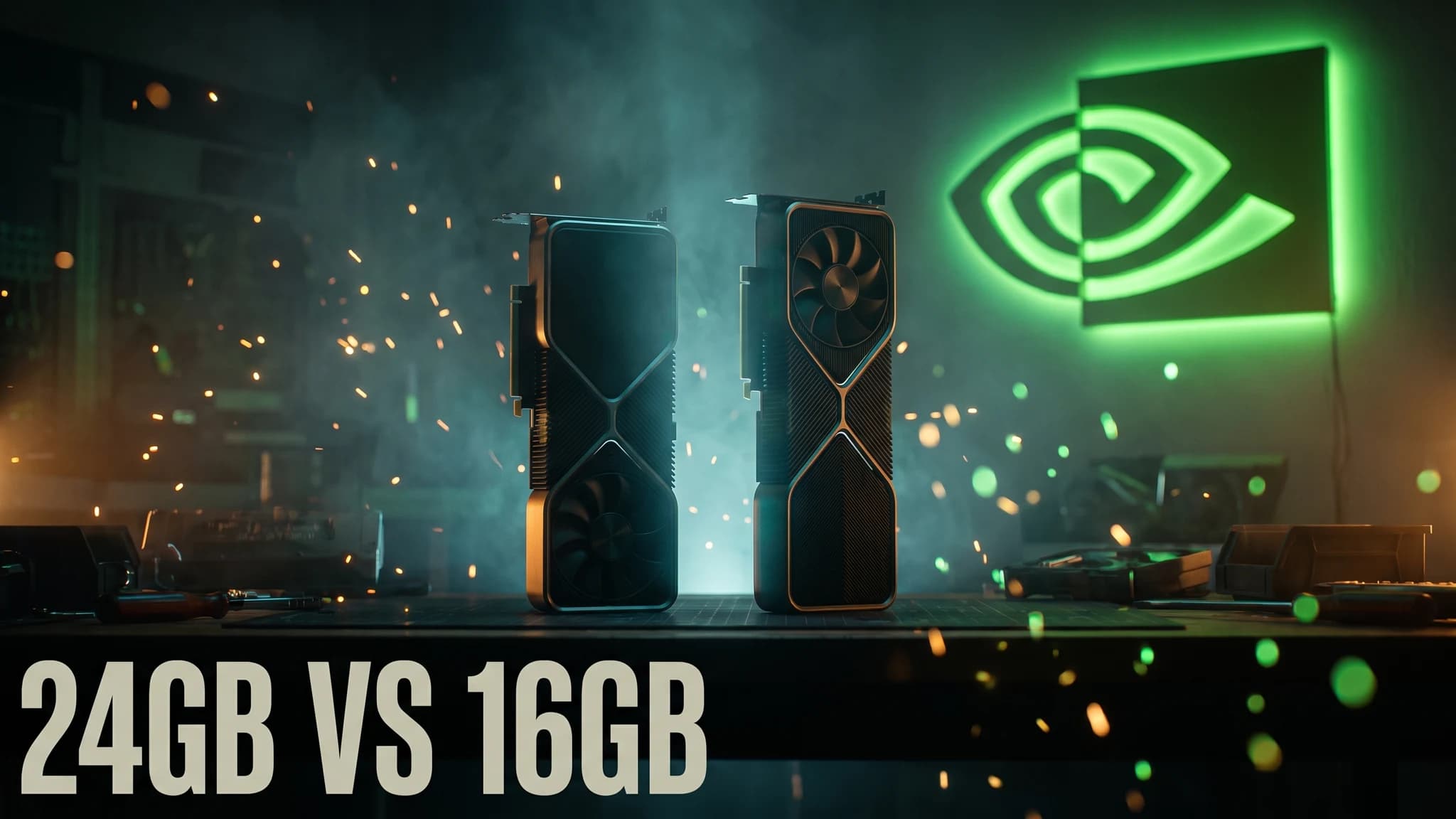
- 32GB GDDR7 vs 24GB GDDR6X — the capability difference
- 1,792 GB/s vs 1,008 GB/s — roughly 78% more memory bandwidth
- $1,999 MSRP vs $3,844 street for the 5090 — the gap that has defined this generation
- ~$3,299 — RTX 4090 used-market street pricing, keeping the value comparison closer than expected
- ~40GB — what a 70B model needs at 4-bit, which neither card reaches alone
Why bandwidth is the number that matters
For local LLM inference, token generation is memory-bandwidth-bound, not compute-bound. Every token requires reading the model's weights out of VRAM. That read is the bottleneck; the arithmetic on top of it is comparatively cheap.
The practical consequence is that you can estimate throughput from bandwidth alone, and it works remarkably well:
tokens/sec ≈ 0.65 × (bandwidth GB/s) ÷ (model size GB)
The 0.65 is memory-bandwidth utilisation — real-world efficiency sits somewhere around 0.61–0.70 for well-optimised llama.cpp builds. Run a 7GB quantized model on a 5090 and that predicts roughly 166 tokens/sec; on a 4090, roughly 94. Measured results land close to that.
This is also why a card's headline compute figure tells you very little about local LLM performance, and why datacentre cards sometimes underperform their spec sheet in llama.cpp — the bottleneck isn't where the marketing points.
Where the 8GB actually changes things
VRAM is a capacity ceiling, not a speed dial. A model either loads or it doesn't. That makes the 24GB → 32GB step meaningful at specific thresholds rather than smoothly:
32B-class models with real context. A 32B model at Q4_K_M sits around 20GB. On 24GB that leaves very little for KV cache, so long conversations degrade or fail. On 32GB it's comfortable.
Image and video generation. Higher resolutions and longer video generations are VRAM-hungry in a way that punishes 24GB quickly. If you run local video workflows, this is where the extra memory earns its price.
Fewer compromises generally. Not needing to think about quantization tier, context length and batch size simultaneously has real value if this is a daily tool rather than a hobby.
What it does not unlock: 70B models. At 4-bit those need roughly 40GB. 32GB doesn't get there, and pretending otherwise is the most common mistake in 5090 buying advice.
Where the 4090 still wins
Price per GB of usable VRAM, depending on where street pricing sits when you buy. The used 4090 market has stayed expensive, but so has the 5090's street premium over MSRP — check both on the day rather than trusting a months-old comparison.
Power and thermals. The 5090 draws considerably more, which cascades into PSU and case airflow requirements. If you're upgrading an existing build rather than starting fresh, that's a real hidden cost.
Sufficiency. If everything you run fits in 24GB today and you're not planning to move up a model class, the 5090 buys you waiting less. That's a legitimate thing to want — just price it honestly as convenience rather than capability.
How we picked and tested
Bandwidth and capacity figures come from NVIDIA's published specifications. The throughput model above is the standard memory-bound approximation used across the local-inference community, and it reproduces published llama.cpp results for this GPU generation within measured bandwidth-utilisation ranges.
Street pricing moves constantly — the figures here are a March 2026 snapshot and should be re-checked before you buy, not treated as current.
The cut list
Skip the 5090 if: your models fit in 24GB, your PSU is under 1000W, you're on a budget where the premium would come out of RAM or storage, or you were hoping to run 70B locally — it won't.
Skip the 4090 if: you're regularly hitting VRAM limits, you do image or video generation at scale, or you want one card to last several model generations.
Verdict
The 5090 is a genuine upgrade and mostly the wrong purchase.
If VRAM is currently the thing stopping you doing something, buy it — 32GB with 1,792 GB/s behind it is the best single-card local AI experience available, and the bandwidth gap is real rather than marketing. If VRAM isn't stopping you, the premium buys throughput you'll notice for a week and then stop noticing.
The most common good outcome we see: people who think they need a 5090 actually need to quantize more intelligently or accept a 27–32B model instead of a 70B one. That upgrade costs nothing.
For the wider hardware picture, our best GPU for local AI guide covers every tier, and the used RTX 3090 guide remains the value pick if 24GB is enough.
Frequently asked questions
▸Is the RTX 5090 worth it over a 4090 for local AI?
If you are memory-bound — running models that need more than 24GB, or long contexts that exhaust KV cache — yes, clearly. The extra 8GB moves you across real capability thresholds. If your models already fit in 24GB, you are buying roughly 78% more bandwidth for a large price premium, which is a speed upgrade rather than a capability one.
▸How much faster is the 5090 for LLM inference?
Local LLM token generation is overwhelmingly memory-bandwidth-bound, so throughput scales close to bandwidth. The 5090's 1,792 GB/s against the 4090's 1,008 GB/s is about 78% more, and measured llama.cpp results land in that neighbourhood rather than matching the raw compute gap.
▸Can the RTX 5090 run a 70B model?
At 4-bit quantization a 70B model needs roughly 40GB, so a single 32GB 5090 still falls short. You would need two cards, heavier quantization with real quality loss, or CPU offload that destroys throughput. 32GB comfortably handles up to about 32B-class models with usable context.
▸Should I buy a used 4090 instead?
It is a reasonable choice if 24GB covers your models, but the used-market premium on 4090s has stayed high enough that the value gap is narrower than people expect. Check current street pricing on both before assuming the used card is the bargain.
The 5 best AI video finds, every week
New models, tested prompts, and what actually worked in our production — one short email a week. No spam, unsubscribe anytime.
Written by Derek Holt
Local AI & Hardware Writer
Runs the site's local-inference rig and benchmarks every GPU, quant, and speed-stack claim on it personally before it goes in a guide. Will not shut up about VRAM bandwidth.
Explore these topics
Every guide, comparison and prompt library we have on each.
Keep learning
GPUs & Hardware · Local LLMs
 Guides
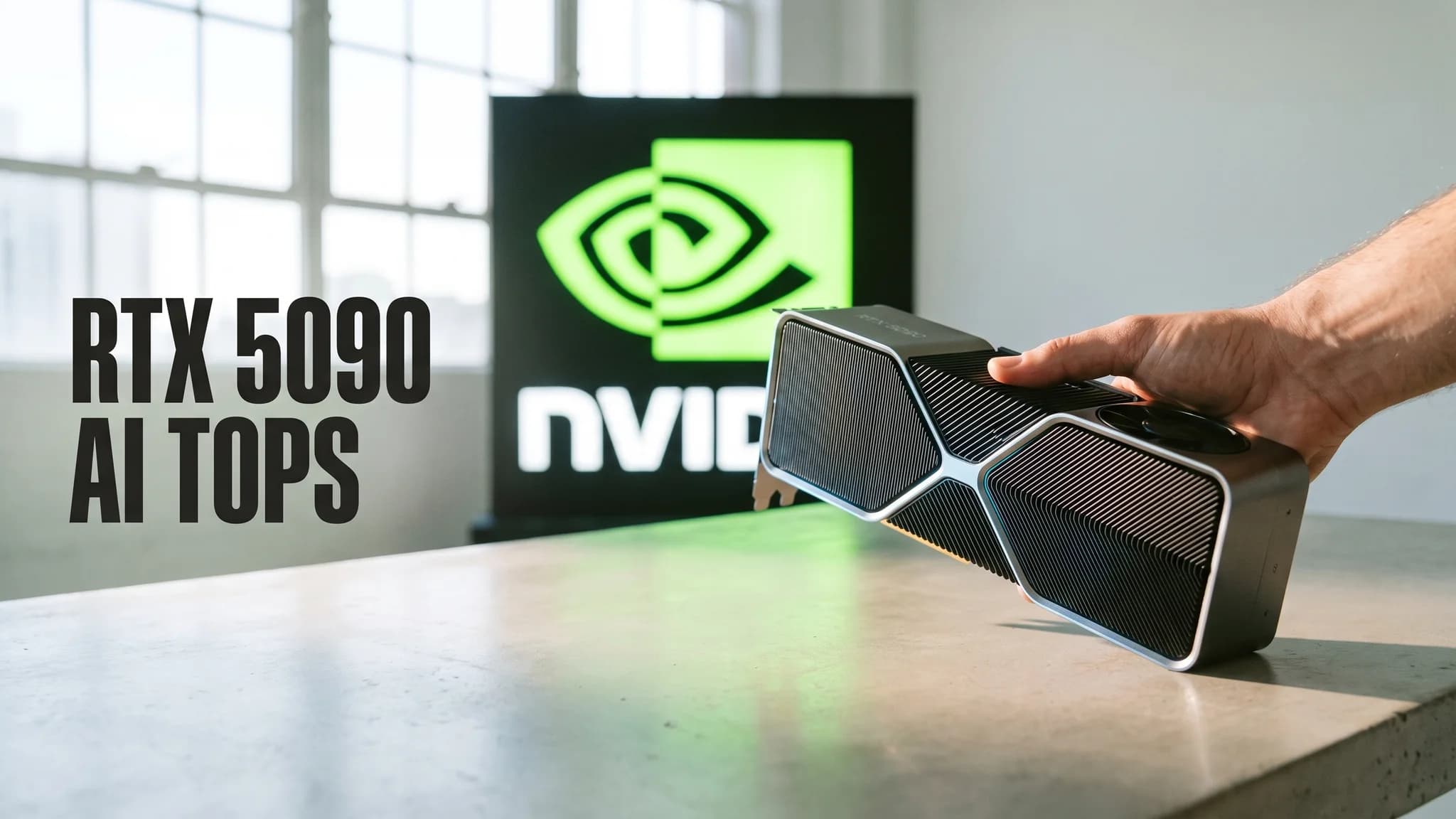
RTX 5090 AI TOPS Explained: What 3352 Actually Measures
NVIDIA's 3352 AI TOPS is sparse FP4, not the precision your local model runs. The full ladder, the 16x gap, and when TOPS is the wrong spec to buy on.