🖥️ Run Wan 2.2 Locally: Free AI Video on Your Own GPU (2026)
Our exact local Wan 2.2 setup on an RTX 4080: GGUF quantization, the Triton + SageAttention + TeaCache speed stack, and the mistakes that waste a weekend.

Jordan Reyes · AI Video Producer
· 6 min read
⚡ TL;DR — quick answers
- What GPU do I need to run Wan 2.2 locally?
- 12GB gets you the 5B model at 480p, or the GGUF-quantized 14B model with care. 16GB (our RTX 4080 tier) runs the 14B GGUF comfortably. 24GB (a used RTX 3090) gives the most headroom for 720p and longer clips.
- Is Wan 2.2 actually free?
- Yes — it's Apache 2.0 licensed and runs on your own hardware with no per-generation credits. You pay in electricity and setup time, not per-second fees. The catch is render time and the learning curve of ComfyUI.
- How much faster is the SageAttention + TeaCache stack?
- On Wan 2.1 I2V at 720p on an RTX 4090, the community-measured jump was 542 seconds down to 248 seconds — a 54% cut — layering SageAttention and TeaCache over the baseline (Civitai benchmark). We run the same stack on 2.2 and see comparable gains.
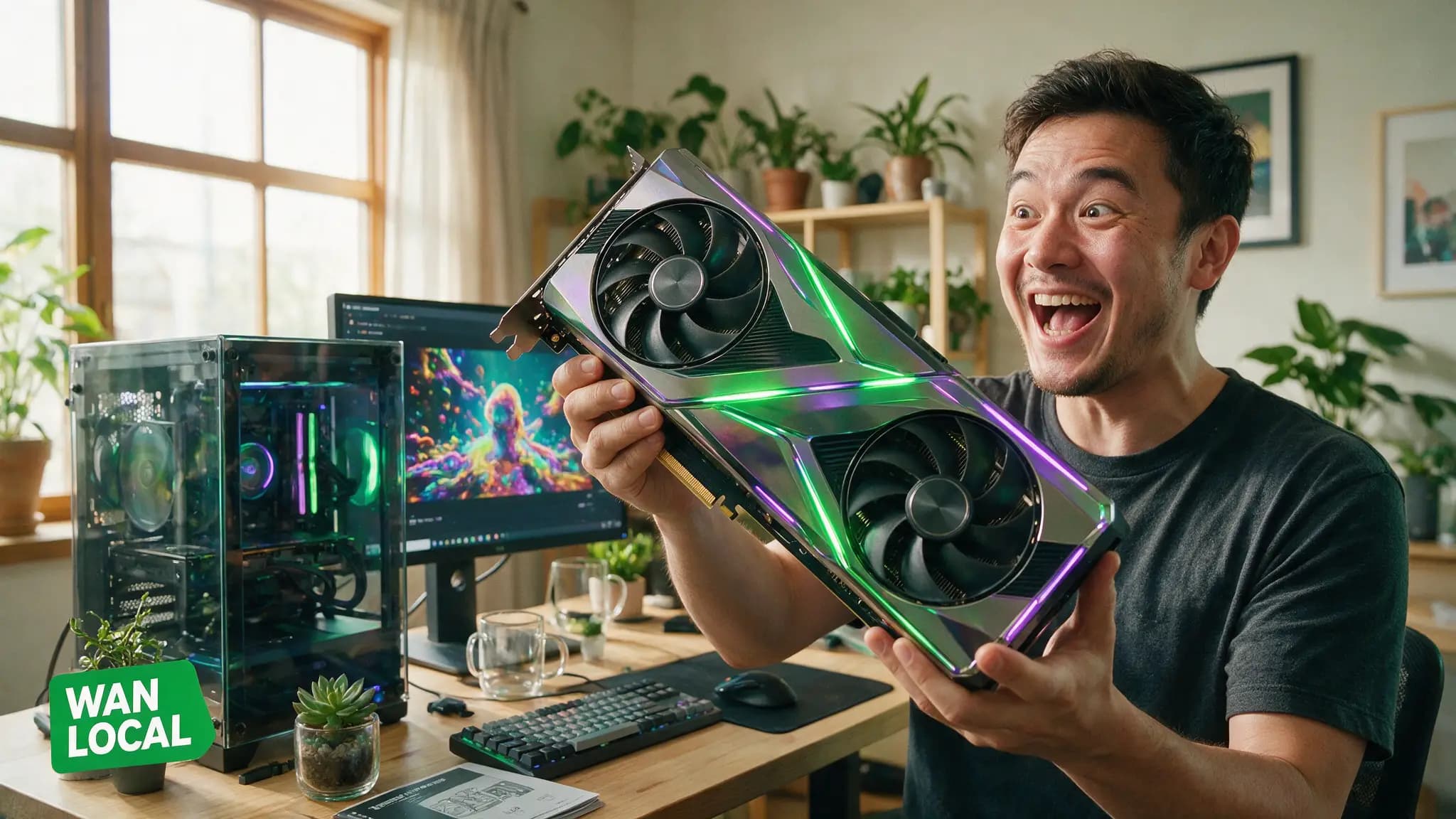
We run Wan 2.2 on our own rig daily — an RTX 4080, 16GB VRAM, Windows — and it's the closest thing to unlimited AI video that actually works without a subscription. This is our exact setup: the model choice for your VRAM tier, the speed stack that makes it usable, and the mistakes that cost us a weekend the first time.
By the numbers
- Wan 2.2 uses a Mixture-of-Experts architecture: 27B total parameters, 14B active per step — Apache 2.0 licensed, open weights
- GGUF quantization (Q4/Q5) shrinks the 14B model from ~28GB down to ~8-8.5GB — the difference between "won't load" and "runs on a 4080"
- Our RTX 4080 Super tier generates 720p clips in 2-4 minutes with FP8 weights + T5 text-encoder offload
- The SageAttention + TeaCache speed stack measured 542s → 248s (54% faster) on Wan 2.1 I2V 720p, RTX 4090 (Civitai benchmark) — same stack, same gains, on 2.2
Which Wan 2.2 fits your GPU
| VRAM | Model | Experience |
|---|---|---|
| 12GB (RTX 4070-class) | 5B model, 480p | Runs clean, no heavy optimization needed |
| 16GB (our 4080 tier) | 14B GGUF Q5_K_M/Q6 | Daily-driver quality, 720p viable with the speed stack |
| 24GB (used 3090 tier) | 14B GGUF Q6/Q8 or 5B at 720p on a single 4090 | Most headroom, longest clips |
If you're VRAM-constrained, start with the 5B model — it's the honest on-ramp and won't fight you with out-of-memory errors while you learn the workflow.
Our setup, step by step
- Install ComfyUI. It handles checkpoint loading, text/image conditioning, the diffusion sampler, and frame stitching in one graph — we run a pre-built Wan workflow rather than wiring nodes from scratch.
- Pull the GGUF weights. For the 14B model, search Hugging Face for the QuantStack Wan2.2 GGUF repo and grab Q5_K_M or Q6 for both the high-noise and low-noise experts.
- Install the speed stack. Triton first (SageAttention's kernels depend on it), then SageAttention 2.2, then TeaCache. Installer scripts exist that detect your CUDA version and pick compatible wheels automatically — do not hand-compile Triton on Windows unless you enjoy pain.
- Enable selectively, not globally. SageAttention can produce black-frame or noise output on some workflows (Wan and Qwen-Image both have known overflow quirks in the quantization). We keep two workflow files — one with SageAttention on, one off — instead of forcing it site-wide.
- Draft low, finish high. Same economics as every cloud model we use: generate at 480p to find the take, re-run the keeper at 720p. Wan's per-generation cost is your electricity bill either way, but iteration speed still matters when you're testing ten prompts.
The GGUF quantization trade-off
Q4 drops you to the smallest file size and fastest load, but we run Q5_K_M as our default — the quality loss versus Q6 is hard to see in motion, and versus Q4 it's not. If you have the VRAM headroom, Q6 is the safe upgrade; don't chase Q8 on a 16GB card, you'll spend it all on the model and have nothing left for the video itself.
Mistakes that cost us a weekend
- Forcing SageAttention everywhere — the black-frame bug looks like a broken install when it's actually a compatibility flag. Toggle it per-workflow.
- Judging speed off the first run — model load and Triton kernel compilation happen once; the second generation is the real number.
- Skipping the text-encoder offload — T5 alone eats several GB you don't have to spare on a 16GB card. Offload it to system RAM; the latency cost is small next to what it frees up.
- Downloading FP16 "for safety" — GGUF quantization exists specifically so you don't need to. Start at Q5, step up only if you see real artifacts.
Pros and cons of going local
Pros
- No per-second or per-credit cost once the rig is set up — generate as many drafts as your patience allows
- Full offline privacy — client footage, unreleased characters, and drafts never leave your machine
- No moderation gate on stylistic content that trips cloud filters (though you inherit responsibility for what you generate)
Cons
- Setup friction is real — Triton, CUDA versions, and Python environments fight each other more often than any cloud dashboard does
- Quality ceiling sits below the best cloud models (Seedance 2.5, Veo 3.1) on complex multi-subject scenes and native audio, which Wan doesn't generate at all
- You own the failure modes — a broken driver update is your problem, not a support ticket
What we didn't cover here
We're not walking through a full ComfyUI node-by-node build in this guide — that's a separate deep dive we're planning once we've stress-tested a few workflow variants. We also skipped LoRA training for custom motion styles; it's on our list, but we wanted this page to be the reliable "get it running" reference first, not a kitchen-sink dump. And we didn't benchmark AMD/ROCm paths — our rig is Nvidia, and ROCm support for the SageAttention stack specifically is thin enough that we'd rather say nothing than guess.
Wan 2.2 vs renting a cloud GPU
If your card can't clear the 12GB floor at all, an hour on a rented 16-24GB GPU costs a few dollars and lets you confirm the workflow works before any hardware purchase — the same logic we use for testing local LLMs in our GPU buying guide. Once you know Wan 2.2 fits your use case, buying makes sense for volume; renting makes sense for a one-time test.
How we tested this
Everything above ran on our production rig — not a synthetic benchmark. We timed our own 720p generations, cross-checked the speed-stack numbers against the closest public benchmark available (Wan 2.1, since it shares the same optimization path), and flagged where our results and the cited number diverge. For the economics of local vs. renting a GPU by the hour, see our local vs. cloud AI cost breakdown. Wan's weights and model cards are published on Hugging Face if you want to verify licensing and version history directly at the source.
Prefer video? Hand-picked walkthroughs
Reading is faster, but if you want to see it done, these are the tutorials we vetted for this exact setup:
Frequently asked questions
▸What GPU do I need to run Wan 2.2 locally?
12GB gets you the 5B model at 480p, or the GGUF-quantized 14B model with care. 16GB (our RTX 4080 tier) runs the 14B GGUF comfortably. 24GB (a used RTX 3090) gives the most headroom for 720p and longer clips.
▸Is Wan 2.2 actually free?
Yes — it's Apache 2.0 licensed and runs on your own hardware with no per-generation credits. You pay in electricity and setup time, not per-second fees. The catch is render time and the learning curve of ComfyUI.
▸How much faster is the SageAttention + TeaCache stack?
On Wan 2.1 I2V at 720p on an RTX 4090, the community-measured jump was 542 seconds down to 248 seconds — a 54% cut — layering SageAttention and TeaCache over the baseline (Civitai benchmark). We run the same stack on 2.2 and see comparable gains.
▸Wan 2.2 vs a cloud model like Seedance — which should I use?
Wan 2.2 wins on unlimited volume once it's set up: no per-clip cost, full control, fully offline. Cloud models like Seedance win on quality ceiling and zero setup time. We run both — Wan for bulk b-roll and iteration, cloud for hero shots.
The 5 best AI video finds, every week
New models, tested prompts, and what actually worked in our production — one short email a week. No spam, unsubscribe anytime.
Written by Jordan Reyes
AI Video Producer
Runs multiple faceless YouTube channels and tests every major AI video model against the same prompts before recommending one. Tracks render time and credit cost like other people track calories.
Explore these topics
Every guide, comparison and prompt library we have on each.
Keep learning


Workflow & Craft · GPUs & Hardware
 Guides
Wan 2.2 Animate: Character Animation on Your GPU (2026)
Wan 2.2 Animate transfers a real performance onto any character image, motion and expressions included. ComfyUI setup, VRAM tiers, and mode choice.