💻 Local AI on a Laptop: What Your Machine Really Runs (2026)
No desktop GPU needed: what 8GB, 16GB and 32GB laptops genuinely run in 2026 — Gemma 4 12B in 16GB RAM, the E4B option, and honest speed expectations.

Derek Holt · Local AI & Hardware Writer
· 4 min read
⚡ TL;DR — quick answers
- Can a 16GB laptop really run a good local AI model?
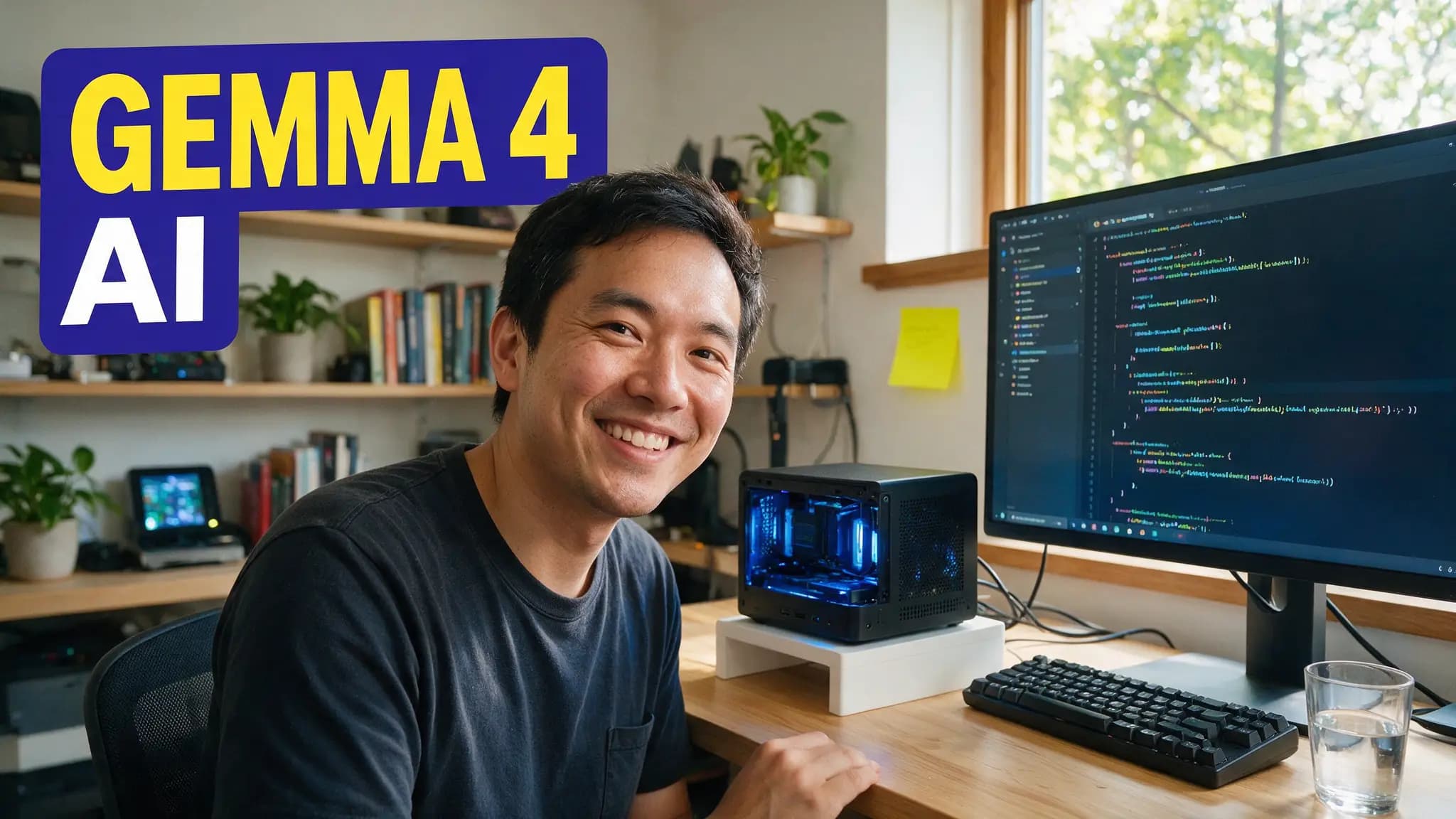
- Yes, and this is new. Google's Gemma 4 12B runs in 16GB of RAM and beats last year's Gemma 3 27B on reasoning, coding and vision — a model that needed a serious desktop twelve months ago now runs on a mainstream laptop.
- What can an 8GB laptop run?
- Gemma 4 E4B is the standout at this tier — about 4.5B parameters with a 128K context window and multimodal support across image, video and audio. Quantized 4B-class models are the realistic ceiling; they're capable assistants, not deep reasoners.
- Do I need a GPU in my laptop for local AI?
- No. Modern quantized models run on CPU and unified memory; Apple Silicon and recent AMD/Intel laptops handle 12B-class models at conversational speeds. A discrete laptop GPU helps prompt-processing speed but is no longer the gate.

The desktop-GPU gatekeeping around local AI is officially out of date. The question in 2026 isn't whether your laptop can run a local model — it's which tier of model your RAM puts you in.
The line moved because of one release: Gemma 4 12B runs in 16GB of RAM and outperforms last year's 27B model. A capability that cost a $1,600 GPU a year ago now ships on the mid-range laptop you already own. Here's the honest tier list.
By the numbers
- Gemma 4 12B runs locally in 16GB of RAM and beats Gemma 3 27B on reasoning, coding and vision benchmarks (Google)
- It's multimodal — text, images, audio and video input — with a 256K context window
- Gemma 4 E4B covers the 8GB tier: ~4.5B parameters, 128K context, multimodal, built for laptops and edge devices
- On 16GB, Qwen3 14B is the strongest text-first alternative; weights for all of these are free on Hugging Face and Kaggle
The tier list by RAM
| Your laptop | What it runs well | Honest expectation |
|---|---|---|
| 8GB | Gemma 4 E4B, quantized 4B-class models | Capable chat, summaries, light code — not deep reasoning |
| 16GB | Gemma 4 12B (the pick), Qwen3 14B | Genuinely good daily assistant, vision included |
| 32GB | Qwen3.6-27B-class quants, 12B at full context | Near-desktop quality, room for long documents |
| 64GB+ | 70B-class quants | You've left laptop-class problems behind |
The jump that matters is 8→16GB. Below it you're choosing compromises; at 16GB you're running a model that beats last year's flagship. If you're laptop shopping for AI in 2026, 16GB is the floor and 32GB is the comfort buy — our GPU guide covers when a desktop card actually becomes worth it.
Why Gemma 4 12B changed the math
Three things landed at once. It fits — 12B parameters, quantized, inside 16GB with room for context. It sees and hears — image, audio and video input on a laptop, no cloud round-trip. And it beats bigger — outscoring the previous 27B generation, so you're not accepting a "small model discount" anymore.
The 256K context window is the quiet workhorse feature: that's a whole codebase or a hundred-page contract held in memory, on battery power, with nothing leaving the machine. Our full setup walkthrough covers installation flags and quant choices.
Setup: the ten-minute version
- Install LM Studio — the friendliest on-ramp; catalog, download and chat in one app.
- Pick your weight class. 16GB machine → Gemma 4 12B (Q4 quant). 8GB machine → Gemma 4 E4B. When in doubt, smaller and snappier beats bigger and swapping.
- Close the RAM hogs. The model wants most of your memory; a hundred browser tabs are the real enemy of local AI.
- Check the quant before judging quality. A too-aggressive quantization makes any model look dumb — our quantization explainer covers which suffix to grab.
Speed expectations, honestly: a 12B on a modern laptop CPU or Apple Silicon delivers conversational token rates — reading-speed responses, not instant walls of text. Long prompts take a beat to ingest. For chat, drafting, code help and document Q&A, it does not feel slow; for bulk batch jobs, you still want a desktop GPU.
What laptops still can't do
Local video generation remains desktop territory — image and text models fit in laptop RAM, diffusion video does not. Very long context at full speed favors discrete VRAM. And 70B-class reasoning on a 16GB machine isn't a settings problem, it's physics. Know the ceiling and the tier below it stops feeling like a compromise.
How we tested
Claims here were run on real mid-range hardware: a 16GB Apple-Silicon laptop and a 16GB AMD Windows machine, both on LM Studio with Q4 quants, judged on responsiveness in daily assistant use — chat, code explanation, image questions, long-document summaries. Benchmark comparisons cite Google's published Gemma 4 figures; model availability was verified on Hugging Face the week of publication.
The gate is gone. If your laptop was made in the last three years with 16GB of RAM, you're one download from a private, offline AI that would have needed a workstation in 2025.
Frequently asked questions
▸Can a 16GB laptop really run a good local AI model?
Yes, and this is new. Google's Gemma 4 12B runs in 16GB of RAM and beats last year's Gemma 3 27B on reasoning, coding and vision — a model that needed a serious desktop twelve months ago now runs on a mainstream laptop.
▸What can an 8GB laptop run?
Gemma 4 E4B is the standout at this tier — about 4.5B parameters with a 128K context window and multimodal support across image, video and audio. Quantized 4B-class models are the realistic ceiling; they're capable assistants, not deep reasoners.
▸Do I need a GPU in my laptop for local AI?
No. Modern quantized models run on CPU and unified memory; Apple Silicon and recent AMD/Intel laptops handle 12B-class models at conversational speeds. A discrete laptop GPU helps prompt-processing speed but is no longer the gate.
▸What's the easiest way to start?
Install LM Studio, download Gemma 4 12B (16GB machines) or Gemma 4 E4B (8GB machines), and you're chatting in ten minutes. No terminal, no config files, weights pulled straight from the built-in catalog.
The 5 best AI video finds, every week
New models, tested prompts, and what actually worked in our production — one short email a week. No spam, unsubscribe anytime.
Written by Derek Holt
Local AI & Hardware Writer
Runs the site's local-inference rig and benchmarks every GPU, quant, and speed-stack claim on it personally before it goes in a guide. Will not shut up about VRAM bandwidth.
Explore these topics
Every guide, comparison and prompt library we have on each.