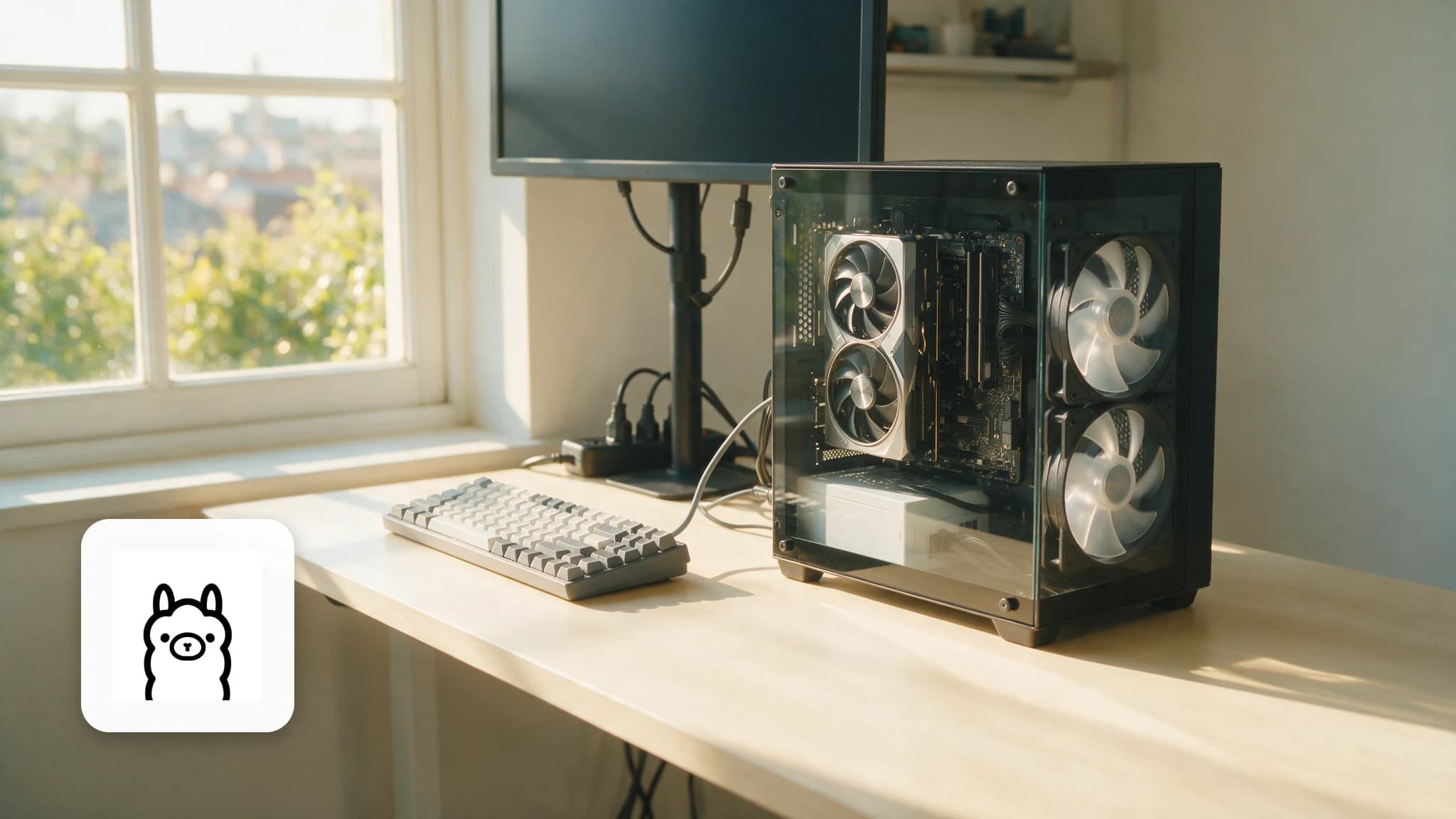
🏠 Build a Fully Offline Voice Assistant With Home Assistant
Faster-whisper, Piper, and Ollama wired into Home Assistant Assist, with real latency numbers for built-in intents, GPU tier and CPU-only Raspberry Pi hardware.

Derek Holt · Local AI & Hardware Writer
· 5 min read
⚡ TL;DR — quick answers
- Do I need the Home Assistant Voice Preview Edition hardware?
- No. Any microphone and speaker Home Assistant can reach over the network works, including the mobile app. Voice PE is the $69/€59 turnkey option, and the hardware mute switch that physically cuts mic power is the real reason to buy it rather than build one.
- How fast is this compared to Alexa or Google Assistant?
- Built-in intents ("turn off the lights") answer in well under a second with no LLM involved at all. An LLM-backed reply on an 8GB+ VRAM GPU lands around 1-2 seconds. The same reply on CPU-only hardware like a Raspberry Pi 5 stretches to roughly 5-8 seconds.
- What does prefer_local_intents actually do?
- It tells Home Assistant to try its own built-in intent matching before ever touching the LLM. Most commands are simple device control, not conversation, so this setting alone avoids paying LLM latency for requests that don't need it.

A fully offline Home Assistant voice pipeline bolts five pieces of the local voice stack together with a deliberately boring protocol called Wyoming: a wake-word listener, faster-whisper for speech-to-text, Home Assistant's own intent engine, an Ollama-hosted model for anything that engine can't parse, and Piper talking back. Nothing touches the internet once it's running.
I built mine on the same desktop that runs my RTX 4080, which is overkill and exactly the point. I wanted to know what the ceiling felt like before writing about the floor on a Raspberry Pi.
By the numbers
- Built-in intents and Speech-to-Phrase, no LLM involved at all, answer in well under a second per Home Assistant's own documentation
- A GPU with 8GB+ VRAM running a 7B-8B Ollama model gets the full loop, end of speech to first spoken word, down to roughly 1-2 seconds. Community reports on an RTX 3060 12GB land in that range
- The same loop on a Raspberry Pi 5, CPU only, runs closer to 5-8 seconds
- faster-whisper's own CPU benchmark (Intel i7-12700K, small model) cuts a transcription from 6m58s to 2m37s against the original Whisper, the gap that keeps this pipeline usable without a GPU at all (SYSTRAN/faster-whisper)
- The Home Assistant Voice Preview Edition, the reference hardware, is $69 / €59 with a hardware mute switch that physically cuts power to the mics (home-assistant.io)
- A tracked regression, home-assistant/core issue #160534, documents the 2026.1 release adding real lag to Assist's speech-to-text step — worth a read before updating blind
The pipeline in one pass
| Step | Handles it | Talks over |
|---|---|---|
| Wake word | openWakeWord | Local mic stream |
| Speech-to-text | faster-whisper | Wyoming |
| Intent match | Home Assistant Assist | Built-in, no network at all |
| Fallback conversation | Ollama | Local HTTP API |
| Text-to-speech | Piper | Wyoming |
Most requests never reach the Ollama step. That's the design, not an accident, and it's the whole reason this feels fast in daily use instead of like a chatbot bolted to a light switch.
Three hardware tiers, and what they actually feel like
| Tier | What's running | Real latency |
|---|---|---|
| Built-in intents | No LLM, pattern-matched commands | Well under 1 second |
| GPU, 8GB+ VRAM | 7B-8B Ollama model for open conversation | ~1-2 seconds |
| CPU only (Raspberry Pi-class) | Same 7B-8B model, no GPU | ~5-8 seconds |
The middle tier is where most homes should land. My 4080 handles it without breaking a sweat, but so does a used RTX 3060 12GB, which is the card most of these community reports actually cite. The bottom tier works. It's just not pleasant, and I wouldn't put it anywhere I ask more than "what's the weather."
The setting every guide skips
prefer_local_intents: true. That's it, that's the setting, and half the pipeline tutorials online never mention it. With it enabled, Home Assistant tries its own built-in intent matching first and only escalates to the LLM when nothing matches — which is most of a normal day's commands. Skip this setting and every "turn on the kitchen lights" pays full LLM latency for no reason.
Setting it up
- Install Home Assistant (OS install or an existing instance both work)
- Add faster-whisper and Piper as Wyoming services, either as Home Assistant add-ons or standalone containers on the network
- Install Ollama and pull a small model: llama3.2:3b or qwen3:4b are the realistic daily-driver picks, not a 70B model nobody's hardware here is running
- Add the Ollama integration in Home Assistant and point it at the local API
- Set
prefer_local_intents: trueunder the conversation agent's options - Build the pipeline in Settings → Voice Assistants, assigning faster-whisper, Piper, and Ollama to their slots, then test from the Voice PE or the mobile app
Test with something boring first. "What time is it" proves every link in the chain works before anything more ambitious gets asked of it, and it isolates which step broke if the reply never comes back.
Is the Voice PE hardware worth it
Not required. Any mic and speaker Home Assistant can reach over the network works, phone app included. What $69/€59 actually buys is a dual-mic array tuned for this specific job, a rotary volume dial, and a hardware mute switch that cuts power to the mics rather than just flipping a software flag. That last part is the one I'd pay for on principle even if a cheaper mic worked just as well.
Placement matters more than most tutorials admit, hardware aside. A mic within earshot of a running dishwasher or an open window misses wake words constantly, no matter how good the model underneath is. Put whatever ends up handling this job somewhere quiet, not somewhere convenient.
How I sourced the hardware-tier numbers
The GPU-tier latency is from my own desk — faster-whisper, Ollama, and Piper, all running on the 4080. I don't own a Raspberry Pi 5 to independently re-time the bottom tier, so those numbers are Home Assistant's own documentation and community-reported figures, cited rather than guessed at, and they line up with what the compute math predicts.
Most of what gets said to a voice assistant in a day is "lights off" and "what time is it," and none of that needs an LLM at all. Get prefer_local_intents right and the AI part barely gets invited to the conversation, which is a strange sentence to be able to write honestly about anything in 2026.
Frequently asked questions
▸Do I need the Home Assistant Voice Preview Edition hardware?
No. Any microphone and speaker Home Assistant can reach over the network works, including the mobile app. Voice PE is the $69/€59 turnkey option, and the hardware mute switch that physically cuts mic power is the real reason to buy it rather than build one.
▸How fast is this compared to Alexa or Google Assistant?
Built-in intents ("turn off the lights") answer in well under a second with no LLM involved at all. An LLM-backed reply on an 8GB+ VRAM GPU lands around 1-2 seconds. The same reply on CPU-only hardware like a Raspberry Pi 5 stretches to roughly 5-8 seconds.
▸What does prefer_local_intents actually do?
It tells Home Assistant to try its own built-in intent matching before ever touching the LLM. Most commands are simple device control, not conversation, so this setting alone avoids paying LLM latency for requests that don't need it.
▸Can I run the whole pipeline without a GPU?
Yes, for built-in intents and Piper's TTS output, both run fine on CPU. Budget 5-8 seconds per reply for the fallback conversation agent on a Raspberry Pi-class device; a GPU is what turns that into a 1-2 second wait.
The 5 best AI video finds, every week
New models, tested prompts, and what actually worked in our production — one short email a week. No spam, unsubscribe anytime.
Written by Derek Holt
Local AI & Hardware Writer
Runs the site's local-inference rig and benchmarks every GPU, quant, and speed-stack claim on it personally before it goes in a guide. Will not shut up about VRAM bandwidth.
Explore these topics
Every guide, comparison and prompt library we have on each.
Keep learning

Local LLMs · Ollama & LM Studio
 Guides
Local LLMs on Apple Silicon: Unified Memory Wins
A 64GB MacBook loads models a 24GB RTX 4090 cannot touch. What unified memory buys you, where MLX still beats everything, and which stack to actually run.