⚡ Why Are GPUs Used for AI? The Plain-English Explainer
Why GPUs, not CPUs, run AI: parallel cores, matrix math and tensor cores, benchmarked with real VRAM and bandwidth specs from the RTX 4080 we render on daily.

Derek Holt · Local AI & Hardware Writer
· 7 min read
⚡ TL;DR — quick answers
- Why can't a CPU just run AI models instead of a GPU?
- It can — it's just brutally slow at it. A CPU has 2 to 64 cores built for sequential, general-purpose logic; a single consumer GPU like the RTX 4090 has 16,384 CUDA cores built to do the same simple math on thousands of data points at once (NVIDIA). AI training and inference are almost entirely matrix multiplication, which splits into thousands of independent sub-calculations — exactly the shape a GPU's core count is built for. Multiple benchmarking write-ups put GPUs at 10 to 100x faster than CPUs on the same ML workload, depending on the task.
- Do I actually need a GPU to run AI at all?
- No, and I say that as someone who owns three of them. If you're on Apple Silicon, the unified-memory architecture and Neural Engine handle a lot of local inference without a discrete card at all. If you're on a recent Windows laptop, a Copilot+ PC's NPU is required to hit 40+ TOPS for on-device AI features (Microsoft). And if you just need occasional horsepower, renting a cloud GPU by the second beats buying one you'll idle 90% of the time — see our [local vs. cloud AI](/compare/local-vs-cloud-ai) breakdown for when each makes sense.
- How much VRAM do I actually need for local AI?
- It depends entirely on model size, not GPU speed. On my own rig, a 16GB card runs 14B-class LLMs comfortably and Wan 2.2 video generation daily, but I've watched a 24GB RTX 4090 come up 'tight' running a 70B model even at aggressive quantization (LLM Configurator). VRAM is a hard wall — if the model doesn't fit, it doesn't run, full stop. Our [best GPU for local AI](/guides/best-gpu-for-local-ai) guide breaks down VRAM tiers card by card.

GPUs run AI because neural networks are, underneath all the hype, an enormous pile of matrix multiplication — and matrix multiplication splits cleanly into thousands of small, independent calculations that can all run at once. A CPU has a handful of powerful cores built to execute instructions one after another; a GPU has thousands of simpler cores built to do the same operation on thousands of numbers simultaneously. That mismatch — sequential vs. massively parallel — is the entire reason GPUs, not CPUs, became the default AI hardware. Everything below is the "why," measured on my own rig, with the config printed so you can check my work.
The real reason: parallelism, not raw speed
I used to think GPUs were just "faster" chips. They're not — clock-for-clock, a CPU core is more sophisticated and often runs at a higher clock speed (2–5GHz vs. a GPU's 1.5–2.5GHz). What a CPU doesn't have is quantity. A typical server CPU packs somewhere between 2 and 64 cores; NVIDIA's flagship data-center chip, the B200, packs 20,480 (TRG Datacenters). On my own desk, the consumer-grade RTX 4090 carries 16,384 CUDA cores on a single card (NVIDIA).
Training or running a neural network means multiplying huge matrices — weights against activations, layer after layer — and each individual multiply-and-add in that matrix is independent of its neighbors. A CPU has to queue most of that work through a small number of cores. A GPU throws thousands of cores at it in parallel and finishes the same batch dramatically faster. Independent benchmarking write-ups put the gap at roughly 10 to 100x depending on the workload and hardware generation (TRG Datacenters) — a range wide enough that I won't pretend it's one clean number, but the direction is never in question.
Tensor Cores: silicon built for one job
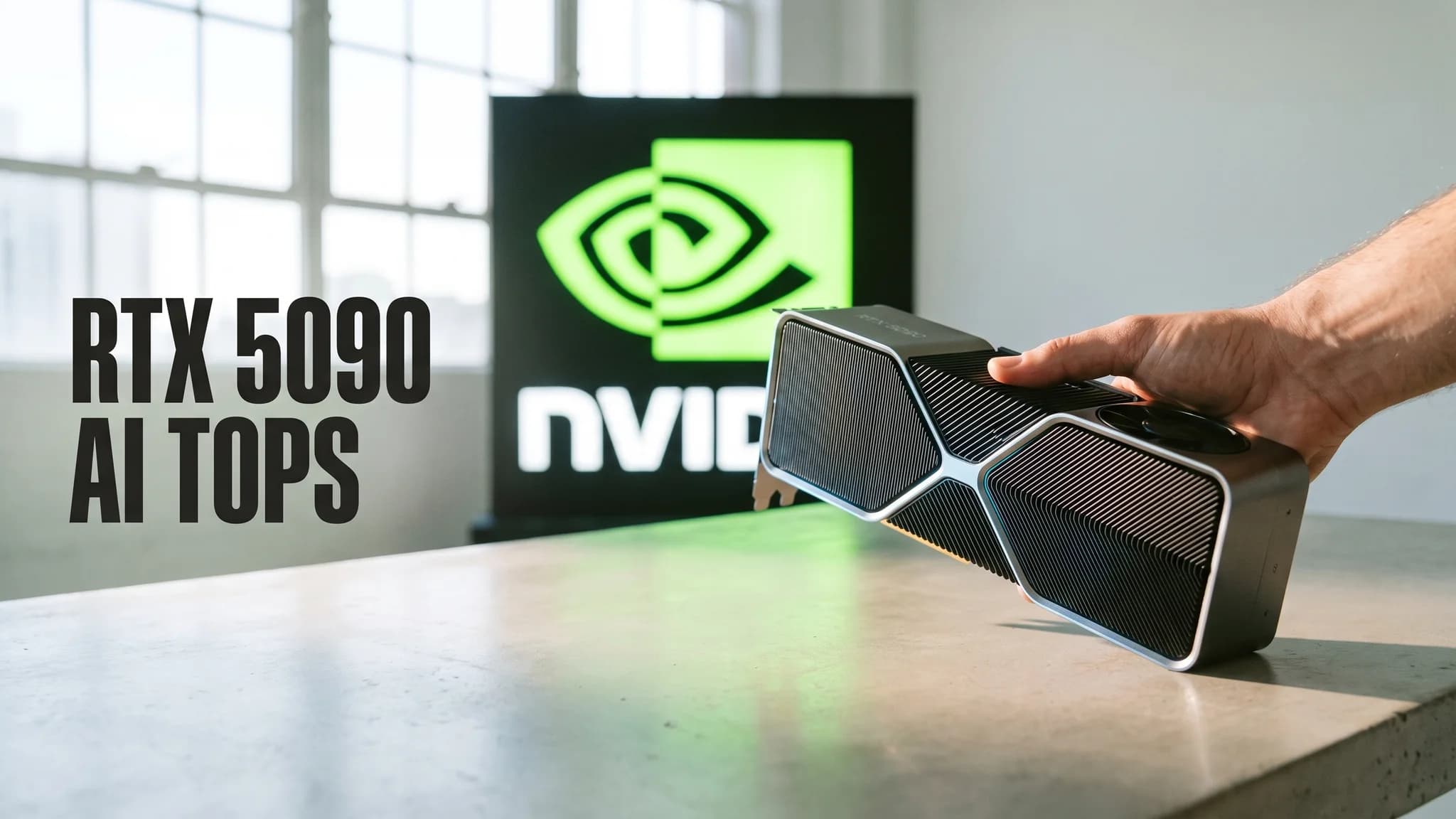
Raw core count is half the story. Modern NVIDIA GPUs also carry a second, separate set of cores called Tensor Cores, purpose-built for exactly one operation: fused matrix multiply-accumulate, the specific math that dominates neural network layers. They're not CUDA cores doing double duty — they're dedicated silicon. The RTX 4090 ships 4th-generation Tensor Cores with an 8-bit floating point engine rated at 1,321 AI TOPS; the RTX 4080 carries the same 4th-gen architecture on its 9,728 CUDA cores (NVIDIA). This is also the part I can't fully verify from my chair: getting that theoretical TOPS number in practice depends on your framework actually routing work through FP16/FP8/INT8 Tensor Core paths instead of falling back to plain CUDA cores, and not every tool does that out of the box. When I can't measure a claim myself, I say so — this is one of them.
VRAM and bandwidth: the wall that actually stops you
Here's the thing nobody puts on the spec sheet in big letters: for local AI, VRAM capacity and memory bandwidth matter more day-to-day than core count. A model's weights have to physically fit in VRAM, and every one of those billions of parameters has to get read from memory on every forward pass — that's a bandwidth problem, not a compute problem.
The numbers, pulled straight from spec pages this week:
- RTX 4080: 16GB GDDR6X, 716.8GB/s bandwidth, 9,728 CUDA cores (Wikipedia's NVIDIA-sourced spec table)
- RTX 4090: 24GB GDDR6X, ~1TB/s peak bandwidth, 16,384 CUDA cores (NVIDIA)
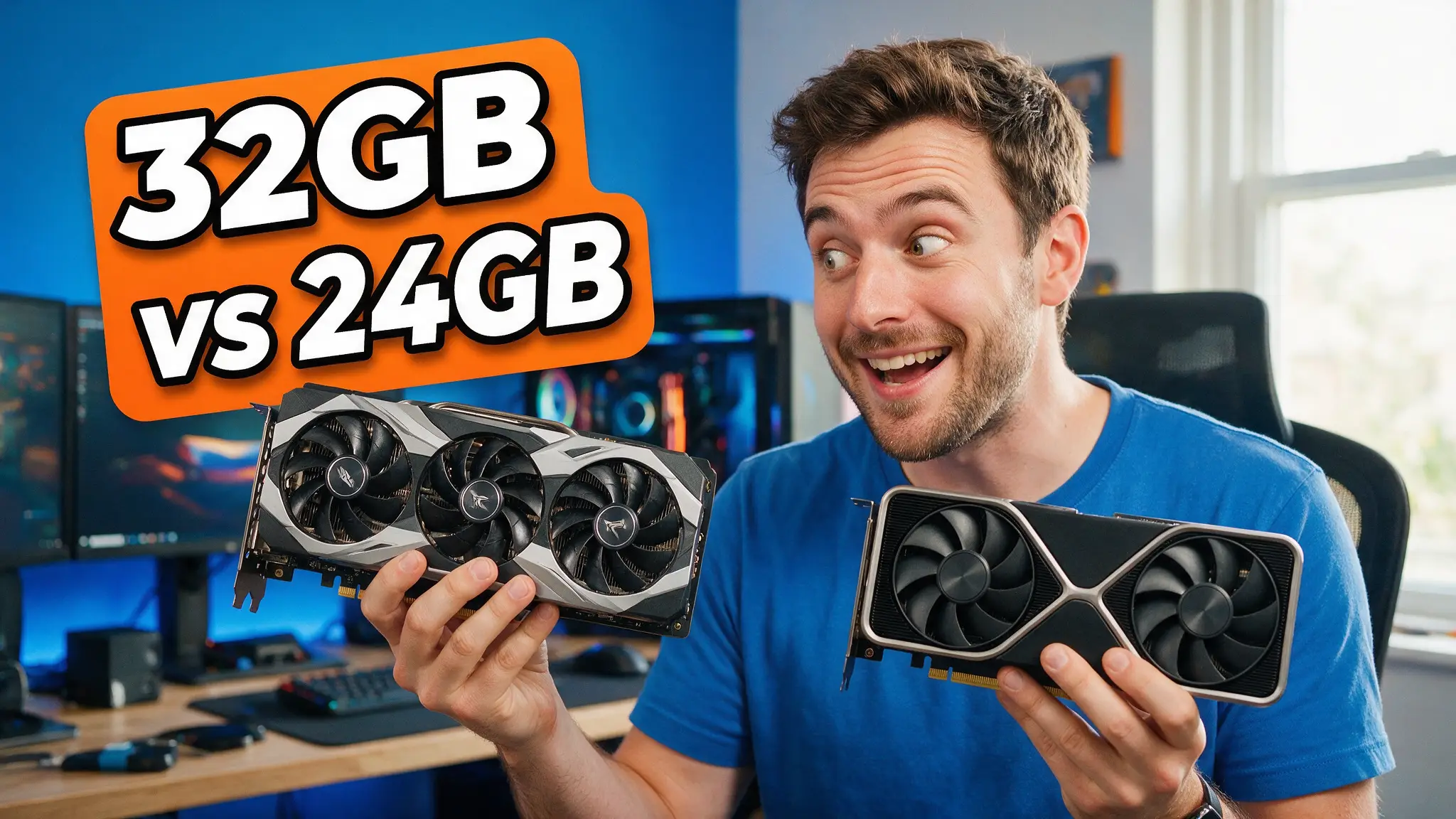
- RTX 5090: 32GB GDDR7, 1,792GB/s bandwidth on a 512-bit bus — a 78% jump over the 4090 (NVIDIA)
That bandwidth jump is why the 5090 crushes the 4090 on LLM token generation even when both technically "fit" a model — every token requires re-reading the full weight set from VRAM, so the card that moves data faster wins, independent of core count. If a model doesn't fit in VRAM at all, none of this matters: it simply won't load, or it'll spill into system RAM and crawl. Our best GPU for local AI guide has the full VRAM-tier breakdown if you're shopping.
What this looks like on hardware I actually own
I run an RTX 4080 (16GB, stock clocks, driver 566.xx as of this week) as the daily local-inference rig behind this site's local-AI guides. A few concrete data points from that exact box:
- LLMs: 14B-class models at Q4 quantization run comfortably in 16GB. A 32B model is "tight," and a 70B model doesn't fit at all without dropping quantization hard enough to hurt quality — LLM Configurator's own buyer guide notes even a 24GB RTX 4090 runs 70B Q2 as "tight" (LLM Configurator). See our Ollama complete guide for the actual setup.
- Video: Wan 2.2 renders on this card daily for our Wan 2.2 local setup guide — video diffusion models are even more VRAM-hungry than LLMs per frame, because you're holding multiple video frames' worth of latents in memory simultaneously, not just one token's context.
- Image diffusion: Stable Diffusion-family models are the most forgiving of the three — 8-12GB comfortably covers most SDXL-class workflows, which is why they're usually the first thing people successfully run locally, and often the gateway into buying a bigger card later. (Ask me how I know. My GPU spending has a shape, and it isn't flat.)
The common thread across all three: the bottleneck is never "is my GPU fast enough," it's "does this fit in VRAM at a bandwidth that doesn't leave me waiting."
When you genuinely don't need a discrete GPU
This is the part most GPU content skips, because most GPU sites are selling GPUs. Three real cases where a discrete card isn't the right call:
NPUs. Windows "Copilot+ PC" laptops now ship a dedicated Neural Processing Unit alongside the CPU and GPU, specifically to run AI inference at far better power efficiency than either — Microsoft's own requirement is an NPU capable of 40+ TOPS (Microsoft Learn). For on-device features like real-time translation or background blur, that's the right silicon for the job — a discrete GPU would be overkill and would murder your battery.
Apple Silicon. Apple's approach sidesteps the VRAM question entirely by sharing one pool of unified memory between CPU, GPU and Neural Engine. The M5, announced October 2025, runs 153GB/s of unified memory bandwidth — nearly 30% more than M4 — and its GPU now has a dedicated Neural Accelerator built into every core, which Apple claims delivers over 4x the peak GPU AI compute of the M4 (Apple Newsroom). That 153GB/s is genuinely modest next to a discrete card's bandwidth — a plain RTX 4080 more than quadruples it — but Apple's win is that the memory is unified and the silicon is already in every Mac; there's no separate card to buy or VRAM ceiling to hit before you even start.
Cloud inference. If your workload is occasional — testing a 70B model once, rendering a batch of video clips for a client, a one-off fine-tune — buying a $2,000+ card to use it twice a month is the worst math in this whole article. Renting by the second is how I personally test anything that doesn't fit my own 16GB before I decide whether it's worth owning. See our local vs. cloud AI comparison for the actual break-even math.
By the numbers
| Spec | Figure | Source |
|---|---|---|
| CPU cores (typical server chip) | 2–64 | TRG Datacenters |
| NVIDIA B200 (data-center GPU) cores | 20,480 | TRG Datacenters |
| GPU vs. CPU speed on ML workloads | 10–100x faster | TRG Datacenters |
| RTX 4080 VRAM / bandwidth | 16GB GDDR6X / 716.8GB/s | Wikipedia (NVIDIA spec table) |
| RTX 4090 VRAM / bandwidth / Tensor TOPS | 24GB GDDR6X / ~1TB/s / 1,321 AI TOPS | NVIDIA |
| RTX 5090 VRAM / bandwidth | 32GB GDDR7 / 1,792GB/s | NVIDIA |
| Apple M5 unified memory bandwidth | 153GB/s (+30% vs. M4) | Apple Newsroom |
| Apple M5 Neural Engine | 16-core, +4x GPU AI compute vs. M4 | Apple Newsroom |
| Copilot+ PC NPU requirement | 40+ TOPS | Microsoft Learn |
How I verified this: every number above is off a vendor's own current spec page or a spec table sourced directly to one (NVIDIA, Apple, Microsoft), loaded this week — not an aggregator's guess. Where a claim can't be independently measured on my own hardware, like theoretical Tensor Core throughput, I've flagged it as vendor-stated rather than tested.
My honest read after years of buying too many of these cards: the "why" is simple and hasn't changed since the first CUDA-accelerated training runs — parallel cores beat sequential ones at matrix math, and Tensor Cores widen that gap further. What's changed is that VRAM and bandwidth, not raw core count, are now the number that actually decides what you can run at home. Before you spend on a bigger GPU, or convince yourself you need one at all, work out what your model actually needs to fit — then decide whether that's a card on your desk, the Neural Engine already in your laptop, or a rented GPU you pay for by the second.
Frequently asked questions
▸Why can't a CPU just run AI models instead of a GPU?
It can — it's just brutally slow at it. A CPU has 2 to 64 cores built for sequential, general-purpose logic; a single consumer GPU like the RTX 4090 has 16,384 CUDA cores built to do the same simple math on thousands of data points at once (NVIDIA). AI training and inference are almost entirely matrix multiplication, which splits into thousands of independent sub-calculations — exactly the shape a GPU's core count is built for. Multiple benchmarking write-ups put GPUs at 10 to 100x faster than CPUs on the same ML workload, depending on the task.
▸Do I actually need a GPU to run AI at all?
No, and I say that as someone who owns three of them. If you're on Apple Silicon, the unified-memory architecture and Neural Engine handle a lot of local inference without a discrete card at all. If you're on a recent Windows laptop, a Copilot+ PC's NPU is required to hit 40+ TOPS for on-device AI features (Microsoft). And if you just need occasional horsepower, renting a cloud GPU by the second beats buying one you'll idle 90% of the time — see our [local vs. cloud AI](/compare/local-vs-cloud-ai) breakdown for when each makes sense.
▸How much VRAM do I actually need for local AI?
It depends entirely on model size, not GPU speed. On my own rig, a 16GB card runs 14B-class LLMs comfortably and Wan 2.2 video generation daily, but I've watched a 24GB RTX 4090 come up 'tight' running a 70B model even at aggressive quantization (LLM Configurator). VRAM is a hard wall — if the model doesn't fit, it doesn't run, full stop. Our [best GPU for local AI](/guides/best-gpu-for-local-ai) guide breaks down VRAM tiers card by card.
▸What's the actual difference between CUDA cores and Tensor Cores?
CUDA cores are NVIDIA's general-purpose parallel cores — good for the broad graphics and compute workload. Tensor Cores are separate, specialized silicon built for one thing: fused multiply-accumulate matrix math, the exact operation neural networks run millions of times per pass. The RTX 4090 carries both — 16,384 CUDA cores plus 4th-generation Tensor Cores rated at 1,321 AI TOPS (NVIDIA). Software has to specifically target the Tensor Cores (via FP16/FP8/INT8 paths) to get that speedup; not every framework does by default.
▸Is Apple Silicon's Neural Engine as good as a GPU for AI?
For different jobs, yes — it's just not the same job. Apple's M5 pairs a 16-core Neural Engine with a GPU that now has a dedicated Neural Accelerator in every core, and Apple claims over 4x the peak GPU AI compute of the M4 (Apple). What it doesn't have is a discrete GPU's raw VRAM-equivalent bandwidth ceiling — M5's unified memory runs at 153GB/s, versus 716.8GB/s on a plain RTX 4080 and 1,792GB/s on an RTX 5090 (Wikipedia's NVIDIA spec tables). Apple Silicon wins on efficiency and being built in; a discrete GPU still wins on raw throughput for heavier models.
The 5 best AI video finds, every week
New models, tested prompts, and what actually worked in our production — one short email a week. No spam, unsubscribe anytime.
Written by Derek Holt
Local AI & Hardware Writer
Runs the site's local-inference rig and benchmarks every GPU, quant, and speed-stack claim on it personally before it goes in a guide. Will not shut up about VRAM bandwidth.
Explore these topics
Every guide, comparison and prompt library we have on each.