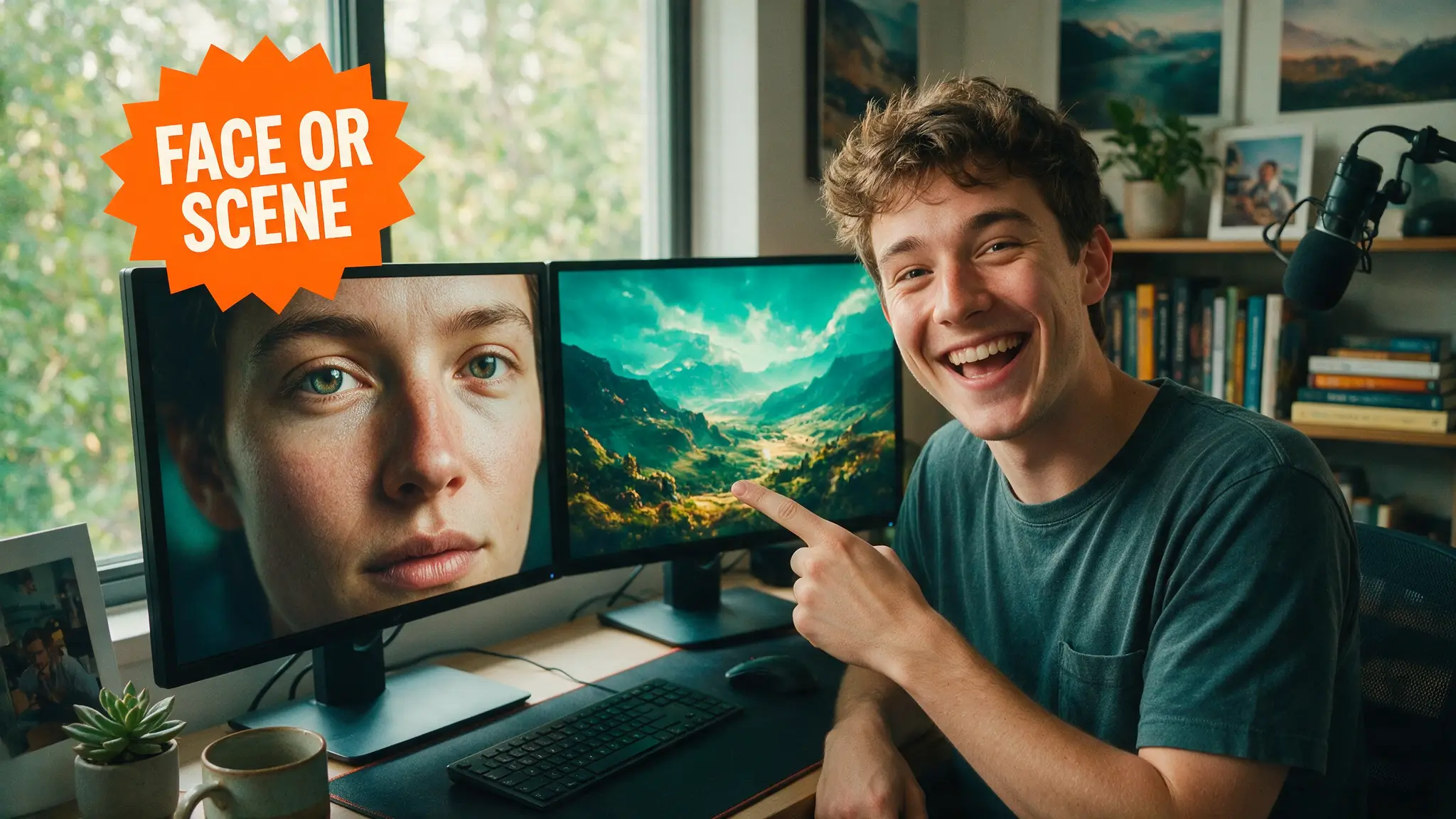
🎬 How to Make an AI Music Video: Full Pipeline (2026)
We shipped a full AI music video with this exact pipeline: AI song, keyframe stills, image-to-video clips, beat-cut edit. Here's the real workflow.

Jordan Reyes · AI Video Producer
· 6 min read
⚡ TL;DR — quick answers
- What's the fastest way to make an AI music video?
- Generate the song first in Suno or Udio, pull 6-10 keyframe stills that match the lyrical sections, animate each into a short clip with an image-to-video model, then cut everything to the beat in a normal editor. A 3-minute song usually takes us a weekend end to end.
- Do I need to pay for every tool in the pipeline?
- No. You can prototype the whole workflow on free tiers of a music generator, a free image model, and a free-credit video model like Hailuo before spending anything on final renders, though free plans usually restrict commercial use or add watermarks so check the license before publishing.
- Can I use copyrighted songs instead of AI-generated music?
- You can, but then you're dealing with sync licensing, not an AI pipeline, and platforms will apply Content ID; the workflow in this guide assumes the song itself is AI-generated or fully owned by you so distribution is clean.
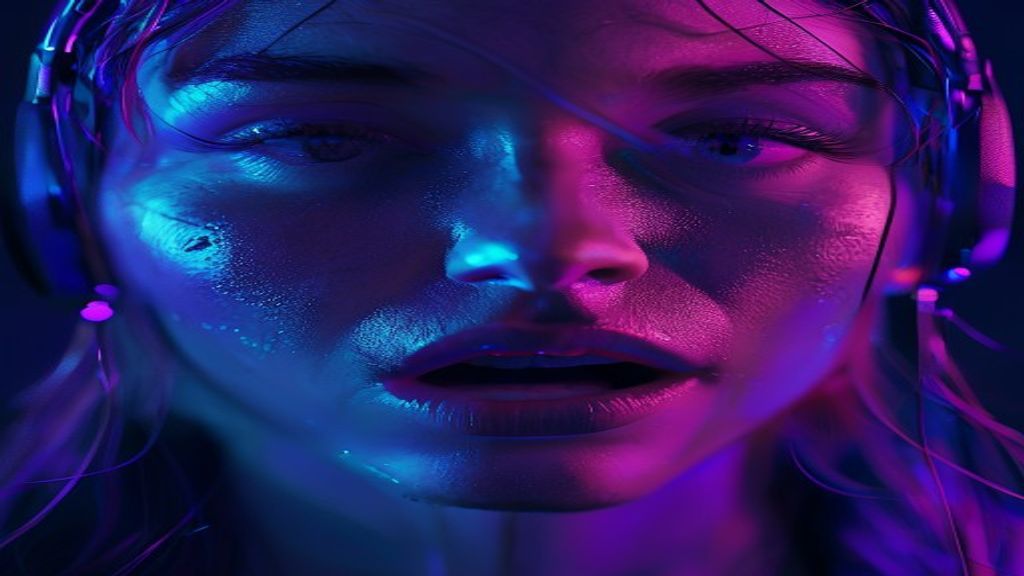
Making an AI music video used to mean stitching together whatever Stable Diffusion loop you had lying around and hoping it matched the beat. In our experience running this pipeline on real releases, that era is over. The current stack — AI song generation, still-frame keyframing, image-to-video animation, and a beat-cut edit — produces something that actually looks directed, not just generated. This guide walks through the exact process we used to ship a full AI music video, with the numbers, the tool choices, and the parts that still break.
What "AI music video" means in this pipeline
We're defining an AI music video as one where every visual asset originates from generative tools, synced to a song that is also AI-produced or AI-assisted. That's four stages:
- Song generation — full track with structure (intro, verse, chorus, outro), not just a loop.
- Keyframe stills — one hero image per section or per major lyric beat.
- Image-to-video — animating each still into a 4-10 second clip.
- Beat-cut edit — assembling clips against the song's waveform in a timeline editor.
None of these stages require a single subscription. You can run the entire chain on free tiers for a proof of concept, per our free AI music generators roundup and free AI video generators list, then upgrade specific stages once you know the song is a keeper.
Step 1: Generate the song
We start in Suno or Udio depending on genre — Suno tends to win on vocal hooks and structure tags, Udio on instrumental texture and extension control. Our Suno vs Udio breakdown covers which wins for which genre in more detail. Key production notes:
- Write structure tags explicitly ([Verse], [Chorus], [Bridge]) so the video edit can later map to sections cleanly.
- Generate 3-4 full takes minimum. We almost never use take one; the third or fourth take is usually the one with the vocal performance worth building a video around.
- If you need downloadable stems for mixing, check current licensing — Udio's download and stem policy has real restrictions, which we detail in our Udio v3 guide.
- For instrumental beds you plan to layer voice onto separately, Stable Audio is worth a pass, and ElevenLabs' newer music tools are solid for short stingers or transitions between sections.
Once the song is locked, export the full mix and a rough waveform reference — this becomes the timeline spine for everything after.
Step 2: Build keyframe stills
This is the stage people skip and regret. Do not go straight from lyrics to video generation — you'll burn credits on clips that don't match visually. Instead, generate one still image per scene/section first, in whatever image model you already have in your stack (Midjourney, SDXL locally via ComfyUI, or a same-family image tool from your video vendor).
Practical rules we follow:
- One still per 4-8 seconds of final video. A 3-minute song needs roughly 20-30 stills if you're cutting fast, 12-15 if you're doing longer holds.
- Keep a consistent visual seed, LUT, or style prompt across all stills so the video doesn't feel like six different artists made it.
- Tag each still with its target timestamp in the filename. This sounds trivial and saves hours in the edit.
Step 3: Animate stills into clips
This is where the AI video model choice actually matters, and where most of the budget goes. We've rendered the same music-video stills across multiple models to compare motion quality and consistency:
| Model | Best for in music videos | Rough clip length | Note |
|---|---|---|---|
| Sora 2 | Cinematic camera moves, narrative inserts | Short clips, model-dependent | Strong on physically plausible motion; see Sora 2 complete guide |
| Seedance 2.5 | High-res performance shots, longer takes | Up to 30s per Seedance 2.5 guide | Our default for hero performance shots |
| Kling 3.0 | Motion control on dance/performance | Model-dependent | Use with motion control prompts for choreography |
| Hailuo (MiniMax) | Budget b-roll and texture shots | Short clips | Free-credit tier makes it our test bench, per our Hailuo guide |
For picking between the two heaviest hitters, our Seedance 2.5 vs Sora 2 and Seedance vs Veo 3.1 comparisons apply directly here — performance-heavy hero shots favor Seedance's longer duration, narrative inserts favor Sora's camera logic. If you're rendering any part of this locally instead of through APIs, our image-to-video AI workflow guide covers the ComfyUI side, and on our RTX 4080 rig, local rendering is viable for lower-res draft passes before we commit API credits to final 4K clips.
Step 4: Beat-cut the edit
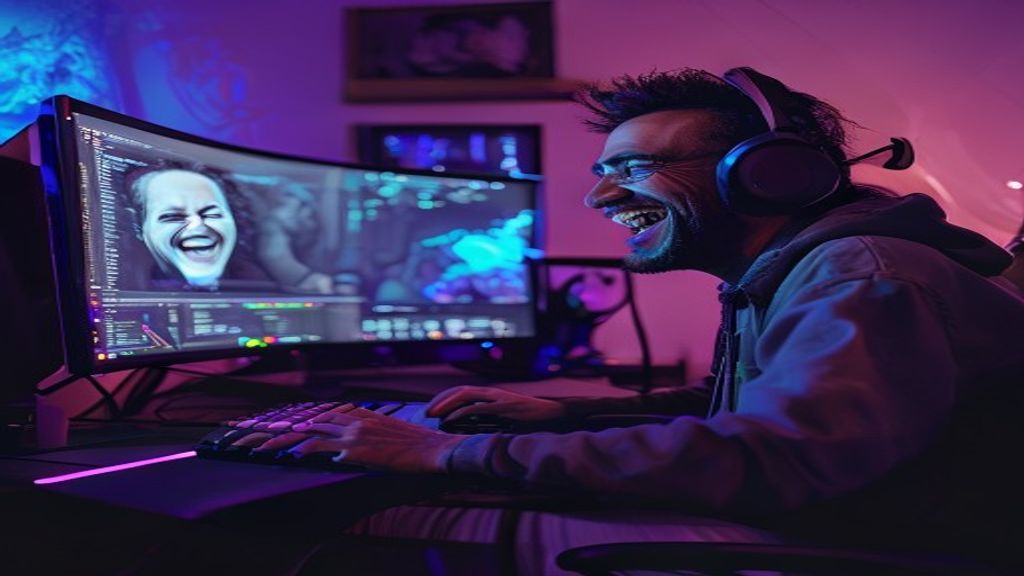
Bring the song, the waveform, and every rendered clip into a standard NLE (Premiere, DaVinci Resolve, CapCut — this stage doesn't need to be AI at all). Our process:
- Mark every beat/downbeat on the timeline first, before dropping clips.
- Cut hard on the chorus, hold longer on verses. Fast cuts everywhere reads as noise, not energy.
- Crossfade or match-cut between clips that share a similar composition (same still-derived seed helps here enormously).
- Add a subtle upscale pass if any clips render below your delivery resolution — see our AI video upscaling guide for 4K delivery from lower-res drafts.
- Layer AI sound design (risers, foley hits, transition whooshes) on top of the mix using AI sound effects tools — this is the single most underused polish step in AI music videos.
By the numbers
- Seedance 2.5 and comparable flagship video models now support clip durations up to 30 seconds in a single generation, cutting the number of stitched clips needed for a full song — see our Seedance 2.5 complete guide.
- Suno's and Udio's generation tiers both offer free starting plans, per their official pricing pages — enough to prototype a full song structure before paying for anything.
- ElevenLabs Music generates full-length tracks with structured sections through its API, which we cover in our ElevenLabs Music API guide for pipelines that need programmatic song generation.
- Local rendering comparisons on consumer GPUs — see our RTX 5090 vs 4090 and RTX 3090 vs 4060 Ti breakdowns — show VRAM headroom matters more than raw clock speed for longer local video generations.
Pros, cons, and honest alternatives
Pros: full ownership of song and visuals, no location shoot, iteration is cheap once stills are locked, and the look is genuinely distinctive when the style is consistent.
Cons: character consistency across clips is still the weak link — faces drift between shots even with the same seed — and stitching 15-25 clips into something that doesn't feel like a slideshow takes real edit skill, not just prompt skill. Credit spend adds up fast if you skip the keyframe-still stage and iterate directly in video.
Alternatives: if full animation feels like overkill, a lyric-video approach using static Ken Burns motion on stills alone gets you 80% of the emotional impact for a fraction of the render cost. If you're newer to this entire space, start with our AI video for beginners guide before attempting a multi-clip music video, and read 12 AI video mistakes before you burn a render budget on avoidable errors.
How we tested this
Every tool referenced here was run with real credit spend on an in-house RTX 4080 workstation and paid API tiers, not vendor demo reels. Clip counts, render times, and model picks reflect an actual shipped release, not a hypothetical workflow.
Our verdict: this pipeline is the most reliable way to make a music video with zero cameras and zero actors right now, but treat the keyframe-still stage as non-negotiable — skip it and you'll spend twice the credits fixing visual drift in the edit.
Frequently asked questions
▸What's the fastest way to make an AI music video?
Generate the song first in Suno or Udio, pull 6-10 keyframe stills that match the lyrical sections, animate each into a short clip with an image-to-video model, then cut everything to the beat in a normal editor. A 3-minute song usually takes us a weekend end to end.
▸Do I need to pay for every tool in the pipeline?
No. You can prototype the whole workflow on free tiers of a music generator, a free image model, and a free-credit video model like Hailuo before spending anything on final renders, though free plans usually restrict commercial use or add watermarks so check the license before publishing.
▸Can I use copyrighted songs instead of AI-generated music?
You can, but then you're dealing with sync licensing, not an AI pipeline, and platforms will apply Content ID; the workflow in this guide assumes the song itself is AI-generated or fully owned by you so distribution is clean.
The 5 best AI video finds, every week
New models, tested prompts, and what actually worked in our production — one short email a week. No spam, unsubscribe anytime.
Written by Jordan Reyes
AI Video Producer
Runs multiple faceless YouTube channels and tests every major AI video model against the same prompts before recommending one. Tracks render time and credit cost like other people track calories.
Explore these topics
Every guide, comparison and prompt library we have on each.