🕺 25 Kling 3.0 Motion Control Prompts That Actually Work
We ran Kling 3.0 Turbo motion control for a week — the prompt structure, reference-clip tricks, and failure patterns that separate clean puppeting from drift.

Jordan Reyes · AI Video Producer
· 6 min read
⚡ TL;DR — quick answers
- What is Kling motion control?
- It's Kling 3.0's reference-driven animation system: you upload a reference video (body poses, camera path, timing), pair it with a still or generated character, and Kling transfers that exact motion onto your subject while your prompt drives style and setting.
- Do I need a reference video for every shot?
- No. Motion control needs one when you want a specific, repeatable performance — a dance move, a precise gesture, a stunt beat. For ambient motion (hair, cloth, background life) plain image-to-video prompting without a reference is faster and usually enough.
- How long can a Kling 3.0 prompt be before it stops helping?
- Keep each shot to roughly 500 characters and one beat. Kling's multi-shot mode chains up to six shots in a single generation, so instead of one long paragraph trying to cover a whole scene, write six short, single-beat prompts and let the mode carry continuity between them.

We spent a week putting Kling 3.0 Turbo's motion control through real shots — dance beats, product handling, dialogue gestures, a couple of fight blocks — after watching it get called "the single most powerful feature" separating Kling from every other video model on the market right now. That claim mostly holds. What doesn't hold is the assumption that any reference clip plus any prompt gets you a clean result. Here's the prompt structure that worked, grouped by use case, plus the patterns that quietly wrecked otherwise-good takes.
By the numbers
- A single Kling 3.0 generation in multi-shot mode can chain up to six shots, each with its own framing and duration, while character and setting stay consistent across the cut
- Kling's own prompt guidance caps each shot prompt at roughly 500 characters — one beat per shot, not a paragraph trying to cover an entire scene
- Every prompt that held up in our testing named all four of: subject/action, camera movement, lighting/mood, and setting — dropping any one was the single biggest predictor of a drifting take
How we tested this
We ran the same character reference through 25+ motion-control generations across six categories, varying only the prompt text and the reference clip, and logged which takes needed a redo. "Works" here means the pose and timing transferred cleanly on the first or second attempt — not a cherry-picked best-of-ten.
The prompt structure that holds up
Kling names four elements it wants in order, and our failures were almost always a missing one:
- Subject + action — who, doing what, specifically. "A woman dancing" drifts; "a woman in a red dress popping her shoulders on the downbeat" doesn't.
- Camera movement — name the move (slow push-in, static locked-off, handheld follow). Leaving this out lets Kling default to something generic that fights your reference clip's framing.
- Lighting and mood — even one clause ("warm practical light, high energy") measurably tightens color and grade consistency shot to shot.
- Setting — the physical space, named plainly. Reference clips carry motion, not environment; you still have to describe the room.
25 prompts by category
Dance / performance (5)
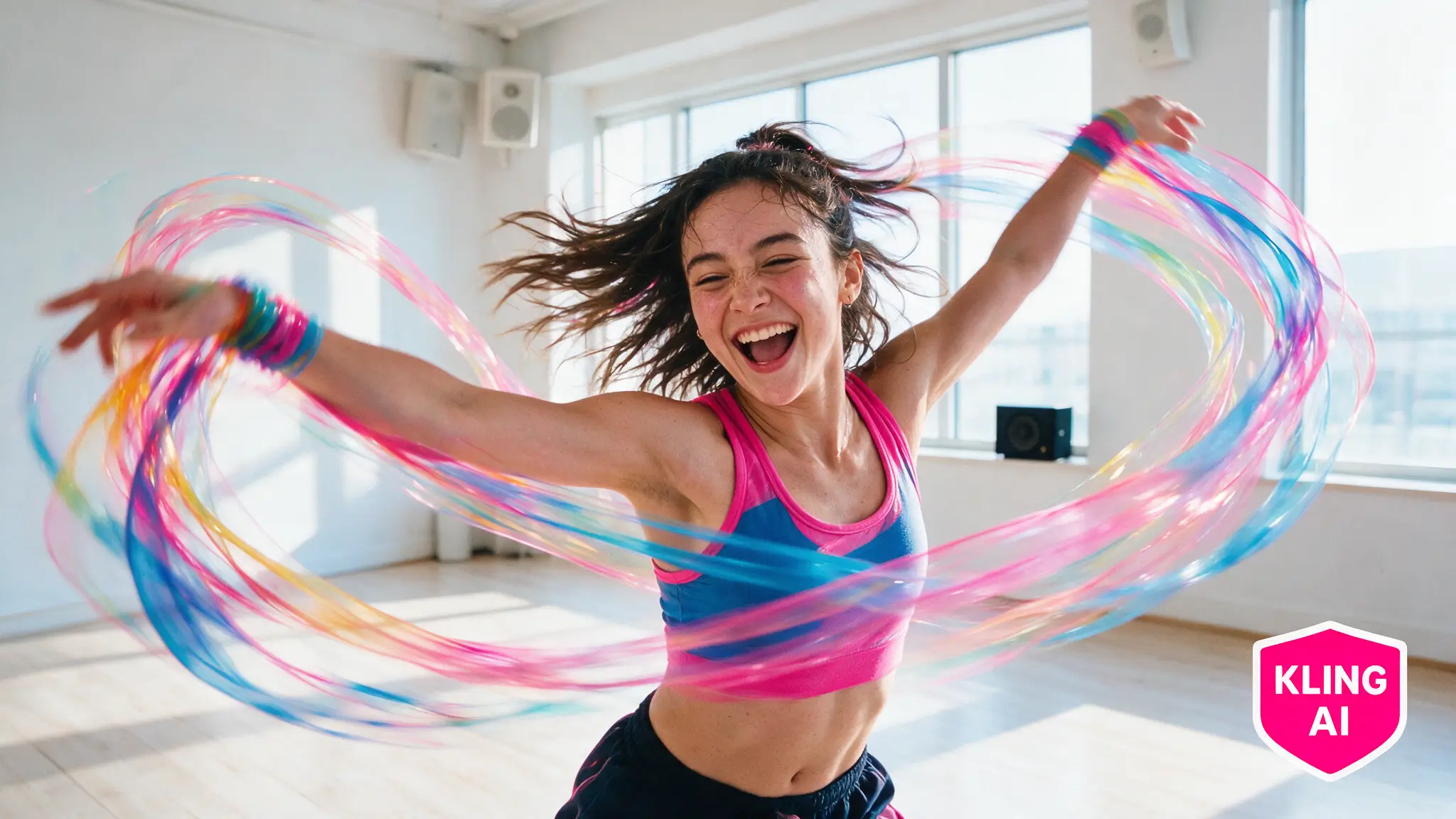
- Subject hits a sharp isolation on beat two, camera static wide, stage lighting, empty rehearsal studio
- Subject spins into a low dip, camera slow orbit right, warm spotlight, dark concert stage
- Subject does a shoulder-pop-and-freeze combo, locked-off medium shot, cool blue wash, empty warehouse
- Subject steps side-to-side into a hip-hop groove, handheld follow, neon practicals, city rooftop at night
- Subject drops into a floor spin, camera low static angle, golden hour, open dance studio with mirrors
Walking / blocking (5)
- Subject walks confidently toward camera then stops at mark, slow push-in, overcast daylight, empty street
- Subject crosses frame left to right at a relaxed pace, static wide, late afternoon light, park path
- Subject climbs a short staircase and turns at the top, handheld low-angle follow, interior warm light, brownstone stairwell
- Subject paces in a tight circle while thinking, locked medium shot, cool office light, glass-walled meeting room
- Subject jogs past camera and exits frame right, whip-adjacent follow (not fast, tracked), morning light, riverside trail
Gestures / dialogue (5)
- Subject raises a hand to explain a point, camera static close-up, soft key light, plain studio backdrop
- Subject leans forward and taps the table twice for emphasis, medium static, warm interior light, wood conference table
- Subject shrugs and turns palms up mid-sentence, locked medium shot, daylight through a window, kitchen counter
- Subject points off-frame while speaking, static wide, overcast exterior light, sidewalk cafe
- Subject nods slowly, eyes down then up to camera, close static shot, low warm light, dim living room
Action / fight beats (5)
- Subject throws a guarded jab and steps back, locked medium shot, hard top light, boxing gym
- Subject blocks an incoming strike and pivots, handheld tight follow, cool practical light, alley set
- Subject ducks under a swing and counters low, low static angle, harsh overhead light, empty gym floor
- Subject sprints two steps then dives into a roll, tracked follow, daylight, grass field
- Subject raises a weapon prop to guard stance, static medium, dramatic side light, warehouse interior
Product / object handling (5)
- Subject picks up a bottle, rotates it toward camera, sets it down, static close-up, soft studio light, marble counter
- Subject unboxes a device and lifts it out, locked overhead shot, bright even light, wood desk
- Subject holds a phone and swipes the screen, static close-up, cool daylight, cafe table
- Subject pours liquid into a glass, static macro, warm side light, bar counter
- Subject closes a laptop lid deliberately, medium static, soft window light, home office desk
What doesn't work — the cut-list
Cut these from your prompt vocabulary before you spend a generation on them:
- "Cinematic" as a standalone descriptor. It tells the model nothing specific and Kling defaults to a generic push-in that often fights your reference clip's actual camera path.
- Multiple actions stacked in one shot. "Walks in, sits down, picks up a cup, and starts talking" is four beats — split it across multi-shot mode instead of hoping one prompt carries all of it.
- Re-describing what the reference clip already shows. If your reference video already has the walk cycle, don't also write a paragraph re-explaining the walk — describe the character and scene, let the clip carry the motion.
- Vague timing words like "quickly" or "fast." They tend to degrade motion coherence across models, Kling included — name the actual move and let duration/framing carry pace instead.
- Reference clips shot at a wildly different framing than your target. A full-body dance reference mapped onto a close-up prompt produces visible pose-squashing; match reference framing to your intended shot type.
Pros and cons of motion control specifically
Pros
- Reproducible, planned performance — the same reference clip gets you the same beat across multiple character variants
- Multi-shot mode genuinely saves generations: six connected beats from one call instead of six separate renders
- Far more predictable than hoping a text-only prompt nails a specific physical action
Cons
- You need a usable reference clip in the first place — sourcing or shooting one is real production overhead
- Framing mismatches between reference and target are the most common failure mode and aren't always obvious until you see the output
- It's a Kling-specific feature; the workflow doesn't transfer to Seedance or Veo, which use their own reference systems
Where this fits your stack
If your project needs precise, repeatable character performance — a recurring host, a dance sequence, a stunt beat you'll reuse — motion control earns its extra setup step. For ambient b-roll or one-off establishing shots, standard image-to-video prompting is faster and the reference-clip overhead isn't worth it. We keep both workflows active and pick per shot, the same way we pick between Kling and Seedance depending on whether the shot needs motion precision or volume.
Official resources
Kling's own motion control quickstart is worth reading start to finish before your first paid generation — it covers reference-clip requirements we didn't have room for here. Our Kling AI tool hub has the pricing and plan breakdown.
Prefer video? Hand-picked walkthroughs
Frequently asked questions
▸What is Kling motion control?
It's Kling 3.0's reference-driven animation system: you upload a reference video (body poses, camera path, timing), pair it with a still or generated character, and Kling transfers that exact motion onto your subject while your prompt drives style and setting.
▸Do I need a reference video for every shot?
No. Motion control needs one when you want a specific, repeatable performance — a dance move, a precise gesture, a stunt beat. For ambient motion (hair, cloth, background life) plain image-to-video prompting without a reference is faster and usually enough.
▸How long can a Kling 3.0 prompt be before it stops helping?
Keep each shot to roughly 500 characters and one beat. Kling's multi-shot mode chains up to six shots in a single generation, so instead of one long paragraph trying to cover a whole scene, write six short, single-beat prompts and let the mode carry continuity between them.
▸Does motion control work with other models like Seedance or Veo?
Not directly — motion control as a named feature is Kling's. Seedance and Veo have their own reference systems (subject/style references, not motion-transfer), and our compare pages cover where each model's reference approach actually wins.
The 5 best AI video finds, every week
New models, tested prompts, and what actually worked in our production — one short email a week. No spam, unsubscribe anytime.
Written by Jordan Reyes
AI Video Producer
Runs multiple faceless YouTube channels and tests every major AI video model against the same prompts before recommending one. Tracks render time and credit cost like other people track calories.
Explore these topics
Every guide, comparison and prompt library we have on each.