🔍 AI Video Upscaling: 4K From 480p Drafts (2026 Workflow)
How we upscale cheap 480p AI video drafts to crisp 4K: the exact pipeline, what Topaz's $299/yr buys you, and the free options that got surprisingly good.

Jordan Reyes · AI Video Producer
· 4 min read
⚡ TL;DR — quick answers
- Why generate at 480p and upscale instead of generating at 4K?
- Cost. Generation credits scale hard with resolution — a 480p draft often costs a quarter of a 1080p render of the same clip. Drafting cheap, picking the good takes, and upscaling only the winners routinely cuts a project's generation bill by more than half.
- Is Topaz Video AI still worth it after the subscription switch?
- If you upscale weekly, the $299/yr subscription still buys the most controllable desktop pipeline. If you upscale occasionally, the math has gotten worse — Topaz retired its perpetual license in October 2025, and one-off users are better served by cheaper lifetime tools or the free DaVinci Resolve route.
- What's the best free way to upscale AI video?
- DaVinci Resolve's free version includes Super Scale, which does genuine AI upscaling inside a full editor. The catch is a multi-gigabyte download, a real learning curve, and a decent GPU requirement — but the output quality holds up.
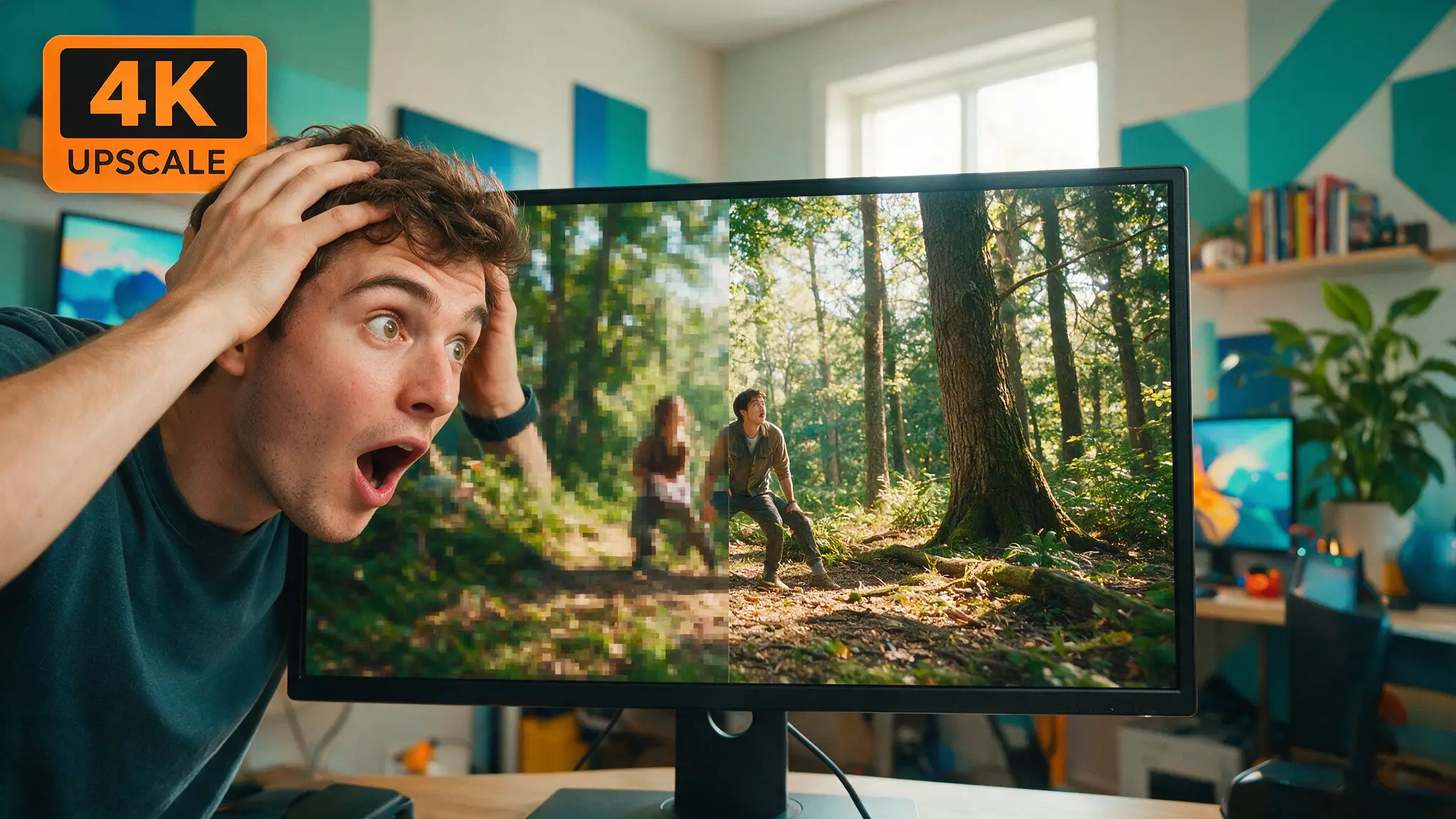
Most of the money wasted in AI video goes to rendering footage nobody keeps. The fix is a habit we borrowed from real production: shoot cheap, select hard, finish only the keepers. In AI terms — generate at 480p, pick your takes, and upscale the winners to 4K.
We run this pipeline weekly on our own channels, and the difference is not subtle. Drafting at 480p and upscaling the final cut costs us less than half of what generating everything at 1080p did, and the finished output looks better than most native mid-resolution renders.
By the numbers
- Topaz Video AI now runs $299/yr, subscription-only — the perpetual license was retired in October 2025 (Topaz Labs)
- Lifetime-license alternatives land far cheaper: Aiarty at ~$165 lifetime, VideoProc Converter AI at ~$46 lifetime
- DaVinci Resolve's free tier includes Super Scale — real AI upscaling at $0, inside a professional editor (Blackmagic Design)
- A 480p draft typically costs ~25% of the credits of the same clip at 1080p on credit-based platforms — the entire economic case for draft-first workflows
Why draft-at-480p is the workflow that won
Every credit-based video model prices by resolution and duration. Generate ten takes at 1080p and you pay full price for the seven you throw away. Generate ten drafts at 480p, keep three, and upscale those three — you've paid draft rates for your mistakes and finishing rates only for your keepers.
The newest models are pushing native resolution up — Seedance 2.5 now does native 4K — but native 4K generation costs native-4K credits on every roll of the dice. Until generation gets dramatically cheaper, the draft-and-upscale loop stays the budget play. Our full cost math lives in the AI video cost breakdown.
The three routes, honestly compared
| Route | Cost | Best for | The catch |
|---|---|---|---|
| Topaz Video AI | $299/yr | Weekly upscalers who want max control | Subscription-only since Oct 2025 |
| Lifetime tools (Aiarty, VideoProc) | ~$46-165 once | Occasional finishers | Fewer models, less fine control |
| DaVinci Resolve Super Scale | Free | Anyone already editing | Big download, learning curve, needs a real GPU |
| Cloud upscalers (platform built-ins) | Per-clip credits | One-off jobs, no install | Quality varies, you pay per attempt |
Our verdict: if you publish weekly, Topaz or a platform built-in earns its keep. If you finish a video a month, take the free Resolve route and spend the savings on generation credits instead.
How we actually run it
- Draft at 480p. Every take, every re-roll, every experiment happens at the cheapest tier. We treat these as dailies, not deliverables.
- Select ruthlessly. Watch everything at draft resolution. If a take has a physics glitch or a melted face, no upscaler will save it — re-roll now while it's cheap.
- Upscale keepers only. The picked takes go through the upscaler at 2x or 4x depending on the delivery target. For YouTube, we finish at 4K even when the source is soft — YouTube's own compression treats 4K uploads better, so the perceived quality gain is double.
- Sharpen conservatively. Every upscaler oversharpen setting eventually makes AI footage look like a video game. We keep enhancement models on their natural presets and fix contrast in the edit.
One habit worth stealing: upscale before you edit, not after export. Cutting on finished-resolution footage means your final export isn't re-compressing an already-compressed upscale.
Where local fits
If you run a decent GPU, local upscaling models remove the per-clip anxiety entirely — the same logic as our local AI video setup. Open-source ESRGAN-family and diffusion-based video enhancers keep improving, and a 16GB card handles 1080p-to-4K passes at usable speeds. The tradeoff is setup time and slower renders than the paid desktop apps. For creators already generating video locally, it's the natural finishing step; for everyone else, it's a weekend project you have to want.
How we picked and tested
We compared routes on the same three source clips — a 480p Seedance draft, a 720p archive clip, and a soft 1080p screen recording — judging edge stability, face integrity, and motion shimmer at 200% zoom, plus real render times on an RTX 4080. Pricing was checked against vendor pages the week of publication; these tools change plans often, so treat exact figures as as-of-publication and check current numbers before buying.
The wider point stands regardless of tool: in 2026, resolution is a finishing decision, not a generation decision. Draft cheap. Upscale what deserves it.
Frequently asked questions
▸Why generate at 480p and upscale instead of generating at 4K?
Cost. Generation credits scale hard with resolution — a 480p draft often costs a quarter of a 1080p render of the same clip. Drafting cheap, picking the good takes, and upscaling only the winners routinely cuts a project's generation bill by more than half.
▸Is Topaz Video AI still worth it after the subscription switch?
If you upscale weekly, the $299/yr subscription still buys the most controllable desktop pipeline. If you upscale occasionally, the math has gotten worse — Topaz retired its perpetual license in October 2025, and one-off users are better served by cheaper lifetime tools or the free DaVinci Resolve route.
▸What's the best free way to upscale AI video?
DaVinci Resolve's free version includes Super Scale, which does genuine AI upscaling inside a full editor. The catch is a multi-gigabyte download, a real learning curve, and a decent GPU requirement — but the output quality holds up.
▸Does upscaling fix AI video artifacts?
No — it sharpens what's there, including the mistakes. Warped hands stay warped, just crisper. Fix problems at the generation stage with a re-roll; upscale only the takes you'd already ship.
The 5 best AI video finds, every week
New models, tested prompts, and what actually worked in our production — one short email a week. No spam, unsubscribe anytime.
Written by Jordan Reyes
AI Video Producer
Runs multiple faceless YouTube channels and tests every major AI video model against the same prompts before recommending one. Tracks render time and credit cost like other people track calories.
Explore these topics
Every guide, comparison and prompt library we have on each.