🎚️ Udio v3 Guide 2026: Great Model, Locked Downloads
Udio v3 has 10-minute songs, 48kHz stereo and Stem Separation 2.0 — but downloads are disabled during the UMG transition. What that means before you subscribe.

Priya Nair · AI Audio & Music Producer
· 4 min read
⚡ TL;DR — quick answers
- Can you download songs from Udio in 2026?
- Not reliably. Following changes tied to Udio's Universal Music Group partnership, audio, video and stem downloads have been disabled for most users during the label licensing transition, with only short, occasionally announced download windows. Treat Udio as a create-and-listen platform right now, not a source of deliverable files.
- What is Stem Separation 2.0 in Udio?
- It exports discrete layers — vocals, bass, drums and other — with strong phase coherence, which is what makes stems usable in a DAW rather than just technically separated. It is an excellent feature that most users currently cannot download the output of.
- How much does Udio cost in 2026?
- Roughly $10/month for Standard with about 2,400 credits and no daily cap, and around $30/month for Pro with about 6,000 credits. Verify current pricing directly — Udio's plans and terms have moved alongside the licensing changes.
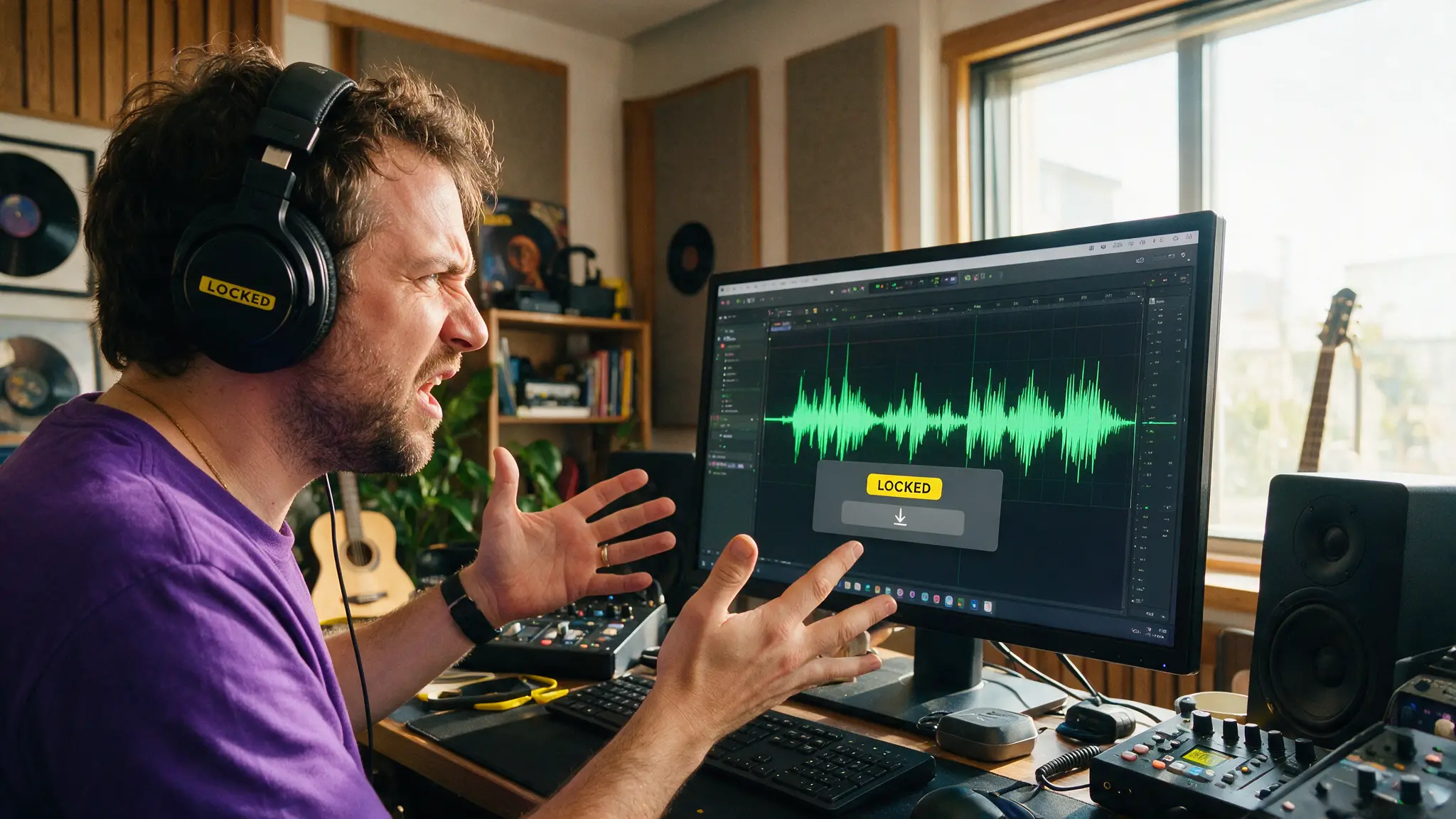
Udio v3 is a better model than the version that made Udio famous. It also currently won't let most users download what they make.
Both of those things are true at once, and almost every "Udio v3 review" covers the first and buries the second. If you're deciding whether to subscribe, the second one is the decision.
Start with the part that matters
Following changes tied to Udio's Universal Music Group partnership, audio, video and stem downloads have been disabled for most users during the label licensing transition. Downloads reopen only in short windows, announced in advance.
So before anything else: if your workflow requires a file — a video soundtrack, a client deliverable, a track to master, anything that leaves the browser — Udio cannot reliably serve it right now. That's not a bug report, it's the current product.
Everything below assumes you've absorbed that.
By the numbers
- ~$10/month Standard — roughly 2,400 credits, no daily cap
- ~$30/month Pro — roughly 6,000 credits
- 48kHz stereo output with an extended context window
- Up to 10 minutes of song length without hallucination drift — a genuinely hard technical result
- 50+ languages with native accent emulation
- 4 stems in Stem Separation 2.0: vocals, bass, drums, other
What v3 genuinely improves
Long-form coherence. Ten minutes without drifting is the headline, and it's the kind of improvement that's easy to underrate. Most AI music falls apart structurally past three or four minutes — sections stop relating to each other, motifs vanish. Holding a through-line for ten minutes is a different class of model.
Magic Edit (inpainting). Highlight a section of the waveform and regenerate just the lyrics, melody or instrumentation, leaving everything else intact. This is the feature that turns AI music from a slot machine into a tool. Being able to fix the one bad bar instead of re-rolling the whole song changes the entire working rhythm — it's the same shift region-level editing brought to AI video.
Stem Separation 2.0. Four discrete layers with strong phase coherence, which is the part that matters. Plenty of tools split audio; few produce stems that don't smear when you recombine them in a DAW. These are properly usable — for the users who can export them.
Multilingual range. 50+ languages with credible accent emulation is well ahead of most competitors, and underdiscussed.
The tension at the centre of the product
Udio built excellent professional tooling — stems, inpainting, long-form structure — and then, through the UMG arrangement, restricted the one thing professional tooling exists for.
That's not necessarily a bad long-term trade. A licensed, label-partnered AI music platform is a genuinely different legal proposition than one operating under litigation, and the rights posture may end up being Udio's real advantage. ElevenLabs took a comparable route by securing licensing before launch, and we covered why that matters in our ElevenLabs Music tools guide.
But right now, mid-transition, you're paying for capability you may not be able to use.
How we'd use it today
Good uses: exploring arrangements, writing and iterating on song structure, learning what prompts produce what, generating reference tracks to brief a human musician, anything where listening is the point.
Bad uses: client deliverables, video soundtracks, anything with a deadline, anything requiring stems in a DAW, building a catalogue you intend to own.
If you're in the second group, our best AI music generators guide covers the alternatives, and Suno vs Udio is the direct comparison — though note that comparison predates the download restriction and we're updating it accordingly.
How we assessed this
This guide is built on published Udio documentation, current pricing pages and reporting on the UMG licensing transition. We have not run a full production cycle on v3 specifically, and given the download situation we'd struggle to — which is itself part of the assessment.
Where figures may move, we've said so. Udio's pricing and terms have shifted repeatedly alongside the licensing changes, so verify anything commercially material directly rather than trusting any guide, this one included.
Pros and cons
For: best-in-class long-form coherence, genuinely useful inpainting, high-quality phase-coherent stems, 48kHz stereo, 50+ languages, a licensing posture that may age well.
Against: downloads disabled for most users, stems largely unusable outside the platform, terms in flux, credit pricing that assumes output you may not be able to export.
Verdict
Udio v3 is one of the strongest AI music models available and, for most people with a job to do, not the one to subscribe to this month.
The model deserves better than its current distribution situation, and if the UMG transition resolves into reliable downloads with proper licensing behind them, Udio becomes very compelling — arguably the most professionally credible option in the category. That's a real possibility, not a consolation.
Until then, treat it as a sketchpad rather than a studio. Create in Udio if you enjoy it; plan to deliver from somewhere else.
We'll update this page when download access is restored, because that single change flips the recommendation.
Frequently asked questions
▸Can you download songs from Udio in 2026?
Not reliably. Following changes tied to Udio's Universal Music Group partnership, audio, video and stem downloads have been disabled for most users during the label licensing transition, with only short, occasionally announced download windows. Treat Udio as a create-and-listen platform right now, not a source of deliverable files.
▸What is Stem Separation 2.0 in Udio?
It exports discrete layers — vocals, bass, drums and other — with strong phase coherence, which is what makes stems usable in a DAW rather than just technically separated. It is an excellent feature that most users currently cannot download the output of.
▸How much does Udio cost in 2026?
Roughly $10/month for Standard with about 2,400 credits and no daily cap, and around $30/month for Pro with about 6,000 credits. Verify current pricing directly — Udio's plans and terms have moved alongside the licensing changes.
▸Should I use Udio or Suno right now?
If you need files you can actually ship, Suno is the safer choice today purely on the download question. If you are exploring, writing or prototyping and the music stays inside the platform, Udio v3's editing tools and 10-minute coherence are genuinely strong.
The 5 best AI video finds, every week
New models, tested prompts, and what actually worked in our production — one short email a week. No spam, unsubscribe anytime.
Written by Priya Nair
AI Audio & Music Producer
Musician first, AI tester second. Judges every voice and song model on whether it would survive a real listener's headphones, not a spec sheet — and keeps a close eye on what's actually safe to monetize.
Explore these topics
Every guide, comparison and prompt library we have on each.