⬇️ How to Download AI Songs: Formats, Stems and New Caps
Suno caps downloads from September 3 and free accounts lose them entirely. Where the WAV option hides, how stems count against you, why Udio stays frozen.

Gene Park · Broadcast & Audio Engineering Writer
· 5 min read
⚡ TL;DR — quick answers
- How do I download a song from Suno?
- On the song row or player, open the three-dot menu and choose download — MP3, WAV or video. WAV is limited to the paid Pro and Premier plans and only appears on the desktop site; the mobile app hands you MP3 regardless of plan. From September 3, 2026, each song you download also counts against a monthly cap on paid plans.
- Do MP3, WAV and stems count as separate downloads against Suno's cap?
- No. One song counts as one download no matter how many formats you pull — grabbing the MP3 and the WAV of the same track is a single download, and a stem export bundles into that same one. That makes it efficient to take everything you might ever need from a track in one pass.
- Can I still download my songs on Suno's free plan?
- Until September 3, 2026, yes. After that, Suno's pricing page lists no downloads for free accounts — the free tier becomes generate-and-listen only. If you have free-tier songs you care about, export them before the switch; commercial rights don't attach to them either way, but personal copies are still worth keeping.

Key takeaways
- From September 3, 2026 Suno's free accounts get no downloads; Pro includes 20 a month and Premier 60
- All formats and stems of one song count as a single download, so export WAV, MP3 and stems in one pass
- WAV export is desktop-site only and paid-plan only; the mobile app always delivers MP3
- Udio downloads stay disabled for most users during the UMG transition, so plan no exports there
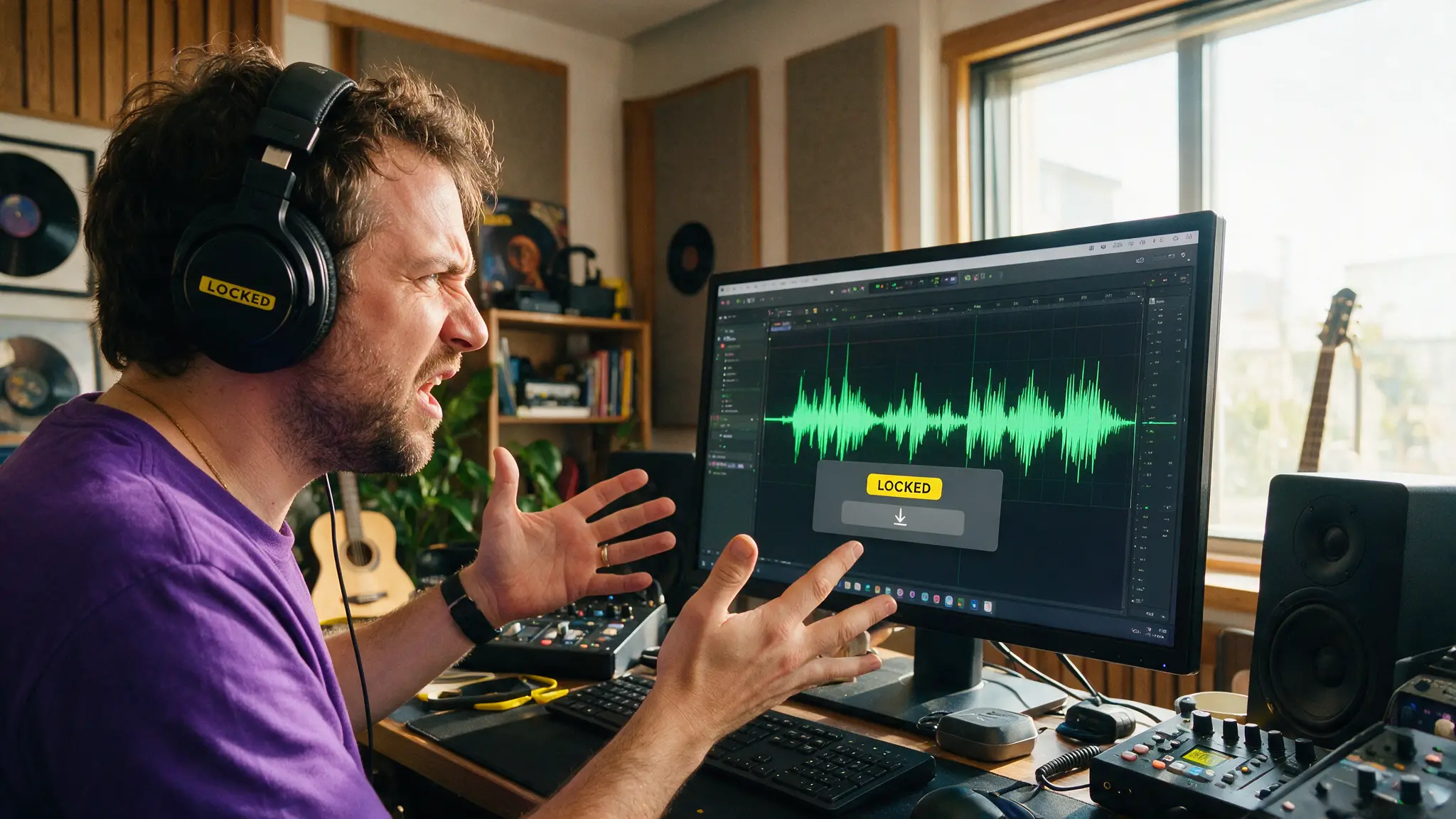
Download the WAVs now. That's the whole recommendation, and September 3, 2026 is the deadline: Suno's pricing page now lists zero downloads for free accounts after that date and monthly caps of 20 (Pro) and 60 (Premier) for paid ones. Everything else in this guide is mechanics — where the buttons hide, what counts against the cap, and which formats deserve shelf space.
I spent years in broadcast post watching people discover, always at the worst moment, that the only surviving copy of something was a compressed proxy. Same lesson here, cheaper tuition.
By the numbers
- From 9/3/26: free accounts get no downloads; Pro includes 20 song downloads/month; Premier includes 60 (Suno pricing, Variety)
- Suno Studio users keep unlimited downloads under the new system (Variety)
- One song = one download regardless of format: MP3 + WAV + stems of the same track count once (Variety)
- WAV export is Pro/Premier only and desktop-site only — the mobile app delivers MP3 whatever you pay (Jack Righteous export walkthrough)
- Stem exports run up to 12 time-aligned WAV files for DAW work, bundled into the song's single download (Jack Righteous; workflow in our Suno guide)
- Udio: downloads disabled for most users during the UMG licensing transition, reopening only in announced windows — details in our Udio v3 guide
Where the download actually lives
On Suno's desktop site, every song row and the player carry a three-dot menu; download sits inside it, offering MP3, WAV or video. Two traps in that one sentence. First, WAV only exists on the desktop site — the mobile app exports MP3 no matter what plan you're on, which is how people end up with a phone full of lossy copies of songs they paid to make. An MP3 at delivery bitrate is fine for a reference listen in the car; it is not a master. Lossy encoders discard exactly the transient detail and stereo width you'd want back the day a track earns a proper release, and no upgrade button returns them. Second, WAV is gated to Pro and Premier, so free users were always working in MP3; after September 3 they're not downloading at all.
The counting rule is the merciful part: pulling the MP3 and the WAV of one track is one download, not two, and a stem export bundles into that same single count. So the correct habit is a one-pass exit: when a track earns a download, take the WAV, the MP3 and, if you'll ever remix it, the stems, together.
Stems: twelve files, one count
Suno's stem export delivers up to 12 time-aligned WAV stems (vocals, drums, bass, the rest), which is what makes a generated track editable in a real DAW instead of a take-it-or-leave-it bounce. Time alignment is the part I check first: drop all twelve into a session, they line up sample-accurate from bar one, and a null test against the full mix tells you exactly what the separation cost you. Do that test once and you'll stop treating stems as optional.
For any track headed to publication, stems are also your insurance against the loudness pipeline: platforms will normalize you, and fixing a too-hot vocal in the stem session beats re-generating. Our loudness standards guide covers the targets; mastering the result free covers the tools.
The Studio exception
Under the new caps there's one uncapped door: Suno Studio, whose users keep unlimited downloads per Variety's reporting. Studio comes with Premier, so the $24 tier is really "60 downloads, or unlimited if you work inside Studio" — an odd seam in the pricing that I'd expect to close eventually. If your workflow lives in a DAW anyway, Studio's session-style environment is worth evaluating on its own merits, caps aside:
Udio: the download that isn't there
Nothing you're doing wrong. Udio switched off audio, video and stem downloads for most users during its Universal Music Group licensing transition, and they reopen only in short windows Udio announces in advance. The generation quality is real and the v3 model is genuinely strong, but as of this writing a Udio track is a streaming asset inside Udio's walls. If a download window opens and you have a library there, treat it like the Suno deadline above: one pass, everything, verified.
Elsewhere the news is better: ElevenLabs Music downloads normally and pairs it with a licensing story built for commercial work (our Music v2 breakdown), and anything you generate locally is a file on your disk from the moment it exists — no platform between you and your own output.
The archive discipline
Keep the WAV as the master and the MP3 as the delivery copy — an MP3 re-encoded through an edit stacks compression artifacts you can hear on cymbals and sibilants by the second generation. Name files with date and version, keep stems in a folder beside the master, and back the set up somewhere that isn't the generating platform. Twenty years of format migrations taught broadcast one rule: the platform is not your archive. It was true of tape libraries and it's true of credit-metered song generators with a caps announcement three weeks out.
The caps make the economics explicit — our pricing breakdown runs the per-file math across every plan. But the mechanics in this guide outlive any one pricing change: desktop site, WAV master, stems bundled, verify, back up. Songs you can't leave with were never really yours.
Sources & further reading
Outside figures cited above. First-hand test results are our own and noted as such in the text.
Frequently asked questions
▸How do I download a song from Suno?
On the song row or player, open the three-dot menu and choose download — MP3, WAV or video. WAV is limited to the paid Pro and Premier plans and only appears on the desktop site; the mobile app hands you MP3 regardless of plan. From September 3, 2026, each song you download also counts against a monthly cap on paid plans.
▸Do MP3, WAV and stems count as separate downloads against Suno's cap?
No. One song counts as one download no matter how many formats you pull — grabbing the MP3 and the WAV of the same track is a single download, and a stem export bundles into that same one. That makes it efficient to take everything you might ever need from a track in one pass.
▸Can I still download my songs on Suno's free plan?
Until September 3, 2026, yes. After that, Suno's pricing page lists no downloads for free accounts — the free tier becomes generate-and-listen only. If you have free-tier songs you care about, export them before the switch; commercial rights don't attach to them either way, but personal copies are still worth keeping.
▸Why can't I download my songs from Udio?
Udio disabled audio, video and stem downloads for most users during its Universal Music Group licensing transition, with only short, announced reopening windows. Nothing on your end is broken. Until the policy changes, assume anything you make in Udio stays in Udio.
▸Which format should I keep, MP3 or WAV?
WAV, every time you have the plan for it. It's the uncompressed master: it survives editing, loudness normalization and re-encoding without stacking compression artifacts. The MP3 is a delivery copy, not an archive. If a track matters, keep the WAV and the stems together.
The 5 best AI video finds, every week
New models, tested prompts, and what actually worked in our production — one short email a week. No spam, unsubscribe anytime.
Written by Gene Park
Broadcast & Audio Engineering Writer
Spent a career in TV post-production before the AI wave and still trusts meters over marketing. Measures loudness, codecs, and artifacts on everything before a single word gets written.
Explore these topics
Every guide, comparison and prompt library we have on each.