🎵 Suno: Complete Guide (2026) — Prompts, Custom Mode & Workflow
What we've learned publishing real Suno songs: custom vs simple mode, lyric tags, style prompting, remastering, commercial rights, and the radio-ready workflow.

Priya Nair · AI Audio & Music Producer
· Updated · 4 min read
⚡ TL;DR — quick answers
- Is Suno free to use?
- There's a free tier with daily credits for trying it, but commercial use of your songs generally requires a paid plan. Check current plan terms — pricing and rights have evolved across versions.
- What is Suno custom mode?
- Custom mode splits the prompt into separate lyrics and style fields, and accepts structure tags like [Verse], [Chorus] and [Bridge] inside the lyrics. It's the difference between asking for a song and directing one — serious use starts here.
- How do I make Suno songs sound less AI-generated?
- Three habits: specific style prompts (instruments, era, production adjectives instead of bare genre names), structure tags in lyrics, and a light mastering pass in a free tool afterwards. The raw export is a mix, not a master.
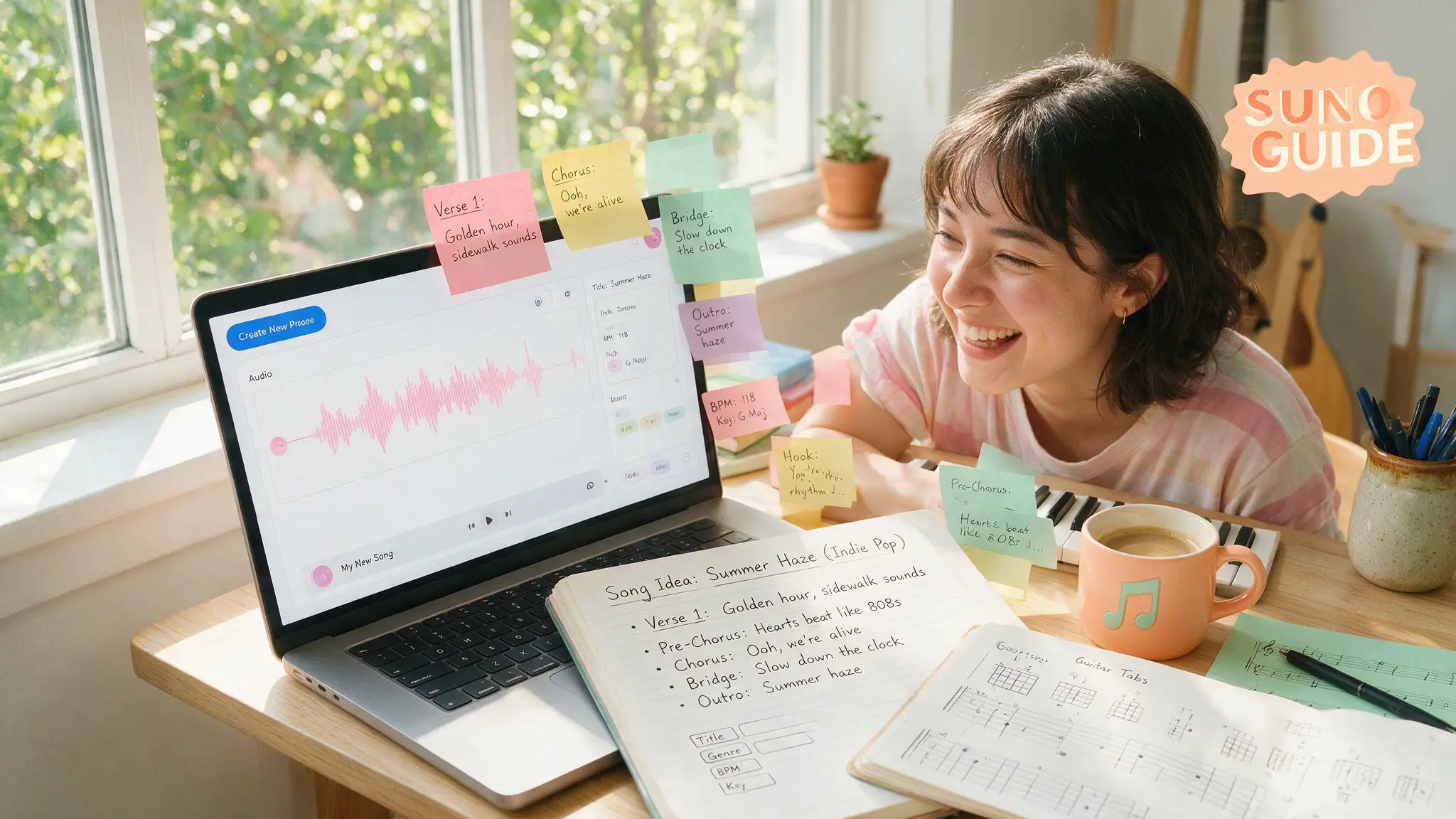
Suno is the tool that made "type a sentence, get a song" real — and the gap between what casual users get and what directed users get is enormous. We've published complete AI-generated songs in real projects; this is the workflow that survived.
Simple mode vs custom mode (use custom)
Simple mode takes one description and improvises everything. Fine for exploration, wrong for production. Custom mode is where Suno becomes a studio:
- Lyrics field — your words, with structure tags:
[Intro],[Verse],[Chorus],[Bridge],[Outro], plus performance hints like[Female Vocal]or[Whispered] - Style field — the sonic brief: genre blend, instruments, era, mood, production style
The style prompt formula that works
Bare genre names ("pop song") produce the averaged-out sound everyone recognizes as AI. Our formula:
[GENRE BLEND] + [INSTRUMENTATION] + [VOCAL CHARACTER] + [ERA/PRODUCTION] + [MOOD/TEMPO]
Example that consistently outperforms "upbeat pop":
indie pop with funk bassline, punchy live drums, bright female vocal
with playful delivery, 2010s radio production, 118 bpm, summer-drive energy
Forty more tested style blocks — by genre, use case and mood — live in our Suno prompt library.
Structure tags: directing the song
The single biggest quality lever in custom mode. Suno respects lyric-sheet structure remarkably well:
[Intro — soft piano]
[Verse 1]
Your lyric lines here...
[Pre-Chorus — building]
[Chorus — full band, anthemic]
The hook everyone remembers...
[Bridge — stripped back]
[Final Chorus — key change]
Rules from production: keep choruses lyrically identical between repeats (it strengthens the hook), one performance direction per tag, and don't over-stack tags — the model follows clear structure, fights contradictory micro-direction.
Iterate like a producer, not a slot machine
- Generate in pairs, keep ruthlessly. Expect 3–5 generations per keeper on important songs.
- Extend the winning take to develop it further instead of re-rolling from scratch.
- Remaster/cover features (on recent versions) can upgrade an old favorite's fidelity — capabilities move fast, so check what your plan currently includes.
- Fix the last 10% outside Suno. The export is a solid mix, not a master.
A free pass through a mastering chain (even an online one) — gentle EQ, light compression, loudness to about -14 LUFS for streaming — is the difference listeners feel but can't name.
What v5.5 added: your voice, your model, your taste
The v5.5 generation (Suno's current top-quality tier as of August 2026) shifted the product from "better audio" to "more you," with three personalization systems on the Pro and Premier tiers:
- Voices — clone your own singing voice (with a spoken verification phrase) and use it as the vocalist on new generations. Full workflow in our Suno Voices guide.
- Custom Models — upload tracks from your own catalogue and Suno builds a personalized model that knows your style; up to 3 per account. We break down what to upload and when it beats prompt-crafting in the Custom Models guide.
- My Taste — a listening-preference profile that steers generations toward the genres and moods you consistently pick.
v5.5 also tightened prompt adherence, so the style formula above lands more reliably than on older model versions.
Commercial use, honestly
Paid plans have generally included commercial rights to your generations; free-tier songs typically aren't licensed for commercial use. Two cautions we practice ourselves: don't prompt real artists' names (weak legal ground, increasingly blocked anyway — describe the sound instead), and re-check current terms before a big commercial bet, because the industry's licensing landscape is still settling.
Getting started free
Start on the free credits, learn custom mode there, and upgrade only when a real project needs commercial rights. When you're comparing it against its main rival before subscribing, our Suno vs Udio head-to-head breaks down exactly who should pick which — and the full tool hub keeps the key facts current.
Prefer video? Hand-picked walkthroughs
Reading is faster, but if you want to see it done, these are the best tutorials we vetted for this topic:
Frequently asked questions
▸Is Suno free to use?
There's a free tier with daily credits for trying it, but commercial use of your songs generally requires a paid plan. Check current plan terms — pricing and rights have evolved across versions.
▸What is Suno custom mode?
Custom mode splits the prompt into separate lyrics and style fields, and accepts structure tags like [Verse], [Chorus] and [Bridge] inside the lyrics. It's the difference between asking for a song and directing one — serious use starts here.
▸How do I make Suno songs sound less AI-generated?
Three habits: specific style prompts (instruments, era, production adjectives instead of bare genre names), structure tags in lyrics, and a light mastering pass in a free tool afterwards. The raw export is a mix, not a master.
▸Can I use Suno songs on monetized YouTube videos?
On qualifying paid plans you generally get commercial rights to your generations; free-tier outputs typically aren't licensed for commercial use. Confirm against Suno's current terms and keep generation records.
The 5 best AI video finds, every week
New models, tested prompts, and what actually worked in our production — one short email a week. No spam, unsubscribe anytime.
Written by Priya Nair
AI Audio & Music Producer
Musician first, AI tester second. Judges every voice and song model on whether it would survive a real listener's headphones, not a spec sheet — and keeps a close eye on what's actually safe to monetize.
Explore these topics
Every guide, comparison and prompt library we have on each.