🎞️ Seedance 2.5 Multi-Shot: A Whole Story in One Pass
One-take means one generation, not one camera angle. How Seedance 2.5 builds setup, development, turning point and resolution inside 30 seconds.

Jordan Reyes · AI Video Producer
· 5 min read
⚡ TL;DR — quick answers
- Does 'one-take creation' mean a single continuous camera shot?
- No, and the naming misleads people. One-take refers to one generation pass, not one uninterrupted angle. ByteDance states the model can organise multiple logically connected shots inside those 30 seconds so a story unfolds through setup, development, turning points and resolution — rather than simply extending a single moment.
- How many shots can fit in one Seedance 2.5 generation?
- ByteDance has not published a shot-count limit the way Kling documents its six-cut ceiling. What is stated is the narrative structure the model targets — setup, development, turning point, resolution — which implies roughly three to five beats across 30 seconds before each one gets too short to read.
- Is a multi-shot generation better than editing separate clips?
- It depends what you are optimising. One generation keeps lighting, character and environment coherent across cuts without any matching work. Separate clips give you frame-accurate control over cut timing and let you discard a bad shot cheaply — a failed 30-second generation costs more than a failed 8-second one.
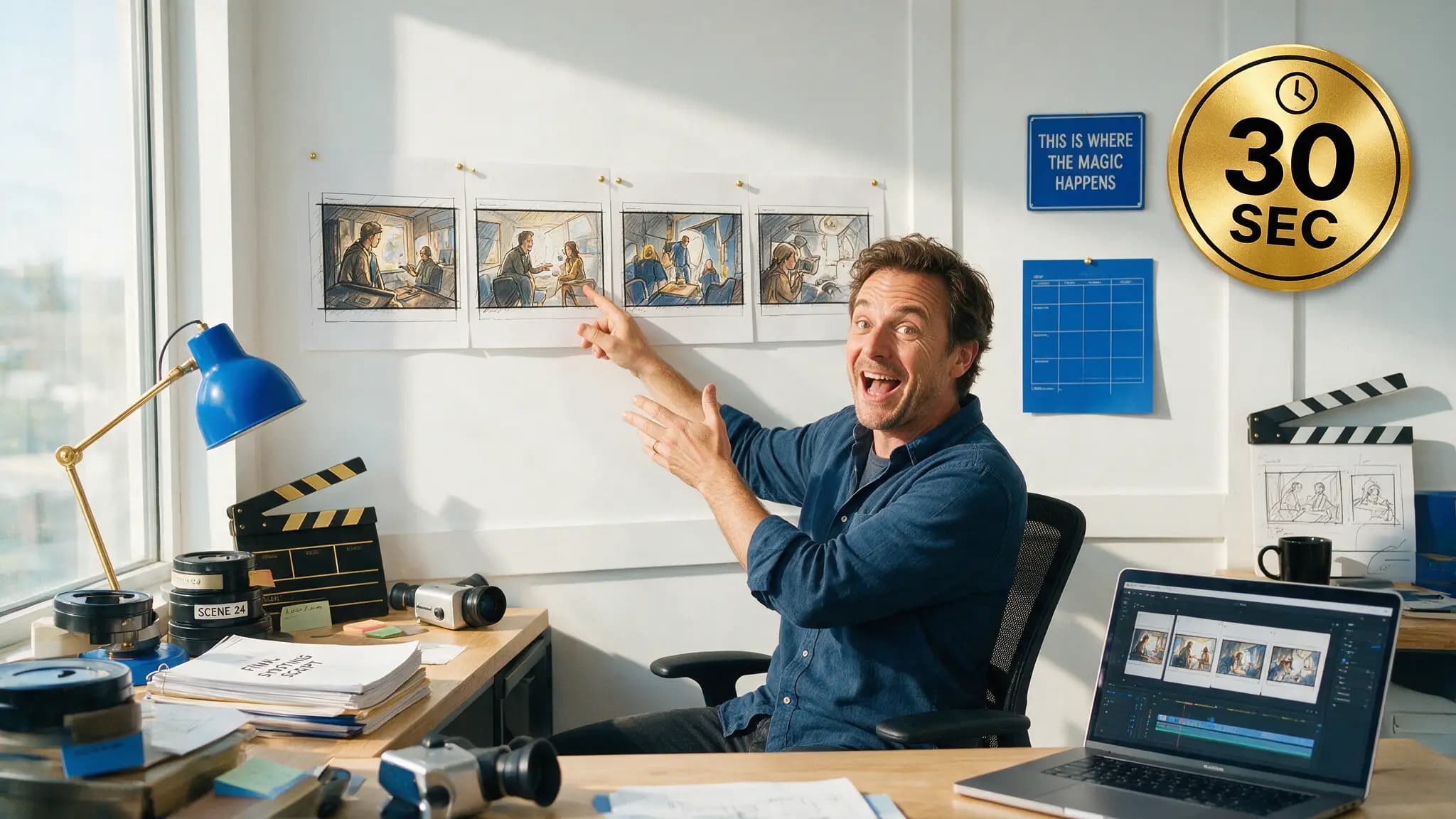
The phrase "one-take creation" in ByteDance's launch material has been read as one continuous camera move. It isn't. One take means one generation pass, and inside that pass Seedance 2.5 is explicitly designed to cut.
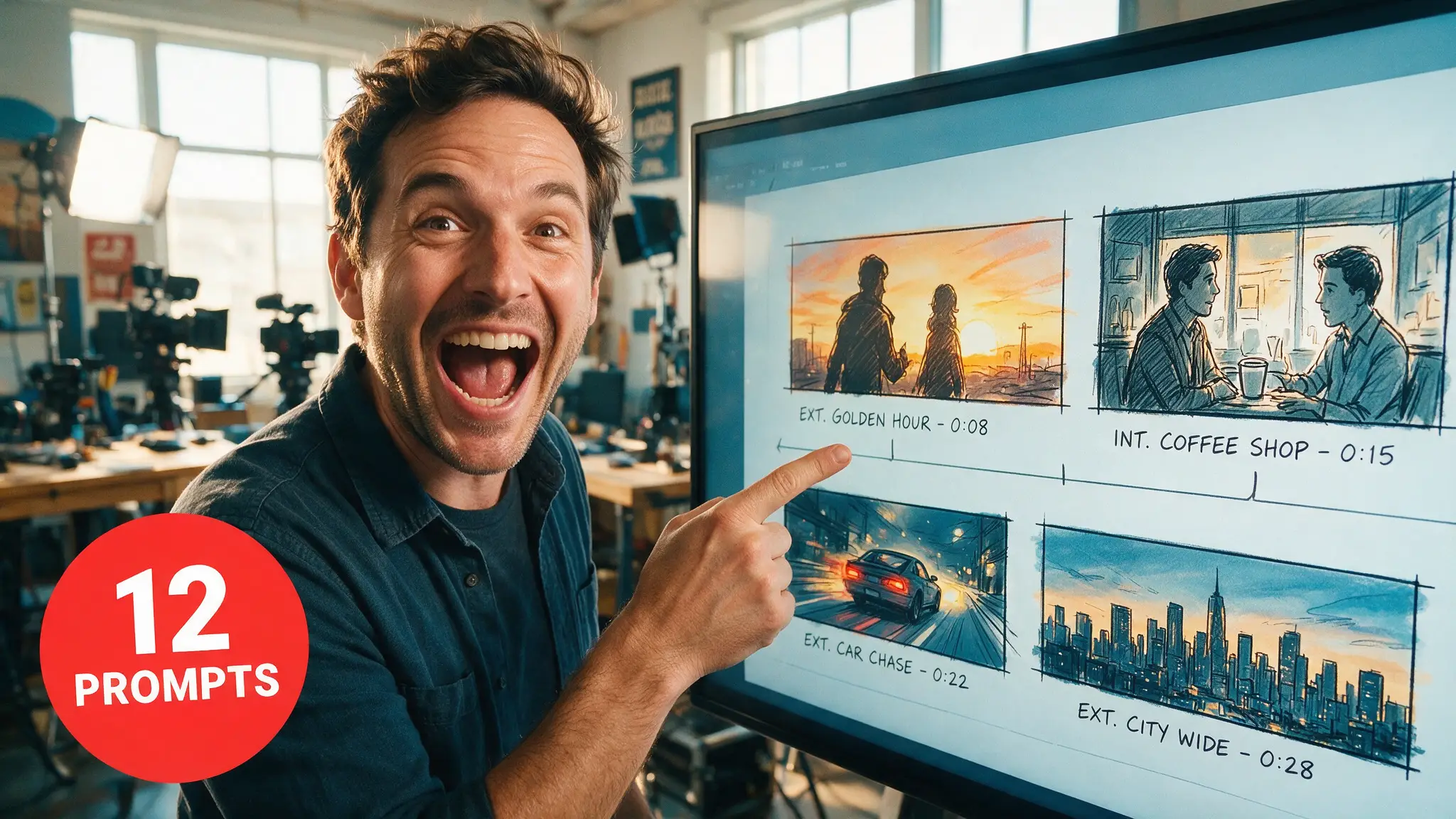
ByteDance's own wording: within 30 seconds the model "can organize multiple logically connected shots so that a story unfolds through setup, development, turning points, and resolution, rather than simply extending a single moment."
That last clause is the design statement. Longer was never the point; structured was.
By the numbers
| Seedance 2.5 | |
|---|---|
| Single-pass duration | Up to 30 seconds |
| Extensions | Two further rounds |
| Previous ceiling (2.0) | 15 seconds |
| Narrative model | Setup → development → turning point → resolution |
| Per-shot duration control | Not published |
| Documented shot-count cap | None published |
| Reference budget | 30 images + 10 video + 10 audio |
| Prompt adherence vs 2.0 | ~20% better (vendor claim) |
Why one generation beats four clips
Cutting between separately generated clips means matching them afterwards. The lighting shifts. The jacket is a slightly different shade. The room is subtly larger. Most of the work in AI video assembly is fixing continuity that a real camera would have preserved for free.
A multi-shot generation preserves it because the model holds one scene state across all the cuts. Same character, same set, same light, three angles. That is the argument, and it is the same one that made Seedance's multi-shot grammar valuable at 2.0 — 2.5 just doubles the runway.
The counter-argument is real too: a failed 30-second generation costs more than a failed 8-second one, and you cannot discard just the bad shot. Long generations reward locking your prompt first.
Structuring a multi-shot prompt
Beats in order, with rough weight. Not frame-accurate timestamps — those read as noise:
Beat 1 (setup, ~0-8s): Wide. The workshop at dawn, dust in a shaft of light.
He looks up from the bench.
Beat 2 (development, ~8-18s): Cut to close-up. Hands tightening the final bolt,
deliberate, unhurried.
Beat 3 (turning point, ~18-25s): Cut to medium. The machine catches and hums.
His expression changes.
Beat 4 (resolution, ~25-30s): Cut wide again. He steps back into frame left,
the machine running behind him.
CONSTANTS: His apron, the bench layout and the light direction stay unchanged.
Ready-made beat structures for this are in our 2.5 prompt library. Three to five beats is the workable range across 30 seconds. Below three and you are not using the structure; above five and each shot is under six seconds, which reads as a montage rather than a scene.
The CONSTANTS line matters more here than in single-shot work, because every cut is a place the model can re-derive something. Pair it with a proper reference stack — see character consistency for how to spend the 50-file budget.
What you don't get: per-shot control
This is the honest limitation. Kling 3.0 ships a Custom Multi-Shot switch that controls each shot's content and duration individually, up to six cuts. ByteDance has published no equivalent for Seedance 2.5.
So your control surface is prose. You describe the beats and their rough proportions and the model interprets. That is less precise than a per-shot parameter, and if frame-accurate cut timing is a requirement, generating separately and cutting in an editor remains the reliable route.
Where Seedance's approach wins is everything the cuts have in common. Where Kling's wins is knowing exactly when each cut lands. The Kling 3.0 Omni guide covers that side.
Extensions carry the structure forward
Two extension rounds beyond the initial 30 seconds, and ByteDance states extensions maintain "the consistency of main characters, environments, and narrative pacing."
Narrative pacing being named there is worth noticing. It suggests extension is meant to continue a story rather than just append footage — the model is being told to keep the rhythm of what came before, not only the look.
Practically: build your strongest 30 seconds first, then extend. Everything after inherits from that clip.
When to use it, and when not to
Use multi-shot generation for: scenes in one location with one or two characters, product sequences (approach, detail, hero), anything where cut-to-cut continuity is the expensive part.
Generate separately for: shots in different locations, sequences needing frame-accurate cut timing, high-iteration work where you re-roll individual shots often, and anything where a single bad beat would waste a full-length generation.
Before committing a long generation, blocking the camera out first pays for itself — see the previz workflow. Our default has been multi-shot grammar for scenes and separate generations for montages. Nothing in 2.5 changes that split — it just makes the scenes twice as long.
How we assessed this
The narrative-structure claim, the 30-second single-pass ceiling, the two extension rounds and the consistency language are from ByteDance Seed's own launch post, corroborated by CineD. The absence of a per-shot control is verified by absence: ByteDance publishes no such parameter, and BytePlus ModelArk has no 2.5 model entry to check against. Kling's six-cut Custom Multi-Shot switch is from Kling's own Video 3.0 documentation.
This is a workflow guide built from documented capability, not a render review. Seedance 2.5 reached consumers on July 31 and we do not hold Jimeng AI or Doubao Pro access, so there are no shot-count experiments or success rates here — and any page publishing those for a model this new did not run them.
Also unpublished, and therefore absent: resolution, frame rate, pricing and render times.
What didn't make the cut
A maximum shot count. Several pages state one. ByteDance does not, and the three-to-five range above is reasoning from the 30-second duration and the four-part structure ByteDance describes — presented as guidance, not as a spec.
Frequently asked questions
▸Does 'one-take creation' mean a single continuous camera shot?
No, and the naming misleads people. One-take refers to one generation pass, not one uninterrupted angle. ByteDance states the model can organise multiple logically connected shots inside those 30 seconds so a story unfolds through setup, development, turning points and resolution — rather than simply extending a single moment.
▸How many shots can fit in one Seedance 2.5 generation?
ByteDance has not published a shot-count limit the way Kling documents its six-cut ceiling. What is stated is the narrative structure the model targets — setup, development, turning point, resolution — which implies roughly three to five beats across 30 seconds before each one gets too short to read.
▸Is a multi-shot generation better than editing separate clips?
It depends what you are optimising. One generation keeps lighting, character and environment coherent across cuts without any matching work. Separate clips give you frame-accurate control over cut timing and let you discard a bad shot cheaply — a failed 30-second generation costs more than a failed 8-second one.
▸Can I control each shot's duration?
Not through a documented parameter. Kling 3.0 exposes a Custom Multi-Shot switch for per-shot content and duration; ByteDance has published no equivalent control for Seedance 2.5. Your lever is prompt structure — describing beats in order and indicating their relative weight.
The 5 best AI video finds, every week
New models, tested prompts, and what actually worked in our production — one short email a week. No spam, unsubscribe anytime.
Written by Jordan Reyes
AI Video Producer
Runs multiple faceless YouTube channels and tests every major AI video model against the same prompts before recommending one. Tracks render time and credit cost like other people track calories.
Explore these topics
Every guide, comparison and prompt library we have on each.