🎛️ Seedance 2.5 on Higgsfield: Every Setting Explained
Every Seedance 2.5 setting on Higgsfield explained: four modes, the real 480p/720p ceiling, the generate_audio default-on gotcha, and what does not exist yet.

Jordan Reyes · AI Video Producer
· 6 min read
⚡ TL;DR — quick answers
- What resolution does Seedance 2.5 output on Higgsfield?
- 480p or 720p. That is the entire enum on the live API as of August 7, despite the landing page's native-4K framing. If you need a 4K master today, Seedance 2.0's std mode renders native 4k on the same platform.
- Why does my Seedance 2.5 clip have sound I didn't ask for?
- generate_audio defaults to true, so every generation comes back with native audio unless you pass false. For silent b-roll or shorts that will carry in-app trending audio, flip it off at submission — a baked-in soundtrack can only be muted, not removed.
- Does Seedance 2.5 on Higgsfield have a seed or a fast mode?
- No. There is no seed, no std/fast split, no genre field, and no Identity-Lock or reference-strength slider. Consistency comes from the references you attach (image, video, audio); repeatability is not something the shipped API promises.
seedance_2_5 sits in Higgsfield's live catalog with four modes, two resolutions, seven aspect ratios and one booby-trapped default: generate_audio ships set to true. We pulled the full parameter list on August 7. This is every setting that exists, what each one does, and the shorter list of settings that do not exist no matter what you've read.
By the numbers
| Setting | Shipped value | Source |
|---|---|---|
| Modes | t2v (default), omni_reference, video_edit, video_extension | Higgsfield live catalog |
| Duration | 4–30s | Higgsfield live catalog |
| Resolution | 480p or 720p (marketing page advertises up to native 4K) | Higgsfield live catalog / Higgsfield site |
generate_audio | Boolean, default true | Higgsfield live catalog |
| Aspect | auto, 21:9, 16:9, 4:3, 1:1, 3:4, 9:16 | Higgsfield live catalog |
| References | Image + video + audio; "up to 50 multimodal inputs" is a vendor claim | Higgsfield live catalog / Higgsfield claim |
extension_mode | backward or forward; required only for video_extension | Higgsfield live catalog |
| video_edit billing | By the reference video's duration; duration/aspect ignored | Higgsfield live catalog |
| Frame pinning | None on 2.5; start_image/end_image stay on Seedance 2.0 | Higgsfield live catalog |
| Credit pricing | Unpublished | Higgsfield live catalog |
The four modes and when each fires
t2v is the default: prompt in, clip out, 4–30 seconds, no assets required. Most first renders land here.
omni_reference fires the moment identity matters more than the prompt. It accepts image, video and audio references together; Higgsfield claims up to 50 multimodal inputs, which lines up with ByteDance's 30-image, 10-video, 10-audio split, though the API itself publishes no cap. Treat 50 as the vendor's number.
video_edit repairs an existing clip region by region instead of re-rolling it. The billing quirk to respect: it bills by the reference video's duration, and the duration and aspect fields are ignored on these jobs. Short source, cheap fix; long source, master-sized fix.
video_extension makes finished clips longer, backward or forward, and it's the road past the 30-second cap; chains, joins and the ~90-second ceiling get their own video extension guide.
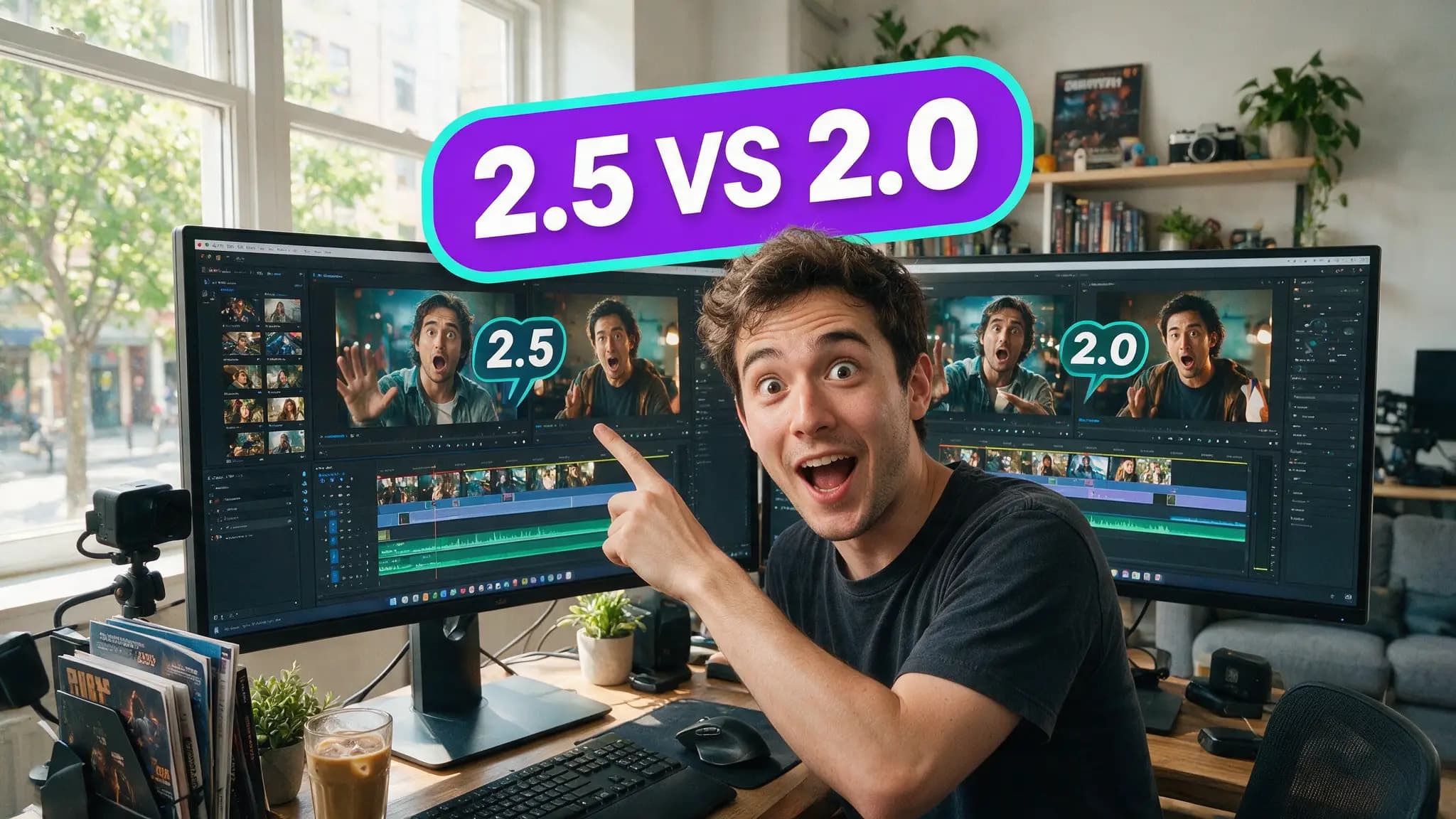
Here's what those modes produce side by side against the previous generation:
Resolution: 480p, 720p, and a 4K headline
The enum has two values: 480p and 720p. The Higgsfield model page advertises the model at up to native 4K, and ByteDance Seed publishes no resolution for it at all. When they disagree, side with the list. It's the surface your job actually validates against.
We've corrected a wrong 4K figure on this site once already, and the receipts live in the shipped-spec ledger. If the job needs a real 4K master today, Seedance 2.0's std mode renders native 4k on the same platform, and picked up bitrate_mode and its own audio flag in the same update. The head-to-head is in 2.5 vs 2.0.
720p out of the strongest motion model on the catalog is a strange pairing. It's also the current truth.
generate_audio: the default that bites
Every generation returns native sound unless you pass false. That's a gift for dialogue and creature work, and a tax on everything else: silent b-roll, layout drafts, and above all trending-audio workflows, where the platform soundtrack replaces yours anyway and the baked-in audio was rendered for nothing.
Check the toggle before every batch.
aspect: seven choices, one override
auto, 21:9, 16:9, 4:3, 1:1, 3:4, 9:16. The override to remember: video_extension outputs follow the source clip's aspect, so whatever you set on the base generation is the aspect of the entire chain. A 9:16 short stays 9:16 through every extension. Choose once, correctly.
References: image, video, audio
All three types attach, and video references do more than hold a character's face — Higgsfield's own posts show a hand-drawn camera-movement diagram steering a 2.5 shot:
Their official prompting guidance is worth taking literally: "Write the prompt like a shot list: subject, camera, lighting, mood, sound." Then attach references for anything that must stay consistent, and fix misses with region edits instead of re-rolling. That last clause is the platform telling you a flawed render is a repair job, not a discard. Working prompt patterns are in the 2.5 prompt library.
The settings that do not exist
No seed. No std/fast split. No genre field. No Identity-Lock, and no reference-strength slider (both circulated in early write-ups; neither shipped). No start- or end-frame roles either: frame pinning stays a Seedance 2.0 concept (start_image/end_image), so keyframe pipelines route there. Frame rate is unpublished. Credit pricing is unpublished.
That last blank shapes behavior more than any shipped field: probe one short job on your own account before batching fifty.
Access: credits or the 14-day window
Two doors in. The everyday one is credits: the model id is live for everyone, at a rate Higgsfield has not published. The limited one is the 14-Day Seedance Unlimited offer, which runs on the Higgsfield website only and explicitly excludes MCP, CLI, Canvas and Supercomputer. Week one: unlimited Seedance 2.0 at 4K. Most plans render 4K at 8 seconds per generation; Plus-monthly gets 1080p/8s or 720p/15s. Week two: unlimited on one other Seedance model of your choice. 2.5 qualifies, with caps to be determined. The top Ultra, Max and Team plans are ineligible, and new users get a 24-hour trial of 5 generations on 2.0 at 4K/8s.
Keep one distinction straight: ByteDance's own BytePlus ModelArk API is still listed as coming soon, so Higgsfield's catalog is the shipped way to call this model today. The step-by-step is in how to access Seedance 2.5.
How we checked
Every shipped value here was verified against Higgsfield's live model catalog on August 7, read off model id seedance_2_5 on our own account. We have not benchmarked render quality or timed jobs for this piece; this is the parameter surface, verified, with marketing kept separate. The 50-input reference cap and the 4K framing are labeled as vendor claims because that's what they are; the unlimited-offer terms are Higgsfield's published conditions; the 30/10/10 reference split is ByteDance Seed's. Where marketing and catalog disagree, we report the catalog and say so.
Last verified: August 7, 2026.
The whole settings panel fits on an index card. The card that matters next is the rate card, and it's still blank.
Frequently asked questions
▸What resolution does Seedance 2.5 output on Higgsfield?
480p or 720p. That is the entire enum on the live API as of August 7, despite the landing page's native-4K framing. If you need a 4K master today, Seedance 2.0's std mode renders native 4k on the same platform.
▸Why does my Seedance 2.5 clip have sound I didn't ask for?
generate_audio defaults to true, so every generation comes back with native audio unless you pass false. For silent b-roll or shorts that will carry in-app trending audio, flip it off at submission — a baked-in soundtrack can only be muted, not removed.
▸Does Seedance 2.5 on Higgsfield have a seed or a fast mode?
No. There is no seed, no std/fast split, no genre field, and no Identity-Lock or reference-strength slider. Consistency comes from the references you attach (image, video, audio); repeatability is not something the shipped API promises.
▸Is Seedance 2.5 included in the 14-day unlimited offer?
Only as a week-two choice, and only on the Higgsfield website — the offer explicitly excludes MCP, CLI, Canvas and Supercomputer, and the top Ultra, Max and Team plans are ineligible. Week one is unlimited Seedance 2.0 at 4K; in week two you pick one other Seedance model, which can be 2.5, with caps still to be determined.
The 5 best AI video finds, every week
New models, tested prompts, and what actually worked in our production — one short email a week. No spam, unsubscribe anytime.
Written by Jordan Reyes
AI Video Producer
Runs multiple faceless YouTube channels and tests every major AI video model against the same prompts before recommending one. Tracks render time and credit cost like other people track calories.
Explore these topics
Every guide, comparison and prompt library we have on each.