🧬 Seedance 2.5 Character Consistency: 50 Reference Slots
Seedance 2.5 takes 30 images, 10 videos and 10 audio clips per request. How to spend that on identity — and which 'consistency features' don't exist.

Jordan Reyes · AI Video Producer
· 5 min read
⚡ TL;DR — quick answers
- How many reference images does Seedance 2.5 accept?
- Up to 30 images, alongside 10 video clips and 10 audio clips — 50 multimodal reference items in a single pass. That is a large jump from Seedance 2.0, which capped at 12 files total, and it is the main structural reason 2.5 holds a character better.
- Is there an Identity-Lock setting in Seedance 2.5?
- No. Identity-Lock appears across several tool blogs and appears nowhere in ByteDance's own material. The same applies to a 'reference strength' percentage slider and a user-facing seed lock. Consistency comes from how you spend the reference budget and from extending rather than regenerating.
- How do I fix a shot where the character's face changed?
- Use targeted editing rather than a full re-roll. ByteDance documents timestamp-level content editing, which lets you fix the segment where identity slipped instead of regenerating the whole 30-second clip. Extending an existing clip also carries the character forward more reliably than generating a fresh one.
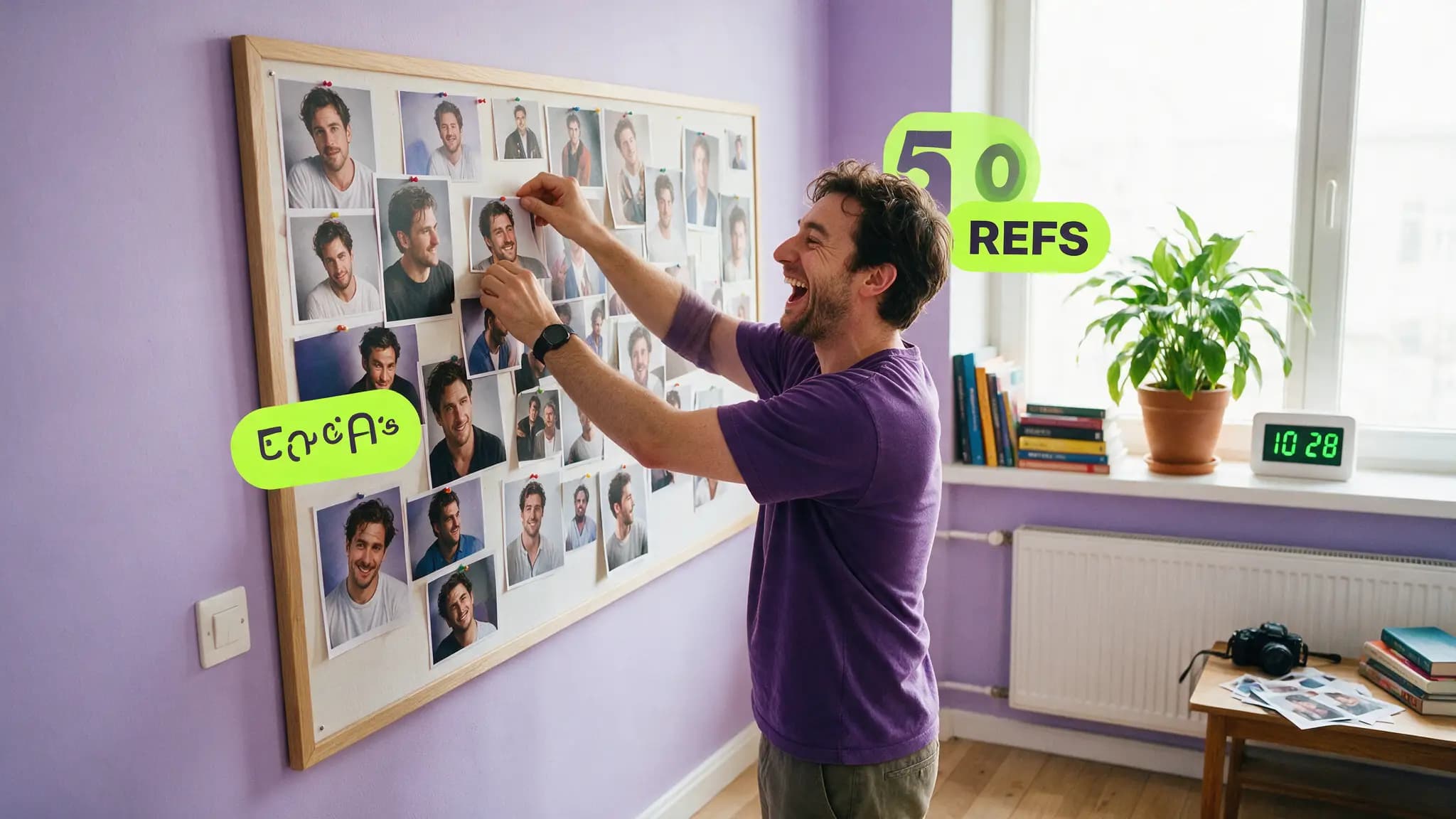
Seedance 2.0 took twelve reference files. Seedance 2.5 takes fifty. That is the single most consequential change for anyone trying to keep a face the same across a scene, and it reframes the problem from "which three images do I sacrifice" to "how do I actually spend thirty slots."
By the numbers
| Seedance 2.0 | Seedance 2.5 | |
|---|---|---|
| Reference images | — | Up to 30 |
| Reference video clips | — | Up to 10 |
| Reference audio clips | — | Up to 10 |
| Total reference items | 12 files | 50 items |
| Single-pass duration | 15 seconds | 30 seconds, extendable twice |
| Targeted editing | — | Timestamp-level |
| Background replacement | — | Green-screen |
| Prompt adherence | baseline | ~20% better (vendor claim, unbenchmarked) |
How to spend thirty image slots
Thirty is enough to stop rationing, which changes the strategy. Instead of picking the three most representative images, cover the space:
Face, 8–10 slots. Front, three-quarter left, three-quarter right, profile both sides, slight up-angle, slight down-angle. Neutral expression on most, one or two with the expression the scene needs. Camera angles are where identity breaks first, so spend here.
Full body, 4–6 slots. Standing, walking, seated, from behind. Body proportion drift is subtler than face drift and viewers still notice it.
Wardrobe, 4–6 slots. The garment on its own, plus the garment worn. Detail shots of anything distinctive — a collar, a badge, a pattern. Wardrobe is the most common visible drift in long takes.
Signature props, 2–3 slots. Glasses, a watch, a bag. Small persistent objects anchor identity more than their screen area suggests.
Location and lighting, 4–6 slots. The set from the angles you will shoot, at the light level you want.
That is roughly 25 of 30, leaving headroom. Video slots go to motion and gait; audio slots carry the voice, which matters because ByteDance states the model preserves "the appearances and voices of multiple characters while keeping each subject's characteristics stable."
The features that don't exist
Before you go hunting through a settings panel: there is no Identity-Lock toggle, no reference-strength percentage slider, and no user-facing seed lock in Seedance 2.5.
All three appear in currently-ranking articles. None appear in ByteDance's material. You will waste an afternoon looking for controls that were invented by content farms, and worse, you will skip the mechanisms that do work because you are waiting to find the magic switch.
We keep a running ledger of which 2.5 specs are real in what ByteDance actually confirmed. The same pages inventing Identity-Lock are inventing drift benchmarks.
Extend, don't regenerate
This is the documented consistency mechanism and it is underused.
ByteDance states that multi-round extension "maintains the consistency of main characters, environments, and narrative pacing," and that users can "smoothly append subsequent shots to existing video outputs." A 2.5 generation runs to 30 seconds and can be extended twice beyond that.
So when a character needs to continue into the next beat, extend the existing clip rather than generating a new one from the same references. A fresh generation re-derives the character from your reference stack and can land somewhere slightly different. An extension continues from what is already on screen.
The corollary: front-load your best work into the first generation, because everything after it inherits from that clip rather than from your references.
Repair drift instead of re-rolling
Timestamp-level editing means a shot where identity slipped at second 18 does not require regenerating all 30 seconds. ByteDance documents "precise content editing via timestamps" — target the segment, fix it, keep the rest.
That changes the economics of a near-miss. On 2.0 a 90%-good long take was often a discard. On 2.5 it is a repair job.
Green-screen background replacement is the companion trick: ByteDance documents replacing backgrounds "while keeping the main subject intact," which lets you move a locked character to a different location without re-deriving them. Change the world, keep the person.
Fewer seams, less drift
Drift enters at boundaries. Every cut between separately-generated clips is a place where the model re-derives your character and lands slightly off.
Going from a 15-second to a 30-second single pass halves the boundaries in a typical scene — a 60-second sequence needs two generations instead of four. Combined with extension rounds that carry state forward, the structural argument for 2.5 on consistency is stronger than any feature claim.
For prompt-side identity blocks, our 2.5 prompt library covers the wording; this page is about how to allocate the reference budget around it.
How we assessed this
Every capability claim here — the 30/10/10 reference split, the 30-second pass with two extensions, the consistency language around extension, timestamp editing and green-screen replacement — is from ByteDance Seed's own launch post, corroborated by CineD's launch coverage. The 12-file figure for 2.0 is CineD's.
What we have not done is measure drift. Seedance 2.5 reached consumers on July 31 and we do not hold Jimeng AI or Doubao Pro access, so there are no drift percentages, re-roll rates or shot-count thresholds on this page. Several currently-ranking pages do publish such numbers for a model that was one day old when they wrote them; treat those as fiction.
Also unpublished by ByteDance and therefore absent here: resolution ceiling, frame rate, pricing and official API model IDs.
What didn't make the cut
A recommended reference count. The honest answer is "more, spread across angles," and any specific number — six, twelve, twenty — would be invented. The budget is fifty; use what your character actually needs.
For the same problem on MiniMax H3, where the budget is twelve files rather than fifty and the arithmetic is much tighter, see the omni-reference workflow.
Frequently asked questions
▸How many reference images does Seedance 2.5 accept?
Up to 30 images, alongside 10 video clips and 10 audio clips — 50 multimodal reference items in a single pass. That is a large jump from Seedance 2.0, which capped at 12 files total, and it is the main structural reason 2.5 holds a character better.
▸Is there an Identity-Lock setting in Seedance 2.5?
No. Identity-Lock appears across several tool blogs and appears nowhere in ByteDance's own material. The same applies to a 'reference strength' percentage slider and a user-facing seed lock. Consistency comes from how you spend the reference budget and from extending rather than regenerating.
▸How do I fix a shot where the character's face changed?
Use targeted editing rather than a full re-roll. ByteDance documents timestamp-level content editing, which lets you fix the segment where identity slipped instead of regenerating the whole 30-second clip. Extending an existing clip also carries the character forward more reliably than generating a fresh one.
▸Does the 30-second single pass help consistency?
Structurally, yes. Drift is introduced at cut points and regeneration boundaries, so a single 30-second pass has fewer of them than four stitched clips covering the same time. Doubling the single-pass ceiling from 15 to 30 seconds halves the number of seams in a typical scene.
The 5 best AI video finds, every week
New models, tested prompts, and what actually worked in our production — one short email a week. No spam, unsubscribe anytime.
Written by Jordan Reyes
AI Video Producer
Runs multiple faceless YouTube channels and tests every major AI video model against the same prompts before recommending one. Tracks render time and credit cost like other people track calories.
Explore these topics
Every guide, comparison and prompt library we have on each.
Keep learning

Seedance · Workflow & Craft
 Comparisons
Seedance 2.5 vs Meta Muse Video: Honest 2026 Verdict
Meta's Muse Video does face cloning at $19/month. Seedance 2.5 does 30-second production shots. We use one daily — here's which job each actually wins.