🎯 MiniMax H3 Omni Reference: The 12-File Budget
H3 takes 9 images, 3 videos and 3 audio clips — but only 12 files total. How to spend that budget on identity, motion and voice without wasting slots.

Jordan Reyes · AI Video Producer
· 5 min read
⚡ TL;DR — quick answers
- How many reference files can MiniMax H3 take?
- Up to 9 images, 3 video clips and 3 audio clips — but capped at 12 files in total across all types. Those per-type maximums add to 15, so you cannot max all three at once. The 12-file ceiling is a separate constraint layered on top, and it is the one that decides your budget.
- Can I send reference audio on its own?
- No. Reference audio must be accompanied by at least one reference image or video. An audio-only reference set is rejected. This trips people building voice-carryover workflows who assume a voice sample is enough on its own.
- Can I use a first frame and reference images in the same request?
- No. Image-to-video and reference-to-video are mutually exclusive on the v2 API. If you need both a specific opening composition and identity references, you pick one — most workflows go with references and describe the opening in the prompt.
The reference system is the part of H3 that most repays reading the docs, because the headline numbers are a trap. Nine images, three videos, three audio clips — that adds to fifteen, and fifteen is not allowed. The real ceiling is twelve.
By the numbers
| Reference type | Per-type cap | Duration rules |
|---|---|---|
| Images | ≤ 9 | 256–5760 px per side, aspect 0.4–2.5 |
| Video clips | ≤ 3 | 2–15 s each, ≤15 s total |
| Audio clips | ≤ 3 | 2–15 s each, ≤15 s total |
| All types combined | ≤ 12 files | — |
| Formats | JPG/JPEG/PNG/WEBP/HEIC/HEIF · H.264 or H.265 + AAC/MP3 · WAV/MP3 | |
| Size caps | Image ≤30MB · Video ≤50MB · Audio ≤15MB · Body ≤64MB |
The 12-file total is the constraint that shapes everything. You can have nine images or a deep multi-modal stack, not both.
Three budgets that actually work
Identity-heavy (9 + 2 + 1 = 12). Nine images carrying face, wardrobe and set from multiple angles; two short video clips for motion; one audio clip for voice. This is the configuration for episodic work where a character has to survive across many shots.
Motion-led (6 + 3 + 3 = 12). Six identity images, the full three video clips for camera and movement transfer, three audio clips. Use when you are matching an existing camera language more than locking a face.
Voice-first (8 + 1 + 3 = 12). Eight images, one video, three audio clips. For talking-head and dialogue coverage where the voice has to stay recognisable and the camera is simple.
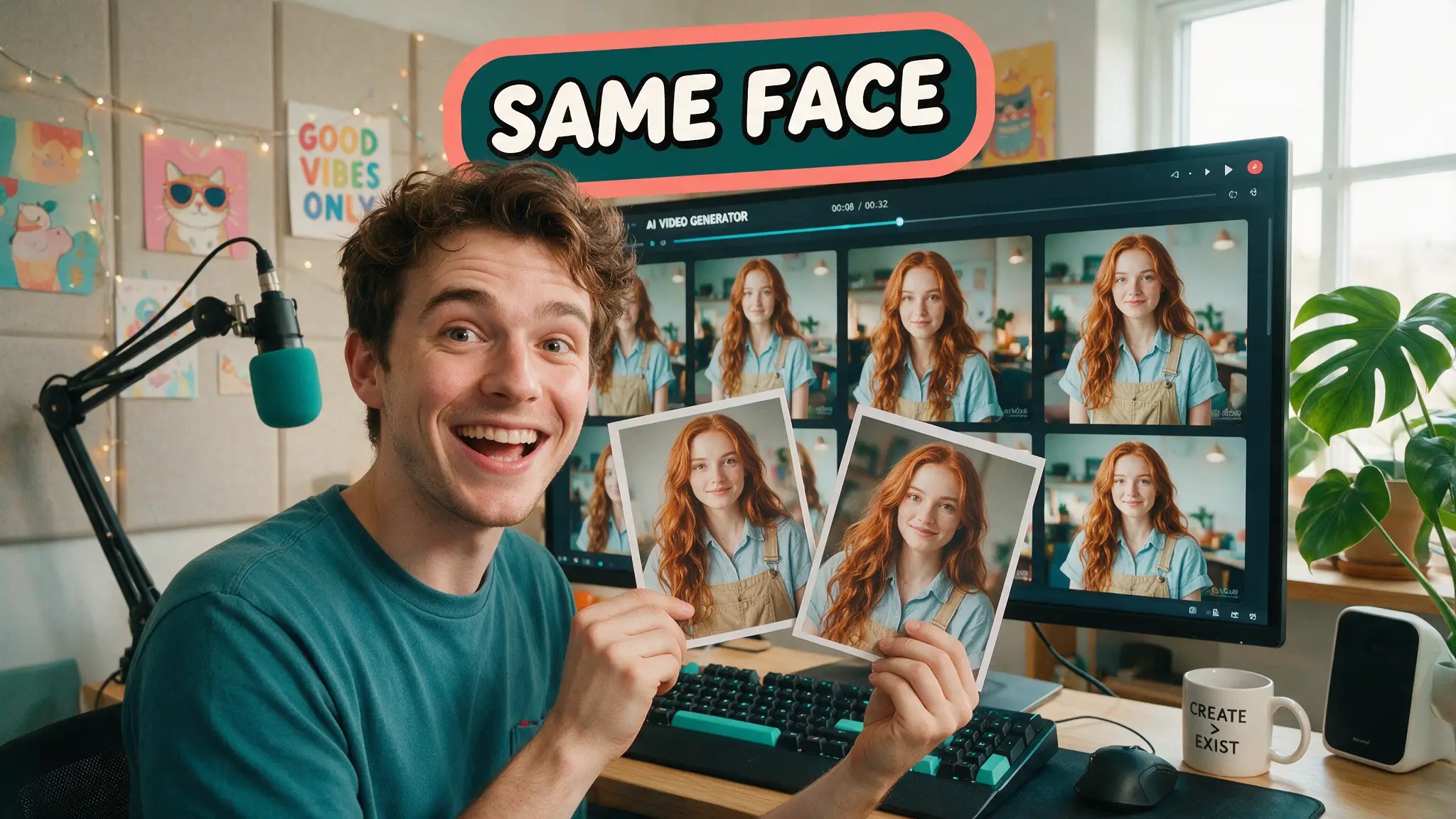
Whichever you pick, spend image slots on different jobs rather than near-duplicates — the same discipline our consistent characters guide applies across models. Front, three-quarter and profile of the face. One clean wardrobe shot. One set or location plate. A signature prop if the character has one. Nine slots go fast.
Give every reference exactly one job — in the prompt
The reference files are only half the mechanism. The prompt has to assign them:
References: image 1 = her face and build. image 2 = the jacket.
image 3 = the gantry location. Keep the face from image 1 exactly and the
jacket from image 2 exactly. Place her in the location from image 3.
Two references that disagree about a hairstyle do not produce either hairstyle — they blend into a third wrong one. That is the single most common cause of "the references aren't working."
Reference hygiene matters more than reference count: even lighting, unobstructed faces, consistent wardrobe across the image set, clean noise-free audio. Six good references beat nine mixed-quality ones.
Reference video does motion, not appearance
A reference video transfers camera path and pacing. It will also transfer appearance unless you tell it not to:
References: video 1 = camera movement reference. Follow its camera path and
pacing exactly. Do not copy the appearance from video 1, only its motion.
Image 1 = the subject. Image 2 = the environment.
This is the closest thing H3 has to a motion-control feature, and it is worth knowing that reference video seconds bill as input on top of your output seconds. A 10-second motion reference on a 5-second render bills 15. Trim reference clips to the shortest span that carries the move — the 2-second floor exists for a reason.
Reference audio carries a voice, but never travels alone
Three audio clips, 2–15 seconds each, 15 seconds total. Each one must be accompanied by at least one image or video reference; an audio-only set is rejected outright.
References: audio 1 = the character's voice. Image 1 = the character.
He speaks in the voice from audio 1: "We're not going back."
Because H3 generates audio in the same pass as the picture — the capability that separates it from Kling 3.0 — a voice reference means the dialogue comes back in that timbre over matching mouth movement. That is the piece that removes an entire ElevenLabs-plus-lipsync stage from a dialogue pipeline.
Watch the total: three 6-second clips is 18 seconds and over the limit. Two 7-second clips is fine.
Frames or references — never both
Image-to-video and reference-to-video are mutually exclusive. A request containing both a first_frame and a reference_image is rejected.
In practice that means choosing between a locked opening composition and a locked identity. Most character work picks references and describes the opening framing in the prompt instead. If the exact first frame genuinely matters more than identity consistency, use the frame mode and accept more drift.
Pre-flight your assets
Two limits fail server-side and cost you a round trip, so check locally: images must be 256–5760 px on each side with an aspect ratio between 0.4 and 2.5, and every reference clip must be 2–15 seconds. A tall 9:16 crop at 0.56 passes; a 10:1 banner at 10.0 does not.
Our own client validates geometry with Pillow and clip durations with ffprobe before submitting, which turns a paid rejection into an instant local error. The Python setup guide has the request-side detail.
How we assessed this
Every limit here is read off MiniMax's own video-generation documentation and the v2 create endpoint reference, cross-checked against the morphic model spec page. The 12-file total is stated explicitly by MiniMax as "mixed input is capped at 12 files in total."
Worth flagging because it circulates: some pages cite the per-type maximums (9 + 3 + 3) and conclude fifteen files are allowed. They are quoting the per-type caps correctly and missing the cross-type ceiling. Both constraints apply.
This is a documentation-led workflow guide, not a render review. We have not published drift rates or reference-count benchmarks, because measuring those honestly needs volume on a model that is days old.
What didn't make the cut
Per-slot weighting. There is no reference-strength parameter on the v2 API — no percentage slider, no priority field. Any guide describing one is describing a different product. Your only weighting mechanism is the prompt language assigning jobs to files.
For the same problem on the other frontier model, where the reference budget is four times larger, see Seedance 2.5 character consistency.
Frequently asked questions
▸How many reference files can MiniMax H3 take?
Up to 9 images, 3 video clips and 3 audio clips — but capped at 12 files in total across all types. Those per-type maximums add to 15, so you cannot max all three at once. The 12-file ceiling is a separate constraint layered on top, and it is the one that decides your budget.
▸Can I send reference audio on its own?
No. Reference audio must be accompanied by at least one reference image or video. An audio-only reference set is rejected. This trips people building voice-carryover workflows who assume a voice sample is enough on its own.
▸Can I use a first frame and reference images in the same request?
No. Image-to-video and reference-to-video are mutually exclusive on the v2 API. If you need both a specific opening composition and identity references, you pick one — most workflows go with references and describe the opening in the prompt.
▸How long can reference videos and audio be?
Each clip must be 2 to 15 seconds, and the total across clips of that type must not exceed 15 seconds. Three 6-second audio clips is already over the line at 18 seconds. Budget the duration as carefully as the file count.
The 5 best AI video finds, every week
New models, tested prompts, and what actually worked in our production — one short email a week. No spam, unsubscribe anytime.
Written by Jordan Reyes
AI Video Producer
Runs multiple faceless YouTube channels and tests every major AI video model against the same prompts before recommending one. Tracks render time and credit cost like other people track calories.
Explore these topics
Every guide, comparison and prompt library we have on each.
Keep learning
MiniMax H3 · Workflow & Craft
 Comparisons
MiniMax H3 vs Kling 3.0: 2K Audio vs Native 4K
Kling 3.0 does native 4K and six directable cuts per generation. H3 does 2K with always-on audio and open weights. The credit math and the real split.