🎥 Kling 3.0 Omni Guide: 4K Editing, 15s Clips, 6 Cuts
Kling 3.0 Omni is the editing-capable tier, not just a bigger renderer. What the June upgrade changed, when to pick it over Turbo, and the upscaler it replaces.

Jordan Reyes · AI Video Producer
· 6 min read
⚡ TL;DR — quick answers
- What's the difference between Kling 3.0 Omni and Kling 3.0 Turbo?
- Turbo optimises for speed and cost per generation. Omni is the multimodal tier — native 4K output, built-in audio, up to 6 camera cuts inside a single generation, and since the June 2026 upgrade, editing that stays faithful to source footage. Different jobs, not different quality levels.
- Does Kling 3.0 Omni really do 4K at 60fps?
- Native 4K at 60fps is the published spec, with wide HDR support and professional export options. Native output matters more than the resolution number — it means you skip a separate upscaling pass and keep authentic texture instead of interpolated detail.
- How long can a single Kling 3.0 Omni clip be?
- The June 2026 upgrade set the range at 3 to 15 seconds. That's shorter than Seedance 2.5's 30-second continuous take, but Omni can fit up to six camera cuts inside those 15 seconds, which is a different way of buying screen time.
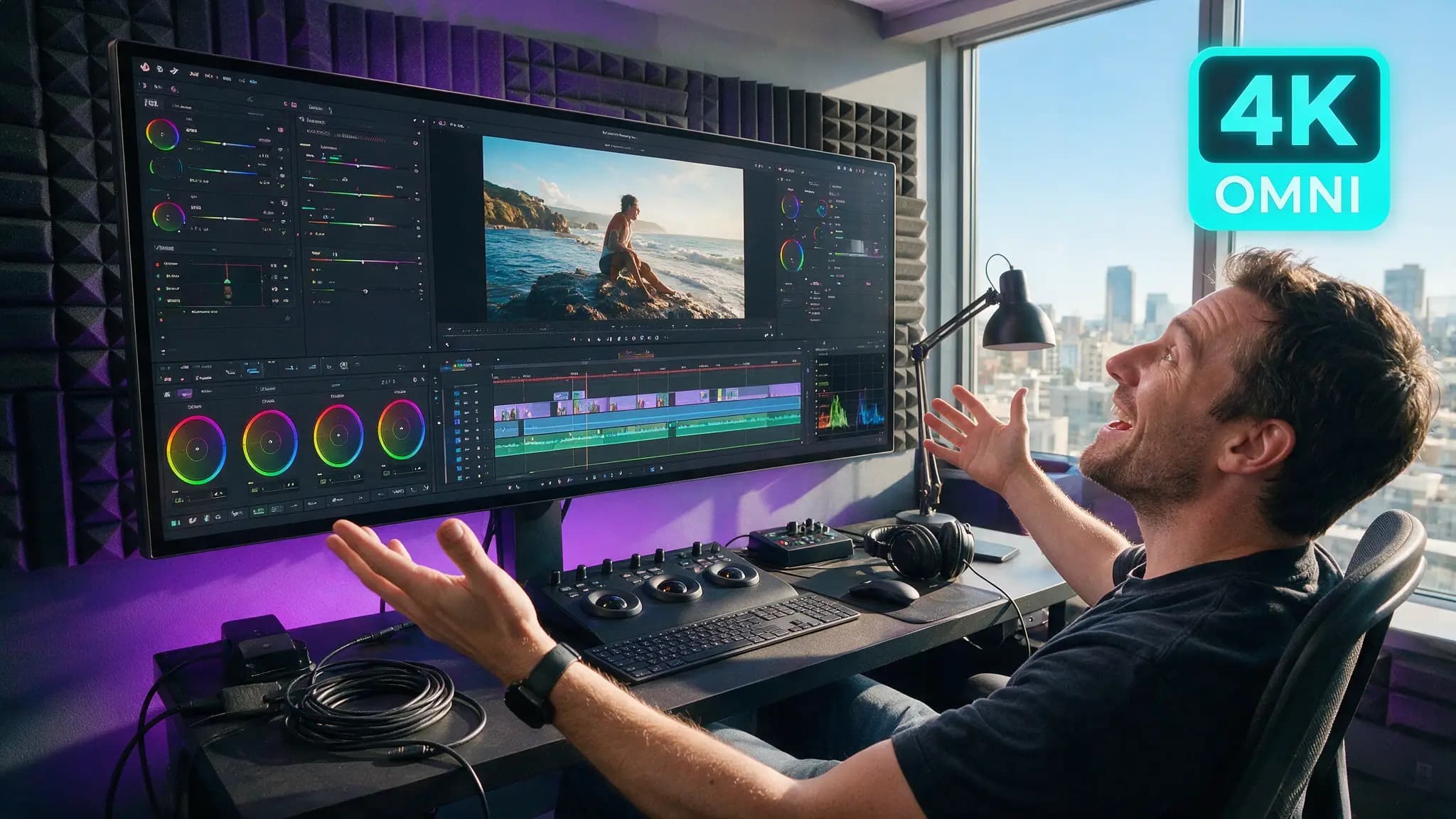
Kling's naming makes this harder than it needs to be. There's Kling 3.0, Kling 3.0 Turbo, and Kling 3.0 Omni, and most coverage treats Omni as "the expensive one." It isn't — it's the tier that does a categorically different job. Omni is a multimodal editing model that happens to generate, and the June 17, 2026 upgrade leaned into that hard.
By the numbers
| Spec | Kling 3.0 Omni |
|---|---|
| Original launch | February 5, 2026 |
| Major upgrade | June 17, 2026 |
| Clip duration | 3-15 seconds |
| Resolution | Native 2K and 4K at 60fps |
| HDR | Wide HDR support |
| Audio | Built-in, synchronized |
| Camera cuts per generation | Up to 6 |
| Editing | 4K editing, source-faithful |
| Kling 3.0 ELO (community) | ~1,243, #1 overall |
| Pro tier pricing | ~$0.168/sec with audio |
Six cuts in one generation is the underrated feature
Most AI video tools give you one continuous shot. You want a scene, so you generate four clips and cut them together in an editor — and then spend your afternoon fixing the fact that the lighting shifted between clip two and clip three, the character's jacket changed shade, and the room got subtly larger.
Omni generating up to six camera cuts inside a single pass sidesteps that entire class of problem. The cuts share one generation context, so continuity across them is the model's job rather than yours. For a dialogue exchange, a product reveal, or any beat that wants coverage rather than a single unbroken move, this is worth more than the resolution bump.
The trade-off is duration. Fifteen seconds across six cuts averages 2.5 seconds a shot, which is a fast-cut grammar. It suits ads, trailers and social edits. It does not suit a slow, contemplative single take — for that, Seedance 2.5's 30-second continuous is the better instrument.
Native 4K removes a step you're probably still doing
If your current pipeline generates at 1080p and runs a separate upscaler, Omni's native 4K deletes that stage. This is not the same thing as upscaling to 4K.
An upscaler infers detail that was never captured — it's a plausible guess at what a higher-resolution version would look like. Native 4K generation renders that detail as part of the original synthesis, so textures, fabric weave and skin detail are authentic to the generation rather than interpolated. On close-ups and product work the difference is obvious; on wide landscape shots it's marginal.
Worth being honest about the cost side: native 4K generation is more expensive per second than generating 1080p and upscaling. If you're producing vertical social content that ends up at 1080×1920, you are paying for pixels the platform will throw away. Our upscaling guide covers when the cheaper path is genuinely fine — which is more often than 4K marketing suggests.
The June upgrade: editing that respects your footage
The headline of the June 17 release was 4K editing with edits that stay faithful to source footage. That phrasing is doing real work.
The failure mode of AI video editing has always been drift: you ask for one change — swap the jacket colour, remove an object, extend the shot — and the model regenerates enough of the frame that other things move too. Faces shift. Backgrounds reorganise. You get your edit plus three edits you didn't ask for.
Source-faithful editing means the unchanged parts of the frame stay unchanged. That's what makes editing usable in a client workflow, where "we just need the logo removed" has to mean only that. If you've been avoiding AI editing tools because revisions created more problems than they solved, this is the release worth re-testing.
Omni or Turbo? A decision table
| Your job | Pick |
|---|---|
| Multi-shot scene with continuity | Omni — six cuts, one context |
| High-volume social clips, cost-sensitive | Turbo |
| Client revisions on approved footage | Omni — source-faithful editing |
| Final delivery at 4K/HDR | Omni — native, no upscale pass |
| Rapid iteration and look-finding | Turbo, then finish in Omni |
| Single continuous 30s take | Neither — Seedance 2.5 |
The workflow we'd actually recommend: explore in Turbo, finish in Omni. Look-development involves a lot of discarded generations, and paying Omni rates to find out you don't like the lighting is wasteful. Once the look is locked, move to Omni for the delivery render and any revisions.
How we assessed this
Specs here are Kling's published figures for the February launch and the June 17 upgrade, cross-checked across independent coverage rather than a single source. The ELO figure is from community leaderboards, which are useful for ranking but sensitive to prompt style — treat "#1 overall" as a signal, not a verdict. Our practical experience is with Kling's 3.0 family alongside Seedance and Veo in production shot work, which is where the "explore cheap, finish expensive" recommendation comes from; it's a general principle of paid-render pipelines, not something specific to Kling. Pricing moves frequently and we've hedged it accordingly.
What didn't make the cut
- A full prompt library. Omni responds to the same camera language as the rest of the 3.0 family; duplicating our Turbo guide's prompt patterns here would be filler.
- Frame-by-frame quality comparisons against Veo 3.1 and Sora 2. Screenshot comparisons at this level are close to meaningless without controlling for prompt, seed and tier — our Veo vs Kling piece handles the matchup properly.
- Credit-cost tables. They've been wrong within weeks every time we've published them this year.
Pros and cons
Omni is the right call when: you need multi-shot continuity, you're delivering 4K or HDR, revisions on approved footage are part of the job, or synchronized audio in-generation saves you a sound pass.
Omni is overkill when: you're iterating on look, publishing vertical social at 1080p, or generating high volume where per-second cost dominates.
The strategic read on Kling 3.0 Omni is that it's pitched at people finishing work, not people exploring it — and the June editing upgrade makes that positioning explicit. If your AI video has graduated from experiments to deliverables with revision rounds, that's the tier you've grown into.
Kling's own release notes are on the Kling AI blog; our Kling tool hub tracks the model family and pricing tiers.
Frequently asked questions
▸What's the difference between Kling 3.0 Omni and Kling 3.0 Turbo?
Turbo optimises for speed and cost per generation. Omni is the multimodal tier — native 4K output, built-in audio, up to 6 camera cuts inside a single generation, and since the June 2026 upgrade, editing that stays faithful to source footage. Different jobs, not different quality levels.
▸Does Kling 3.0 Omni really do 4K at 60fps?
Native 4K at 60fps is the published spec, with wide HDR support and professional export options. Native output matters more than the resolution number — it means you skip a separate upscaling pass and keep authentic texture instead of interpolated detail.
▸How long can a single Kling 3.0 Omni clip be?
The June 2026 upgrade set the range at 3 to 15 seconds. That's shorter than Seedance 2.5's 30-second continuous take, but Omni can fit up to six camera cuts inside those 15 seconds, which is a different way of buying screen time.
▸What does Kling 3.0 Omni cost?
Kling 3.0 Pro tier runs around $0.168 per second with audio included. Omni pricing sits above the Turbo tier and moves with promotions, so check current rates before budgeting a project — published AI video pricing has changed repeatedly through 2026.
The 5 best AI video finds, every week
New models, tested prompts, and what actually worked in our production — one short email a week. No spam, unsubscribe anytime.
Written by Jordan Reyes
AI Video Producer
Runs multiple faceless YouTube channels and tests every major AI video model against the same prompts before recommending one. Tracks render time and credit cost like other people track calories.
Explore these topics
Every guide, comparison and prompt library we have on each.