⚡ Kling 3.0 Turbo: 20x Faster, Audio Included, Half the Cost
Kuaishou's Kling 3.0 Turbo generates up to 20x faster with audio at both 720p and 1080p. Real per-second costs, multi-shot prompting, and when to use standard.

Jordan Reyes · AI Video Producer
· 4 min read
⚡ TL;DR — quick answers
- When did Kling 3.0 Turbo launch?
- Kuaishou released it on June 17, 2026, as a speed-and-cost-optimised sibling to Kling 3.0 rather than a replacement for it.
- How much does Kling 3.0 Turbo cost per second?
- ¥0.8 per second at 720p and ¥1 per second at 1080p — roughly $0.11 and $0.14 respectively. Audio synthesis is included at both tiers rather than billed separately.
- Does Kling 3.0 Turbo generate audio?
- Yes, at both 720p and 1080p, with native lip-sync in five languages. That's the detail that makes the per-second price competitive — you're not paying a second vendor for a voice track.
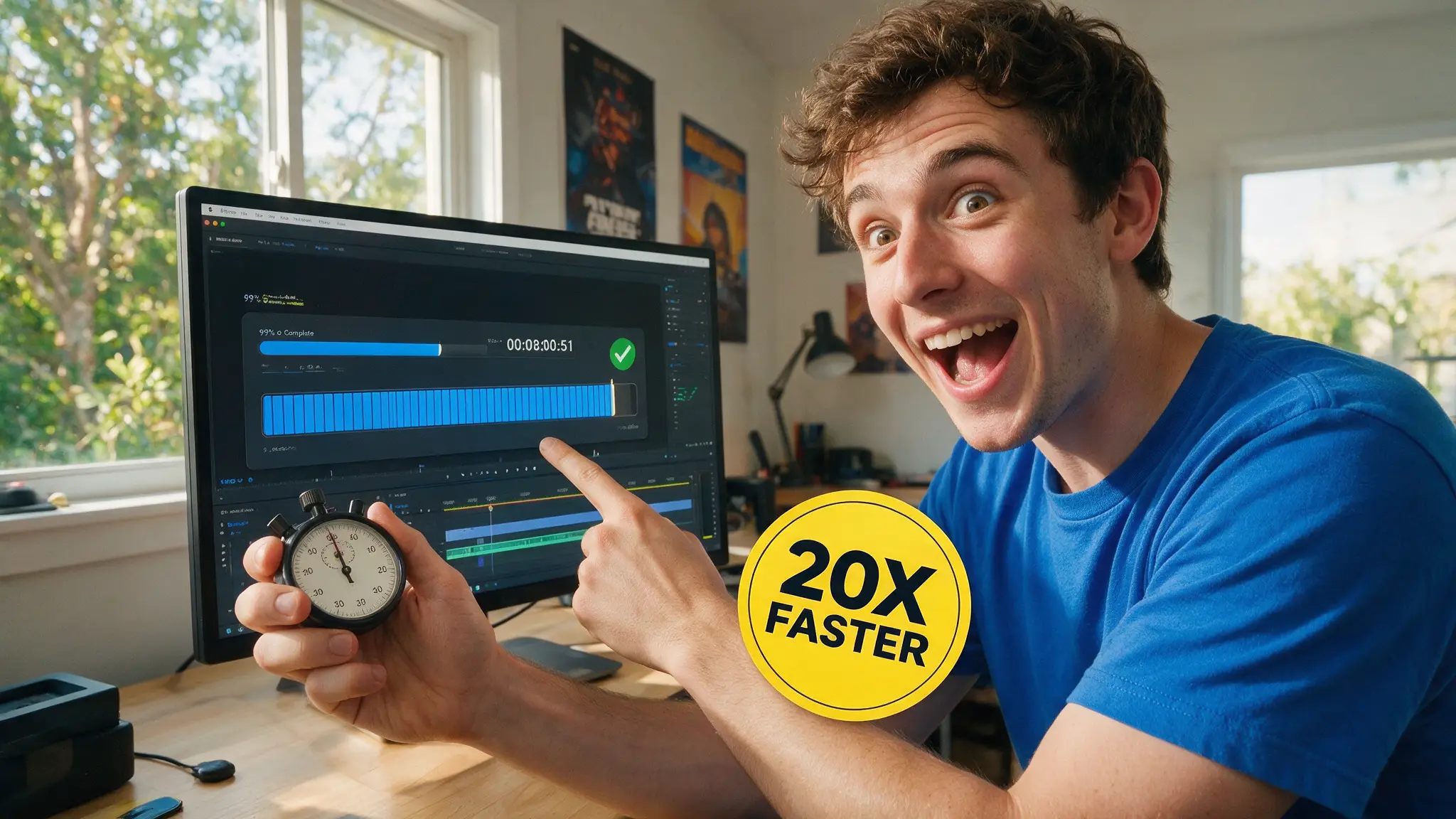
Speed is the least glamorous axis in AI video and the one that actually decides whether a tool survives contact with a deadline. Kuaishou released Kling 3.0 Turbo on June 17, 2026, and the headline claim — up to 20x faster than standard modes — matters less than the thing sitting underneath it: audio is bundled into the per-second price.
We've been running Seedance and Kling side by side for storyboard-to-clip work, so here's the arithmetic that actually changes your workflow.
By the numbers
- Released June 17, 2026 by Kuaishou
- Turbo Mode reaches up to 20x faster generation than standard modes
- ¥0.8/second at 720p, ¥1/second at 1080p — roughly $0.11 and $0.14
- Audio synthesis included at both tiers, with native lip-sync in five languages
- Clip length 3–15 seconds; aspect ratios 16:9, 9:16, 1:1
- Multi-shot prompting: up to 6 shots in a single generation
Why bundled audio changes the maths
Compare like with like. A per-second video price that excludes audio is not the price — it's the first line of the invoice. You then add a voice generation pass, and if the mouth doesn't match you add a lip-sync pass on top of that.
Turbo folds all three into one number. At roughly $0.14/second for 1080p with audio and lip-sync, a 10-second finished shot lands near $1.40 with nothing else to buy. That is the figure to hold in your head when a competitor quotes you a lower per-second rate for silent video.
The five-language lip-sync is the part we'd flag for anyone doing localised content. Generating the same shot in five languages without a separate sync tool per language is a real workflow collapse, not a spec-sheet line.
Multi-shot prompting is the underrated feature
Six shots in one generation is not just a convenience. Anyone who has assembled a sequence from individually-generated clips knows the failure mode: the character's jacket changes shade between shot 2 and shot 3, the light shifts, the room grows a window.
Generating shots inside one call keeps them in the same context, which is the single most reliable defence against that drift. It's the same reason we build sequences as grids rather than one-offs when a model supports it — consistency is easier to preserve than to repair. Our motion control prompt library covers how to phrase shot changes so the model reads them as cuts rather than as camera chaos.
Turbo or standard?
| Your job | Use |
|---|---|
| Iterating on a prompt, 10+ attempts | Turbo — the speed is the whole point |
| Client deliverable, final render | Standard 3.0 — spend the time on the ceiling |
| Social/short-form at volume | Turbo — cost per finished second wins |
| Dialogue scenes needing lip-sync | Turbo — audio is included, not bolted on |
| Maximum fidelity single hero shot | Standard 3.0, or compare against Seedance 2.5 |
The honest framing: Turbo is not a better model, it's a differently-priced one. Kuaishou shipped it alongside 3.0 rather than replacing it, which tells you what they think the trade is. Treat Turbo as your iteration and volume tier and standard as your finish tier, and you'll spend less without shipping worse.
Where it sits against Seedance
We keep both in rotation and the split is fairly clean. Seedance 2.5 has the longer native clip and the 4K path; Kling Turbo has the speed and the bundled audio. For a 30-second cinematic sequence you want the former. For twenty variations of a 10-second social spot with a voiceover, the latter costs less and finishes sooner.
The full head-to-head, with what each one actually gets wrong, is in Kling 3.0 vs Seedance 2.5. If you're budgeting a project across several models, our AI video cost breakdown has the per-finished-minute maths rather than per-second sticker prices.
What we'd watch out for
Two things. First, verify current pricing before you commit a budget — these are yuan-denominated rates and the dollar figures move with the exchange rate as well as with Kuaishou's decisions. Second, the 15-second ceiling means anything longer is an assembly job, and assembly is where continuity errors are born. Plan the cuts before you generate, not after.
The honest summary
Kling 3.0 Turbo is the best value in AI video right now for anyone generating at volume with sound, and it earns that on the bundled-audio line rather than the 20x headline. Use it to iterate and to ship social. Keep standard 3.0 for the shot that has to be perfect.
Frequently asked questions
▸When did Kling 3.0 Turbo launch?
Kuaishou released it on June 17, 2026, as a speed-and-cost-optimised sibling to Kling 3.0 rather than a replacement for it.
▸How much does Kling 3.0 Turbo cost per second?
¥0.8 per second at 720p and ¥1 per second at 1080p — roughly $0.11 and $0.14 respectively. Audio synthesis is included at both tiers rather than billed separately.
▸Does Kling 3.0 Turbo generate audio?
Yes, at both 720p and 1080p, with native lip-sync in five languages. That's the detail that makes the per-second price competitive — you're not paying a second vendor for a voice track.
▸How long can a Kling 3.0 Turbo clip be?
3 to 15 seconds, in 16:9, 9:16 or 1:1. It also supports multi-shot prompting of up to 6 shots inside a single generation.
The 5 best AI video finds, every week
New models, tested prompts, and what actually worked in our production — one short email a week. No spam, unsubscribe anytime.
Written by Jordan Reyes
AI Video Producer
Runs multiple faceless YouTube channels and tests every major AI video model against the same prompts before recommending one. Tracks render time and credit cost like other people track calories.
Explore these topics
Every guide, comparison and prompt library we have on each.