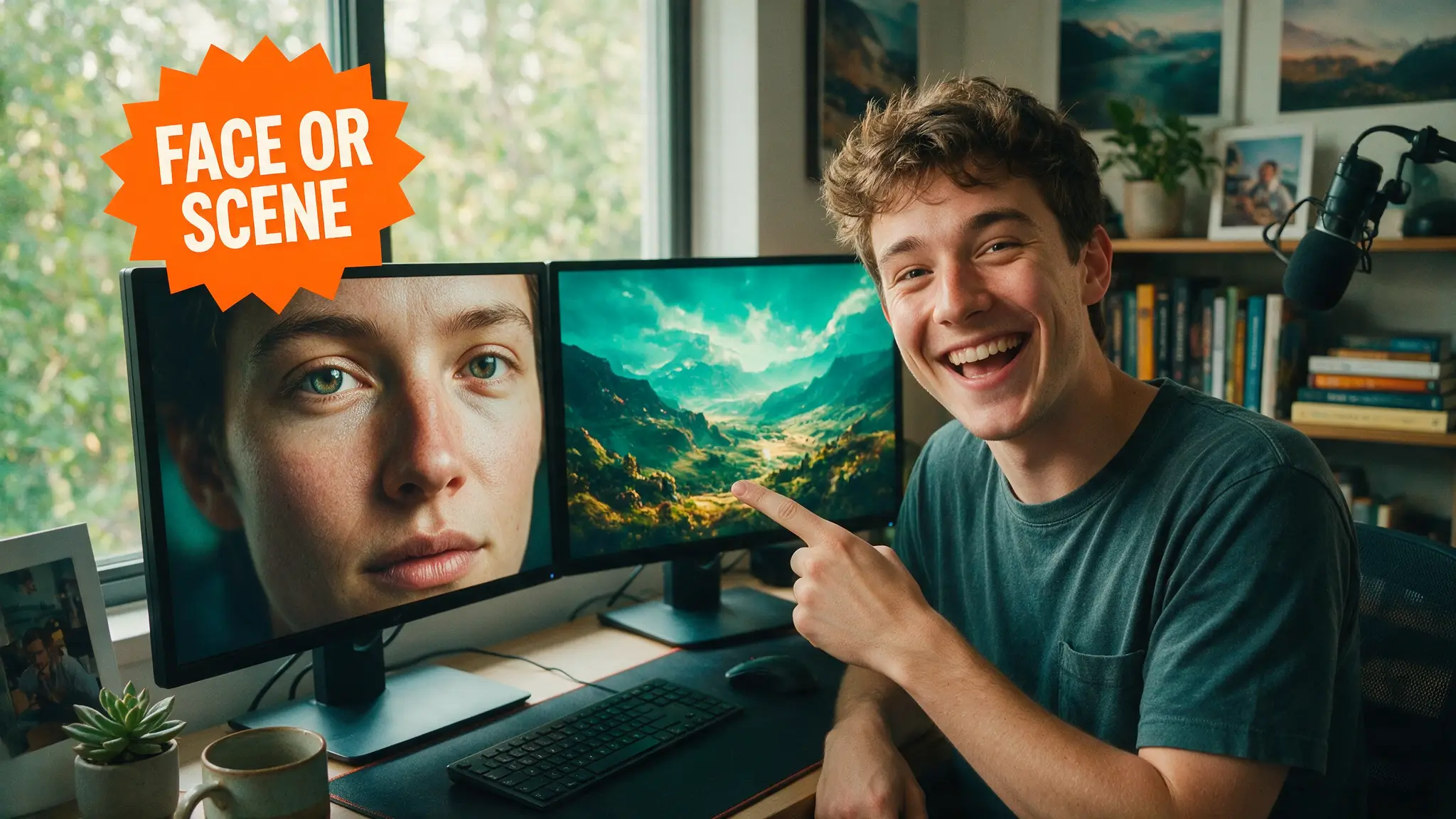
🎚️ Is AI Upscaling Worth It? The Honest 2026 Verdict
Topaz runs $299 a year, free tools like Video2X cost your afternoon. We measure what AI upscaling actually fixes, what it fakes, and when to skip it.

Gene Park · Broadcast & Audio Engineering Writer
· 9 min read
⚡ TL;DR — quick answers
- Is Topaz Video AI worth $299 a year?
- If you upscale weekly and need per-shot model control, yes — that's the real, current, subscription-only Personal price, and there's no cheaper legitimate tier since perpetual licensing isn't offered anymore (confirmed on Topaz's own pricing page). If you finish one video a month, the free routes below close most of the quality gap on clean source footage, and the $299 stops making sense.
- Is there a free version of Topaz Video AI?
- No. The trial is feature-complete — a Topaz staffer confirmed on the company's own community forum that the trial and licensed versions are identical except for one thing: every trial export carries a burned-in watermark. It's built for evaluation, not for shipping footage. For an actually free result, use Video2X, Real-ESRGAN directly, or DaVinci Resolve's free Super Scale instead.
- Does AI upscaling fix bad AI-generated video — warped hands, melted faces, broken physics?
- No, and this is the most expensive mistake people make with these tools. An upscaler sharpens whatever pixels already exist in the frame; it has no way to know a hand is wrong, so it just renders the wrong hand more crisply. The only real fix is re-rolling the generation while it's still cheap to do so.
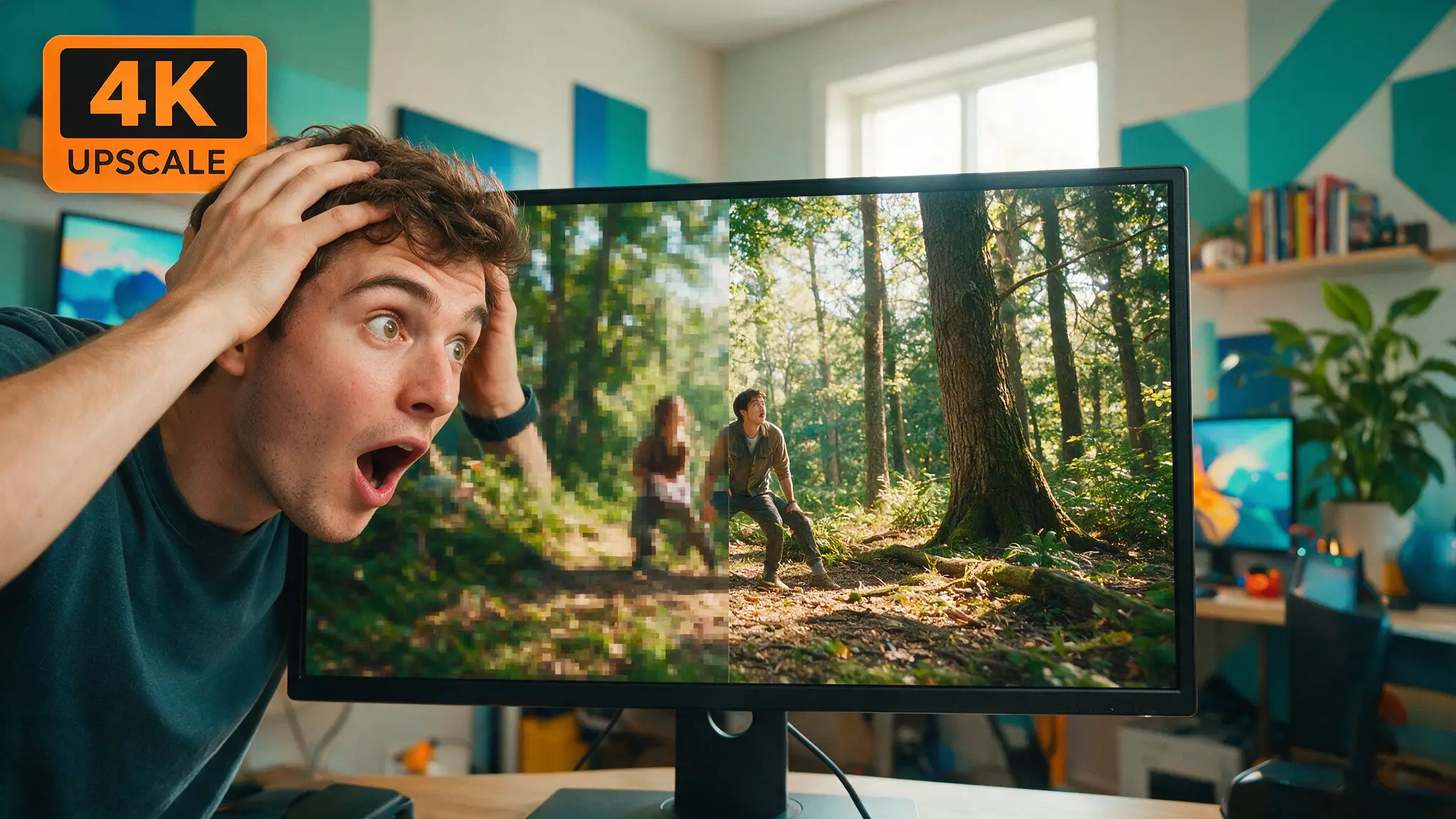
AI upscaling is worth it exactly once: when there's real signal buried in your source that a bigger frame can actually recover — a soft 720p archive clip, a compressed screen recording, a 480p AI draft you generated cheap on purpose. It is not worth it when you're asking software to invent detail that was never captured, or to patch a broken AI-generated frame into something clean. An upscaler sharpens whatever is already in the file. Feed it a smear, and you get back a crisper smear.
That's the whole decision tree, and after enough years staring at waveform monitors in broadcast post, I trust it more than any vendor's before/after slider. The rest of this piece is the evidence: what Topaz Video AI actually costs, what "free" AI upscaling actually gets you with Video2X and Real-ESRGAN, and which artifacts separate a genuine fix from an expensive placebo.
By the numbers
- Topaz Video AI, Personal plan: $299/year billed annually ($39/mo effective), or $59/month with no annual commitment — subscription only, with no perpetual license on offer anymore (Topaz Labs)
- Topaz Video AI, Pro plan: $699/year billed annually ($74/mo effective) or $888 billed monthly, adds full commercial use and 100 monthly cloud credits versus Personal's 25 (Topaz Labs)
- The Topaz trial is not a free version. A Topaz staffer confirmed on the company's own community forum that "the trial and licensed versions are identical, except the trial includes a watermark" burned into every export (Topaz Community)
- Video2X is genuinely free: AGPL-3.0 licensed, runs Real-ESRGAN, Real-CUGAN and RIFE through Vulkan/ncnn, on Windows and Linux, current release 6.4.0 (GitHub – k4yt3x/video2x)
- Video2X has a real hardware floor: an AVX2-capable CPU and a Vulkan-capable GPU, which rules out some older laptops entirely (GitHub – k4yt3x/video2x)
What an upscaler is actually doing to your frame
Strip the marketing language and every AI upscaler does one of two things to each pixel: it resolves detail the source genuinely contains but your resolution can't display, or it invents detail that looks plausible and wasn't there. The learned models — Topaz's Proteus and Nyx lines, Real-ESRGAN, Real-CUGAN — lean hard on the second behavior by design. That's not a flaw; it's how generative super-resolution works, and it's exactly why the results look so much better than a bicubic resize. It's also exactly why the same models will confidently sharpen a JPEG compression block into a crisp little square, or turn film grain into a texture that reads as fake leather on skin.
The tell is always in motion, not the still frame. A single upscaled frame can look terrific in a before/after slider — that's the demo every vendor shows you. Play the clip at speed and watch three things instead: edge stability (does a hard edge hold its position frame to frame, or does it swim), temporal flicker (does invented texture — hair, foliage, brick — shimmer because the model re-invents it slightly differently on each frame), and ringing around high-contrast edges (a faint halo where the sharpening overshoots). None of that shows up in a marketing GIF. All of it shows up the moment you re-encode for delivery, because H.264 and H.265 punish exactly the fine, flickering detail an over-eager upscaler adds — the encoder either spends bits it doesn't have chasing it or throws it away as noise, and either way you paid render time for nothing.
When it earns its render time
Three cases where the recovered detail actually holds up under a real playback check, not just a still frame:
Archival and screen-capture footage. A 720p archive clip or a screen recording has real, stable detail sitting below your target resolution — text edges, fine lines, consistent geometry. There's something for the model to resolve rather than invent, and stable source geometry means less temporal shimmer to chase.
Draft-then-upscale AI video. If you're generating on a credit-metered platform, drafting cheap at 480p and upscaling only your picked takes is a real cost strategy, not a compromise — we've measured it directly in our upscaling workflow guide, comparing a 480p Seedance draft, a 720p archive clip and a soft 1080p screen recording side by side at 200% zoom on an RTX 4080. Cheap draft, expensive finish, only on the takes that survived selection — the credit math behind why that's worth doing lives in our AI video cost breakdown.
Delivery-resolution headroom. Uploading at a higher pixel count than your source's native resolution can give a streaming platform's own re-encode ladder more to work with, even when some of the added detail is synthetic — again, something we quantified in that same workflow piece rather than asserting fresh here.
When it's a waste of a render queue
The inverse list is shorter, and more expensive to ignore.
Fixing AI generation artifacts. Warped hands, melted faces, physics that don't track — an upscaler sharpens all of it. It cannot infer what a hand was supposed to look like; it can only make the wrong hand more detailed. Re-roll the generation. That's cheaper than any upscale pass, and it's the only fix that actually works.
Upscaling an already-compressed, already-small source. A heavily compressed 480p download has already lost its detail to the encoder — you're asking a model to hallucinate it back, and it will, with the flicker and ringing described above. Garbage in, confidently rendered garbage out.
Over-sharpening past the model's natural preset. Every one of these tools has a sharpening slider that goes well past the point where footage stops looking like film and starts looking like a video game cutscene — flat, waxy skin, crunchy edges. Leave it near the default and fix contrast in the edit instead.
Topaz, priced honestly
If you upscale weekly and want the deepest model selection and the most manual control — motion estimation tuning, per-shot model switching, batch queues — Topaz is the tool built for that job, and $299/year for the Personal tier is the real, current, subscription-only price. There's no cheaper legitimate door in: the "free" trial ships full functionality specifically so you can judge the models before paying, but every export carries a visible watermark by design, confirmed directly by Topaz's own support staff. If your search brought you here from "topaz video ai free," that's the honest answer — and we go deeper on exactly which routes into Topaz are legitimate discounts versus which ones are misleading in our dedicated Topaz pricing breakdown.
For a visual sense of how Topaz's current model lineup actually behaves on real footage, this is a reasonably thorough third-party pass:
Treat any review video, including that one, as a starting point rather than a verdict — lighting, source compression and export settings all shift what a YouTube re-encode shows you. The zoom-in-and-watch-motion test on your own footage is the only one that actually counts.
The free route, and what "free" actually costs
Video2X is the real thing: AGPL-3.0 open source, no watermark, no subscription, running the same Real-ESRGAN and Real-CUGAN engines under the hood that a chunk of the paid tools are also built on. What "free" costs instead is your time and your GPU. It's a native Windows/Linux install (no Mac build) that needs a Vulkan-capable card and an AVX2 CPU, pulls roughly a gigabyte of model weights on first run, and hands you a framework of engines to choose between rather than one polished, guided pipeline — Real-CUGAN for anime and flat color, Real-ESRGAN for live-action detail, RIFE if you're also interpolating frame rate. If you're already generating video locally — our Wan 2.2 local setup runs on the same class of rig — Video2X slots onto that machine with no new subscription, though it's worth checking your card actually clears the Vulkan/AVX2 floor first against our GPU buying guide. And if free is the whole point for you, the same instinct applies a step upstream, at generation itself — see our free AI video generator roundup.
On clean source footage, Video2X's output genuinely competes with the paid tools, because it's often running variants of the same published architectures. On noisy, heavily compressed, or dark source, Topaz's proprietary models and per-shot tuning pull ahead — that gap is exactly the $299 you're paying for. DaVinci Resolve's free Super Scale sits between the two: no separate app to install if you already edit there, genuine learned upscaling, but a large download and a real GPU requirement of its own — we cover the setup in the upscaling workflow guide.
Built-in platform upscalers
The upscale button already living inside your generation platform is worth checking before you export anywhere else. Runway bundles a 4K upscale action directly into its timeline alongside inpainting and motion brush — not a separate app, a button — and for a shot you're already finishing inside that tool, it's the lowest-friction pass available. The tradeoff is the one you'd expect: it's tuned for that platform's own generated footage rather than for rescuing an unrelated archival clip, and you're locked to whatever model version the platform ships that month rather than picking one yourself. That's the same local-versus-cloud tradeoff we map out more generally in our comparison — control and choice on one side, zero setup on the other.
So, is it worth it
| Situation | Verdict | Why |
|---|---|---|
| Weekly upscaling, need max control | Topaz Video AI, $299/yr | Deepest model set, per-shot tuning, survives the noisy-source test |
| Occasional, clean source footage | Video2X or DaVinci Super Scale, free | Real learned upscaling, no subscription — setup time is the only cost |
| Draft-then-finish AI video pipeline | Either, per clip | The savings come from drafting cheap, not from the upscaler brand |
| Fixing warped or broken AI generation | Neither — re-roll instead | No upscaler recovers detail that was never generated correctly |
| Already-compressed, small source | Skip it | Hallucinated detail plus visible artifacts on re-encode |
| One shot, already editing in Resolve or Runway | Built-in Super Scale or platform upscale button | No new install for a single pass |
How we checked this
Every price and license term above traces to Topaz Labs' own pricing page and its official community forum, and to Video2X's GitHub repository, all loaded directly this week; the review video is verified against YouTube's own oEmbed data, not just its title card. The artifact behavior described here — ringing, temporal flicker, edge instability — is standard, well-documented behavior of generative super-resolution models, and the source-clip comparison this piece leans on is the same 200%-zoom, three-clip test already published in our workflow guide, not a fresh unverified claim invented for this article.
My honest read, for what a couple of decades in broadcast post is worth: this whole category rhymes with the line doublers and analog upconverter boxes post houses ran in the 2000s to fake HD out of standard-definition tape — different math, same underlying lie, once you push it past what the source actually contains. The AI versions are dramatically better at hiding the seam. They are not better at manufacturing a shot that was never captured. Measure the motion, not the still frame, and the $299 question answers itself.
Frequently asked questions
▸Is Topaz Video AI worth $299 a year?
If you upscale weekly and need per-shot model control, yes — that's the real, current, subscription-only Personal price, and there's no cheaper legitimate tier since perpetual licensing isn't offered anymore (confirmed on Topaz's own pricing page). If you finish one video a month, the free routes below close most of the quality gap on clean source footage, and the $299 stops making sense.
▸Is there a free version of Topaz Video AI?
No. The trial is feature-complete — a Topaz staffer confirmed on the company's own community forum that the trial and licensed versions are identical except for one thing: every trial export carries a burned-in watermark. It's built for evaluation, not for shipping footage. For an actually free result, use Video2X, Real-ESRGAN directly, or DaVinci Resolve's free Super Scale instead.
▸Does AI upscaling fix bad AI-generated video — warped hands, melted faces, broken physics?
No, and this is the most expensive mistake people make with these tools. An upscaler sharpens whatever pixels already exist in the frame; it has no way to know a hand is wrong, so it just renders the wrong hand more crisply. The only real fix is re-rolling the generation while it's still cheap to do so.
▸How does free Video2X compare to paid Topaz on real footage?
On clean, stable source — a good archive scan, a sharp screen recording — the gap is small, because Video2X runs published Real-ESRGAN and Real-CUGAN models that are architecturally close to what paid tools license. On noisy, dark, or heavily compressed source, Topaz's proprietary models and manual tuning options pull ahead — that gap is what the subscription is actually buying.
▸Should I use my video platform's built-in upscaler or a dedicated tool?
For a shot you're already finishing inside that platform, the built-in button is the lower-friction pass and good enough for most delivery targets — Runway's 4K upscale action is a real example. Reach for a dedicated tool like Topaz or Video2X when the source didn't come from that platform, or when you need to compare multiple models against the same clip.
The 5 best AI video finds, every week
New models, tested prompts, and what actually worked in our production — one short email a week. No spam, unsubscribe anytime.
Written by Gene Park
Broadcast & Audio Engineering Writer
Spent a career in TV post-production before the AI wave and still trusts meters over marketing. Measures loudness, codecs, and artifacts on everything before a single word gets written.
Explore these topics
Every guide, comparison and prompt library we have on each.