🔊 Run LTX-2 Locally: AI Video With Audio on 16GB (2026)
LTX-2 generates video and synced audio in one pass on your own GPU. The real VRAM tiers, the 2.3 update, ComfyUI setup, and where 16GB cards hit limits.

Derek Holt · Local AI & Hardware Writer
· 4 min read
⚡ TL;DR — quick answers
- How much VRAM does LTX-2 need?
- Community setup guides cluster around 12GB for the FP8 weights and 24GB for full bf16. On a 16GB card the workable recipe is FP8 at 720p with clips kept short — around 4 seconds — accepting some audio-sync degradation versus what a 24GB card produces. Below 12GB, wait for smaller quants.
- Is LTX-2 really 4K?
- The architecture supports native 4K output, but that's the 24GB-and-up experience via the two-stage pipeline. On consumer cards the practical ceiling is 720p to 1080p generated locally, then a separate upscale pass if you need delivery resolution. Render small, upscale after — same economics as every other local model.
- Can I use LTX-2 output commercially?
- Yes if you're small: Lightricks' community license grants free commercial use below a revenue threshold around $10M a year. Above that, you license. Read the current license text before client work — terms on open video models have been quietly revised before.
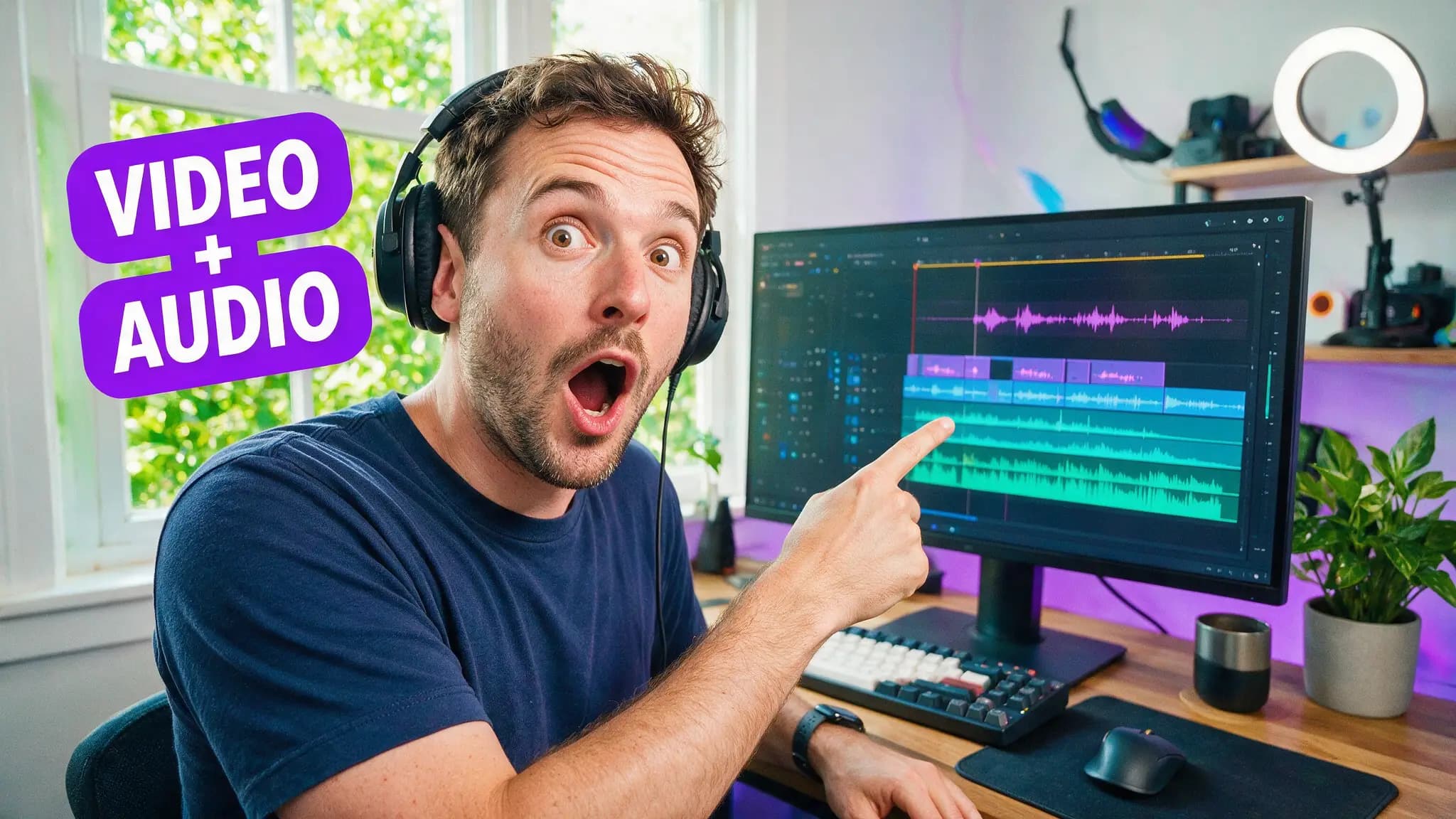
LTX-2 is the only open-weight model you can download today that renders picture and synchronized audio in a single pass on your own GPU. That one sentence is the entire reason to tolerate its VRAM appetite, and as of the 2.3 release in March, the appetite finally fits a 16GB card without heroics.
Lightricks announced LTX-2 in October 2025, open-sourced the weights on January 6, 2026, and shipped LTX-2.3 on March 8. Three releases in five months. Meanwhile my Wan 2.2 pipeline hasn't needed to change since I built it, which tells you which project is sprinting and which one is settled.
By the numbers
- FP8 weights: ~12GB VRAM per community setup guides; bf16: 24GB
- NVIDIA's RTX guide puts the quantized NVFP8 build at ~30% smaller and up to 2× faster on RTX GPUs
- Comparison testing scores LTXV 2–3× faster than Wan 2.2 and HunyuanVideo at comparable settings
- Audio and video generated in one pass through an asymmetric dual-stream transformer
- Free commercial use under Lightricks' community license below a ~$10M revenue threshold
- Open-sourced January 6, 2026; current version 2.3 (March 8, 2026)
What the one-pass audio actually buys you
Every other local model hands back a silent file, and the silence is expensive. My usual chain for a 20-second short: render picture in Wan, generate voice in ElevenLabs, hunt sound effects, then line everything up on a timeline. The picture took 3 minutes; the sound took 40.
LTX-2 collapses that for any shot where ambient sound, effects, or rough dialogue carry the audio. Doors, rain, footsteps, room tone — synced to the motion because they were generated with the motion.
Dialogue is the stretch goal, not the default. On a 16GB card especially, lip-sync precision is the first thing quality reduction eats.
ComfyUI setup, the short version
The install is the easiest of any open video model: open ComfyUI Manager, search LTXVideo, install, and the weights auto-download on first workflow run. The official templates cover text-to-video and image-to-video with audio toggled on.
The 16GB recipe that holds up:
- FP8 weights, not bf16 — the full-precision files are a 24GB-card luxury
- 720p, clips around 4 seconds while you iterate
- Community FP8 distills (Kijai's repacks are the usual pick) with the two-stage pipeline — draft pass, then refine
- Expect audio-sync softness relative to 24GB output; regenerate the shot rather than fighting it
- Long-form: chain segments rather than pushing single-generation length
That two-stage habit matters beyond LTX — it's the same draft-then-upscale economics every local pipeline converges on. Render cheap, commit compute only to keepers.
Where it beats Wan, where it doesn't
I keep both installed, and the split is clean.
LTX-2 wins: iteration speed (2–3× is the difference between exploring an idea and babysitting one), anything needing sound in the file, and stylized or animated looks — in head-to-head testing LTXV took the stylized category over both Wan 2.2 and HunyuanVideo while losing photorealism to Wan. Pros: fastest open model, one-pass audio, easiest install, honest license. Cons: picture ceiling below Wan 2.2 at matched effort, audio-sync quality drops on 16GB, ecosystem a fraction of Wan's LoRA library.
Wan 2.2 wins: photoreal detail, faces, the mountain of community LoRAs and the speed stack that makes 14B GGUF renders civilized on a 4080. And if your ceiling is "the strongest thing that runs local, period," the new H3 open weights reset that conversation entirely — for those with the hardware to feed them.
One caveat from the license desk: "open source" here is Lightricks' community license with a revenue threshold, not Apache like Wan. Under ~$10M a year you're fine, commercially. Above it, or building a product, read the text. Five minutes of reading beats a retroactive licensing email.
How we tested: setup steps and VRAM tiers verified against the official ComfyUI LTX documentation, NVIDIA's RTX generation guide, and current community setup guides this week; speed and style-category comparisons cite published head-to-head testing, and the 16GB workflow mirrors the tiering we run on our own RTX 4080 for Wan.
The direction is what interests me. Wan owns quality, H3 owns ceiling, and Lightricks keeps shipping speed — three-way pressure that lands squarely on the cards ordinary people own. Fastest release cadence in open video says LTX-3 arrives before my GPU depreciates, and I expect the audio gap to closed-model audio to be the headline when it does.
Frequently asked questions
▸How much VRAM does LTX-2 need?
Community setup guides cluster around 12GB for the FP8 weights and 24GB for full bf16. On a 16GB card the workable recipe is FP8 at 720p with clips kept short — around 4 seconds — accepting some audio-sync degradation versus what a 24GB card produces. Below 12GB, wait for smaller quants.
▸Is LTX-2 really 4K?
The architecture supports native 4K output, but that's the 24GB-and-up experience via the two-stage pipeline. On consumer cards the practical ceiling is 720p to 1080p generated locally, then a separate upscale pass if you need delivery resolution. Render small, upscale after — same economics as every other local model.
▸Can I use LTX-2 output commercially?
Yes if you're small: Lightricks' community license grants free commercial use below a revenue threshold around $10M a year. Above that, you license. Read the current license text before client work — terms on open video models have been quietly revised before.
▸LTX-2 or Wan 2.2 on a 16GB card?
Wan 2.2 for picture quality per clip and a deeper ecosystem of LoRAs and speed hacks. LTX-2 for speed and for being the only open model that hands you synced audio in the same generation. We treat them as complements: LTX-2 to find the shot, Wan to finish it — unless the shot needs sound baked in.
The 5 best AI video finds, every week
New models, tested prompts, and what actually worked in our production — one short email a week. No spam, unsubscribe anytime.
Written by Derek Holt
Local AI & Hardware Writer
Runs the site's local-inference rig and benchmarks every GPU, quant, and speed-stack claim on it personally before it goes in a guide. Will not shut up about VRAM bandwidth.
Explore these topics
Every guide, comparison and prompt library we have on each.
Keep learning

GPUs & Hardware · Local Video
 Guides
Wan 2.2 Animate: Character Animation on Your GPU (2026)
Wan 2.2 Animate transfers a real performance onto any character image, motion and expressions included. ComfyUI setup, VRAM tiers, and mode choice.