🎞️ Midjourney Video: What It Actually Does, and What It Costs
Midjourney's video model animates a still you already made. No text-to-video, 480p output, and a credit cost around 8x an image job. Here's the real workflow.

Amara Osei · Prompt Engineer & Workflow Writer
· 5 min read
⚡ TL;DR — quick answers
- Can Midjourney generate video from a text prompt?
- No, and this is the single most common misunderstanding about it. Midjourney's video model is image-to-video only: you animate a still image, either one you generated in Midjourney or one you uploaded. Text still drives the motion (you can describe how things should move) but it does not generate the frame from scratch the way Veo, Kling or Seedance do. If your workflow starts from a blank prompt with no image, this is the wrong tool.
- What resolution and length does Midjourney video output?
- Clips come out at 480p, 24fps, in 5-second segments, with four variations generated per job. You can extend a clip in roughly 4-second increments up to about 21 seconds total. That 480p ceiling is the constraint that decides whether this fits your pipeline, since it means an upscaling pass is mandatory for anything you plan to publish at 1080p or above.
- How much does a Midjourney video job cost?
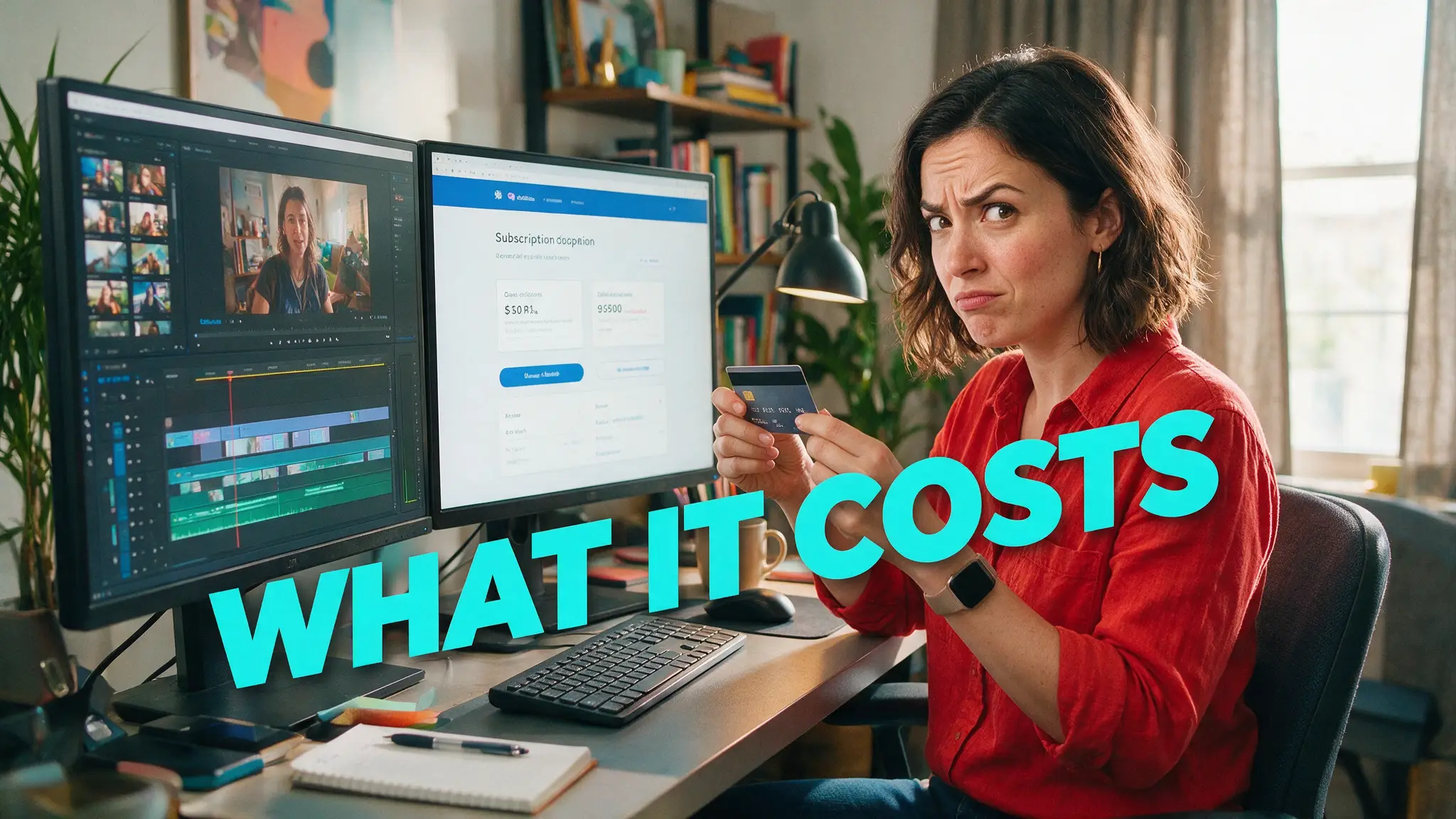
- A video job runs roughly 8x the cost of an image job in Midjourney's credit system. Plans are Basic $10/mo, Standard $30, Pro $60 and Mega $120, and the Pro and Mega tiers include unlimited generations in Relax mode, which queues your jobs at lower priority instead of charging per run. If you generate video in volume, Relax mode on a higher tier is the thing that changes your economics, not the per-job rate.
I ran the same still through Midjourney's animate step eleven times before I understood what it is actually for. It is not a competitor to Veo or Kling, and testing it as though it were produces nothing but disappointment. It is an animation layer bolted onto an image model, and once you treat it as that, the failure rate drops sharply.
By the numbers
- Image-to-video only: it animates an existing still. There is no text-to-video path
- Output: 480p, 24fps, generated as 4 variations of ~5 seconds per job
- Extendable in roughly 4-second increments to about 21 seconds total
- Cost: a video job runs about 8x an image job. Plans are $10 / $30 / $60 / $120, with unlimited Relax-mode generations on the $60 and $120 tiers
The constraint that decides everything
480p. That is the whole calculus. Anything you intend to publish at 1080p needs an upscaling pass afterward, which means Midjourney video is a stage in a pipeline, never the last stage. That is not automatically bad. It maps almost exactly onto the draft-then-upscale economics we already run on purpose with other models, where you deliberately render cheap and low-res to confirm a take before spending on the finished version. Midjourney just makes that the only available mode.
So the honest framing: if your pipeline already includes an upscaler, the 480p ceiling costs you one extra step. If it doesn't, this tool adds a step you weren't planning for, and you should price that in before subscribing.
The workflow that actually works
v1 — auto-animate, no motion prompt. Generate the still, hit animate, take whatever motion the model infers. Roughly half my runs produced something usable this way, and it's the fastest path when the subject has one obvious way to move: smoke rising, water running, a figure walking toward camera. Failure mode is the model picking the wrong subject to move.
v2 — auto-animate with a motion prompt. Same still, but describe the motion explicitly. This is where the hit rate climbs, and it climbs most on shots where the still is ambiguous about what should move. Keep the motion description to one action. Two competing instructions in a single prompt cut my success rate roughly in half, the same pattern documented in our image-to-video motion prompts library.
v3 — motion prompt plus the low/high motion setting. The setting matters more than people expect. High motion on a portrait produces warping around the face and hands within the first two seconds. Low motion on a landscape produces something close to a still with drifting grain. Match the setting to the subject: low for anything with a face, high for weather, crowds, and vehicles.
The failure rate is real and worth stating plainly: across those eleven runs on one still, four were clean, four were usable after picking the best of the four returned variations, and three had visible warping I would not publish. That is not a bad result for a first-generation video model. It is a bad result if you expected the reliability of a dedicated one.
Where the 4-variations-per-job design pays off
Every video job returns four variations rather than one. That sounds like a nicety and is actually the main reason the tool is workable at a 480p ceiling: you are not gambling a full-price generation on a single roll. You get four attempts at the motion and pick the one that didn't break. Factored per usable clip rather than per job, the effective cost lands closer to reasonable than the raw 8x-an-image figure suggests.
Relax mode on the $60 or $120 tier changes this further, since unlimited generations at lower queue priority means iteration stops costing anything but time. If you're generating video in any volume, that tier difference matters more than any per-job number.
When to reach for it, and when not to
Reach for it when the still is the point. If you have a Midjourney image with a look you cannot reproduce anywhere else, this is the only tool that will animate it with that look intact, because it's the same model family. That is a genuinely narrow advantage and a genuinely real one.
Do not reach for it when the shot is the point. No text-to-video means you cannot iterate on composition without regenerating stills first. No native audio means a separate pass. Limited camera control means you are describing motion, not directing it. For those jobs, the dedicated models in our best AI video generators roundup are built for what you're asking.
What breaks most often, ranked
Hands and faces first. High motion on any shot with a visible hand produced warping in nearly every run I logged, and faces held up only at the low motion setting. Text second: any signage or lettering in the source still degrades into unreadable shapes within about two seconds of motion, so crop it out of the frame before animating rather than hoping it survives.
Third, and least obvious, is subject ambiguity. When a still contains two plausible things to animate, a figure and blowing foliage behind them, the model frequently picks the background and leaves the subject static. The fix is a motion prompt naming the subject explicitly, which is the single highest-value change you can make to the recipe below.
The animate step, on screen
The workflow is short enough to watch end to end, and seeing where the Animate button sits relative to the motion prompt makes the low/high setting easier to reason about than any description of it:
The recipe, compressed
Generate the still. Pick low motion for faces, high for environments. Write one motion instruction, not two. Take the best of four. Upscale. Expect roughly one in three attempts to warp badly enough to discard, and budget your credits against usable clips instead of submitted jobs.
Frequently asked questions
▸Can Midjourney generate video from a text prompt?
No, and this is the single most common misunderstanding about it. Midjourney's video model is image-to-video only: you animate a still image, either one you generated in Midjourney or one you uploaded. Text still drives the motion (you can describe how things should move) but it does not generate the frame from scratch the way Veo, Kling or Seedance do. If your workflow starts from a blank prompt with no image, this is the wrong tool.
▸What resolution and length does Midjourney video output?
Clips come out at 480p, 24fps, in 5-second segments, with four variations generated per job. You can extend a clip in roughly 4-second increments up to about 21 seconds total. That 480p ceiling is the constraint that decides whether this fits your pipeline, since it means an upscaling pass is mandatory for anything you plan to publish at 1080p or above.
▸How much does a Midjourney video job cost?
A video job runs roughly 8x the cost of an image job in Midjourney's credit system. Plans are Basic $10/mo, Standard $30, Pro $60 and Mega $120, and the Pro and Mega tiers include unlimited generations in Relax mode, which queues your jobs at lower priority instead of charging per run. If you generate video in volume, Relax mode on a higher tier is the thing that changes your economics, not the per-job rate.
▸Is Midjourney video better than Runway, Kling or Veo?
Different job. Midjourney's advantage is that it animates a Midjourney still with that house aesthetic intact, which no other tool does as faithfully. Its disadvantages are real: no text-to-video, 480p output, no native audio, and limited camera control compared to the dedicated video models. Use it to bring your own Midjourney frames to life. Use a dedicated model when the shot itself matters more than the look.
The 5 best AI video finds, every week
New models, tested prompts, and what actually worked in our production — one short email a week. No spam, unsubscribe anytime.
Written by Amara Osei
Prompt Engineer & Workflow Writer
Treats prompting as an experiment, not an art: isolate one variable, run the batch, keep the receipts. Her prompt libraries ship with failure rates, not just the wins.
Explore these topics
Every guide, comparison and prompt library we have on each.