🎛️ Runway vs Kling (2026): Pro Toolkit or Motion Master, Tested
Runway Gen-4.5 vs Kling 3.0 with the same briefs: generation quality, character consistency, motion control, editing tools, pricing and who each one is for.

Jordan Reyes · AI Video Producer
· Updated · 3 min read
⚡ TL;DR — quick answers
- Is Runway or Kling better for beginners?
- Kling — its free daily credits and simpler interface get you generating in minutes. Runway's power is its toolkit depth, which pays off once you're doing client or repeat production work.
- Which is better for consistent characters, Runway or Kling?
- Both are strong via references. Runway's Gen-4 References system (subject + scene + style) is the most controllable; Kling's strength is animating that consistent character with motion control. Many producers use them together.
- Is Runway worth the price?
- If you deliver video to clients or publish weekly, yes — the editing tools around generation (inpainting, motion brush, camera control, upscaling) replace several subscriptions. For pure clip generation on a budget, Kling or Seedance cost less per shot.
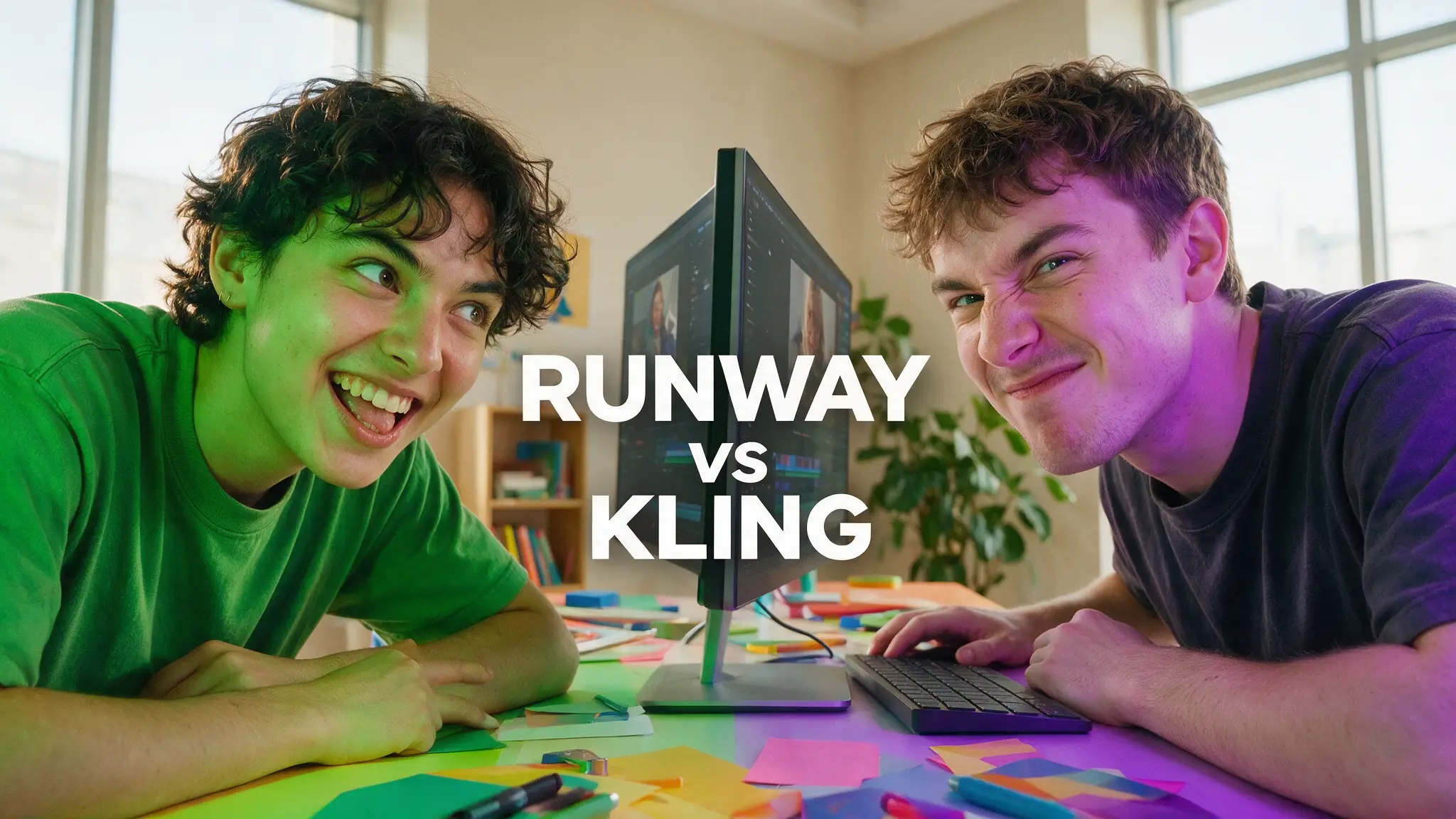
Runway and Kling sit at opposite philosophies of AI video: Runway builds a film studio in a browser, Kling builds the best character animator in the business. We run both — here's who should pay for which.
The 30-second verdict
- Choose Runway if you deliver video professionally: client work, revisions, precise control over regions and motion, and an editing environment around generation.
- Choose Kling if your shots live or die on character performance — faces, body mechanics, and reference-driven motion control — or you want the gentlest free entry point.
- Budget-volume producers: honestly, neither — Seedance's draft-and-upscale economics win for high-output faceless channels.
Round 1: Raw generation quality
Runway's Gen-4/4.5 models produce clean, cinematic, controlled shots with excellent prompt comprehension. Kling 3.0 matches or edges it on human subjects — skin, faces, expression — while Runway tends to win on stylized and design-driven imagery.
Round 2: Character consistency
This one's closer than the fanbases admit:
- Runway Gen-4 References let you pin a subject, a scene, and a style independently — the most systematic consistency workflow in any tool. - Kling locks identity from reference images too, and then — its trump card — animates that identity with motion control, driving performance from reference motion.
Verdict: Runway for building the consistent world; Kling for making the character act. (Both slot into the same keyframe image-to-video workflow.)
Round 3: The toolkit around generation
This is where the two products stop being comparable:
- Runway: inpainting (change that object in that shot), motion brush (paint what moves), camera controls, video-to-video restyle, upscaling, and an actual timeline. When a client says "same shot, but make the car red" — Runway is the only tool where that's a 2-minute fix.
- Kling: generation-focused. Editing happens elsewhere.
Winner: Runway, and it isn't close. This toolkit is why it survived every model-quality leapfrog of the past two years.
Round 4: Pricing reality
- Kling: a free Basic tier (no commercial use) plus four paid tiers — Standard from ~$6.99/mo, Pro ~$25.99/mo, Premier ~$64.99/mo, Ultra ~$127.99/mo (annual plans run roughly 34% cheaper). Cheapest serious entry in AI video once you need commercial rights.
- Runway: subscription tiers with credits; costs rise fast at production volume. You're paying for the toolkit, not just the generations.
Winner: Kling for cost of entry; call it even at professional volume where Runway's revision speed saves billable hours.
What's new in Kling 3.0 (since our last update)
Kuaishou shipped Kling 3.0 on February 5, 2026, with Turbo and Omni variants following June 17, 2026 — a bigger jump than the version number suggests:
- Native 4K output — a real finishing-quality bump over the 2.6 generation we originally tested
- Built-in multilingual lip-synced audio, generated directly from text prompts across five languages and dialects — narrowing Runway's audio gap without matching Veo 3.1's dialogue depth
- A per-shot storyboard tool — set duration, size, camera angle and pacing per shot before generating, closer to Runway's directorial control than Kling has ever offered
- Motion Brush — draw motion paths directly on a frame, a direct answer to Runway's regional motion brush
- Physics-accurate motion — more consistent gravity, balance and inertia in character and object movement
The gap we described in Round 3 has narrowed — Kling's storyboard tool and Motion Brush pull it toward Runway's toolkit territory — but Runway's inpainting, video-to-video restyle and full non-linear timeline are still deeper for client revision work.
Head-to-head table
| Dimension | Runway Gen-4.5 | Kling 3.0 |
|---|---|---|
| Faces & performance | Very good | Best-in-class |
| Reference/consistency system | Most controllable | Strong |
| Motion control (puppeteering) | Motion brush (regional) | Full body reference-driven |
| Editing toolkit | Unmatched | Minimal |
| Free entry | Trial credits | Daily free credits |
| Best for | Client/commercial work | Character-driven content |
The pairing that actually wins
Our production pattern: Kling generates the performance, Runway fixes and finishes it — inpaint the stray artifact, restyle the grade, upscale the master. If you can only pay for one: freelancers and agencies → Runway; creators building character content → Kling. And check where both sit in the full field: the 7 best AI video generators of 2026.
Prefer video? Hand-picked walkthroughs
Reading is faster, but if you want to see it done, these are the best tutorials we vetted for this topic:
Frequently asked questions
▸Is Runway or Kling better for beginners?
Kling — its free daily credits and simpler interface get you generating in minutes. Runway's power is its toolkit depth, which pays off once you're doing client or repeat production work.
▸Which is better for consistent characters, Runway or Kling?
Both are strong via references. Runway's Gen-4 References system (subject + scene + style) is the most controllable; Kling's strength is animating that consistent character with motion control. Many producers use them together.
▸Is Runway worth the price?
If you deliver video to clients or publish weekly, yes — the editing tools around generation (inpainting, motion brush, camera control, upscaling) replace several subscriptions. For pure clip generation on a budget, Kling or Seedance cost less per shot.
The 5 best AI video finds, every week
New models, tested prompts, and what actually worked in our production — one short email a week. No spam, unsubscribe anytime.
Written by Jordan Reyes
AI Video Producer
Runs multiple faceless YouTube channels and tests every major AI video model against the same prompts before recommending one. Tracks render time and credit cost like other people track calories.
Explore these topics
Every guide, comparison and prompt library we have on each.