✍️ Suno Lyricist: Save Your Writing Voice, Not Your Singing One
Suno's July 2026 lyrics editor adds Lyricist, a saved writing-style profile, plus natural language edits and rhyme suggestions. What it does and doesn't.

Priya Nair · AI Audio & Music Producer
· 5 min read
⚡ TL;DR — quick answers
- Does Lyricist clone my singing voice?
- No, and this is the mix-up we saw most in early coverage. Lyricist saves your writing style — phrasing, themes, structural habits — not vocal characteristics. If you want your actual voice carried into a generation, that's Suno's separate Voices feature from the v5.5 release, not Lyricist.
- How do I create a Lyricist profile?
- Feed it examples of lyrics you've already written. It builds a reusable profile from that sample and applies your tone, phrasing patterns and structural habits to new lyric generations when you select it — rather than resetting to Suno's default lyrical register every session.
- What's new in the natural language editing?
- You can request a change conversationally instead of rewriting a line yourself — 'make this line funnier' or 'give this a more offbeat rhyme scheme' — and the editor applies it in place. Paired with highlight-to-get-rhymes suggestions, it's a genuinely faster loop than the old copy-out-rewrite-paste cycle.
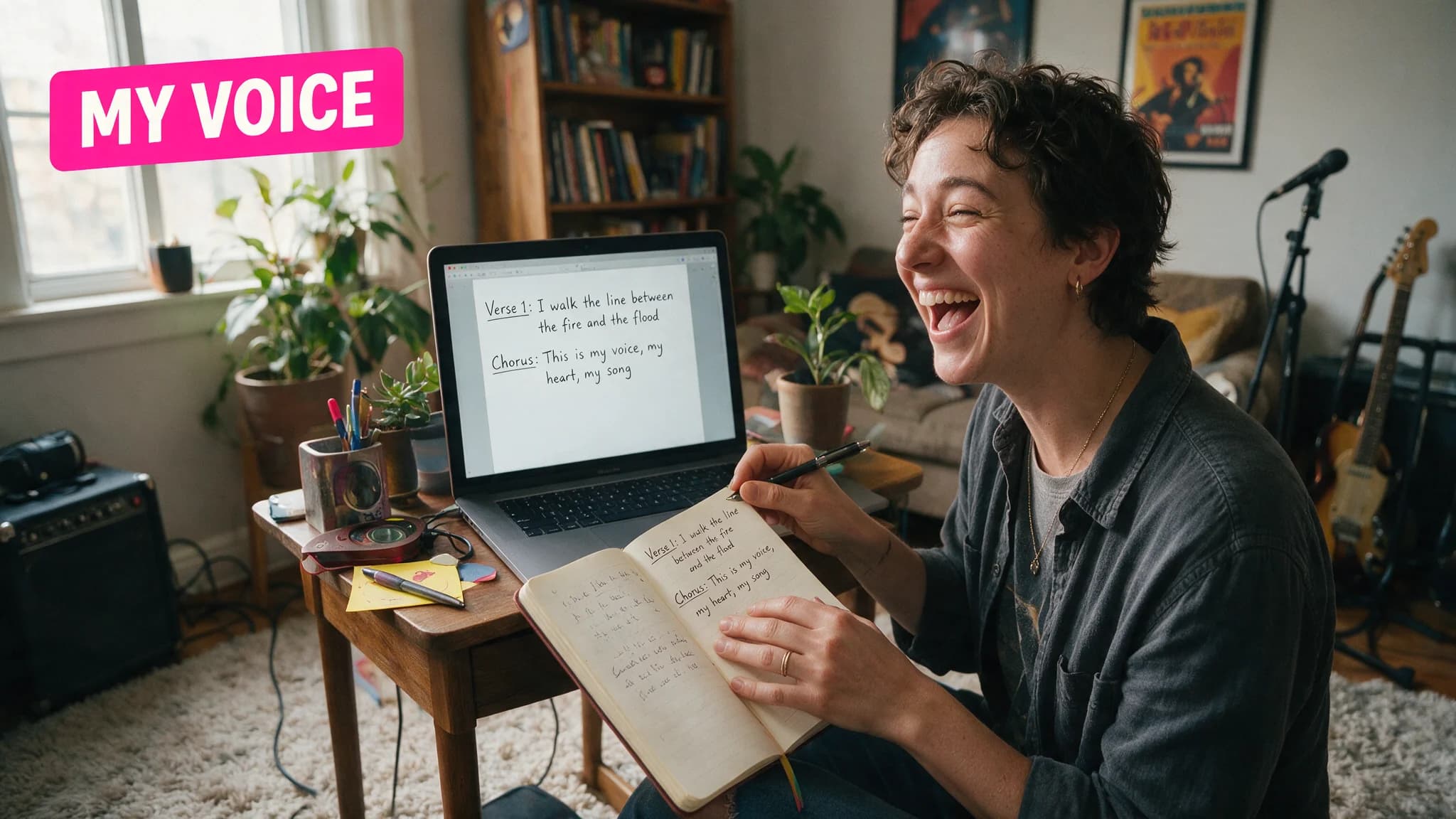
Suno's lyrics editor got a real redesign on July 9, 2026, and the headline feature — Lyricist — gets misread constantly in the coverage we scanned before writing this. It is not a voice clone. It's a writing-style profile, and the distinction matters if you're trying to build a consistent catalog instead of one-off songs.
By the numbers
| Feature | What it does |
|---|---|
| Lyricist | Saves a profile from your past lyrics; applies your phrasing/theme/structure to new generations |
| Natural language edits | Conversational rewrite requests in place ("make this funnier") |
| Rhyme & reference suggestions | Highlight a word for rhymes, a line for inspiration |
| Full-screen writer | Distraction-free editor with structure labels and autosave |
| Release date | July 9, 2026, web platform |
What Lyricist actually locks in
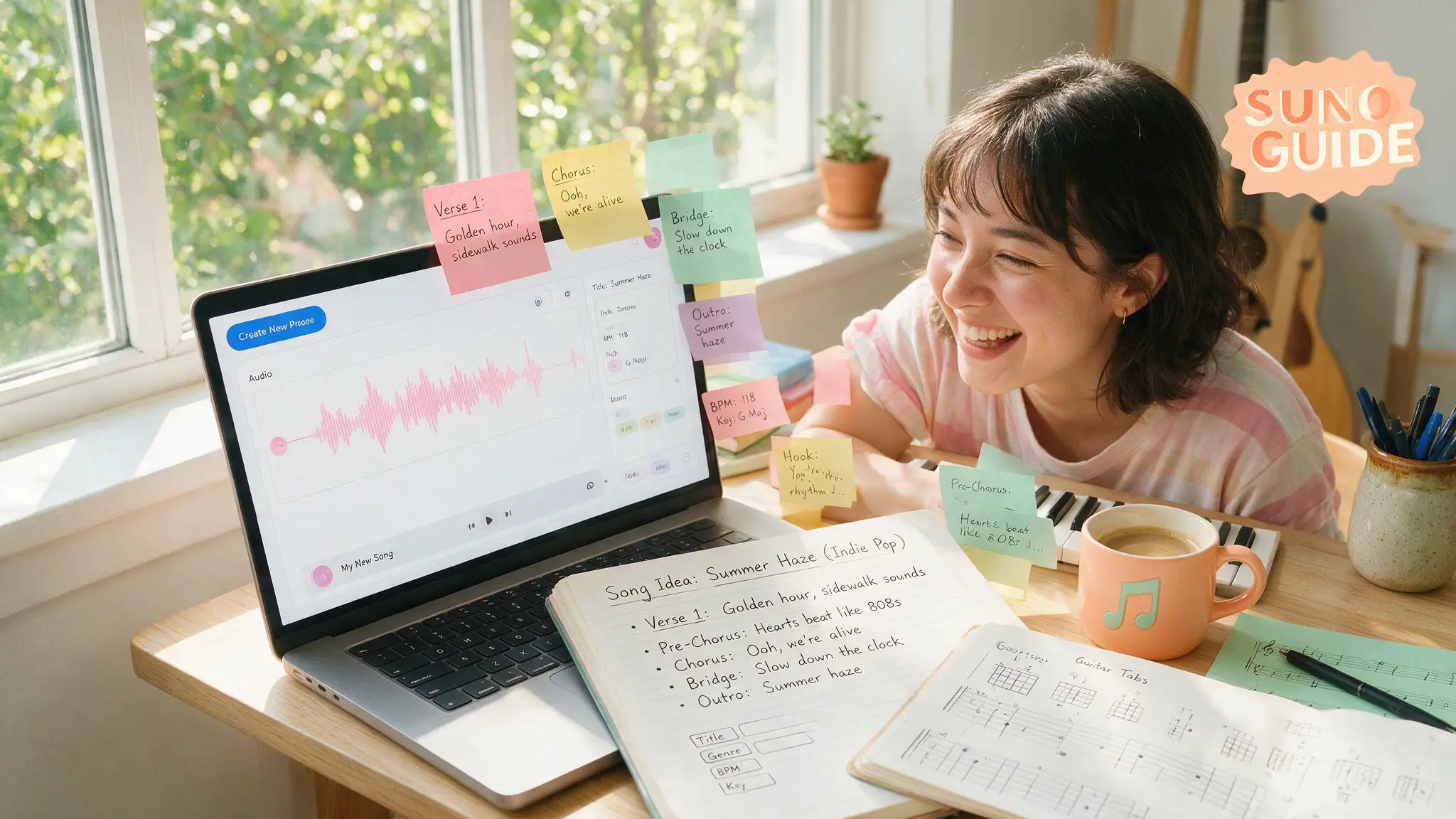
We've published lyrics through Suno's custom mode for a while, and the recurring annoyance was starting from zero every session — the model has no memory of your voice from song to song unless you re-paste examples into every prompt. Lyricist fixes exactly that gap: feed it a handful of songs you've already written, and it distills a profile — recurring themes, how you handle rhyme, whether your verses run short and punchy or long and narrative — that carries forward automatically. You're not re-describing your own style every time; you're selecting a saved one.
The thing to be honest about: a style profile built from a handful of examples is an approximation, not a clone. It leans toward your patterns. It won't reproduce a specific turn of phrase you'd write yourself on a good day. Treat it the way you'd treat a co-writer who's read your back catalog once — a strong starting draft, not a finished lyric you skip editing.
The natural language edit loop is the bigger workflow win
Lyricist gets the headline, but the editing changes underneath it are what we'd actually miss if Suno rolled them back. Before this redesign, fixing one line meant leaving the generation view, rewriting by hand, and hoping the new line scanned against the melody the same way. Now you highlight the line and say what's wrong with it in plain language — "give this a more offbeat rhyme scheme," "make this line funnier" — and the editor rewrites in place. Combine that with highlight-to-get-rhymes, which surfaces options without breaking your writing flow to open a rhyming dictionary tab, and the whole lyric pass gets noticeably faster. Our own Suno prompt library covers the structure-tag fundamentals this editor now wraps in a friendlier interface — the underlying craft rules haven't changed, just the friction to apply them.
Structure labels and autosave: small, but they remove real friction
Adding "Verse" and "Outro" labels directly in the editor sounds trivial until you remember how many custom-mode sessions get derailed by a lyric sheet that's lost track of its own structure tags halfway through a long session — see our prompt library for how much those tags actually do to the final generation. Autosave closes the other classic failure mode: losing forty minutes of lyric work to a closed tab. Neither is glamorous. Both are the kind of thing that shows up in "why did I stop using this tool" complaints when they're missing.
The catalog-consistency problem this actually solves
Here's the use case that made us pay attention beyond "nice editor update." If you're running a channel or a client pipeline that ships songs regularly — background music for a faceless channel, personalized-song commissions, a recurring release schedule — the old workflow meant every session started from Suno's neutral default voice unless you manually re-pasted style examples into the prompt. Multiply that by dozens of songs and small inconsistencies creep in: a metaphor style that drifts, a rhyme density that varies session to session for no reason except the model forgot what "your" lyrics sound like. A saved Lyricist profile is a direct fix for that specific drift, not a general quality upgrade — worth knowing before you expect it to make weak source examples strong.
Setting up your first profile, in practice
Start smaller than feels necessary. Feed it three to five songs you're genuinely proud of, not your entire back catalog including the early experiments — a profile trained on inconsistent source material produces an inconsistent voice. Generate a handful of new lyrics against that profile, read them against your actual instincts (not just against the melody), and treat any obvious mismatch as a signal to prune the source examples rather than abandon the feature. It's a profile you curate over time, the same way you'd curate a reference playlist for a producer — not a one-time setup you never revisit.
What we're still testing
Whether a Lyricist profile trained on, say, ten songs actually holds its character across dozens of new generations, or drifts back toward Suno's default register after enough sessions, is a claim we haven't put enough volume behind yet to state as fact. Early usage reads as promising. We'll update this page with a real before/after comparison once we've run more songs through a single saved profile.
How we assessed this
Feature details are pulled from Suno's own release notes and the July 9, 2026 lyrics-editor announcement, not secondary summaries — several of which we found conflating Lyricist with the separate Voices feature, which is the mistake worth avoiding if you're deciding whether this update matters for your workflow. We have not independently benchmarked how durable a Lyricist profile stays across a large catalog; that's a claim only real production volume answers honestly.
Frequently asked questions
▸Does Lyricist clone my singing voice?
No, and this is the mix-up we saw most in early coverage. Lyricist saves your writing style — phrasing, themes, structural habits — not vocal characteristics. If you want your actual voice carried into a generation, that's Suno's separate Voices feature from the v5.5 release, not Lyricist.
▸How do I create a Lyricist profile?
Feed it examples of lyrics you've already written. It builds a reusable profile from that sample and applies your tone, phrasing patterns and structural habits to new lyric generations when you select it — rather than resetting to Suno's default lyrical register every session.
▸What's new in the natural language editing?
You can request a change conversationally instead of rewriting a line yourself — 'make this line funnier' or 'give this a more offbeat rhyme scheme' — and the editor applies it in place. Paired with highlight-to-get-rhymes suggestions, it's a genuinely faster loop than the old copy-out-rewrite-paste cycle.
▸Do I need a paid Suno plan to use Lyricist?
It shipped as part of the web lyrics workflow without a tier restriction we could confirm at launch. Suno's plan terms shift often enough that we'd still check your account's current feature list before assuming — this is exactly the kind of detail that's stale within a quarter on any AI tool.
The 5 best AI video finds, every week
New models, tested prompts, and what actually worked in our production — one short email a week. No spam, unsubscribe anytime.
Written by Priya Nair
AI Audio & Music Producer
Musician first, AI tester second. Judges every voice and song model on whether it would survive a real listener's headphones, not a spec sheet — and keeps a close eye on what's actually safe to monetize.
Explore these topics
Every guide, comparison and prompt library we have on each.