Tomás Rivera
Film Editor & AI Cinematography Writer
Cut commercials and short films for two decades before AI video existed, and now grades every generator the way he graded dailies. Cares about continuity, coverage, and where the cut breaks — not demo reels.
Beat: AI Video
- Cinematography & shot grammar
- AI video model comparisons
- Continuity & motion QC
- Cutting AI footage into real timelines
How Tomás tests
I grade AI video the way I graded dailies: pull the footage into a timeline, cut it against real coverage, and see where it breaks. A model that only looks good in a trailer reel doesn't pass.
Latest from Tomás
 Guides
Add Logo to Video Without Watermark: Safe Zones, FFmpeg
Put your own brand mark on video so it reads as branding, not stock-tool residue: platform safe zones, opacity numbers and a copy-paste ffmpeg recipe.
 Guides
Video-to-Video Restyling: Where the Look Falls Apart
Style transfer holds beautifully on a single shot and breaks across a cut. What survives an edit, what flickers, and how to grade around the failure.
 Guides
AI Video Editing Tools: What Actually Saves Time
A film editor's per-feature verdict: which AI editing tools hand back a correctable timeline, which hand back cleanup work, and the limits nobody prints.
 Guides
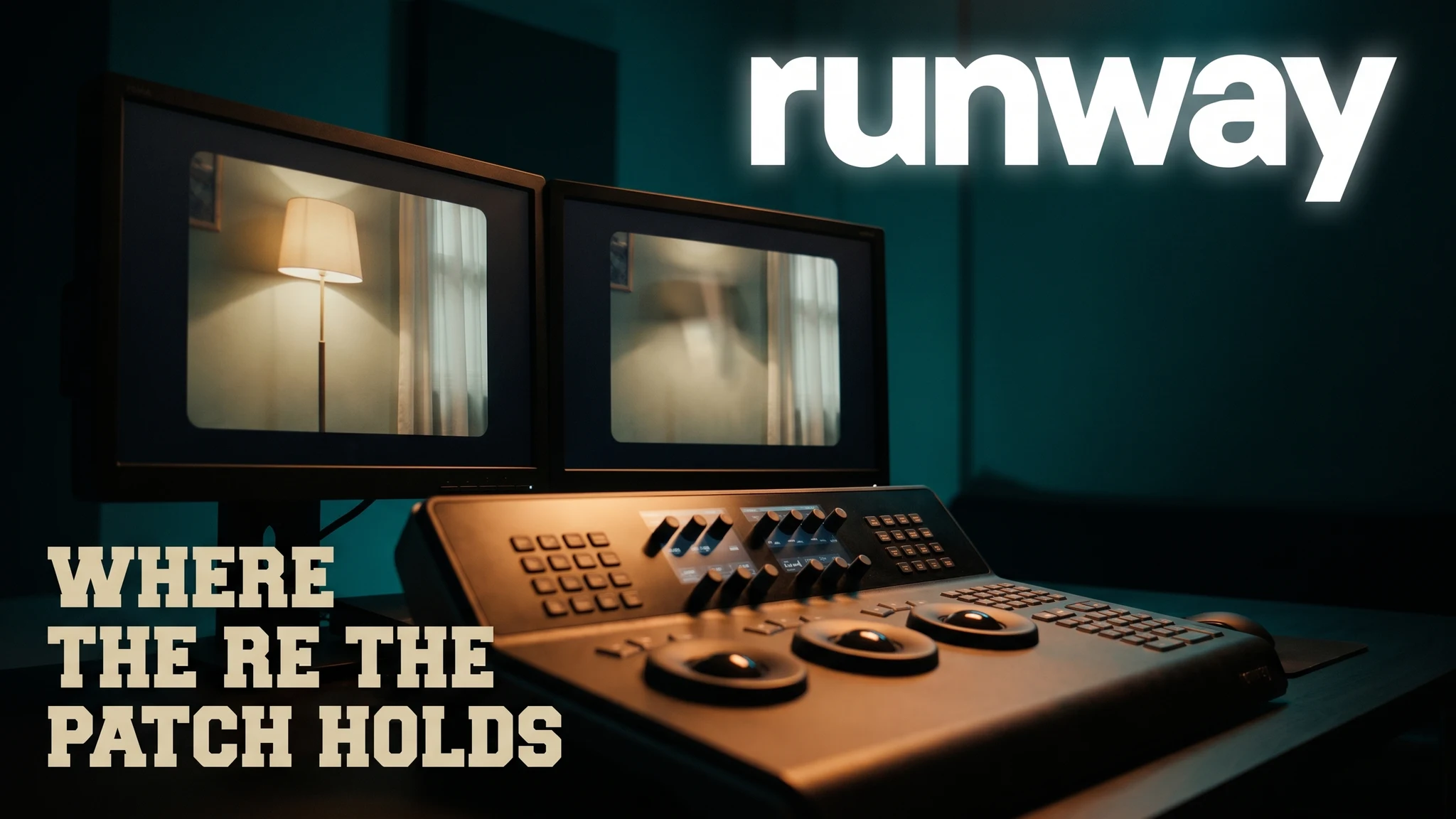
AI Object Removal in Video: Where the Patch Holds
Object removal fails at window boundaries and shot cuts, not single frames. Reference-window numbers, VRAM tables, and a triage rule before you spend.
 Guides
AI Lip Sync Accuracy: Which Tools Actually Match the Mouth
An independent 1,000-clip benchmark put one dubbing tool at 96.4 and a category leader at 76.8. We break down what that gap actually looks like on screen.
 Guides
Topaz Video AI Free? What the Trial Actually Limits (2026)
No, Topaz Video AI isn't free — the trial watermarks every export. Here's exactly what it limits, the real price, and which free tools get closest.
 Guides
AI Storyboarding: Script to Shot List to Screen (2026)
The five-stage AI storyboarding pipeline we run on every production: script to beats, boards, keyframes, clips — and exactly where each stage breaks.