🎯 Seedream 5.0 Pro Region Editing: Fix One Thing, Not the Shot
How ByteDance's Seedream 5.0 Pro edits one region of an image without touching the rest — the workflow we now use for every hero image on this site.

Jordan Reyes · AI Video Producer
· 5 min read
⚡ TL;DR — quick answers
- What is region editing in Seedream 5.0 Pro?
- You mark an area — with a tap point, a drawn box, an arrow, or a rough sketch — and describe the change in words. Only that region regenerates; lighting, shadows, texture and the rest of the composition hold steady everywhere else in the frame.
- Is Seedream 5.0 Pro the same thing as Seedance?
- No, though they're related. Seedance is ByteDance's video model; Seedream is the image side of the same Seed model family. We use Seedream 5.0 Pro to generate stills — including our own site's hero images — and Seedance for video generation.
- How much does Seedream 5.0 Pro cost?
- It depends on the platform. Direct API access runs roughly $0.045 per 2K output on some providers, with a 1K generation costing about half that in credits. On Higgsfield, where we generate our own hero images, a 1.5K 16:9 image runs about 3 credits. Check current pricing on whichever platform you use — credit economies vary.
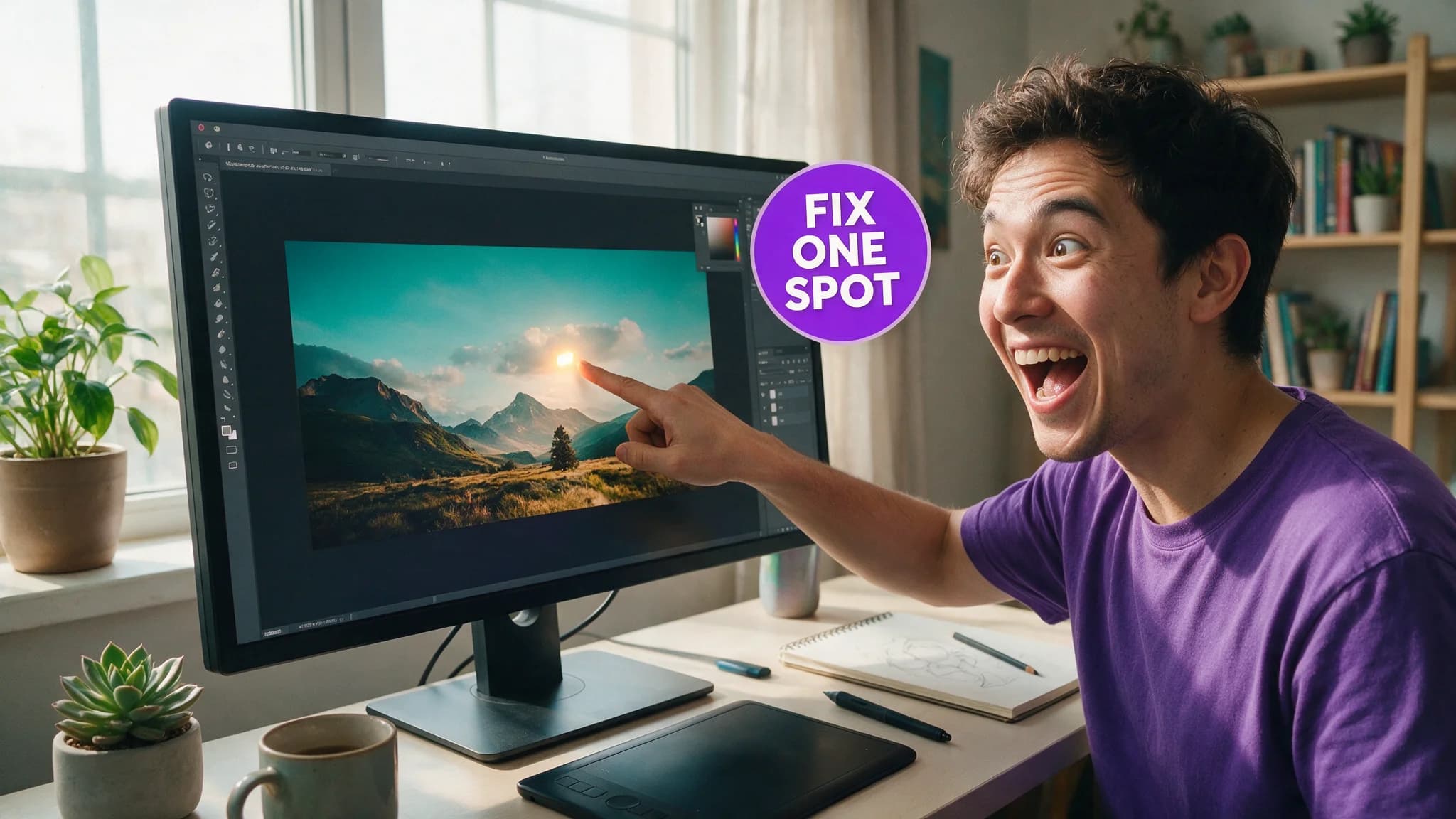
Region editing is the reason Seedream 5.0 Pro replaced our old "regenerate the whole image and hope" workflow. Mark the part that's wrong, describe the fix, and the rest of the frame doesn't move. We didn't believe that claim until we tested it on our own production images — it holds up more often than not.
By the numbers
| Spec | Detail |
|---|---|
| Maker | ByteDance (Seed model family — same lineage as Seedance video) |
| Resolution | Up to ~2048×2048 (2K) natively; higher via some platforms |
| Editable layers | Up to 20 per image |
| Native text languages | ~14–15, including Arabic, Russian, Japanese, Korean, Thai |
| Region-mark methods | Point tap, drawn box, arrow, rough sketch, coordinates |
| API pricing (typical) | ~$0.045 per 2K output on flat-rate providers |
| Higgsfield credit cost (our use) | ~3 credits per 1.5K 16:9 generation |
The workflow: mark it, describe it, done
Every hero image on this site now goes through the same loop. Generate the base image, look at it critically, and if one thing is off — a badge that's slightly misaligned, a hand with the wrong prop, a background element that's competing with the subject — draw a box around just that region and describe the fix in plain language. "Make this jacket forest green" or "remove the extra finger, keep everything else." The model changes what's inside the box. It leaves the lighting direction, the shadow falls, and the surrounding texture alone.
That last part is the actual engineering win, and it's easy to undersell in a spec sheet. Full-image regeneration with a tweaked prompt doesn't just fix the thing you flagged — it re-rolls the composition, the color grade, sometimes the entire mood of the shot. You end up comparing five new candidates instead of confirming one fix. Region editing turns a 10-minute re-roll cycle into a 90-second patch.
Four ways to mark a region, and when each one earns its keep
Tap a point when the target is a single, unambiguous object — a specific prop, a face, a logo. Fastest option, and the one we reach for most.
Draw a box when the fix has to respect a boundary — swap the material on a jacket without spilling the edit onto the shirt underneath it. Boxes are the most predictable of the four; when a region edit misbehaves for us, it's almost always because we used a point where a box would have been tighter.
Use an arrow to point at something small or partially obscured that a tap might miss — a detail in the background, an accessory half-hidden behind an arm.
Sketch a rough shape for anything with an irregular outline — hair, foliage, an object that doesn't map to a clean rectangle. It's the slowest of the four and the one where results vary most, so we treat it as a last resort rather than a default.
Layers change how you think about a "finished" image
Seedream 5.0 Pro can split a generation into up to 20 editable layers — subject, background, individual props separated out instead of baked into one flat file. That matters more than it sounds once you've had to re-render an entire hero image because one element in the back needed to move three inches. With layers, you drag the element. Without them, you're back in the full-regenerate loop this whole feature exists to kill.
We haven't leaned on the full 20-layer ceiling in practice — most of our heroes need three or four separations at most (subject, background, badge text, and whatever prop is doing the emotional work). But the ceiling being that high means the tool isn't going to run out of room before a genuinely complex composite does.
Native text is the quiet upgrade
Fourteen-plus languages with correct letterforms sounds like a checkbox feature until you've tried to get a diffusion model to render a clean word in a badge without smearing a letter. Our hero-image formula bakes in a short text badge on every image — a 1-3 word callout in a colored box — and Seedream 5.0 Pro is the first model in our stack where that badge reliably comes out legible on the first pass instead of the third.
Where it sits against the rest of our image stack
We're not swapping out every image tool for this one. For character reference sheets and multi-angle consistency work, Nano Banana Pro still earns its place in our pipeline — see the consistent-characters workflow for where that split lives. Seedream 5.0 Pro is what we reach for when the job is "generate a strong image, then surgically fix the parts that are wrong" rather than "lock an identity across ten shots." Different job, different tool — the mistake is expecting one model to be the answer to both.
How we assessed this
Every spec above traces to ByteDance's own model documentation and platform pricing pages (ImagineArt, fal.ai, Krea), cross-checked against what we actually pay on Higgsfield generating our own site imagery — which is why the credit numbers in this piece are ours, not a press release's. We have not run a formal side-by-side benchmark against every rival editing model; this is a workflow guide built on production use, not a lab comparison.
Frequently asked questions
▸What is region editing in Seedream 5.0 Pro?
You mark an area — with a tap point, a drawn box, an arrow, or a rough sketch — and describe the change in words. Only that region regenerates; lighting, shadows, texture and the rest of the composition hold steady everywhere else in the frame.
▸Is Seedream 5.0 Pro the same thing as Seedance?
No, though they're related. Seedance is ByteDance's video model; Seedream is the image side of the same Seed model family. We use Seedream 5.0 Pro to generate stills — including our own site's hero images — and Seedance for video generation.
▸How much does Seedream 5.0 Pro cost?
It depends on the platform. Direct API access runs roughly $0.045 per 2K output on some providers, with a 1K generation costing about half that in credits. On Higgsfield, where we generate our own hero images, a 1.5K 16:9 image runs about 3 credits. Check current pricing on whichever platform you use — credit economies vary.
▸What resolution does Seedream 5.0 Pro output?
Up to roughly 2048×2048 (2K) natively, with some platforms offering an upscaled path toward 3K–4K. We generate at 1.5K for 16:9 hero images, which is enough detail for web use without paying for resolution nobody views full-size.
The 5 best AI video finds, every week
New models, tested prompts, and what actually worked in our production — one short email a week. No spam, unsubscribe anytime.
Written by Jordan Reyes
AI Video Producer
Runs multiple faceless YouTube channels and tests every major AI video model against the same prompts before recommending one. Tracks render time and credit cost like other people track calories.