🎧 The AI Podcast Stack: Record, Edit & Publish Twice as Fast
Record with Riverside, edit by transcript in Descript, generate show notes automatically. The pipeline that cuts podcast post-production to under an hour.

Priya Nair · AI Audio & Music Producer
· 6 min read
⚡ TL;DR — quick answers
- Do I need both Riverside and Descript, or can one tool do everything?
- You can survive on either alone, but the combination is doing two different jobs well instead of one job adequately. Riverside's whole design is local recording on each participant's machine, which is what saves a remote interview when someone's wifi drops mid-sentence. Descript's whole design is transcript-based editing. Ask Riverside to be your primary editor or Descript to be your primary recorder and you're fighting the tool's actual strength.
- How much does this stack actually cost?
- Riverside's Pro plan runs $24/month billed annually (or $29/month monthly) and includes 4K recording plus built-in podcast hosting on Pro and above. Descript's pricing is separate and tiered by AI-feature usage. Budget for both if you're running a real weekly show; check current pricing on both sites since AI-feature tiers shift often.
- Can AI show notes actually replace writing my own?
- As a first draft, yes — Descript's Underlord assistant and tools like Castmagic generate summaries, chapter markers, and timestamped show notes straight from the transcript, and they're accurate enough to publish with light editing most weeks. What they don't do well yet is capture the one line from the episode that's actually worth quoting in a title. That still takes a human ear.
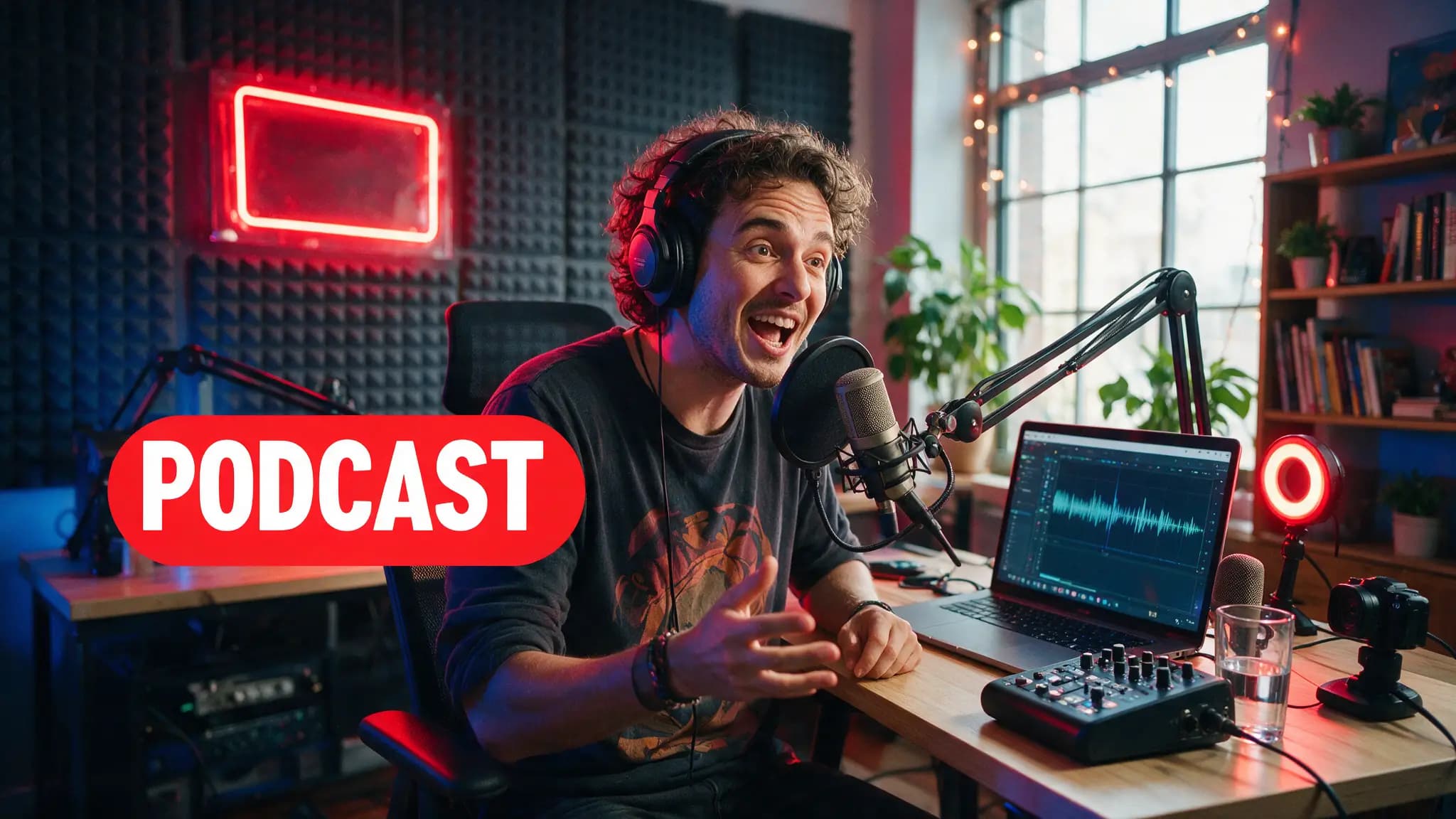
Record with Riverside, edit in Descript, generate show notes from the transcript instead of writing them from memory. That's the whole pipeline, and the reason it works is that each tool does one job instead of both jobs adequately.
We've watched creators try to force Descript to be their primary recorder or Riverside to be their primary editor, and both choices fight the tool's actual design. Here's the stack that doesn't.
By the numbers
| Stage | Tool | What it actually does |
|---|---|---|
| Recording | Riverside | Local capture per participant, 4K video, uncompressed WAV audio |
| Live transcript | Riverside | Real-time transcription generated as you record |
| Editing | Descript | Text-based cutting — delete a word in the transcript, it cuts the clip |
| Cleanup | Descript | One-click filler-word and dead-air removal |
| Highlights | Riverside (Magic Clips) | AI-driven extraction of standout moments |
| Show notes | Descript (Underlord) / Castmagic | Auto-generated summary, chapters, timestamps from transcript |
| Publishing | Riverside (Pro+) | Direct to Spotify, Apple Podcasts, YouTube with built-in analytics |
| Riverside free tier | — | 2 hours multi-track, 720p, watermarked |
| Riverside Pro | — | $24/mo annual ($29/mo monthly) |
| Reported editing time | — | 4–6 hrs → under 1 hr per episode (workflow reporting, not our own benchmark) |
Recording: why local capture is the whole point
Riverside records each participant's audio and video locally on their own machine, then uploads the pristine files in the background. Your guest's terrible hotel wifi never touches the actual recording quality. That's the single feature that justifies choosing Riverside over a plain video call recorded straight off a Zoom-style stream: a laggy connection shows up as a slightly delayed upload, not a glitchy final file.
4K video and uncompressed WAV audio are the ceiling it captures at, which matters more for video podcasts than pure audio shows. If you're audio-only, you're paying for headroom you won't use, and that's worth knowing before you pick a plan tier.
Editing: cutting a transcript instead of a waveform
Descript's entire pitch is that editing audio should feel like editing a Google Doc. Delete a sentence in the transcript, the corresponding audio and video get cut. Say "um" four times in a row, one click removes all four instances across the whole episode. That's not a gimmick. It's a genuinely faster way to do the tedious 80% of podcast editing that isn't creative decision-making, it's just removing dead weight.
Where it earns its place over Riverside's own built-in editor: Descript's Overdub and multi-track handling are built for a full-episode edit, not quick highlight trims. Riverside's editor is fine for pulling a 90-second clip. It's not what you want driving a 45-minute episode's final cut.
The audible thing worth watching for here (the part a spec sheet won't tell you) is what one-click filler-word removal does to natural speech rhythm. Cut every "um" and "like" too aggressively and a conversation starts sounding clipped, missing the breathing room that makes it sound like two people actually talking. We dial back the aggressiveness setting on interview episodes specifically for that reason.
Show notes: the last mile that used to eat an evening
Descript's Underlord assistant reads the finished transcript and drafts a summary, chapter markers, and timestamps without you re-listening to the episode. Castmagic does a similar job and extends further into social copy and blog-post repurposing from the same transcript.
Both get you 80% of the way there in minutes instead of the hour-plus it used to take writing show notes from memory or a second listen-through. The missing 20% is judgment: which single line from the episode is actually the hook worth putting in the title. AI-generated show notes are accurate and dutiful. They are not good at knowing which moment was the interesting one — that's still an editorial call, not a summarization task.
Where this stack actually saves time, and where it doesn't
Reported figures put the post-production drop at roughly 4–6 hours down to under 1 hour per episode across multiple 2026 workflow write-ups. We haven't tracked our own episode-by-episode stopwatch numbers, so treat that range as directionally real rather than a guarantee. A heavily produced narrative show with sound design and multiple voice layers is not going to hit "under an hour" no matter which AI tools sit in the pipeline. A two-person interview show with light editing needs, absolutely can.
The time savings concentrate almost entirely in the mechanical parts: transcription, filler removal, rough-cut assembly, first-draft show notes. None of it touches the actual interview, the questions you ask, or whether the guest was interesting. AI editing makes a good conversation publishable faster. It doesn't make a flat conversation better.
A lean version if you're starting from zero
Record in Riverside on the free tier while you're testing the format (2 hours, 720p, watermarked — fine for finding your format, not for a public launch episode). Move to Pro once you're publishing for real. Edit the rough cut in Descript, lean on filler-word removal but check the result by ear, not just by looking at the transcript. Generate a show-notes draft, then spend ten minutes making it sound like your show instead of a summary bot's. That's the whole stack, and it's genuinely faster than what podcast editing looked like even two years ago.
How we picked
Riverside's recording architecture (local capture, background upload), pricing ($24/mo annual Pro tier), and built-in hosting details are from Riverside's own product documentation. Descript's text-based editing model, Overdub, and Underlord AI show-notes feature are from Descript's own help center and changelog. The 4–6-hours-to-under-1-hour editing time figure is cited from multiple independent 2026 workflow write-ups, not our own timed benchmark — flagged as such above rather than presented as a number we measured ourselves. For voice and sound-design pieces of a podcast's audio (SFX, mastering, music beds), our sound effects guide and ElevenLabs v3 guide cover the layers this pipeline doesn't touch.
The mechanical half of podcast editing was never the interesting half. This stack just stops pretending it was.
Frequently asked questions
▸Do I need both Riverside and Descript, or can one tool do everything?
You can survive on either alone, but the combination is doing two different jobs well instead of one job adequately. Riverside's whole design is local recording on each participant's machine, which is what saves a remote interview when someone's wifi drops mid-sentence. Descript's whole design is transcript-based editing. Ask Riverside to be your primary editor or Descript to be your primary recorder and you're fighting the tool's actual strength.
▸How much does this stack actually cost?
Riverside's Pro plan runs $24/month billed annually (or $29/month monthly) and includes 4K recording plus built-in podcast hosting on Pro and above. Descript's pricing is separate and tiered by AI-feature usage. Budget for both if you're running a real weekly show; check current pricing on both sites since AI-feature tiers shift often.
▸Can AI show notes actually replace writing my own?
As a first draft, yes — Descript's Underlord assistant and tools like Castmagic generate summaries, chapter markers, and timestamped show notes straight from the transcript, and they're accurate enough to publish with light editing most weeks. What they don't do well yet is capture the one line from the episode that's actually worth quoting in a title. That still takes a human ear.
▸What's the actual time savings, realistically?
Reported post-production time drops from roughly 4–6 hours per episode down to under 1 hour using this Riverside-record, Descript-edit pipeline — that figure is from workflow reporting across multiple 2026 sources, not a number we've benchmarked ourselves episode by episode. Your mileage depends heavily on how much you still hand-polish versus accept the AI-generated cut.
The 5 best AI video finds, every week
New models, tested prompts, and what actually worked in our production — one short email a week. No spam, unsubscribe anytime.
Written by Priya Nair
AI Audio & Music Producer
Musician first, AI tester second. Judges every voice and song model on whether it would survive a real listener's headphones, not a spec sheet — and keeps a close eye on what's actually safe to monetize.
Explore these topics
Every guide, comparison and prompt library we have on each.