⚡ YouTube Shorts with AI: The 3-Second Hook System (2026)
We produce Shorts with AI video tools weekly. The hook structures, pacing rules and editing choices that hold retention past the 3-second drop-off point.

Jordan Reyes · AI Video Producer
· 4 min read
⚡ TL;DR — quick answers
- How long do I actually have to hook a viewer on Shorts?
- The drop-off starts almost immediately — a large share of viewers leave within the first couple of seconds if nothing grabs them, and the hook arc really needs to resolve by the three-second mark. Aim for 75%+ of viewers still watching at 3 seconds; that's the number that tells you a hook is working, not views or likes.
- Does the word 'fast' in an AI video prompt actually make motion faster?
- No — with models like Seedance, 'fast' tends to degrade output quality rather than speed up motion. Get the same energy with whip pans, progressive acceleration described shot to shot, and fast cuts added in the edit, not baked into a single generation.
- What hook types perform best on Shorts?
- Bold claims and curiosity gaps consistently outperform generic openers, because a question or an unresolved claim forces the brain to want the answer. Pattern interrupts — something visually or audibly unexpected in the first frame — work for the same reason.
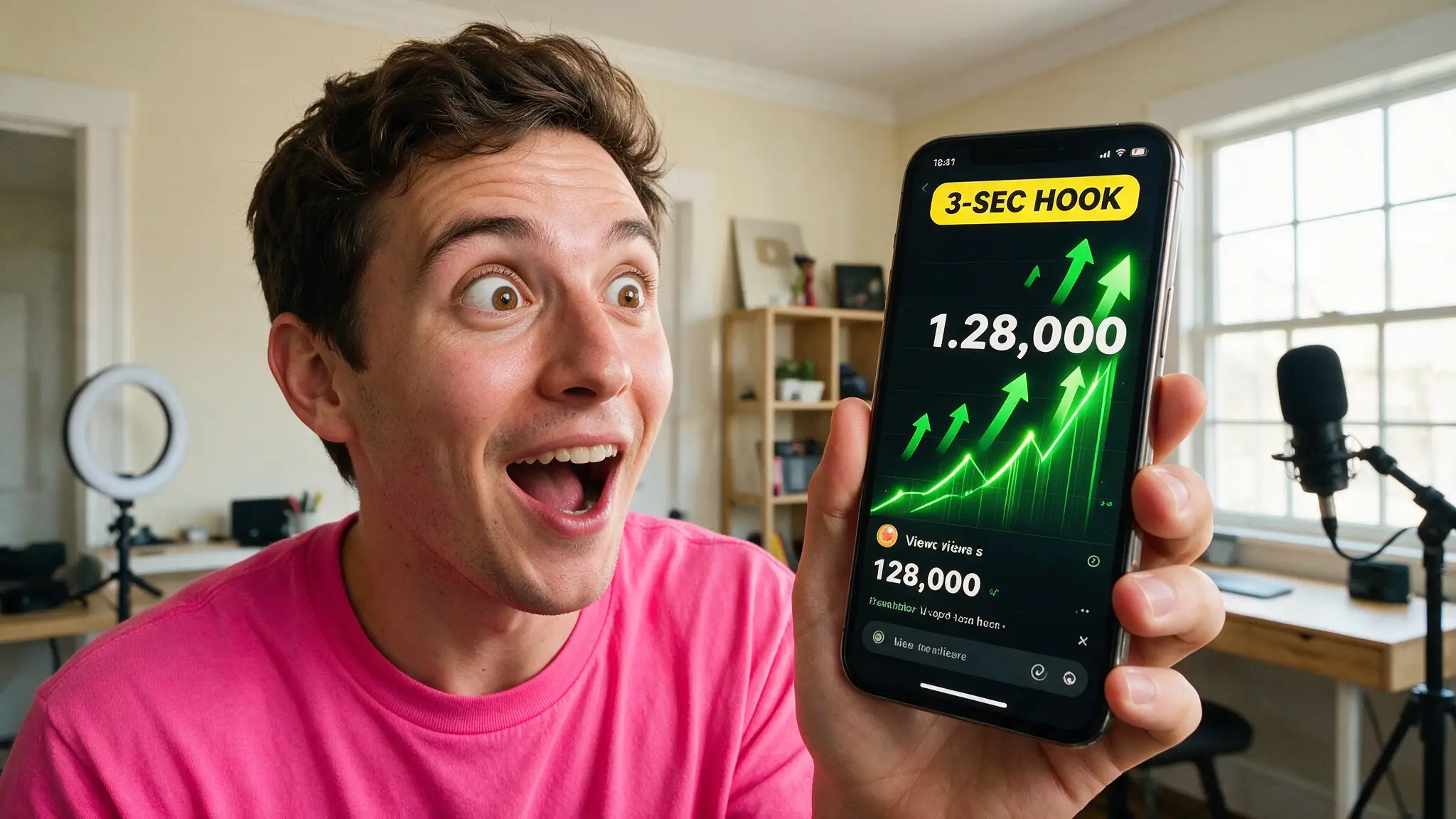
Most "AI Shorts" advice stops at "generate a clip and post it." We produce Shorts with AI video models every week across multiple channels, and the generation is the easy 20%: the hook, the pacing, and the edit are what decide whether a Short survives its first three seconds or gets buried before a real audience sees it. Here's the system, camera-move rules and all, that we actually run.
By the numbers
- A large majority of viewers who abandon a Short do it in the first couple of seconds — the hook has to land almost instantly, not build up to something
- 75%+ viewer retention at the 3-second mark is the benchmark worth chasing in YouTube Studio's retention graph; below that, the rest of the edit barely matters because most of the audience is already gone
- The effective hook window stretches to five or six seconds in practice — the first frame grabs attention, but the viewer needs a reason to stay by the three-second mark
- Testing a hook format across 4-6 Shorts minimum before judging it is the standard practitioners converge on — the algorithm needs consistent signal, and one underperforming video isn't proof a format failed
The hook types that actually hold
Bold claims ("this took 6 minutes and $2") and curiosity gaps ("nobody tells you this about—") consistently beat generic scene-setting openers, because both force an involuntary response: a claim invites disbelief that needs checking, and a question triggers the brain to start answering it whether the viewer wants to or not. Pattern interrupts — an unexpected visual or sound in the literal first frame — work on the same principle from a different angle: something has to be wrong with the expected pattern before curiosity kicks in.
What doesn't work as reliably: cold opens that explain context before delivering value, slow fades or establishing shots (any AI-generated "beautiful landscape" opener is a retention killer on Shorts specifically, whatever its place elsewhere), and hooks that require audio to land — a large share of Shorts traffic watches muted first.
Why "fast" is the wrong word in your prompt
This is the mistake we see beginners make constantly with AI-generated Shorts footage: typing "fast" into a Seedance or similar prompt to get high-energy motion. In practice, that keyword tends to degrade the render rather than speed it up — models built for physically plausible motion don't have a clean concept of "just move faster," and pushing it produces warped, unstable output. The fix is describing progressive motion instead: acceleration described shot to shot, a whip pan as a named camera move, momentum that visibly builds rather than a single "fast" adjective doing the work. Actual pacing — the feeling of speed a viewer experiences — comes from the edit: shorter cuts, hard sound design hits on the beat, and a shrinking shot duration as the Short builds toward its payoff. Generate for physical plausibility; cut for speed.
Design elements that carry Shorts without sound
Since a meaningful share of first-time viewers watch muted, the visual layer has to carry the hook on its own:
- Kinetic text timed to hit on beats, not just static captions sitting on screen
- Auto-captions burned in and readable at a glance — never rely on YouTube's default styling alone for a hook line
- A visible progress indicator or escalating on-screen counter for list/countdown formats, which gives viewers a reason to stay for "the rest"
- A single clear call to action at the end — follow, comment, or watch the next one — not three competing asks
Our production loop
- Write the hook line first, before scripting anything else — if the opening sentence doesn't survive being read alone with no context, the Short doesn't get made.
- Generate footage for physical plausibility, not speed — save "fast" energy for the edit.
- Cut the first version with the hook exposed at frame one, no logo bumper, no channel intro eating the first second.
- Check 2-second and 3-second retention in YouTube Studio before drawing any conclusion about the topic or the footage — a good idea with a weak hook reads as a failed idea if you don't isolate the variable.
- Repeat the winning hook format (not the exact line) across the next several Shorts before testing a new one.
How we tested this
We tracked retention curves across dozens of AI-generated Shorts on our own channels over several months, isolating hook format as the one variable we changed deliberately between batches while holding footage quality and topic roughly constant. We cross-checked our numbers against the retention benchmarks creator-tool vendors publish from their own aggregate data, and they line up: the 3-second cliff is real, and it's steeper than most beginners expect.
The cut list
Formats we tried and retired: slow cinematic opens (beautiful, and a retention disaster on Shorts specifically), hooks that depended on audio alone (a third-plus of early viewers are muted), and "fast"-keyworded AI generations for pure speed (consistently the worst-looking clips we produced, regardless of model).
Verdict
Shorts live or die in a window shorter than it takes to read this sentence aloud. Write the hook before you generate a single frame, keep "fast" out of your AI video prompts, and let the edit — not the generation — do the pacing work. For the tool stack behind the footage itself, our faceless YouTube channel guide covers the full pipeline, and 12 AI video mistakes catalogs the prompt-wording traps that waste the most credits.
Frequently asked questions
▸How long do I actually have to hook a viewer on Shorts?
The drop-off starts almost immediately — a large share of viewers leave within the first couple of seconds if nothing grabs them, and the hook arc really needs to resolve by the three-second mark. Aim for 75%+ of viewers still watching at 3 seconds; that's the number that tells you a hook is working, not views or likes.
▸Does the word 'fast' in an AI video prompt actually make motion faster?
No — with models like Seedance, 'fast' tends to degrade output quality rather than speed up motion. Get the same energy with whip pans, progressive acceleration described shot to shot, and fast cuts added in the edit, not baked into a single generation.
▸What hook types perform best on Shorts?
Bold claims and curiosity gaps consistently outperform generic openers, because a question or an unresolved claim forces the brain to want the answer. Pattern interrupts — something visually or audibly unexpected in the first frame — work for the same reason.
▸How many Shorts before I know if a hook format works?
Run a hook type consistently across four to six Shorts before judging it, tracking 2-second and 3-second retention in YouTube Studio for each. Switching formats every single video starves the algorithm of a consistent signal to learn from.
The 5 best AI video finds, every week
New models, tested prompts, and what actually worked in our production — one short email a week. No spam, unsubscribe anytime.
Written by Jordan Reyes
AI Video Producer
Runs multiple faceless YouTube channels and tests every major AI video model against the same prompts before recommending one. Tracks render time and credit cost like other people track calories.
Explore these topics
Every guide, comparison and prompt library we have on each.